AI.Analyzer.Rules
0.6.119
dotnet add package AI.Analyzer.Rules --version 0.6.119
NuGet\Install-Package AI.Analyzer.Rules -Version 0.6.119
<PackageReference Include="AI.Analyzer.Rules" Version="0.6.119"> <PrivateAssets>all</PrivateAssets> <IncludeAssets>runtime; build; native; contentfiles; analyzers</IncludeAssets> </PackageReference>
<PackageVersion Include="AI.Analyzer.Rules" Version="0.6.119" />
<PackageReference Include="AI.Analyzer.Rules"> <PrivateAssets>all</PrivateAssets> <IncludeAssets>runtime; build; native; contentfiles; analyzers</IncludeAssets> </PackageReference>
paket add AI.Analyzer.Rules --version 0.6.119
#r "nuget: AI.Analyzer.Rules, 0.6.119"
#:package AI.Analyzer.Rules@0.6.119
#addin nuget:?package=AI.Analyzer.Rules&version=0.6.119
#tool nuget:?package=AI.Analyzer.Rules&version=0.6.119
AI.Analyzer.Rules
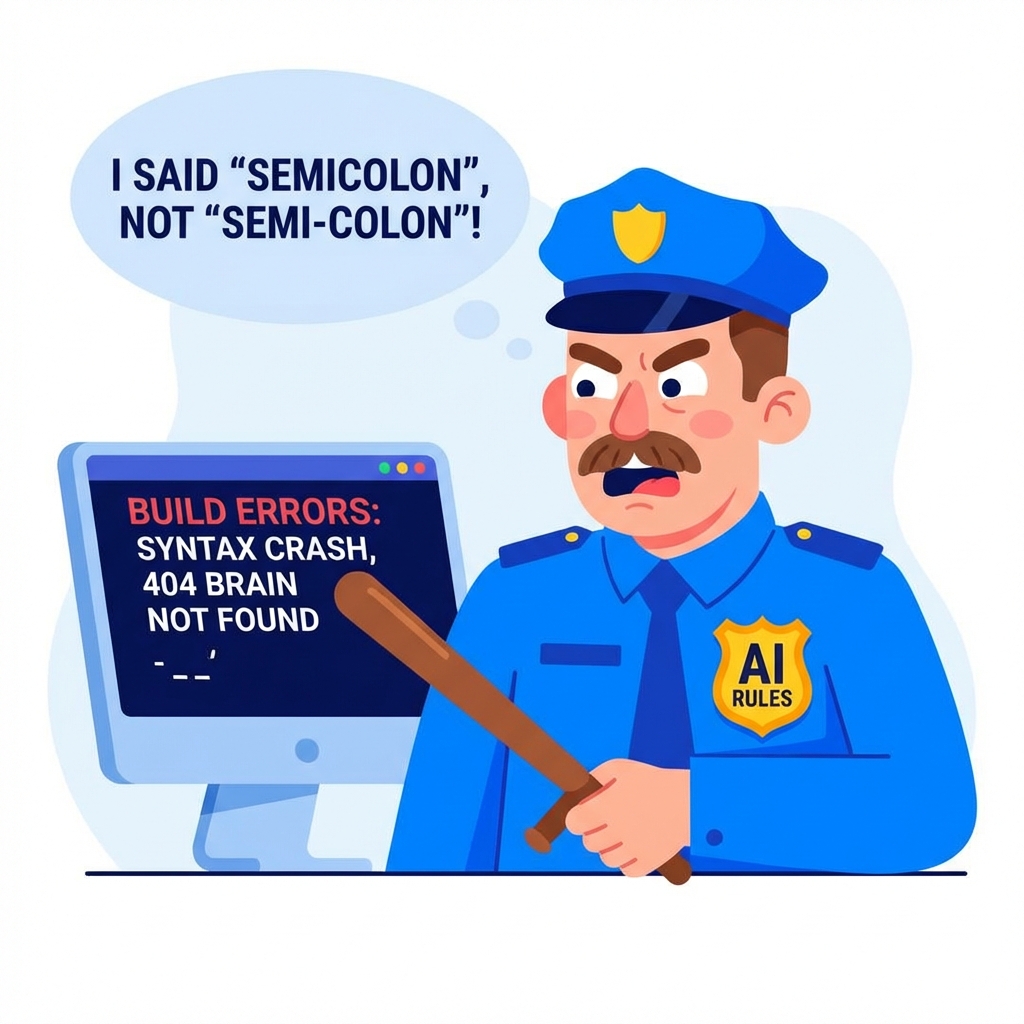
The Policeman (AI.Analyzer.Rules) that beats you with a stick (Build Errors) when you break the rules.
JSON-driven Roslyn analyzers for .NET code quality and rule enforcement. Designed for use with AI coding agents, this package provides configurable static analysis that enforces coding standards through JSON configuration files.
Overview
This project provides a set of Roslyn analyzers that must be configured through JSON files. The system requires consumers to provide their own coding-standards.json configuration file and will fail fast with clear error messages if the configuration is missing or invalid. Perfect for AI agents and automated code generation tools that need to enforce consistent coding standards.
Configuration System
How It Works
- No Built-in Defaults: The analyzer does not include any default rules.
- Zero-Configuration: Automatically detects
coding-standards.jsonin your project root. - Starter Kit (V2): Includes a pre-built template with 22+ enterprise-grade rules in the
AI.Analyzer.Rule-Starter-kit/folder. - Fail Fast: If no config is provided, the analyzer provides a clear error message.
Starter Kit (V2)
The package includes a "Starter Kit" folder visible in your solution explorer containing:
coding-standards.template.json: 22+ pre-built V2 rules (Performance, Security, Architecture, etc.).coding-standards.schema.json: For full IntelliSense and validation of your configuration.
Consumer Setup (Zero-Config)
1. Install the Package
<ItemGroup>
  <PackageReference Include="AI.Analyzer.Rules" Version="0.6.119" PrivateAssets="all" />
</ItemGroup>
2. Initialize Your Configuration
- Find the Starter Kit: Locate the
AI.Analyzer.Rule-Starter-kitfolder in your project files. - Copy to Root: Copy
coding-standards.template.jsonfrom the starter kit to your project root. - Rename: Rename it to
coding-standards.json.
The analyzer will automatically detect the file and start enforcing your rules immediately. No manual .csproj edits for AdditionalFiles are required.
3. Manual Configuration (Optional)
If you use a different filename or location, you can still manually specify your configuration in the .csproj:
<ItemGroup>
  <AdditionalFiles Include="custom-rules.json" />
</ItemGroup>
3. Configure Your Rules
The coding-standards.json file uses a flexible JSON schema to define rules. Here are comprehensive examples:
Basic Configuration Structure
{
  "config_version": "2.0",
  "excludes": {
    "namespace_patterns": ["*.Tests", "*.TestUtilities"],
    "file_patterns": [".g.cs", ".designer.cs", ".generated.cs"]
  },
  "analyzers": {
    "style_analyzer": { "rules": { } },
    "business_logic_analyzer": { "rules": { } },
    "architecture_analyzer": { "rules": { } }
  }
}
Example 1: Single Class Per File (Syntax Pattern)
{
  "config_version": "2.0",
  "analyzers": {
    "style_analyzer": {
      "rules": {
        "AIRULE100": {
          "enabled": true,
          "severity": "error",
          "message": "File contains multiple classes. Consider splitting into separate files.",
          "rule_type": "syntax_pattern",
          "find": {
            "what": "count",
            "where": "nodes",
            "that": "of_type",
            "target": "file",
            "kind": "ClassDeclaration",
            "threshold": {
              "max": 1
            },
            "exclude": {
              "partial_classes": true,
              "nested_classes": true,
              "generated_code": true
            }
          },
          "category": "Style",
          "title": "Single class per file",
          "description": "Files should contain only one class declaration to improve maintainability"
        }
      }
    }
  }
}
Example 2: Method Length Limit (Syntax Pattern)
{
  "AIRULE101": {
    "enabled": true,
    "severity": "warning",
    "message": "Method is too long ({0} lines). Consider breaking it into smaller methods.",
    "rule_type": "syntax_pattern",
    "find": {
      "what": "count",
      "where": "lines",
      "that": "in",
      "target": "method",
      "kind": "MethodDeclaration",
      "threshold": {
        "max": 50
      },
      "exclude": {
        "test_methods": true,
        "generated_code": true
      }
    },
    "category": "Style",
    "title": "Method length limit"
  }
}
Example 3: Method Parameter Count (Syntax Pattern)
{
  "AIRULE102": {
    "enabled": true,
    "severity": "warning",
    "message": "Method has too many parameters ({0}). Consider using a parameter object.",
    "rule_type": "syntax_pattern",
    "find": {
      "what": "count",
      "where": "parameters",
      "that": "in",
      "target": "method",
      "kind": "MethodDeclaration",
      "threshold": {
        "max": 5
      },
      "exclude": {
        "test_methods": true
      }
    },
    "category": "Design",
    "title": "Method parameters"
  }
}
Example 4: Public Fields Detection (Syntax Pattern)
{
  "AIRULE104": {
    "enabled": true,
    "severity": "error",
    "message": "Public fields should be avoided. Use properties instead.",
    "rule_type": "syntax_pattern",
    "find": {
      "what": "find",
      "where": "fields",
      "that": "with_modifier",
      "target": "field",
      "kind": "FieldDeclaration",
      "modifier": "public",
      "exclude": {
        "constants": true,
        "readonly_fields": true,
        "generated_code": true
      }
    },
    "category": "Design",
    "title": "Public fields"
  }
}
Example 5: Namespace Depth Limit (Syntax Pattern)
{
  "AIRULE103": {
    "enabled": true,
    "severity": "warning",
    "message": "Namespace depth is too deep ({0} levels). Consider flattening the hierarchy.",
    "rule_type": "syntax_pattern",
    "find": {
      "what": "measure",
      "where": "namespace",
      "that": "depth",
      "target": "file",
      "threshold": {
        "max": 4
      },
      "exclude": {
        "generated_code": true
      }
    },
    "category": "Style",
    "title": "Namespace depth"
  }
}
Example 6: Semantic Plugin - Controller Architecture (Semantic Plugin)
{
  "AIRULE009": {
    "enabled": true,
    "severity": "error",
    "message": "Controller architecture issue: {0}. Consider refactoring for better separation of concerns.",
    "rule_type": "semantic_plugin",
    "custom_rule": "controller_architecture_validation",
    "exclude": {
      "namespace_patterns": ["*.Tests", "*.TestUtilities"]
    },
    "category": "Architecture",
    "title": "Controller architecture",
    "description": "Controllers should follow proper architectural patterns"
  }
}
Example 7: Semantic Plugin - Logging Best Practices (Semantic Plugin)
{
  "AIRULE005": {
    "enabled": true,
    "severity": "warning",
    "message": "Consider using ILogger<T> instead of Console/Debug/Trace.",
    "rule_type": "semantic_plugin",
    "custom_rule": "layering_rules",
    "category": "Style",
    "title": "Use ILogger<T> for logging",
    "description": "Use structured logging with ILogger<T> instead of Console/Debug/Trace"
  }
}
Complete Example Configuration
Here's a complete coding-standards.json with multiple rules:
{
  "config_version": "2.0",
  "excludes": {
    "namespace_patterns": ["*.Tests", "*.TestUtilities"],
    "file_patterns": [".g.cs", ".designer.cs", ".generated.cs"]
  },
  "analyzers": {
    "style_analyzer": {
      "rules": {
        "AIRULE100": {
          "enabled": true,
          "severity": "error",
          "message": "File contains multiple classes. Consider splitting into separate files.",
          "rule_type": "syntax_pattern",
          "find": {
            "what": "count",
            "where": "nodes",
            "that": "of_type",
            "target": "file",
            "kind": "ClassDeclaration",
            "threshold": { "max": 1 },
            "exclude": {
              "partial_classes": true,
              "nested_classes": true,
              "generated_code": true
            }
          },
          "category": "Style",
          "title": "Single class per file"
        },
        "AIRULE101": {
          "enabled": true,
          "severity": "warning",
          "message": "Method is too long ({0} lines). Consider breaking it into smaller methods.",
          "rule_type": "syntax_pattern",
          "find": {
            "what": "count",
            "where": "lines",
            "that": "in",
            "target": "method",
            "kind": "MethodDeclaration",
            "threshold": { "max": 50 },
            "exclude": { "test_methods": true }
          },
          "category": "Style",
          "title": "Method length limit"
        }
      }
    },
    "architecture_analyzer": {
      "rules": {
        "AIRULE005": {
          "enabled": true,
          "severity": "warning",
          "message": "Consider using ILogger<T> instead of Console/Debug/Trace.",
          "rule_type": "semantic_plugin",
          "custom_rule": "layering_rules",
          "category": "Style",
          "title": "Use ILogger<T> for logging"
        }
      }
    }
  }
}
Rule Configuration Properties
| Property | Type | Required | Description |
|---|---|---|---|
enabled |
boolean | Yes | Whether the rule is active |
severity |
string | Yes | hidden, info, warning, or error |
message |
string | Yes | Error message (supports {0}, {1} placeholders) |
rule_type |
string | Yes | syntax_pattern or semantic_plugin |
find |
object | Yes* | Pattern definition (for syntax_pattern) |
custom_rule |
string | Yes* | Plugin name (for semantic_plugin) |
category |
string | No | Rule category (e.g., "Style", "Design", "Architecture") |
title |
string | No | Short rule title |
description |
string | No | Detailed rule description |
helpLink |
string | No | URL to documentation |
exclude |
object | No | Rule-specific exclusions |
*Required based on rule_type
Available Semantic Plugins
The following semantic plugins are available for complex rule enforcement:
| Plugin Name | Description | Use Case |
|---|---|---|
layering_rules |
Enforces architectural layering and dependency rules | Prevent controllers from directly accessing repositories |
controller_architecture_validation |
Validates controller architecture patterns | Ensure controllers only call services, not repositories |
controller_dependency_injection |
Validates dependency injection patterns in controllers | Ensure proper DI usage |
namespace_match |
Enforces namespace matching assembly name | Maintain consistent naming |
duplicate_model_shape_detection |
Detects duplicate model shapes | Prevent code duplication |
Example Plugin Usage:
{
  "AIRULE009": {
    "enabled": true,
    "severity": "error",
    "message": "Controller architecture issue: {0}",
    "rule_type": "semantic_plugin",
    "custom_rule": "controller_architecture_validation",
    "category": "Architecture",
    "title": "Controller architecture"
  }
}
Error Handling
The analyzer will throw InvalidOperationException with clear error messages if:
- Missing Configuration:
coding-standards.jsonnot found in AdditionalFiles - Empty File: Configuration file is empty or contains only whitespace
- Invalid JSON: Malformed JSON syntax
- Deserialization Errors: Any other parsing issues
Benefits of This Approach
- No Hidden Failures: Consumers immediately know if configuration is missing
- Clear Error Messages: Detailed information about what went wrong
- No Silent Fallbacks: Analyzer behavior is completely predictable
- Consumer Control: Full control over all rule definitions and behavior
Available Analyzers
- StyleAnalyzer: Code style and formatting rules
- BusinessLogicAnalyzer: Business logic and architectural rules
- ArchitectureAnalyzer: System architecture and dependency rules
Rule Types
Syntax Patterns
Fast, syntax-only analysis for common code patterns:
- File-level rules (class count, line limits)
- Node-level rules (method parameters, field visibility)
Semantic Plugins
Slower but more powerful semantic analysis:
- Namespace matching
- Dependency injection validation
- Layering rule enforcement
Building and Testing
# Build the analyzer
dotnet build AIRule.Analyzers.JsonRules

# Pack for distribution
dotnet pack AIRule.Analyzers.JsonRules -c Release

# Run tests
dotnet test
Use Cases
- AI Coding Agents: Enforce coding standards when AI agents generate code
- Automated Code Generation: Ensure generated code follows project conventions
- Team Standards: Enforce consistent coding practices across development teams
- Code Reviews: Catch violations before code reaches review
- CI/CD Pipelines: Fail builds when standards are violated
❤️ Support the Project
If this project helps you save time or enforce better code quality, please consider supporting its development. Your contributions help maintain the tools and keep them updated with the latest .NET standards.

License
MIT License - see LICENSE file for details.
Learn more about Target Frameworks and .NET Standard.
-
.NETStandard 2.0
- No dependencies.
NuGet packages
This package is not used by any NuGet packages.
GitHub repositories
This package is not used by any popular GitHub repositories.
Fuel the Mission: Support independent development and help us keep these analyzers updated for the .NET community at https://www.buymeacoffee.com/loaitayem