Earcut 3.0.21
dotnet add package Earcut --version 3.0.21
NuGet\Install-Package Earcut -Version 3.0.21
<PackageReference Include="Earcut" Version="3.0.21" />
<PackageVersion Include="Earcut" Version="3.0.21" />
<PackageReference Include="Earcut" />
paket add Earcut --version 3.0.21
#r "nuget: Earcut, 3.0.21"
#:package Earcut@3.0.21
#addin nuget:?package=Earcut&version=3.0.21
#tool nuget:?package=Earcut&version=3.0.21

Earcut



The fastest and smallest polygon triangulation library.
A port of Mapbox's Earcut algorithm to F#.
https://github.com/mapbox/earcut
Status
Stable for .NET 4.7 and .NET 6.0 and JS via Fable.
v3.0.2 ported to F# on 2025-11-8
All tests of the original JS version pass.
All relevant code is in Earcut.fs.
It contains the ported code without any major changes to the original logic.
It has no dependencies.
Performance
The F# port has about the same performance as the original JS version when compiled back to JS with Fable.
The algorithm
The library implements a modified ear slicing algorithm,
optimized by z-order curve hashing
and extended to handle holes, twisted polygons, degeneracies and self-intersections
in a way that doesn't guarantee correctness of triangulation,
but attempts to always produce acceptable results for practical data.
It's based on ideas from
FIST: Fast Industrial-Strength Triangulation of Polygons by Martin Held
and Triangulation by Ear Clipping by David Eberly.
Why another triangulation library?
The aim of the original mapbox Earcut project is to create a triangulation library
that is fast enough for real-time triangulation in the browser,
sacrificing triangulation quality for raw speed and simplicity,
while being robust enough to handle most practical datasets without crashing or producing garbage.
If you want to get correct triangulation even on very bad data with lots of self-intersections
and earcut is not precise enough, take a look at libtess.js.
Usage
let triangles = Earcut.earcut([| 10.;0.; 0.;50.; 60.;60.; 70.;10.|], [||], 2) // returns [1;0;3; 3;2;1]
Parameters:
vertices- A flat array of vertex coordinates like[x0, y0, x1, y1, x2, y2, ...].holeIndices- An array of hole starting indices. These indices refer to the point array, not the flattened vertices array.
If you have an index into the flattened vertices array, divide it bydimensionsto get the correct hole index.
(e.g.[|4|]means the hole starts at point 4, i.e. atvertices[4 * dimensions]).
Usenullor an empty array if there are no holes.dimensions- The number of coordinates per vertex in the vertices array:2if the vertices array is made of x and y coordinates only.3if it is made of x, y and z coordinates.
Only the first two are used for triangulation (xandy), and the rest are ignored.
Returns:
A list of integers. They are indices into the point array (not the flattened vertices array).
Every 3 integers represent the corner vertices of a triangle.
To look up coordinates in the flattened vertices array, multiply the index by dimensions:
x = vertices[i * dimensions]
y = vertices[i * dimensions + 1]
Convenience F# API: earcut_xy and earcut_XY
If your points are objects with x/y (or X/Y) properties, you can use the convenience functions
earcut_xy and earcut_XY instead of manually flattening coordinates.
They accept a ResizeArray of points and an optional list of holes (also as ResizeArrays of points),
and return a flat float[] of triangle vertex coordinates [x0, y0, x1, y1, x2, y2, ...].
Every six consecutive values represent a triangle.
These functions use F# statically resolved type parameters, so any object with the matching members will work.
For example given these Polylines from Euclid:
let outerPoly: Polyline2D = ...
let hole1: Polyline2D = ...
let hole2: Polyline2D = ...


// For points with uppercase .X and .Y members:
let triangles = outerPoly.Points |> Earcut.earcut_XY [||]

// With holes:
let holes = [|hole1.Points; hole2.Points|]
let triangles = outerPoly.Points |> Earcut.earcut_XY holes
Examples
Simple polygon (no holes)
// A quadrilateral with 4 vertices, 2D coordinates
let vertices = [| 10.; 0.;  0.; 50.;  60.; 60.;  70.; 10. |]
let triangles = Earcut.earcut(vertices, [||], 2)
// returns [1; 0; 3;  3; 2; 1]
// Triangle 1: points 1, 0, 3
// Triangle 2: points 3, 2, 1

// Retrieve triangle vertex coordinates:
for t in 0 .. 3 .. triangles.Count - 1 do
    let i0 = triangles.[t]
    let i1 = triangles.[t + 1]
    let i2 = triangles.[t + 2]
    printfn "Triangle: (%g, %g) (%g, %g) (%g, %g)"
        vertices.[i0 * 2] vertices.[i0 * 2 + 1]
        vertices.[i1 * 2] vertices.[i1 * 2 + 1]
        vertices.[i2 * 2] vertices.[i2 * 2 + 1]
Polygon with a hole
// Outer square: points 0-3, hole square: points 4-7
let vertices = [|
    0.;0.;  100.;0.;  100.;100.;  0.;100.          // outer ring
    20.;20.;  80.;20.;  80.;80.;  20.;80.           // hole
|]
let triangles = Earcut.earcut(vertices, [|4|], 2)    // hole starts at point index 4
// returns [0;4;7; 5;4;0; 3;0;7; 5;0;1; 2;3;7; 6;5;1; 2;7;6; 6;1;2]
3D coordinates
// 4 vertices with x, y, z (z is ignored for triangulation)
let vertices = [| 10.;0.;1.;  0.;50.;2.;  60.;60.;3.;  70.;10.;4. |]
let triangles = Earcut.earcut(vertices, null, 3)
// returns [1; 0; 3;  3; 2; 1]

// Retrieve coordinates using dimensions = 3:
let i = triangles.[0]  // e.g. 1
let x = vertices.[i * 3]       // 0.
let y = vertices.[i * 3 + 1]   // 50.
let z = vertices.[i * 3 + 2]   // 2.
Multiple holes
// Outer polygon with two holes
// Outer: points 0-5, Hole1: points 6-9, Hole2: points 10-13
let triangles = Earcut.earcut(vertices, [|6; 10|], 2)
// holeIndices = [|6; 10|] means:
//   hole 1 starts at point 6  -> vertices.[6 * 2]
//   hole 2 starts at point 10 -> vertices.[10 * 2]
If you pass a single vertex as a hole, Earcut treats it as a Steiner point.
Note that Earcut is a 2D triangulation algorithm, and handles 3D data as if it was projected onto the XY plane (with Z component ignored).
If your input is a multi-dimensional array (e.g. GeoJSON Polygon),
you can convert it to the format expected by Earcut with Earcut.flatten:
let data = Earcut.flatten(geojson.geometry.coordinates)
let triangles = Earcut.earcut(data.vertices, data.holes, data.dimensions)
Verification of triangulation correctness
After getting a triangulation, you can verify its correctness with Earcut.deviation:
let deviation = Earcut.deviation(vertices, holes, dimensions, triangles)
Returns the relative difference between the total area of triangles and the area of the input polygon.
0 means the triangulation is fully correct.
Build for .NET 4.7 and 6.0
dotnet build
Build to JS with Fable
If you don't have Fable installed yet run:
dotnet tool install fable
then build to JS with:
dotnet fable
Run Tests
build to JS with dotnet fable
run tests with node Test/test.js
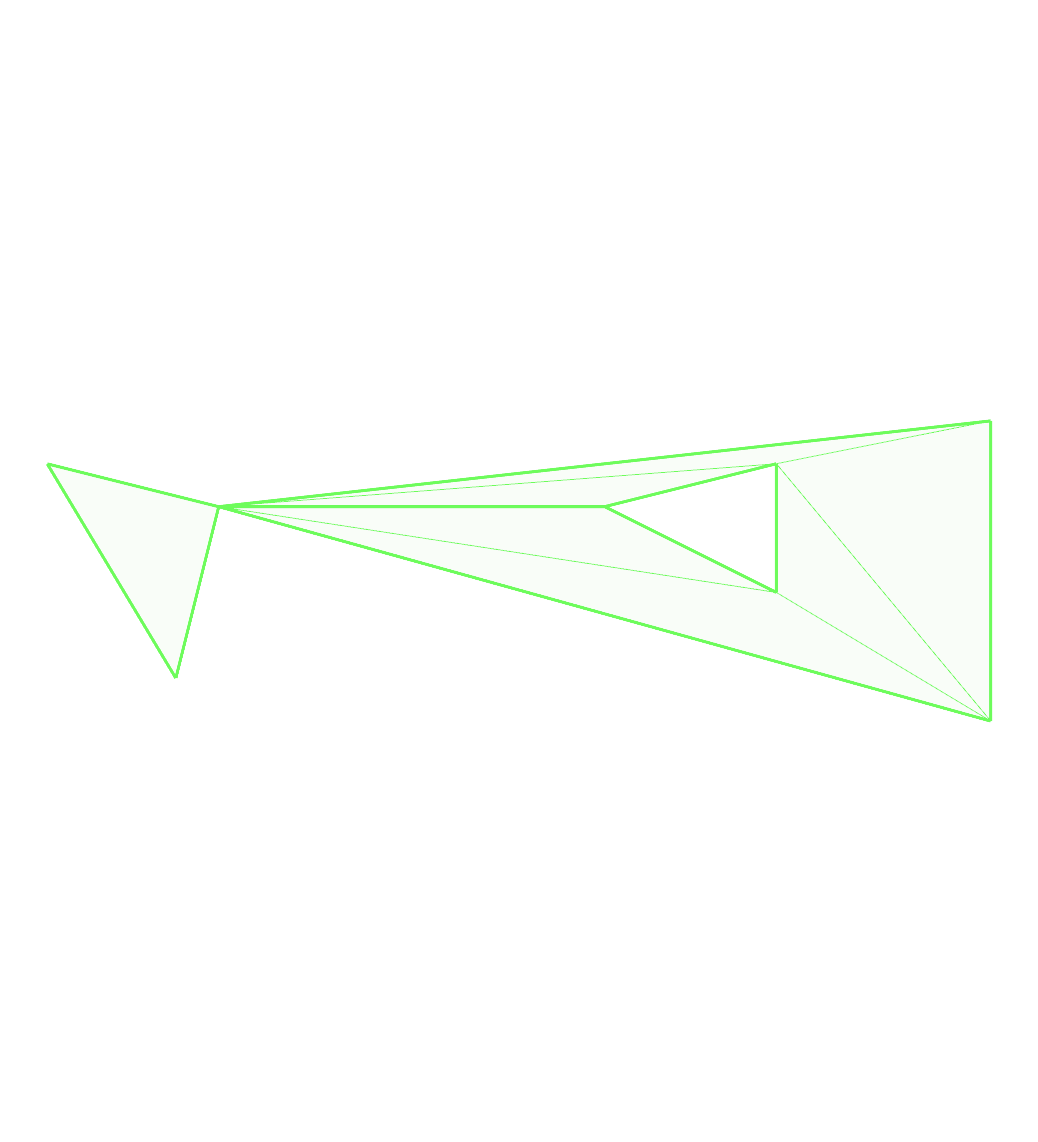
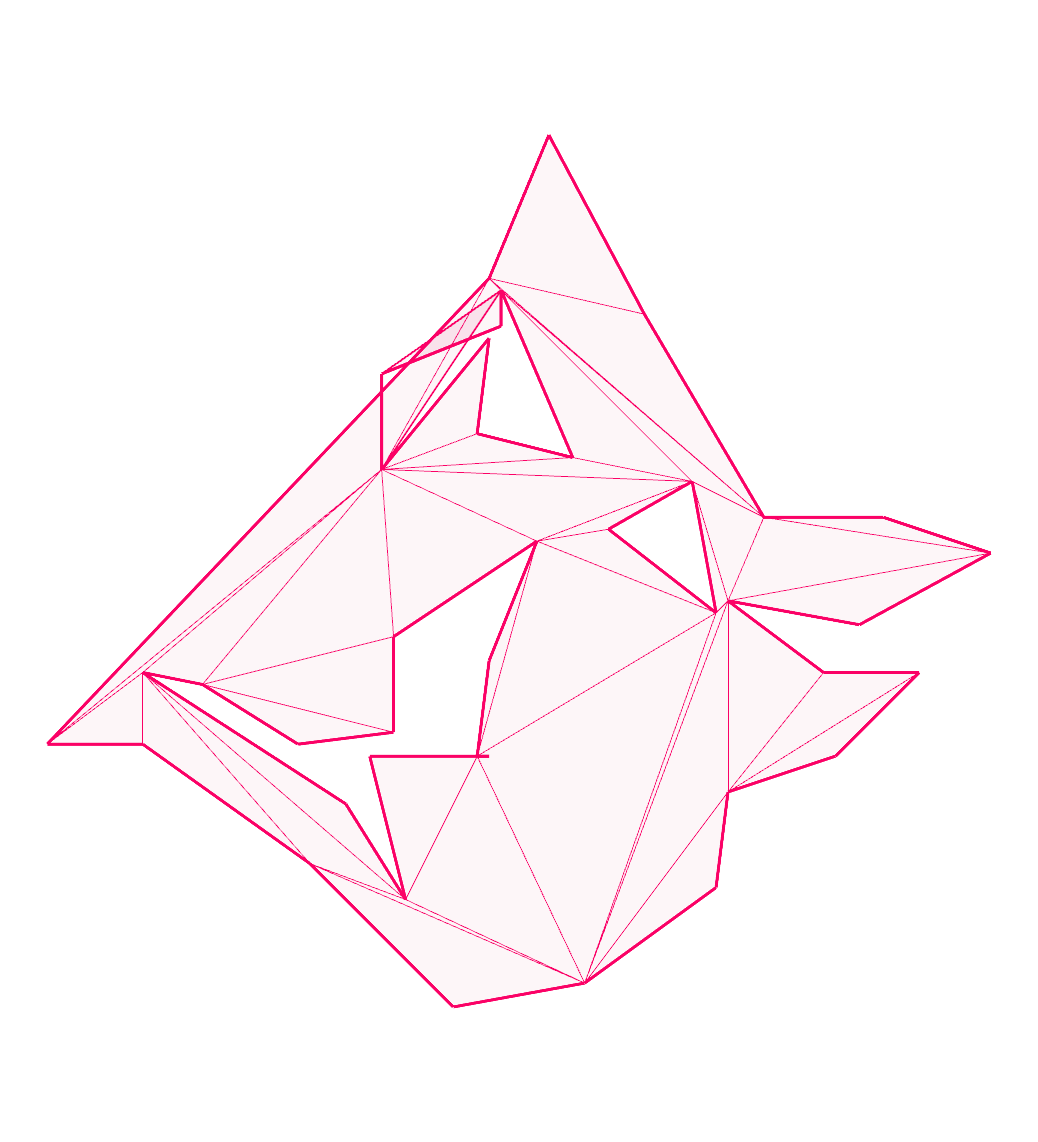
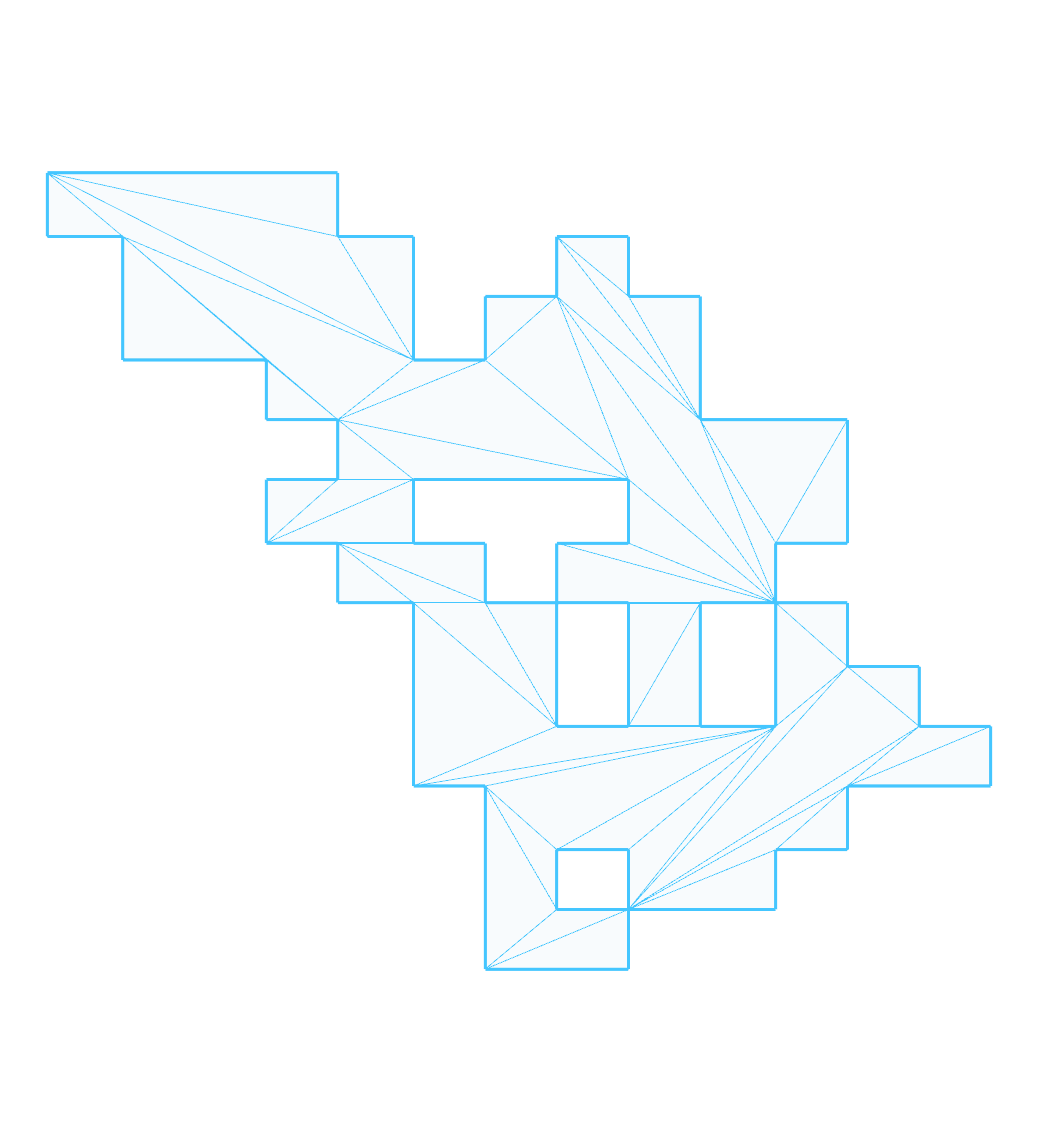
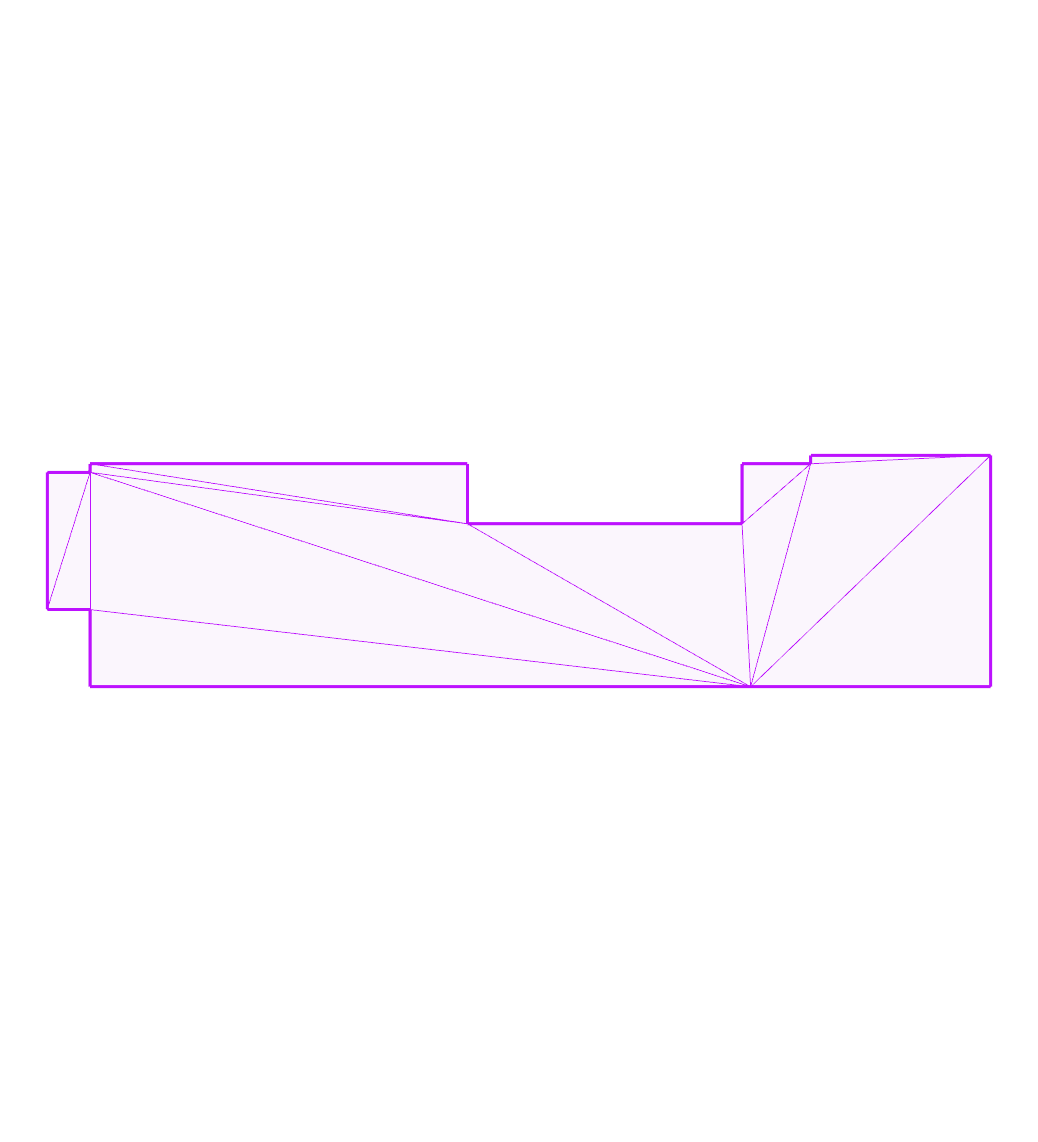
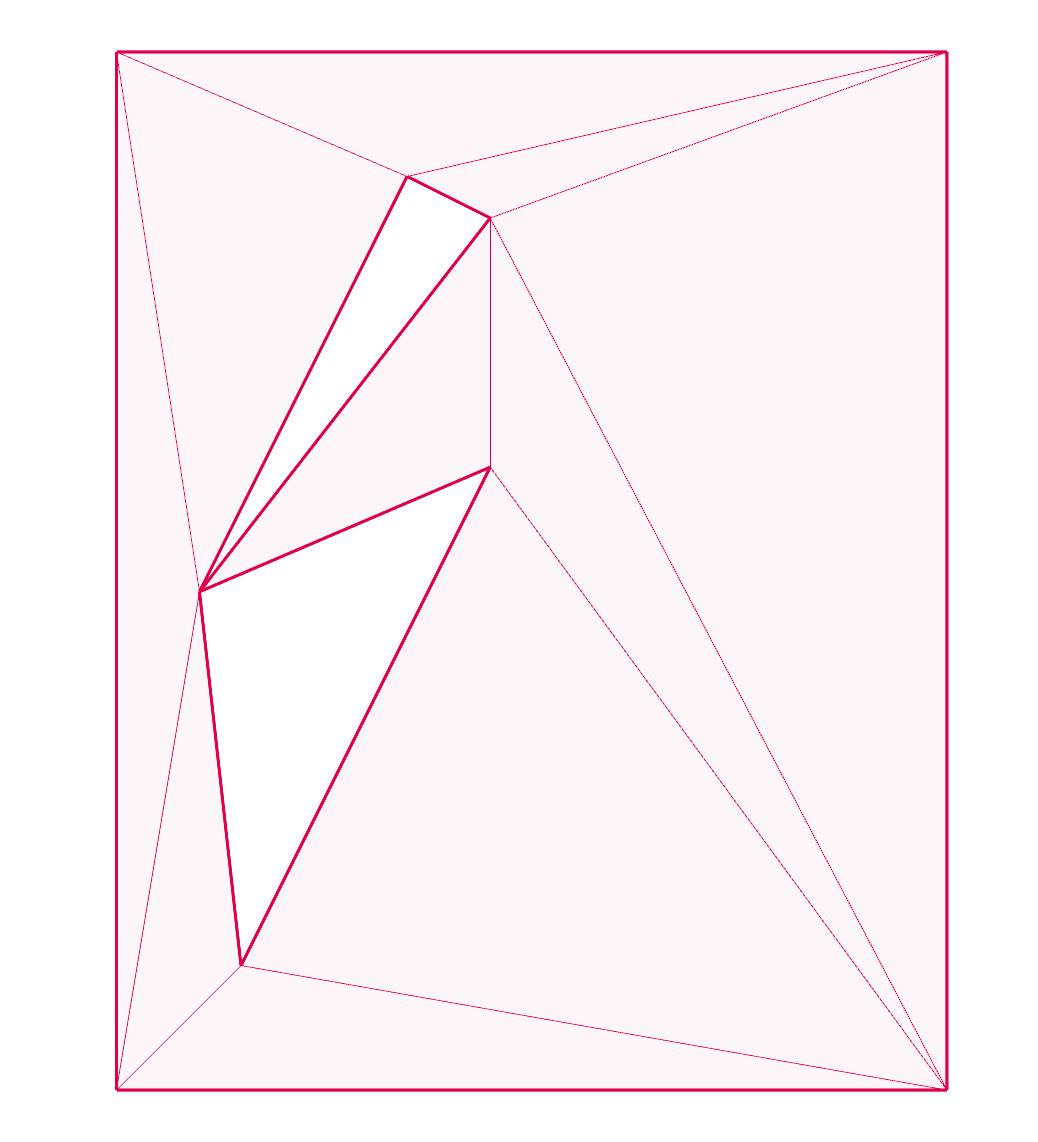
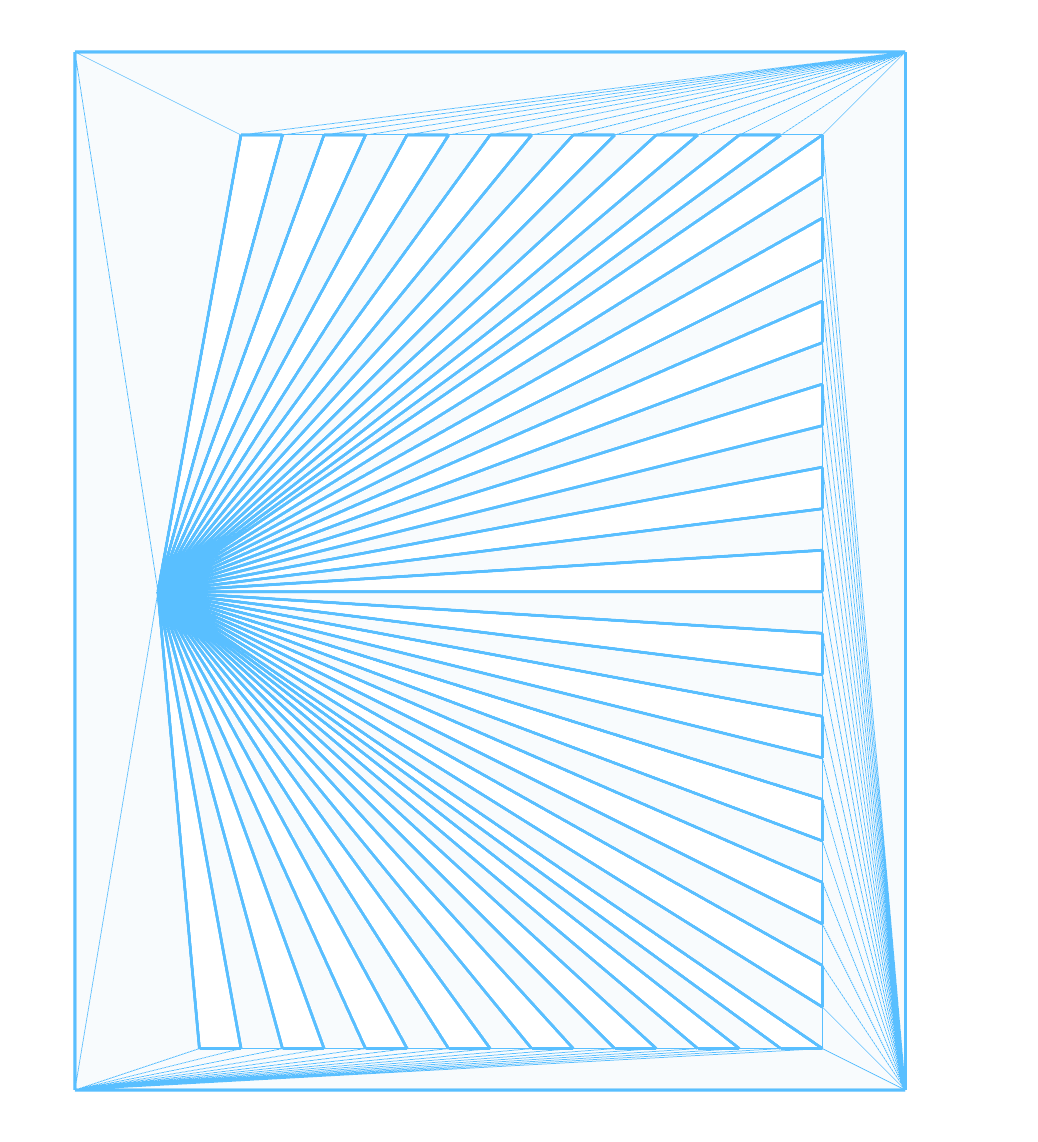
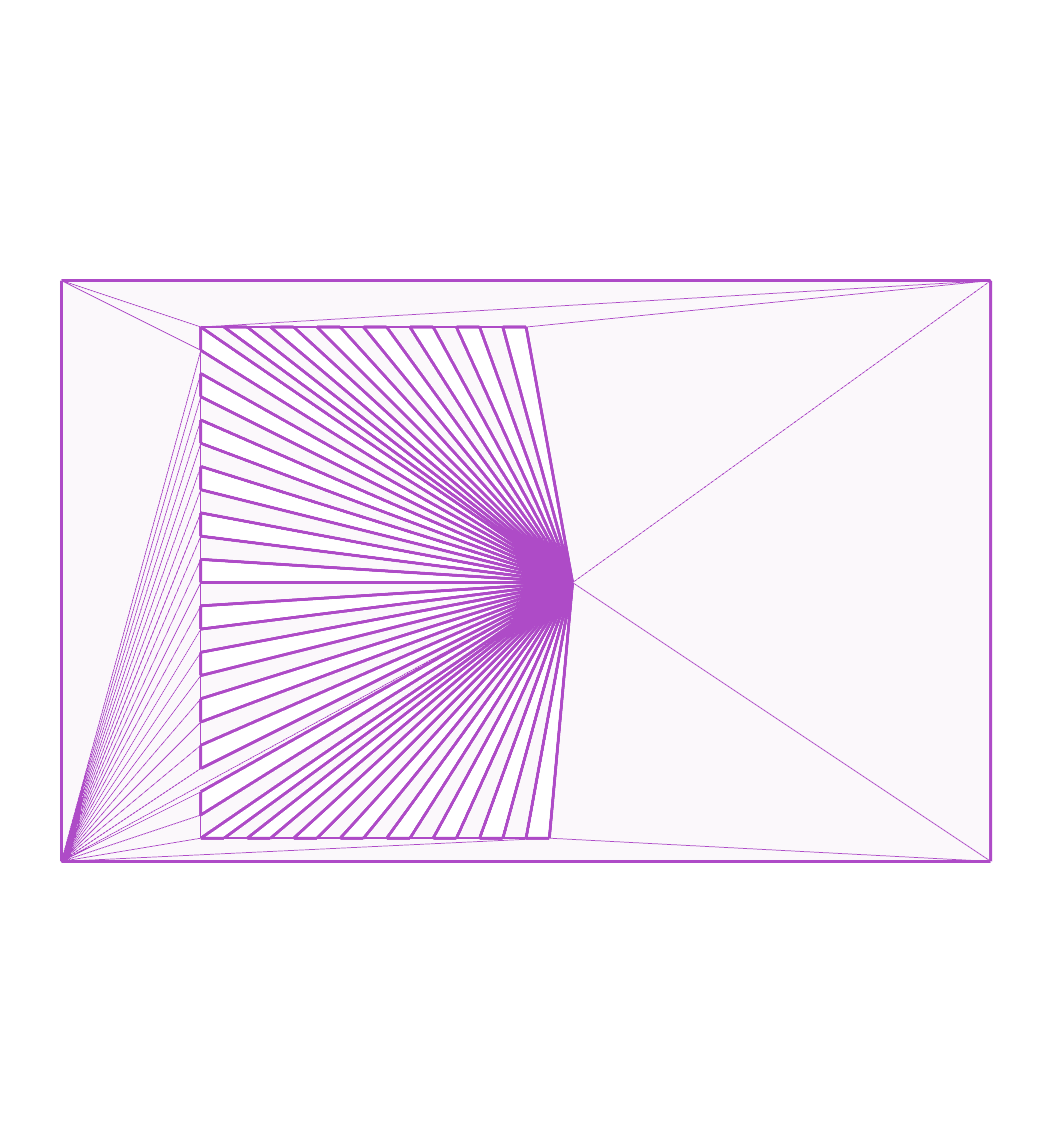
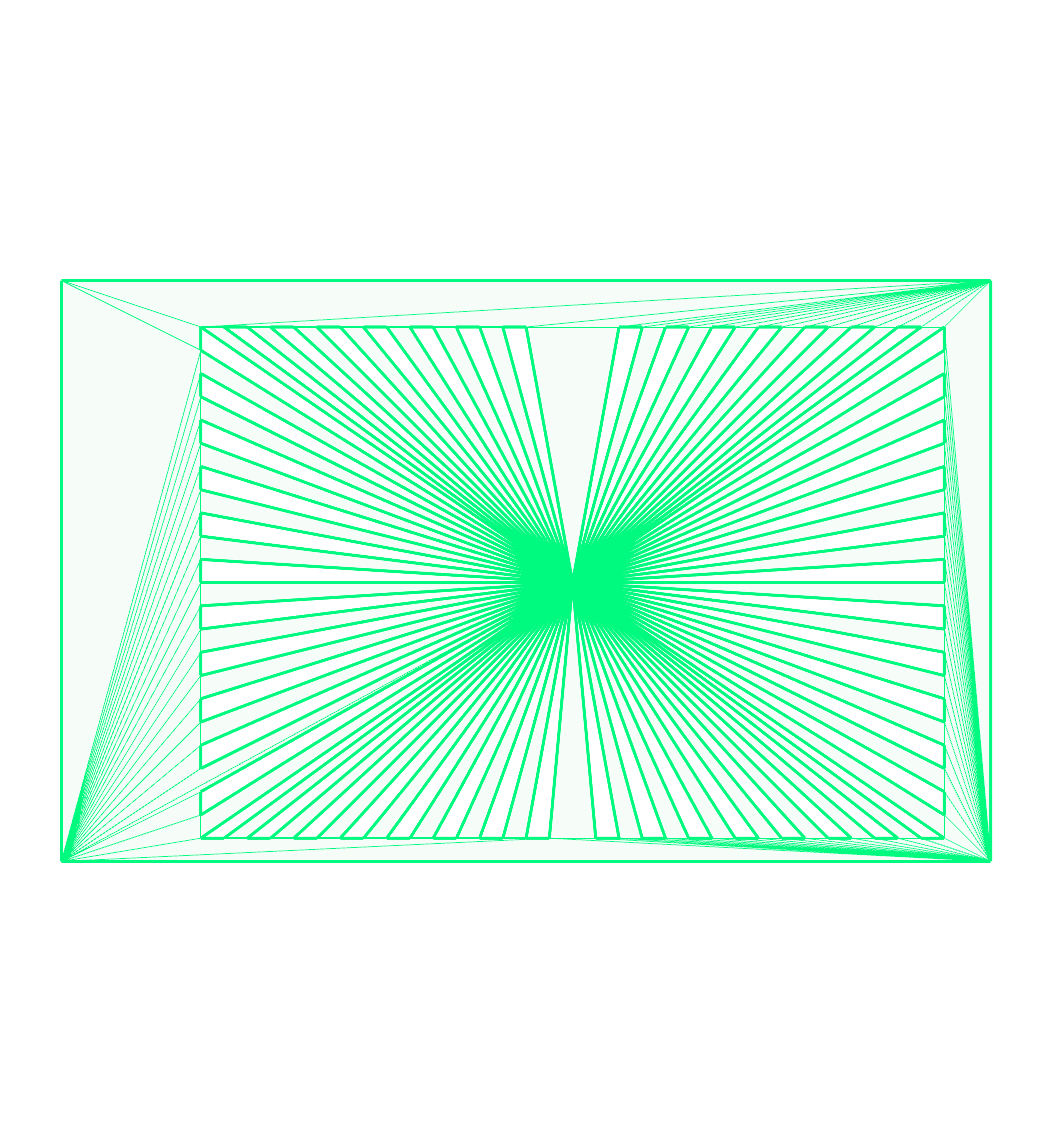
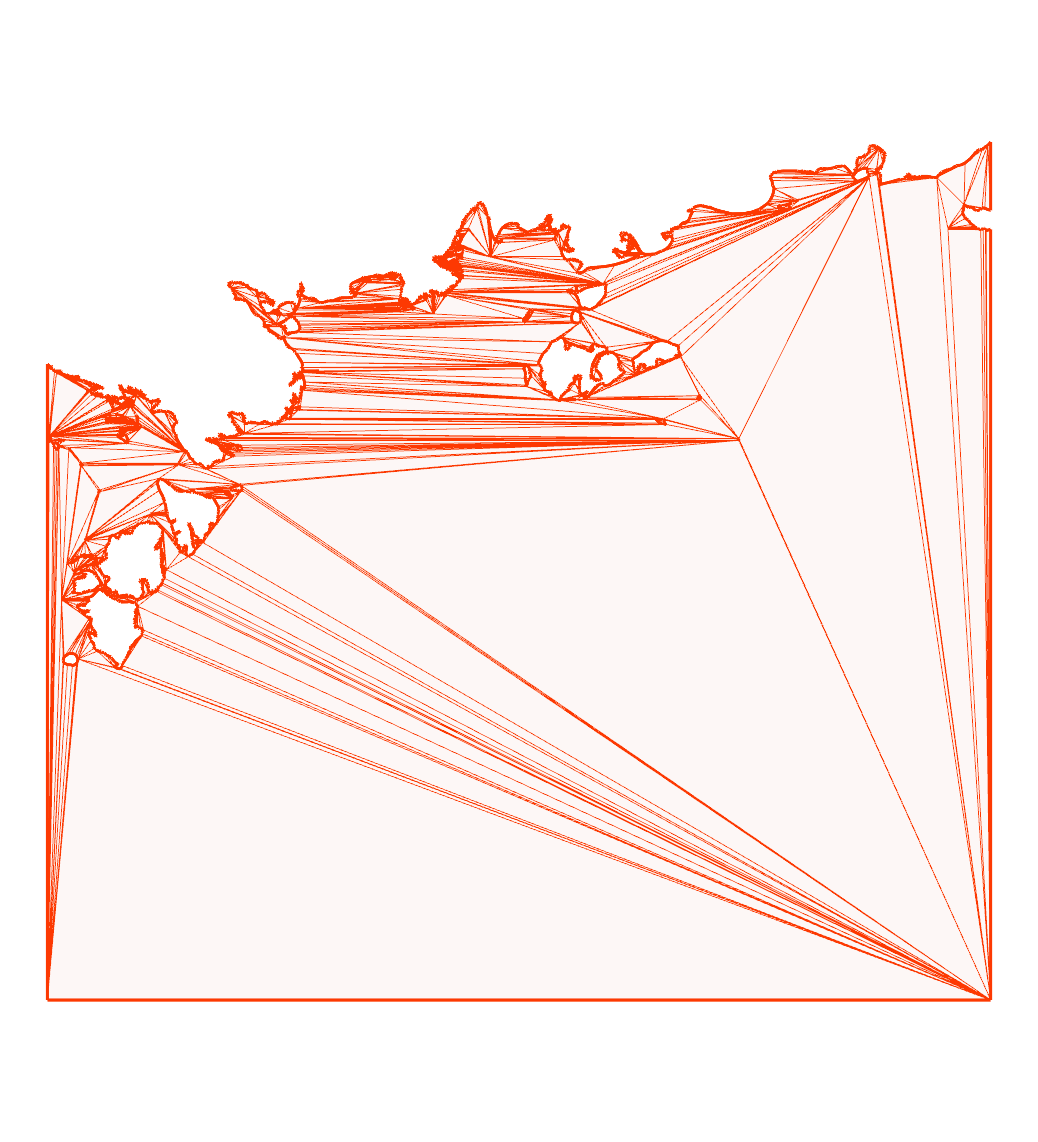
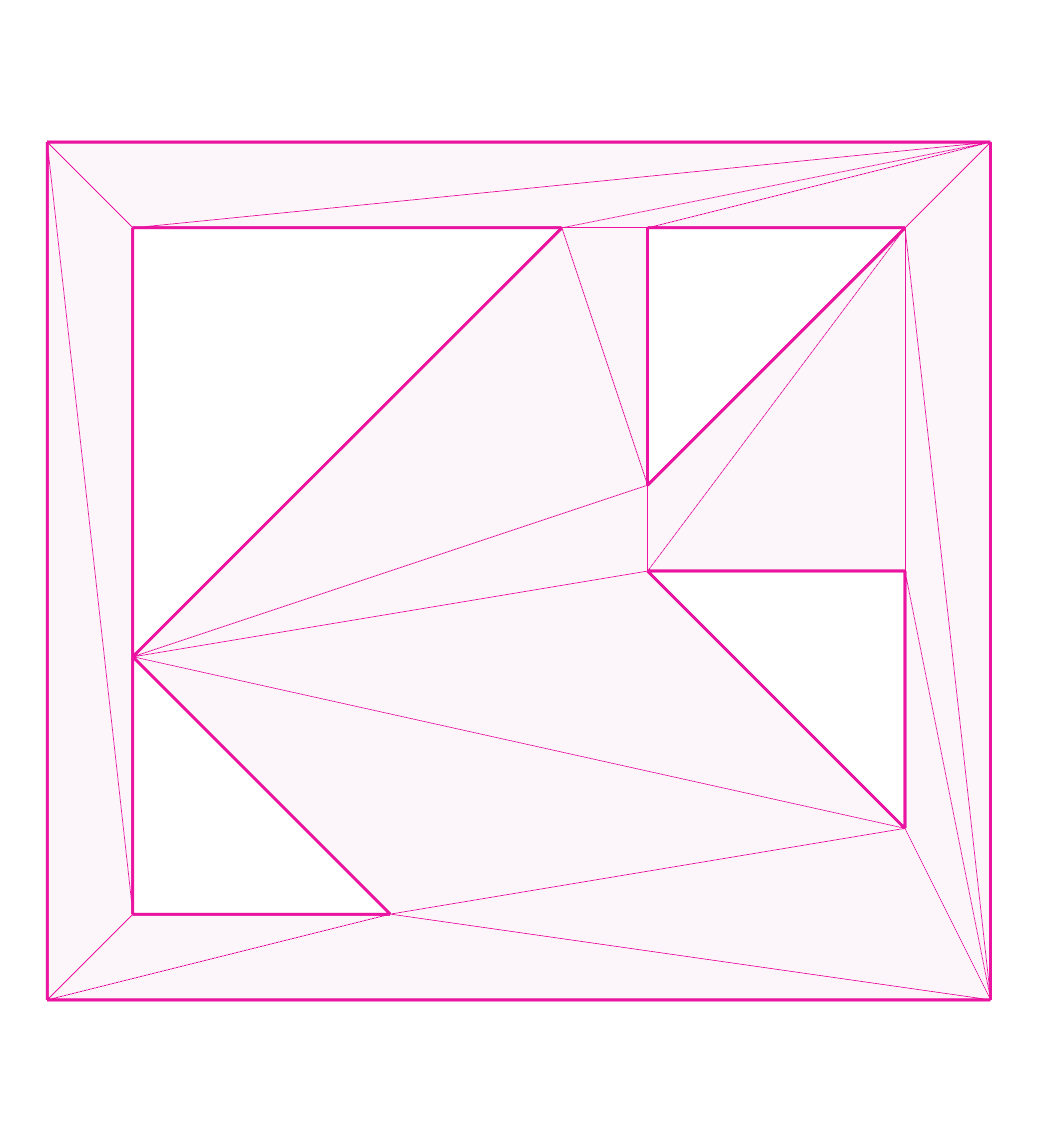
Images of test cases
bad-diagonals:
bad-hole:
boxy:
building:
collinear-diagonal:
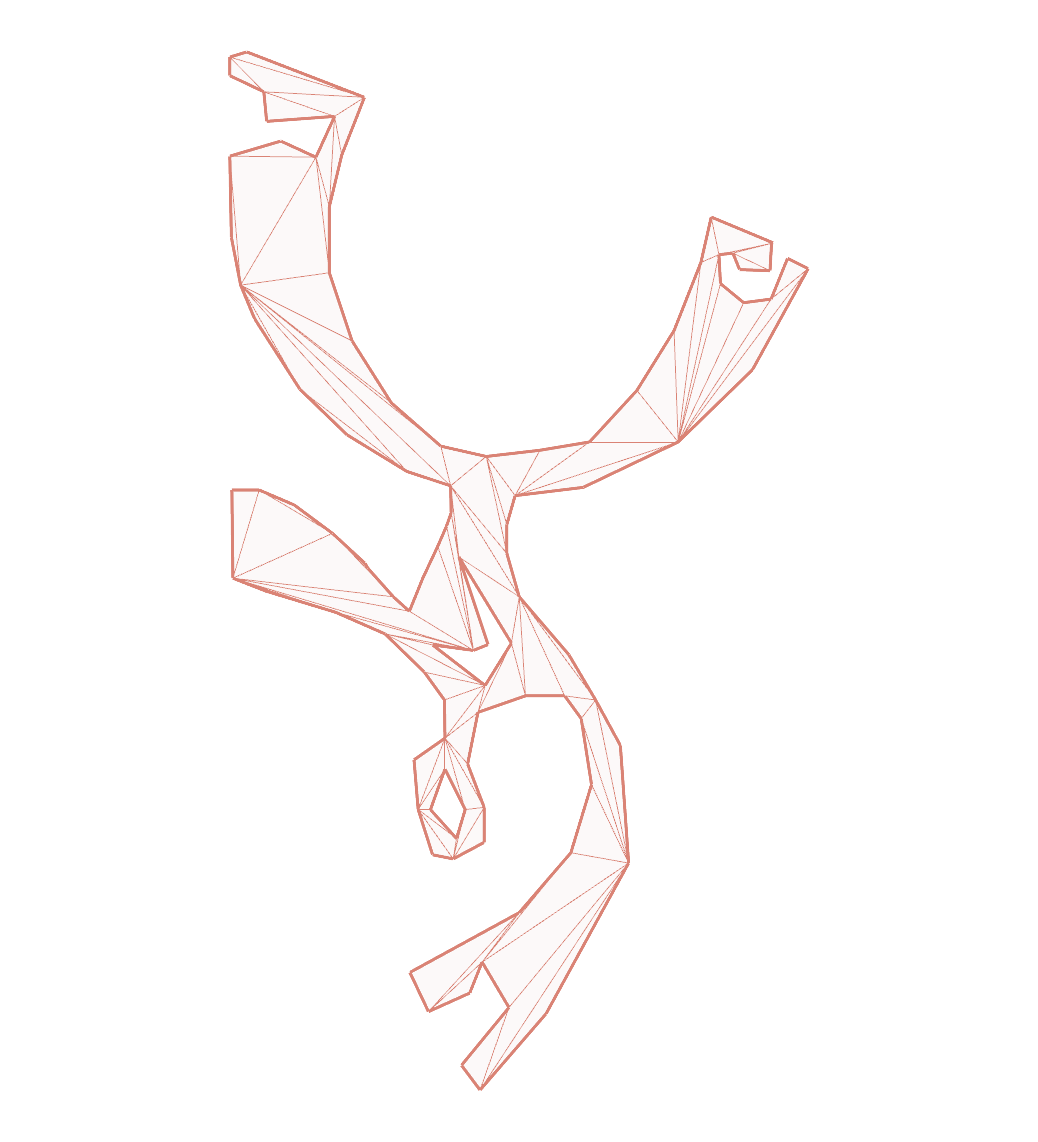
dude:
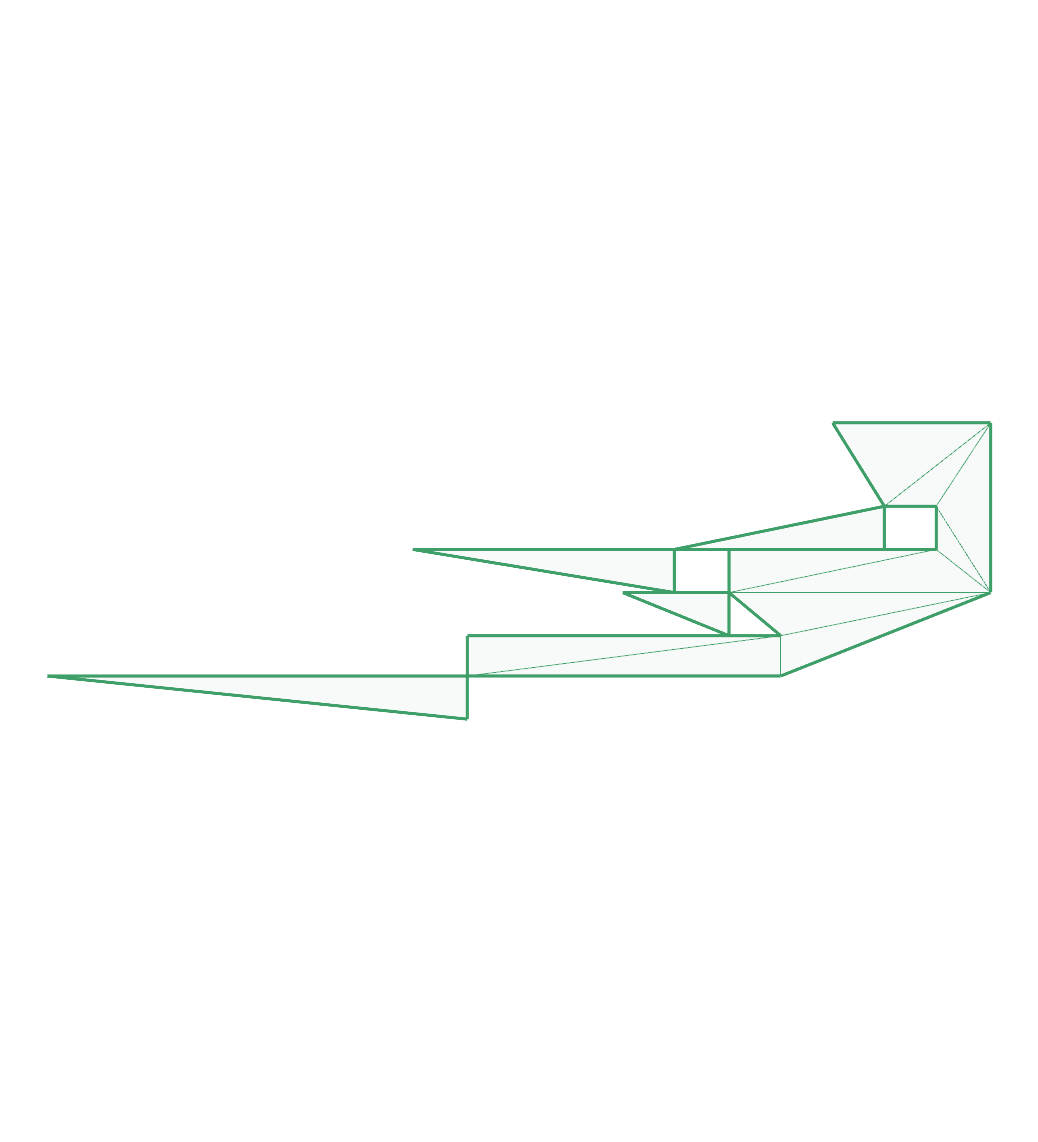
eberly-3:
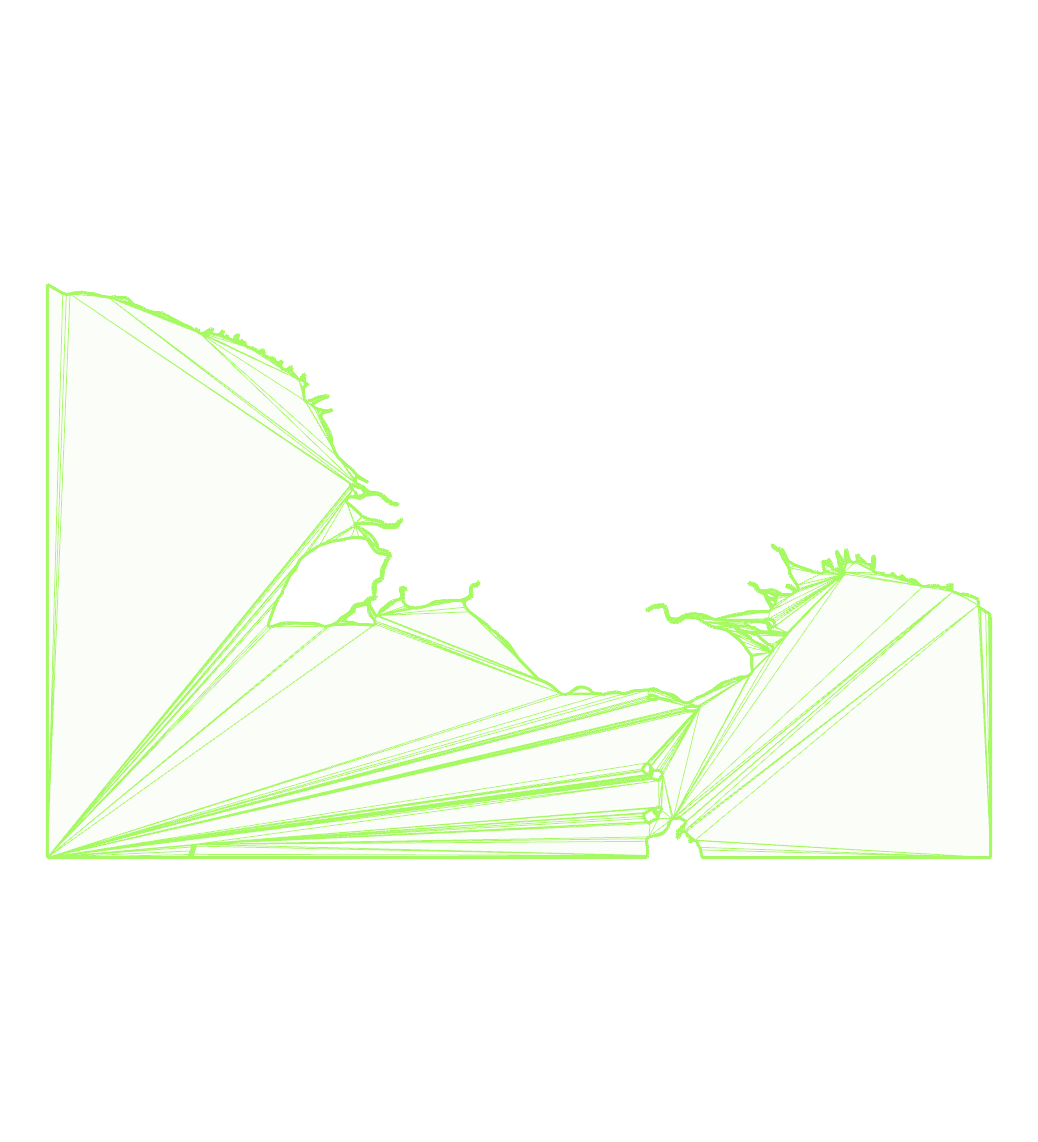
eberly-6:
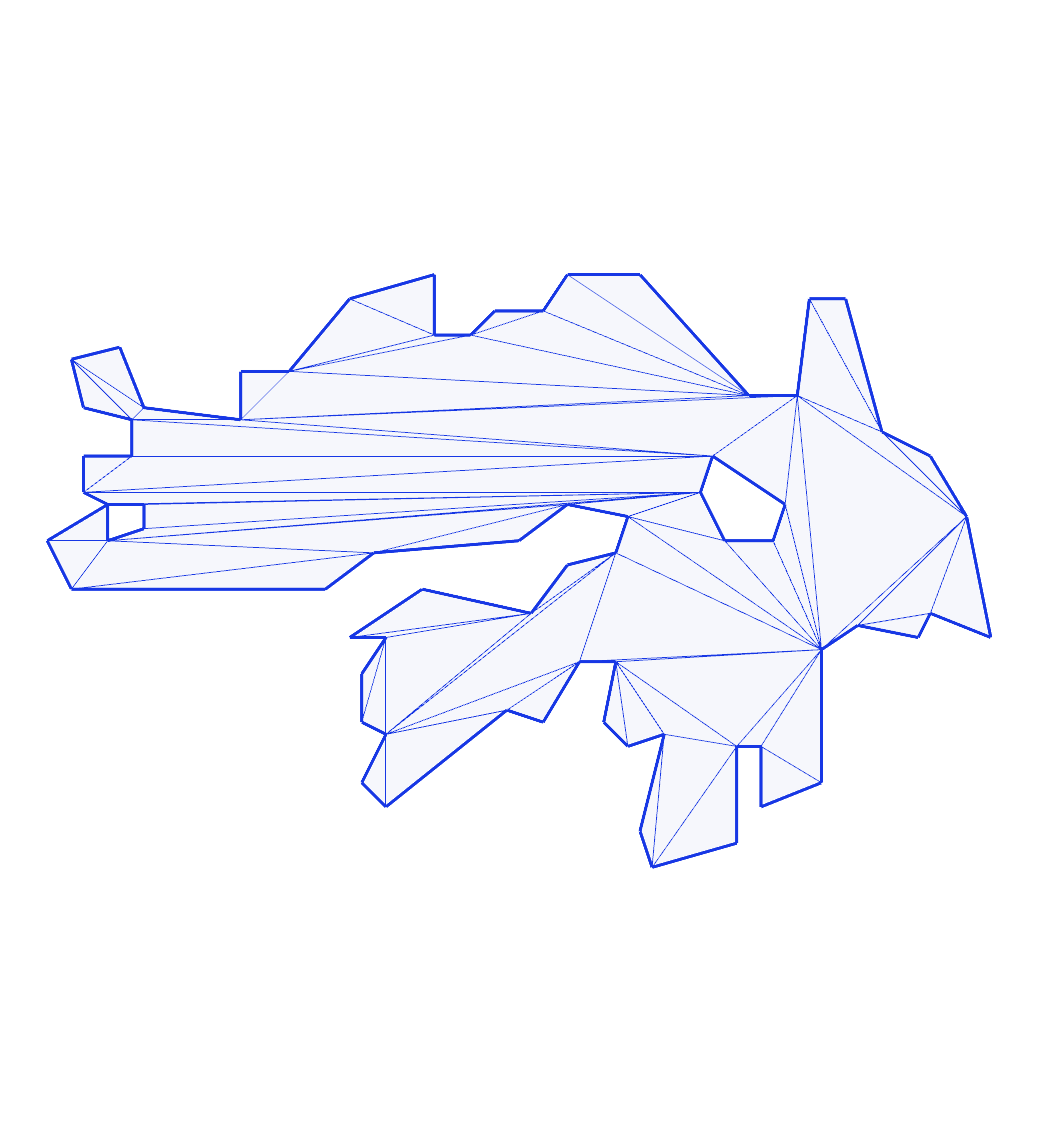
filtered-bridge-jhl:
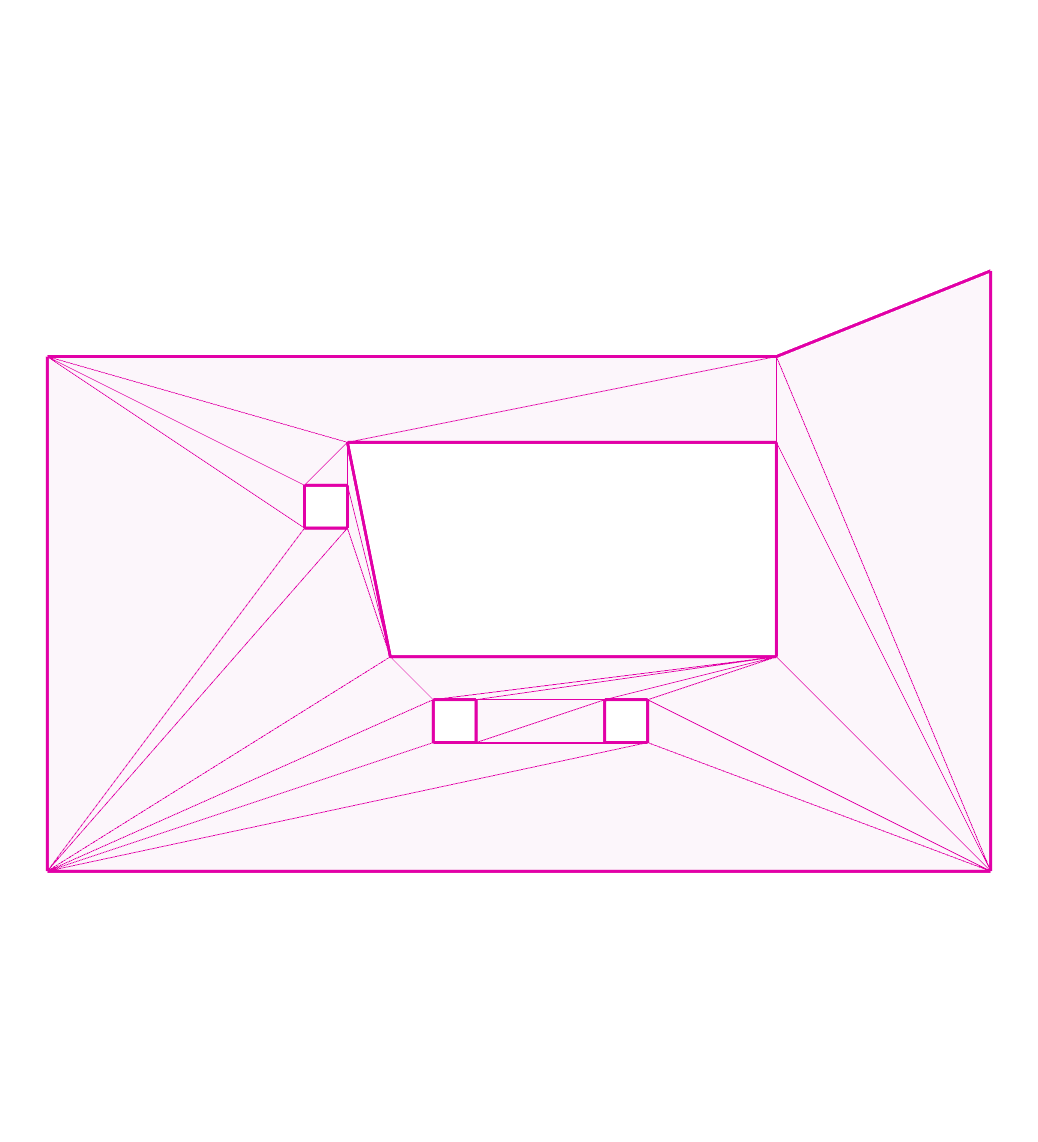
hilbert:
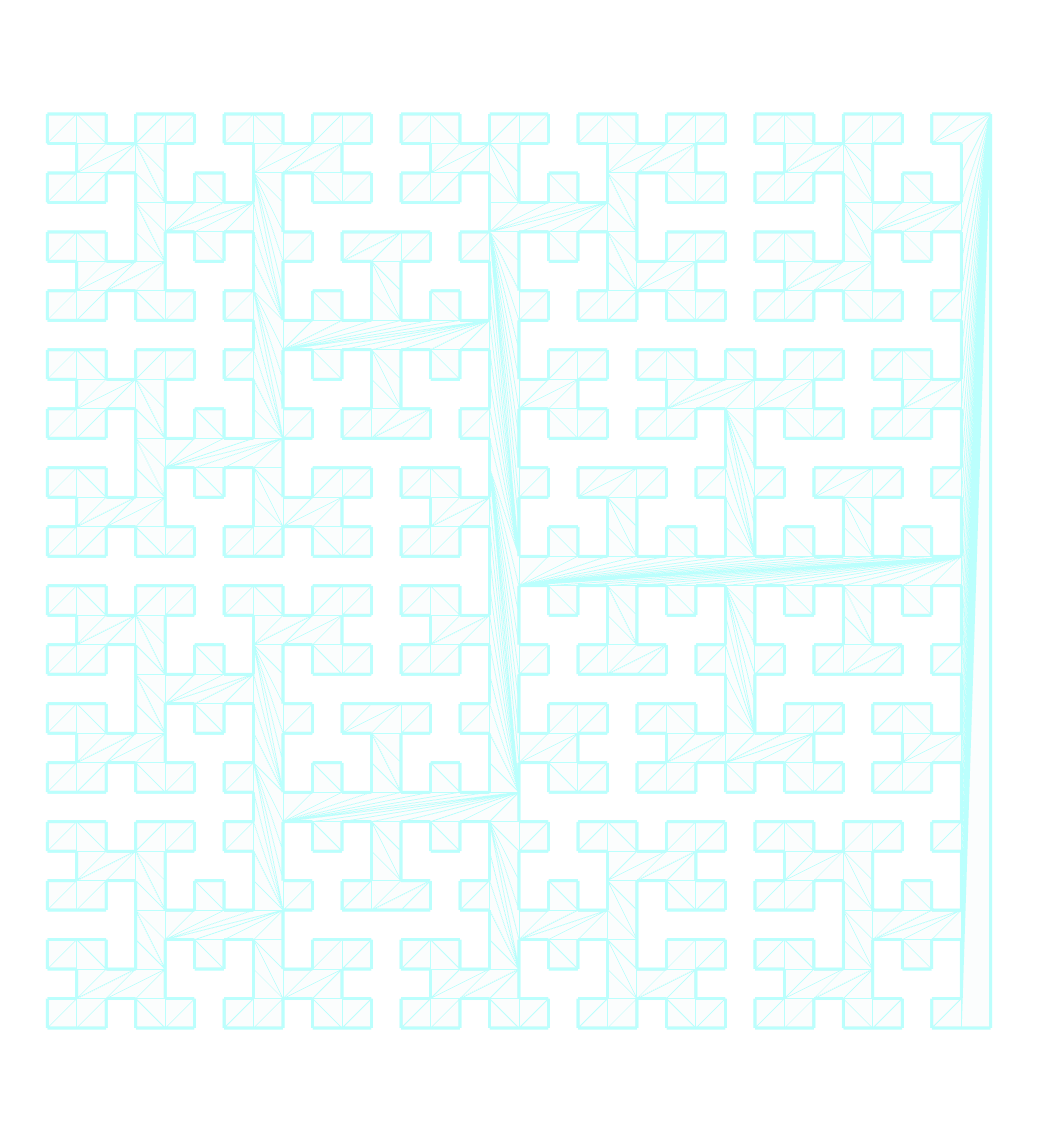
hole-touching-outer:
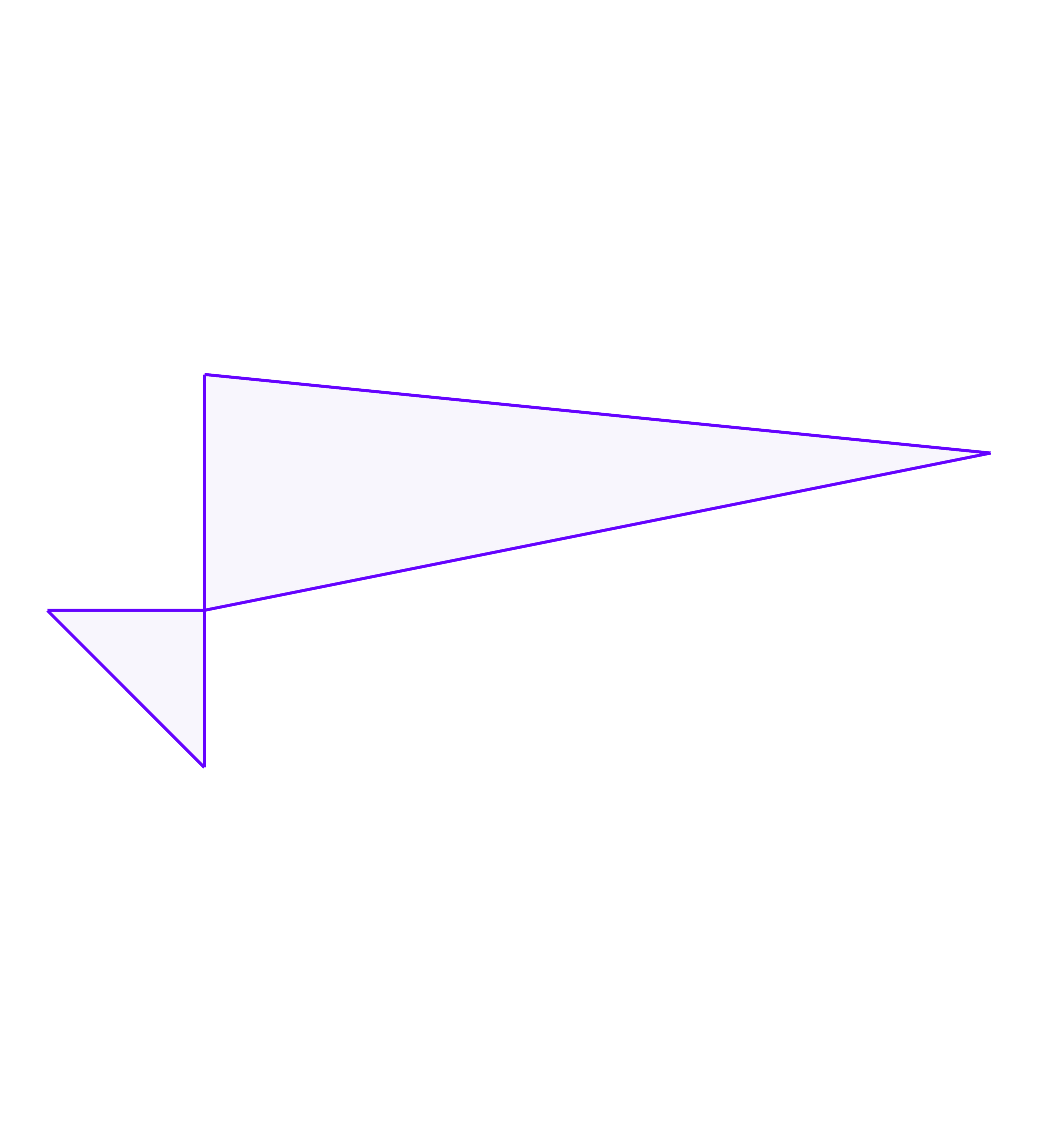
hourglass:
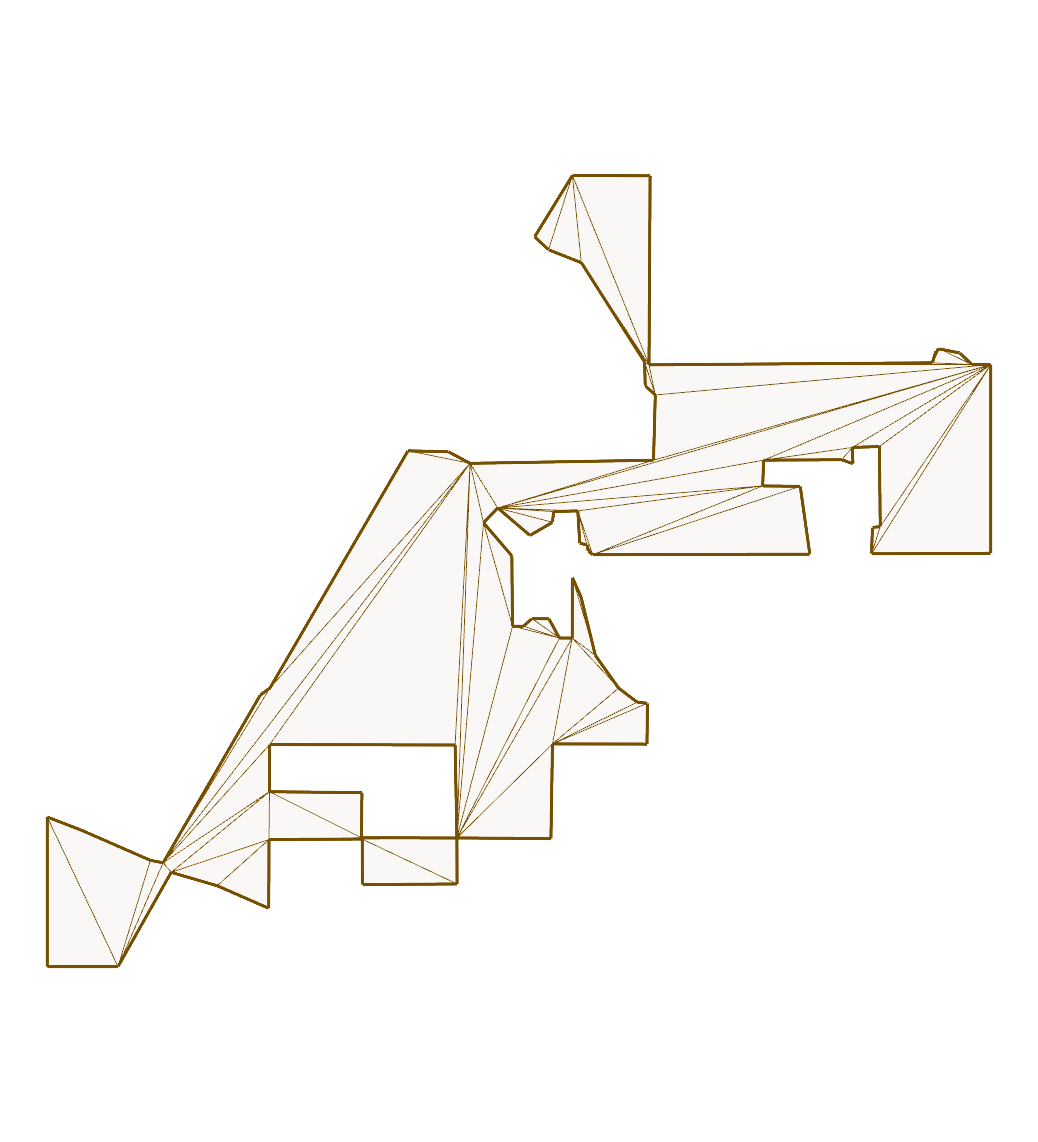
issue111:
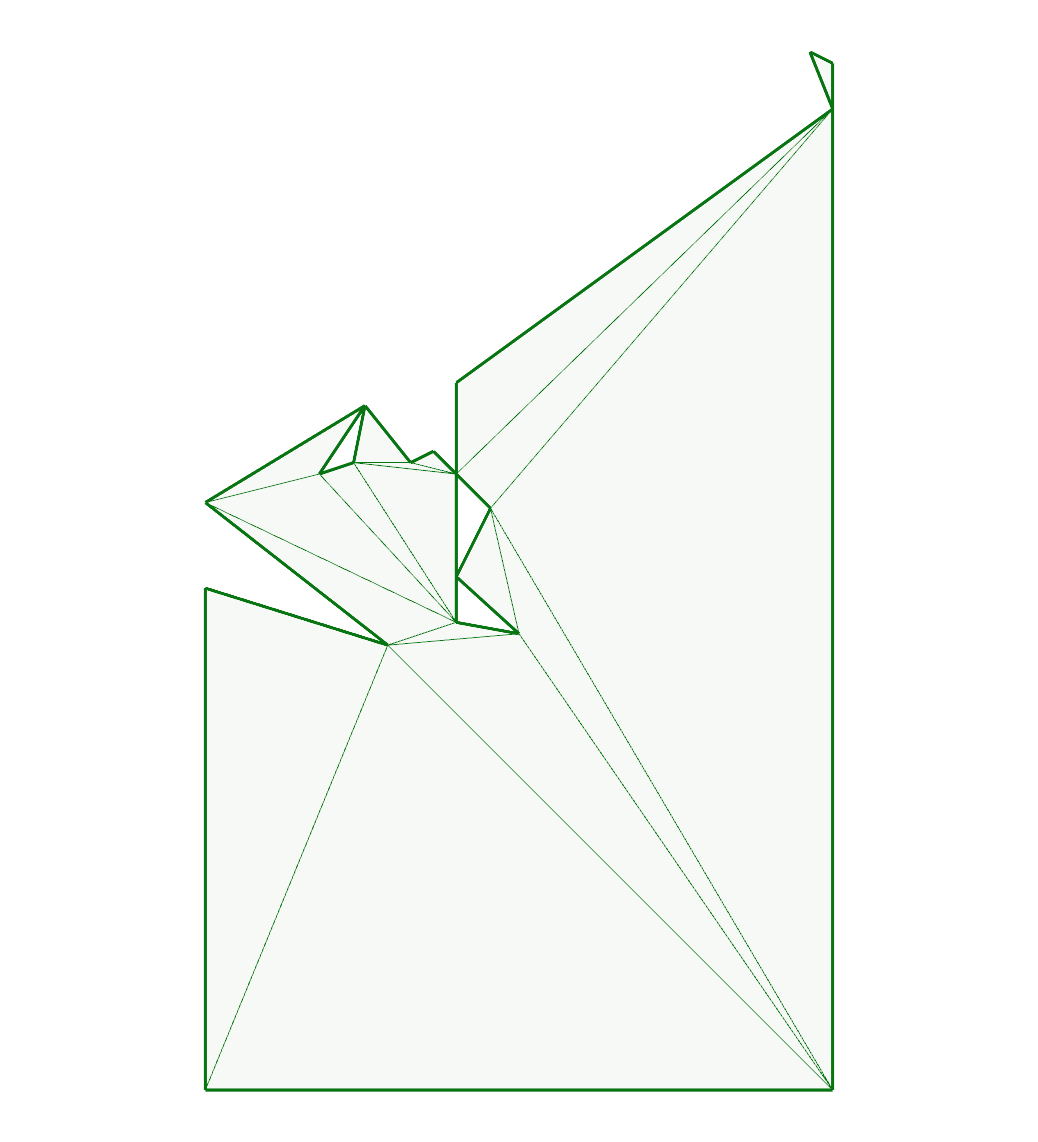
issue119:
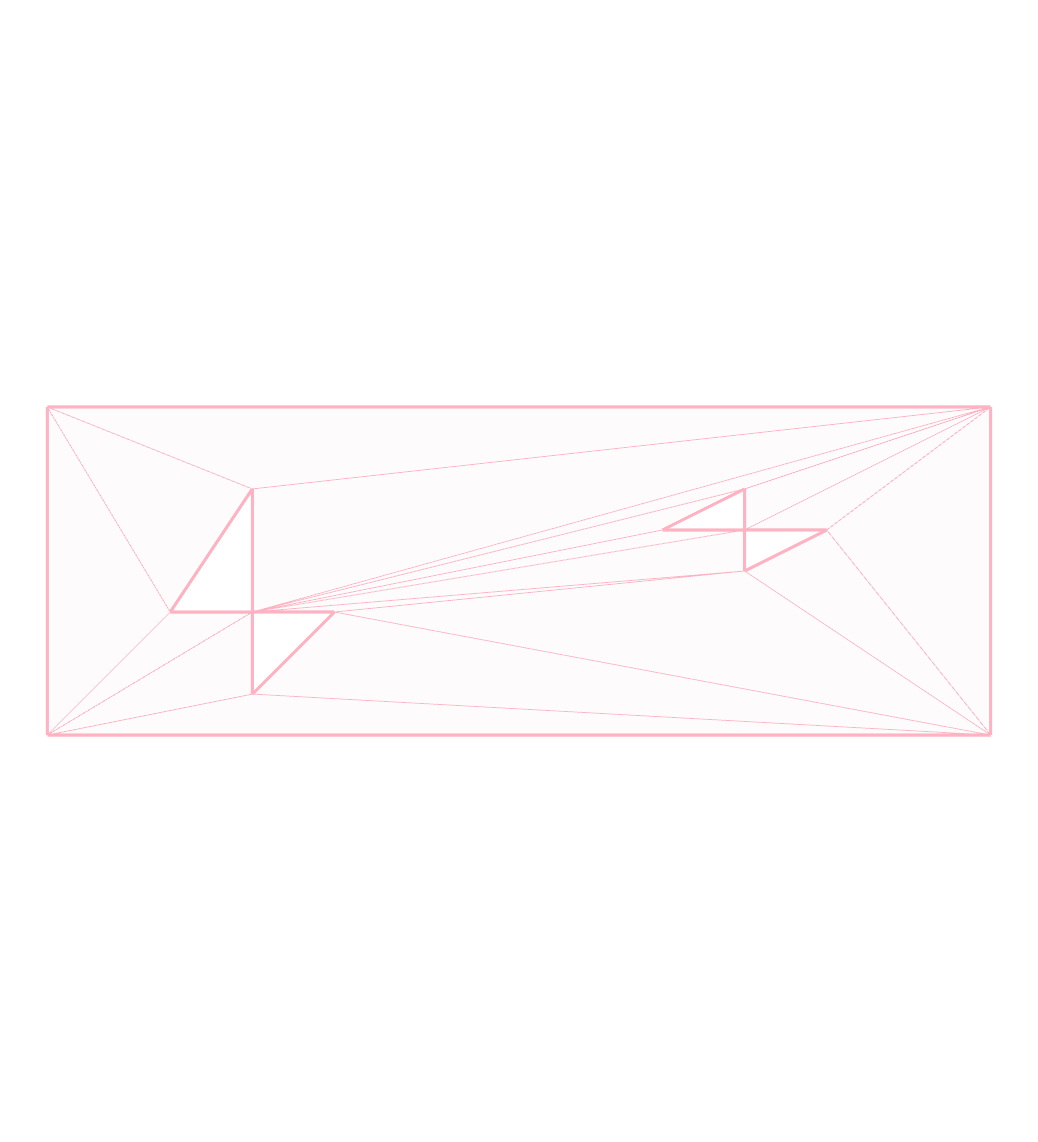
issue131:
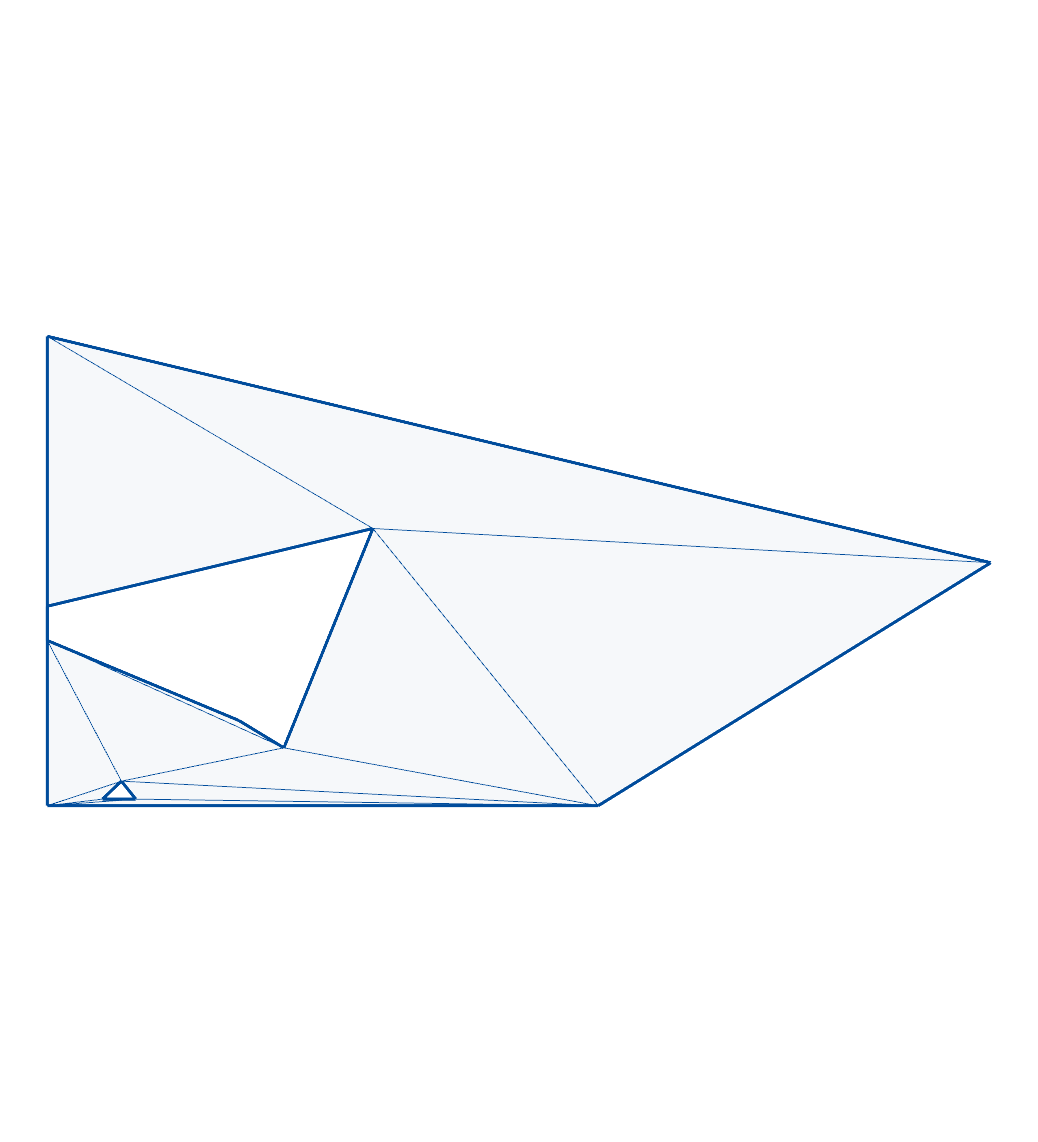
issue142:
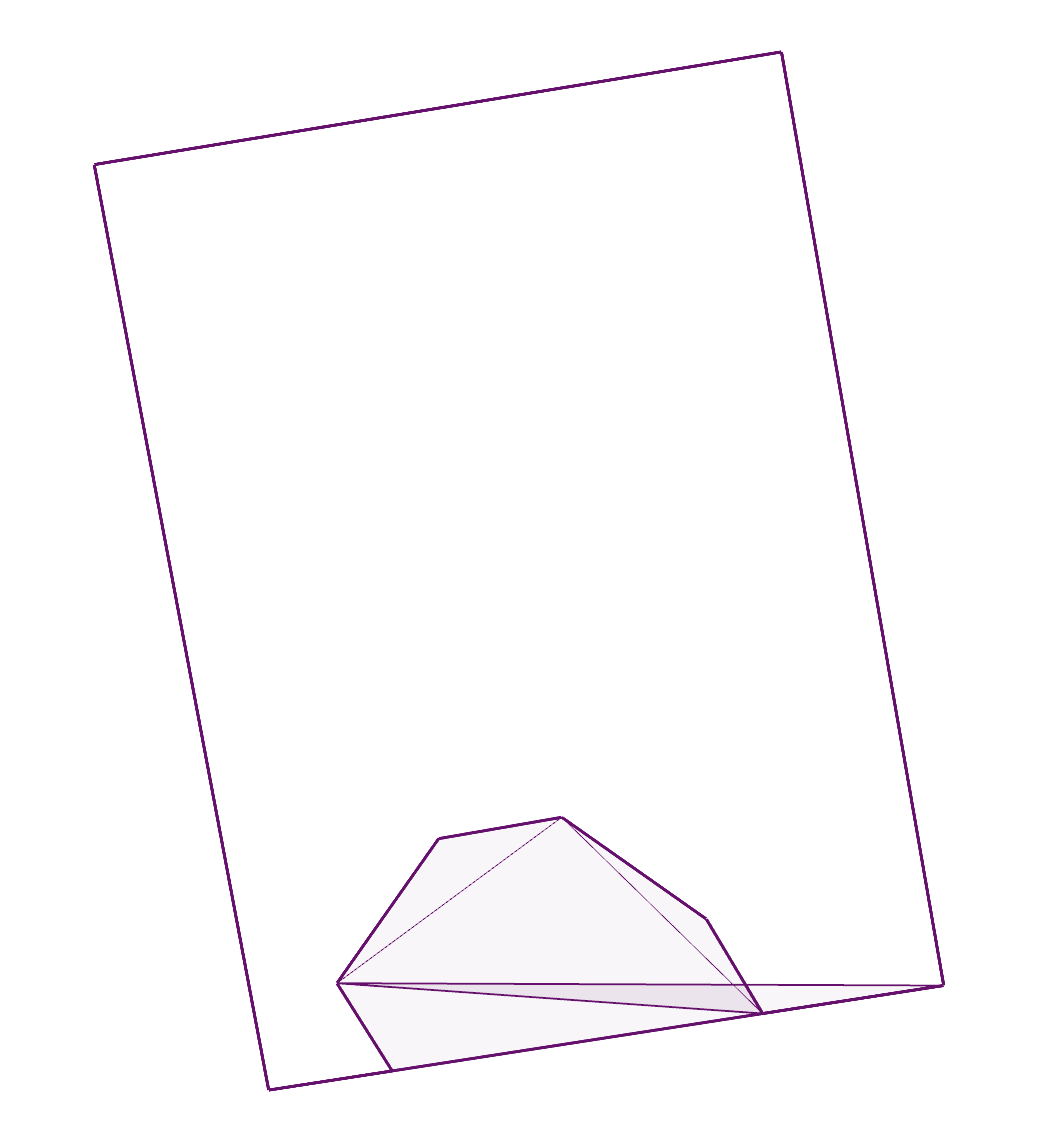
issue149:
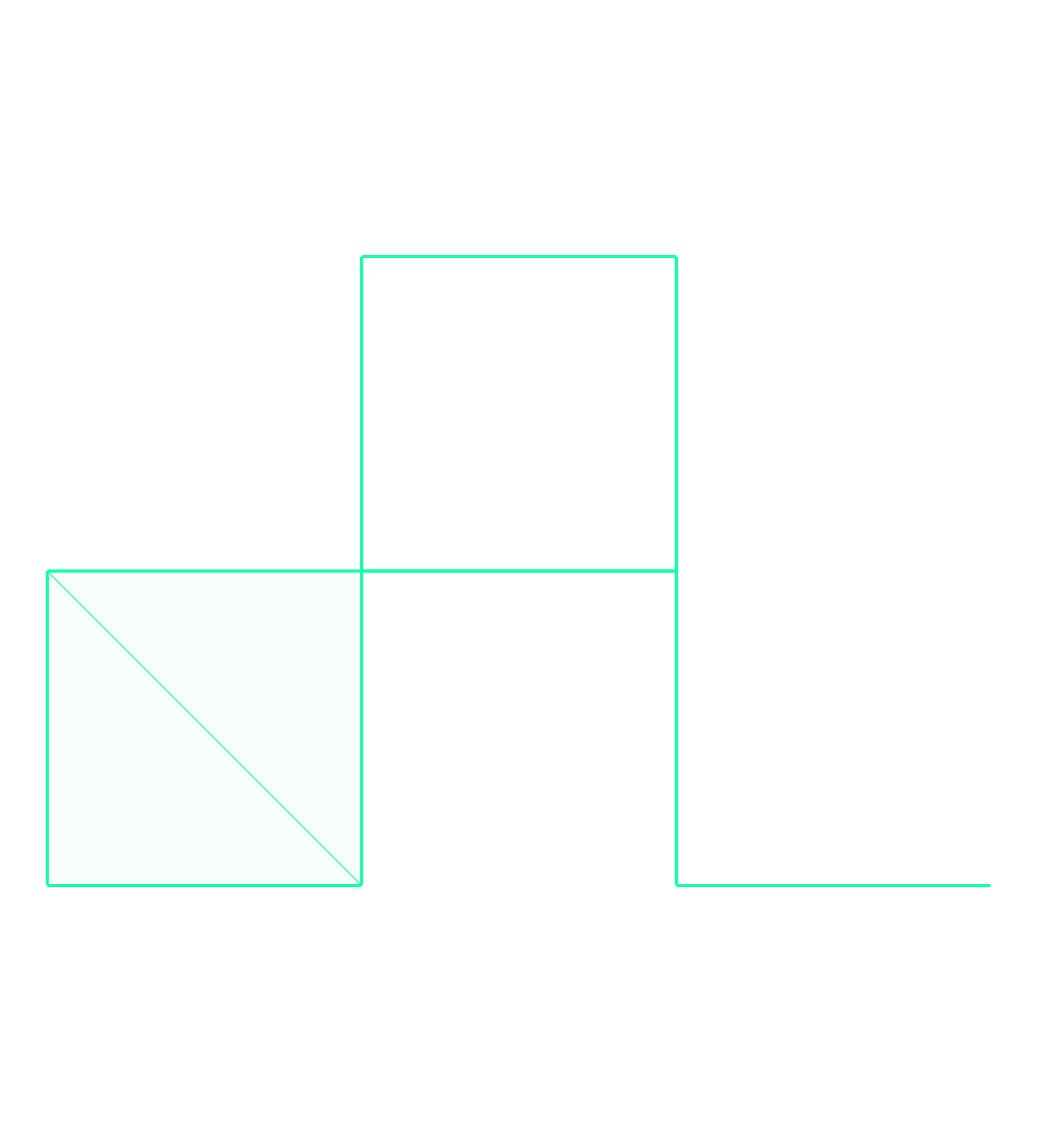
issue16:
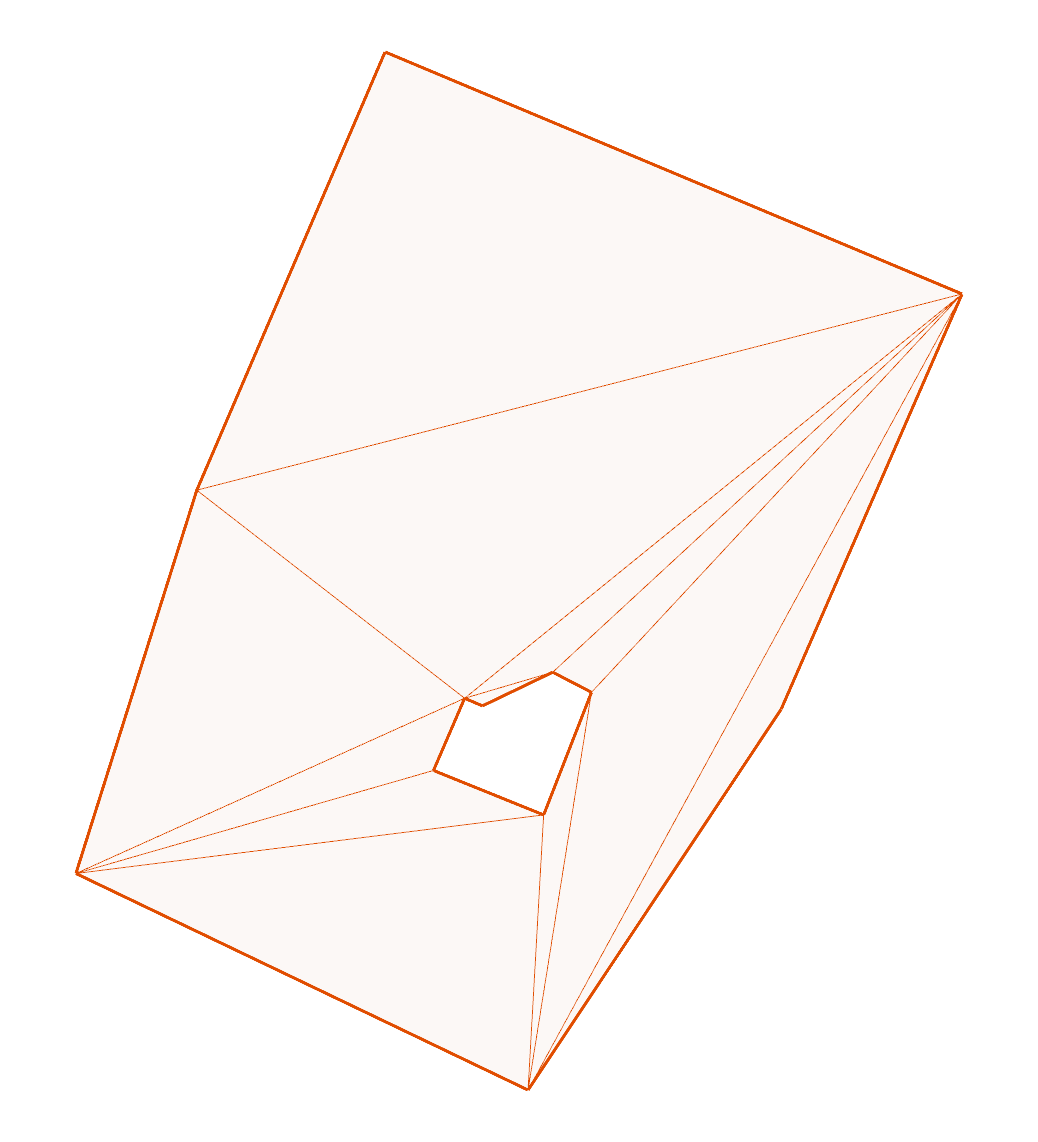
issue17:
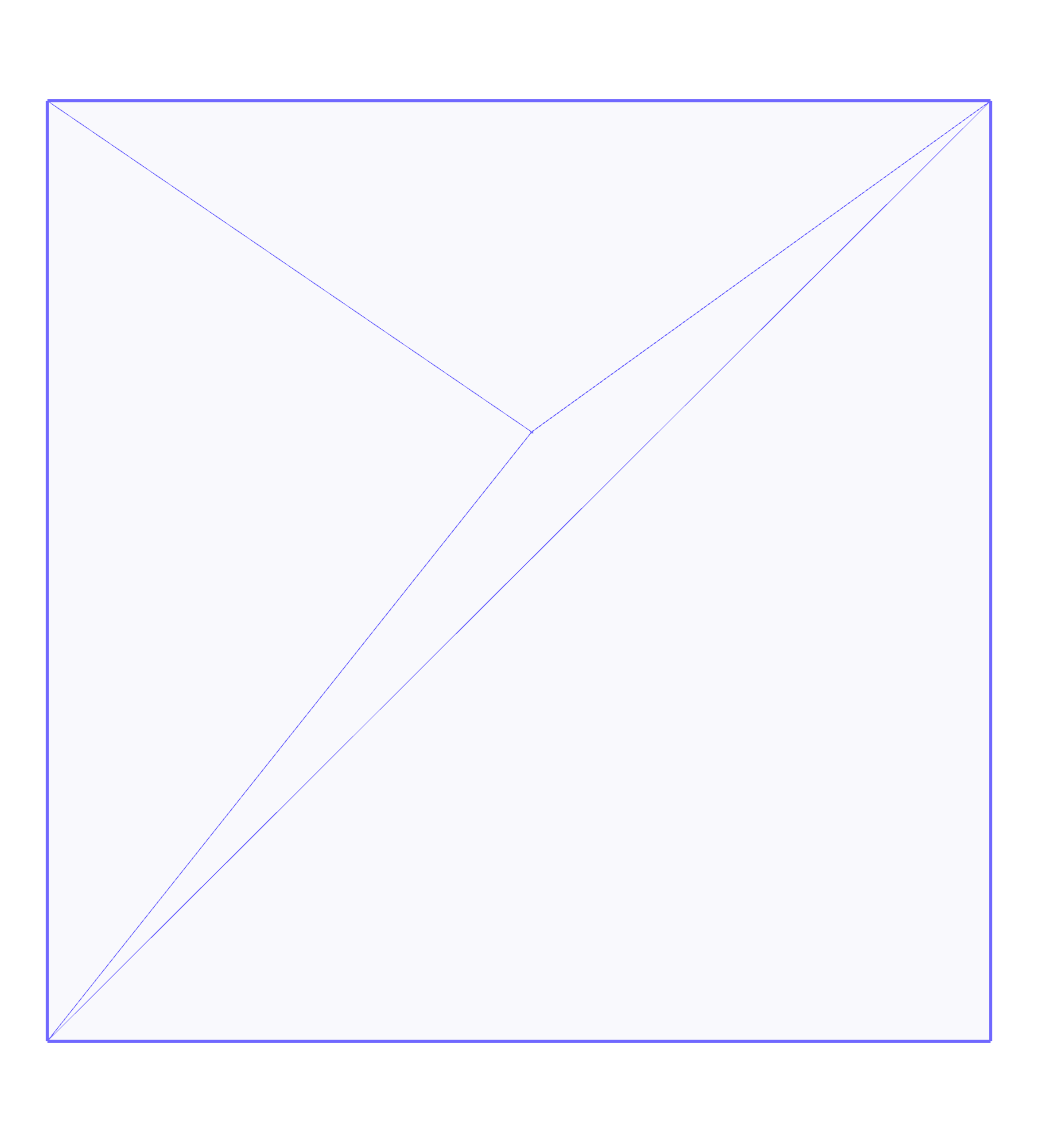
issue186:
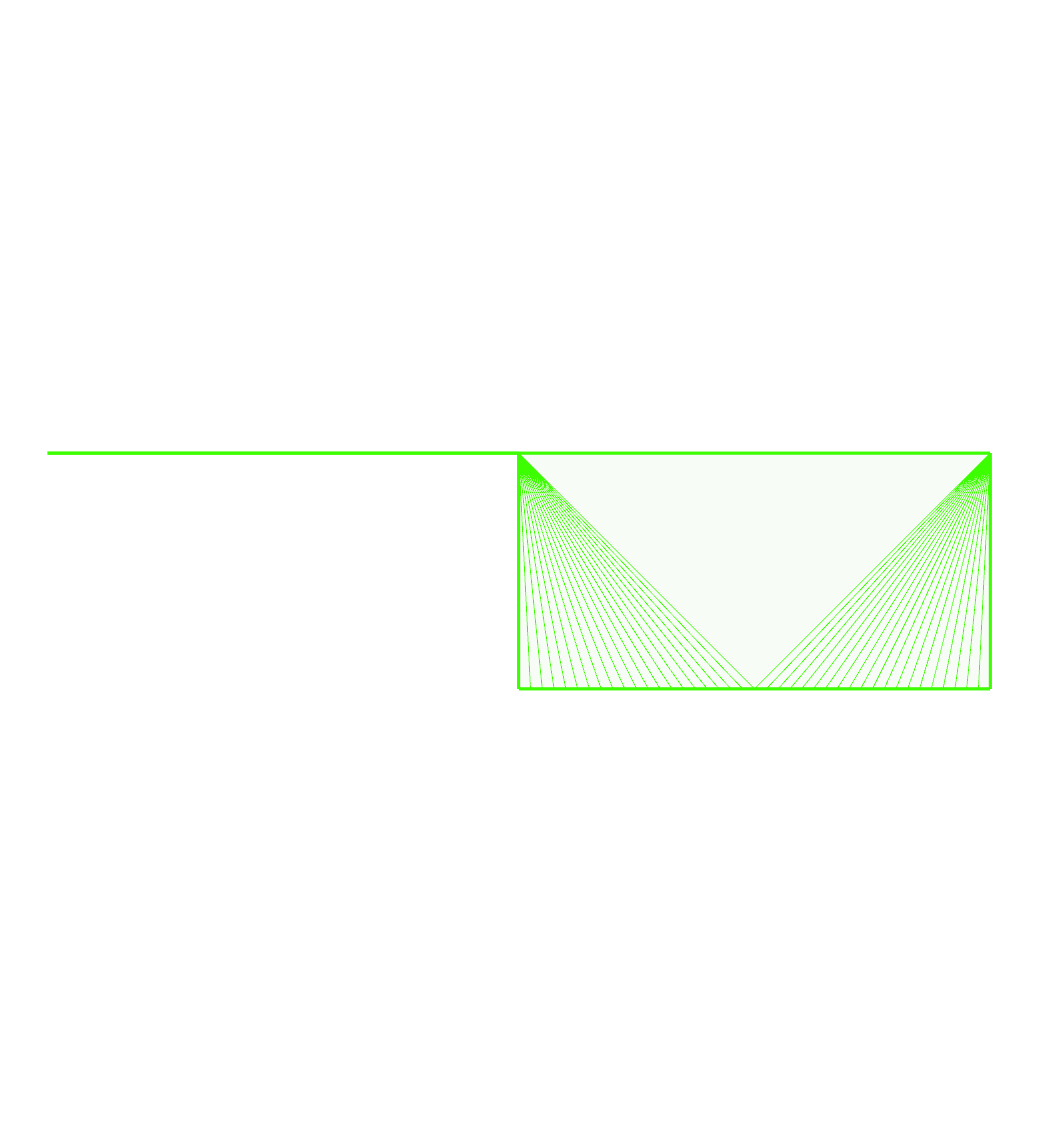
issue29:
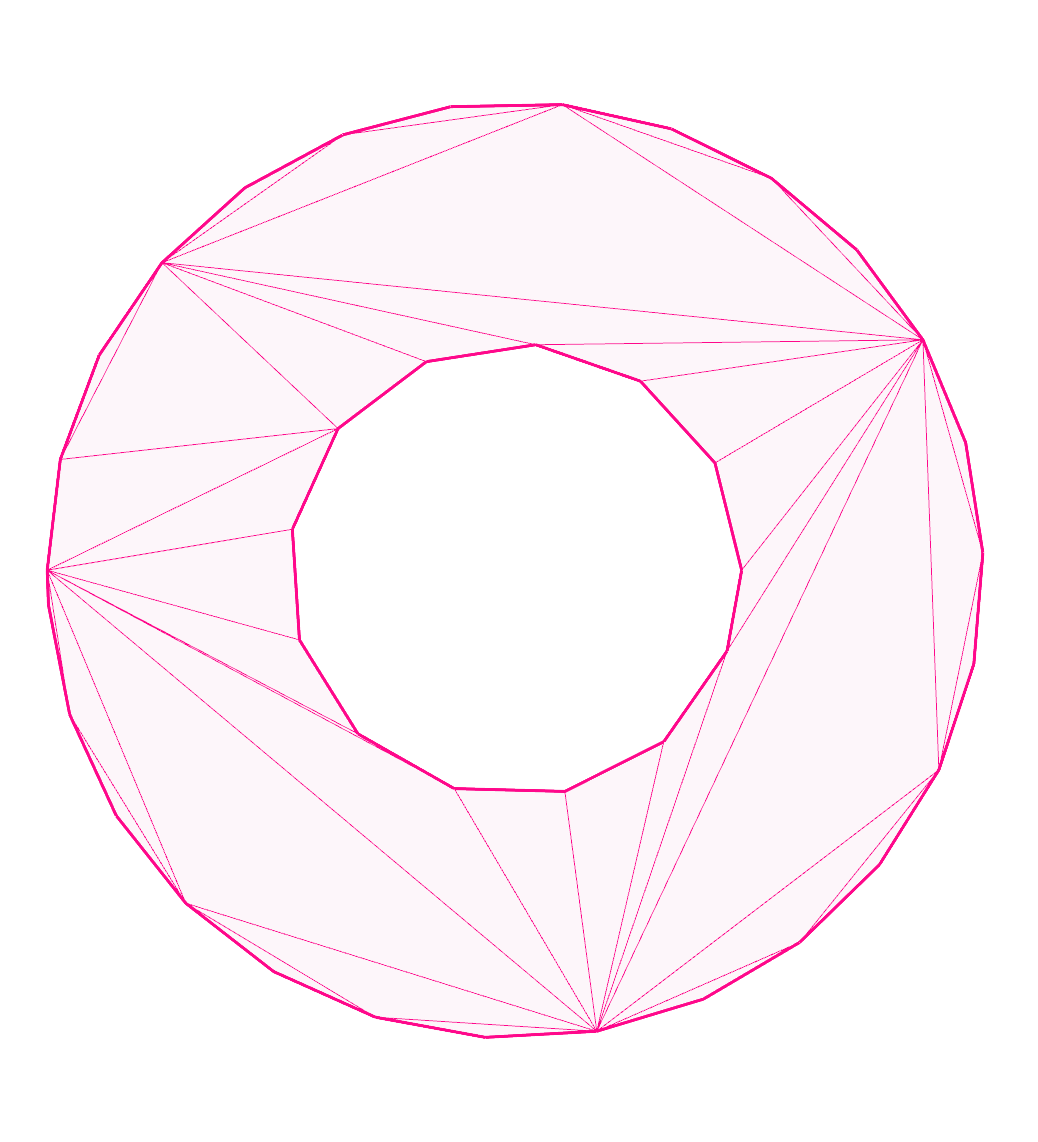
issue34:
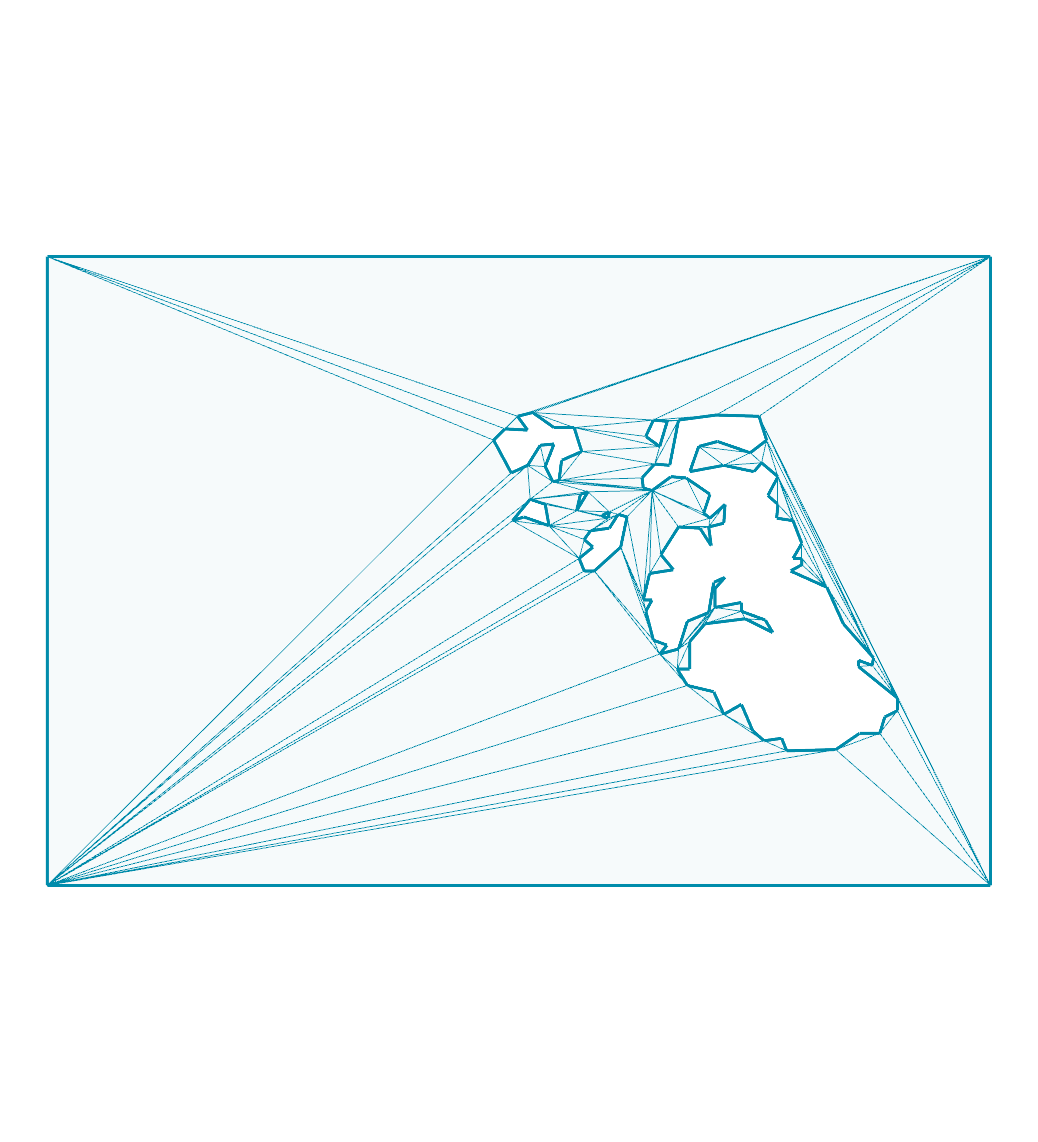
issue35:
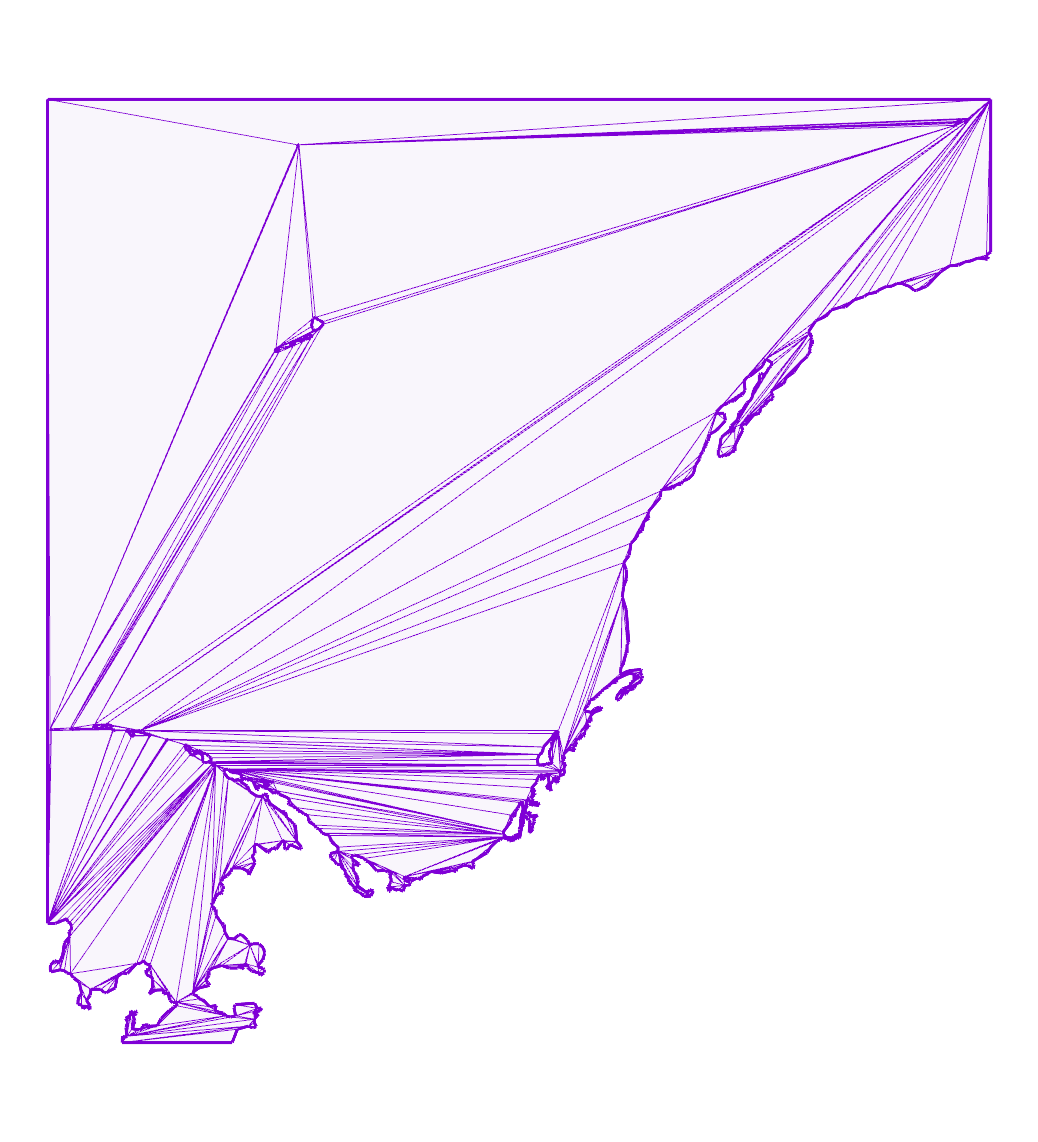
issue45:
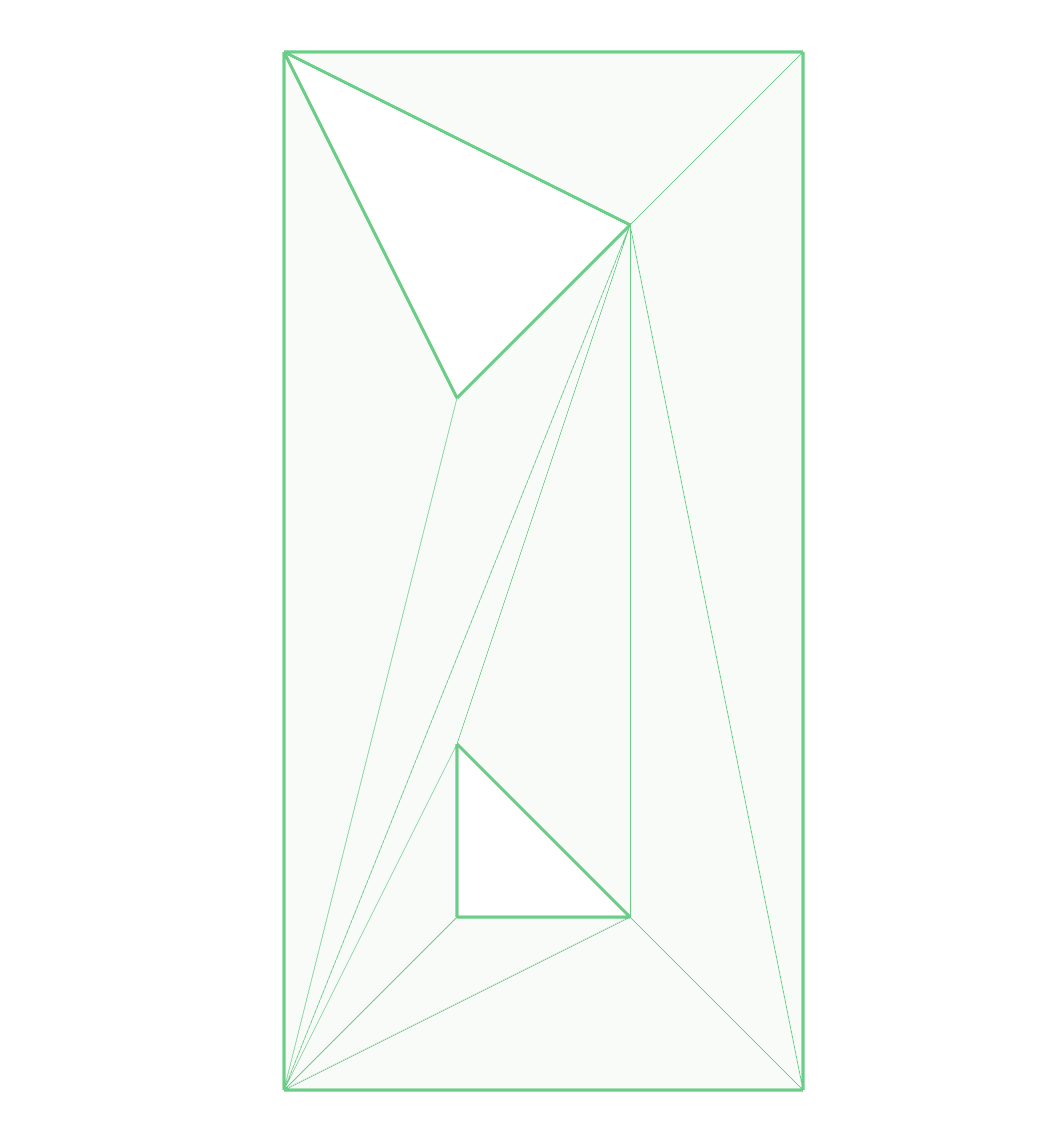
issue52:
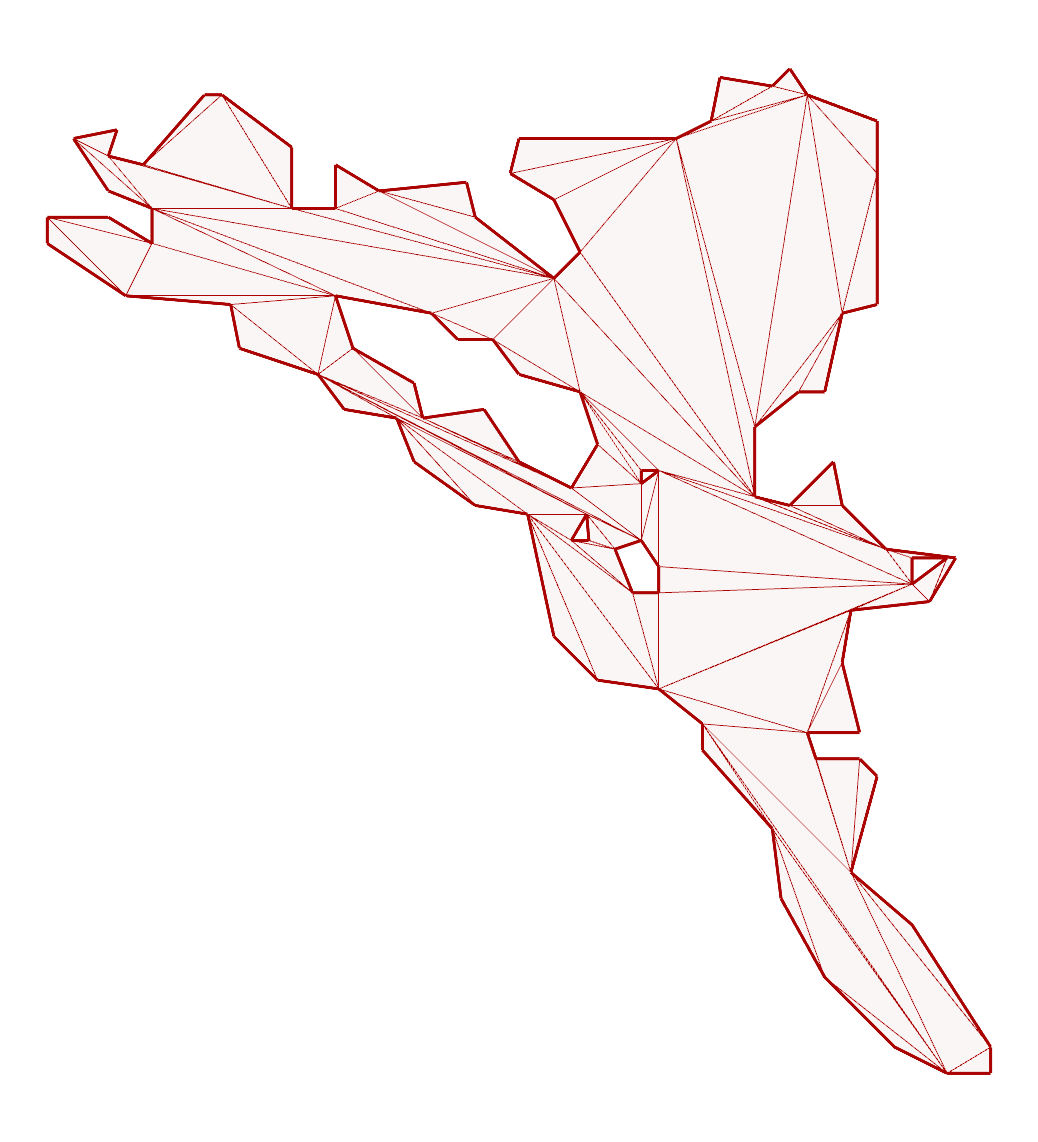
outside-ring:
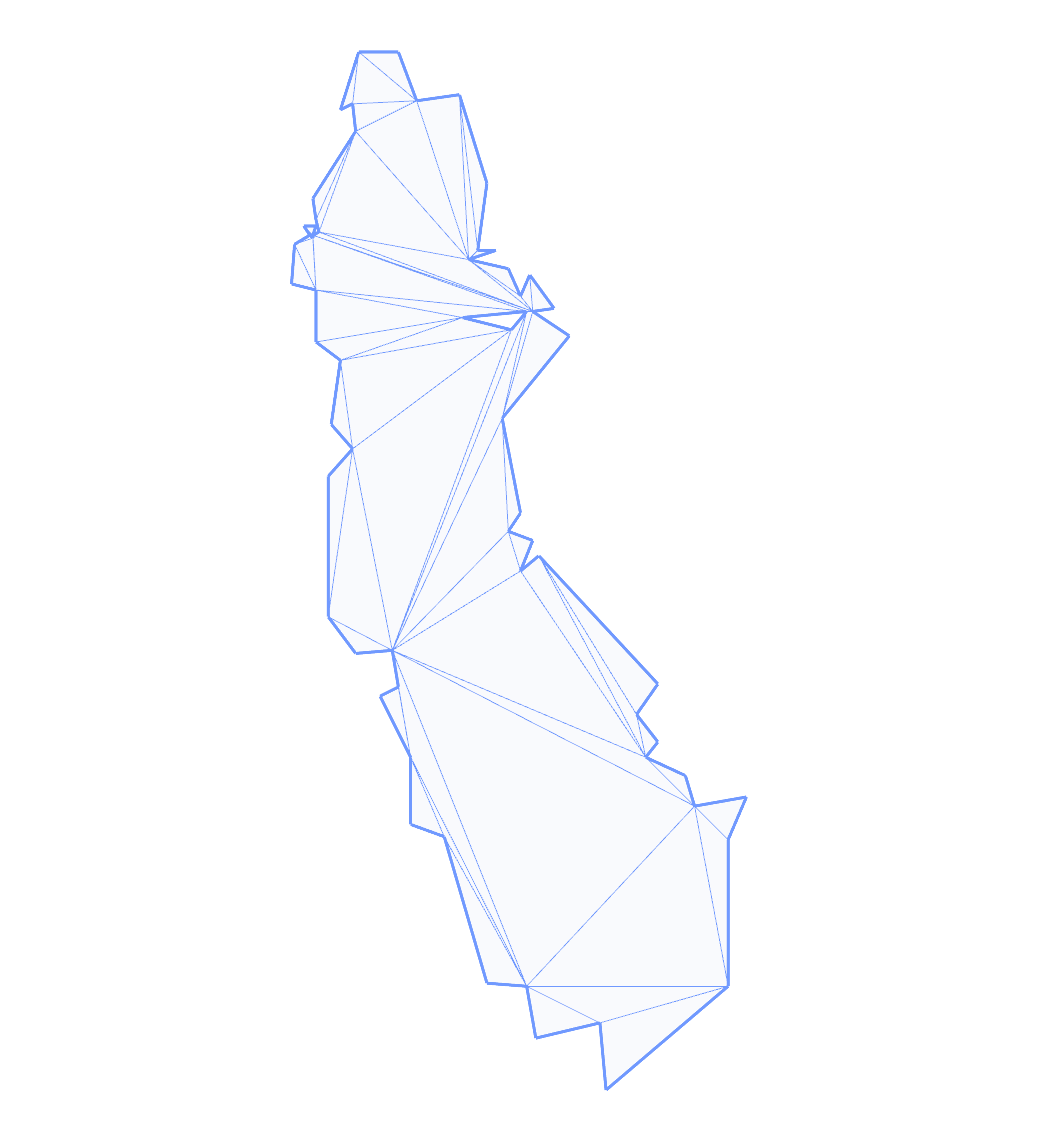
rain:
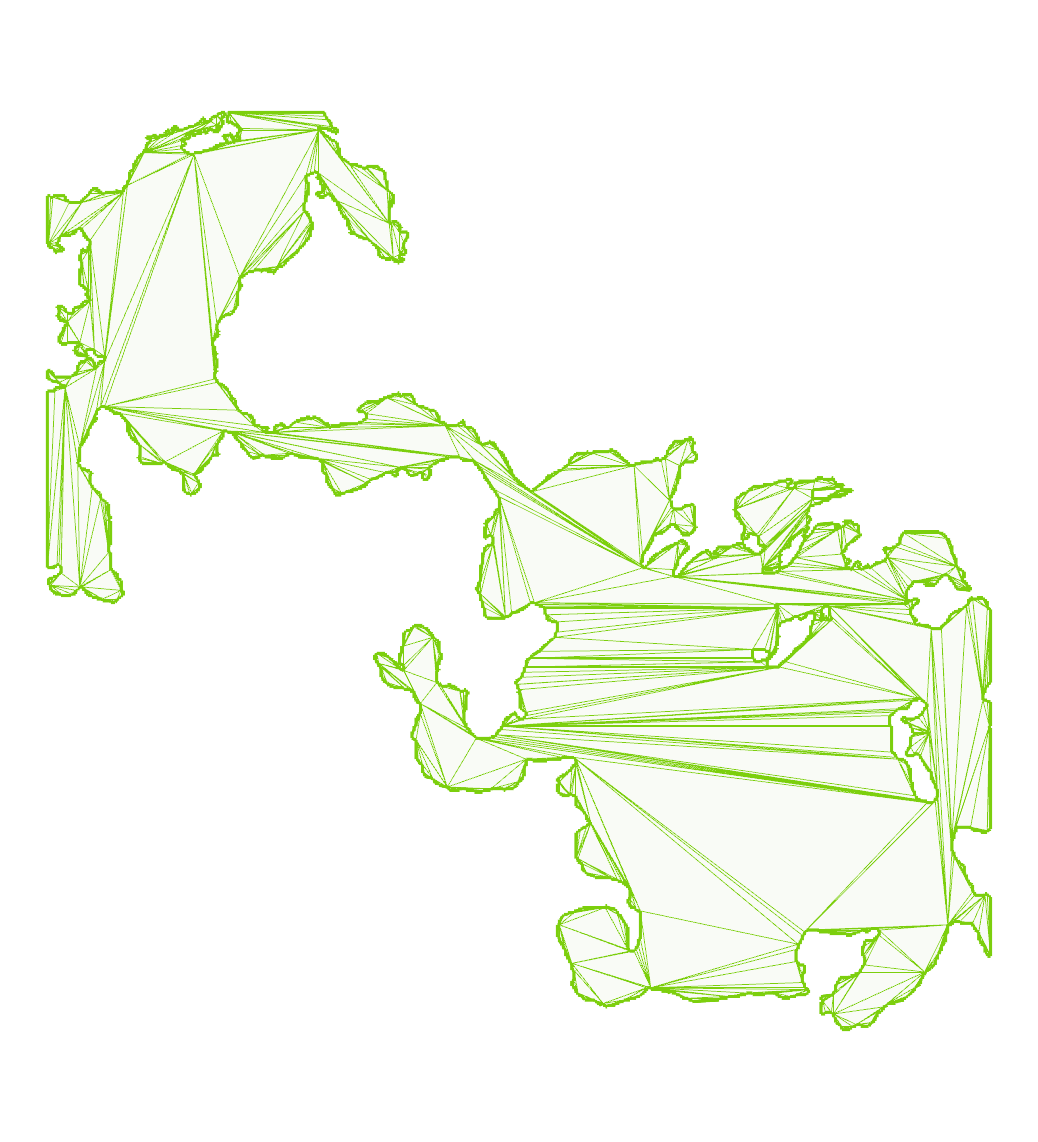
self-touching:
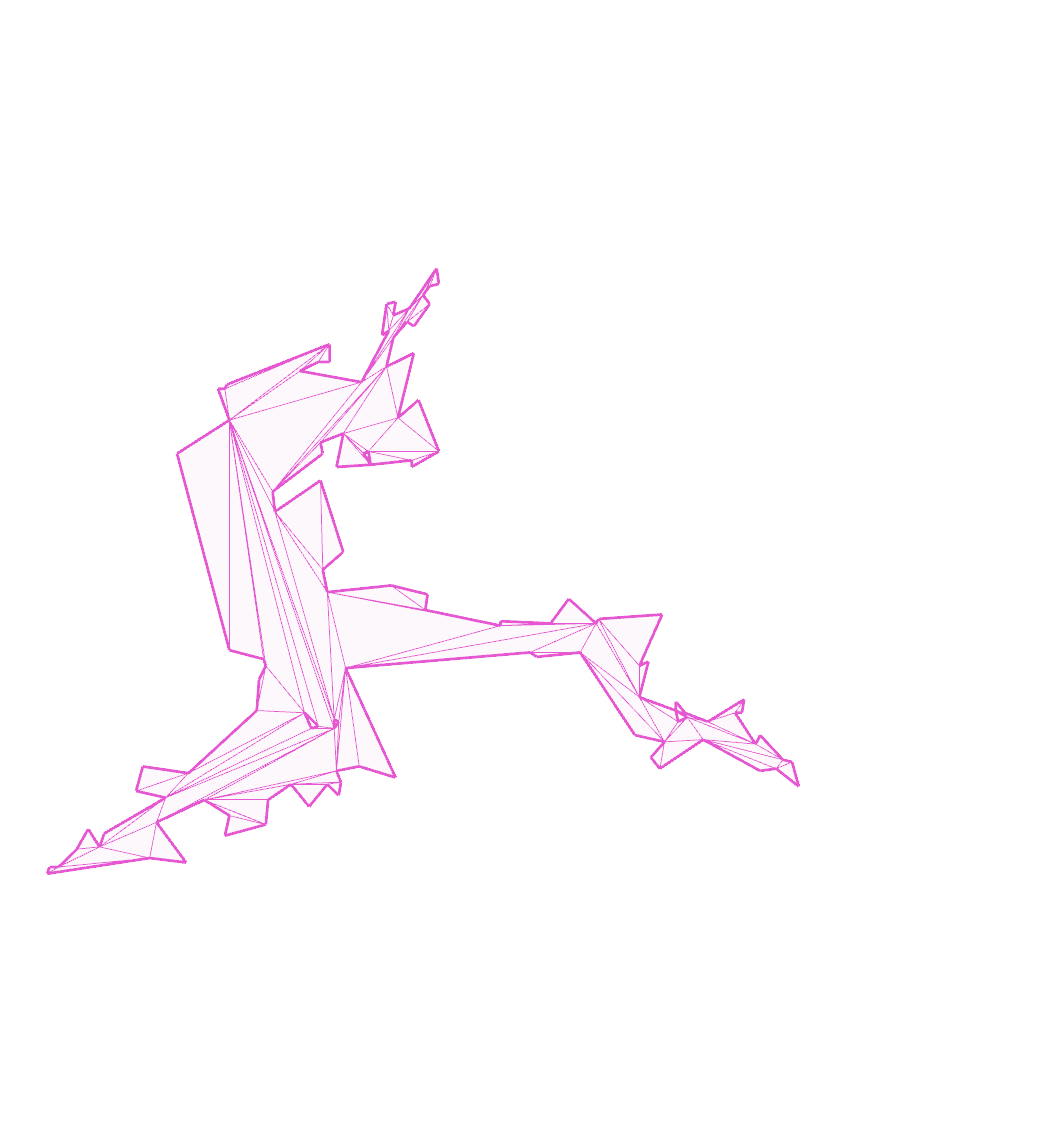
shared-points:
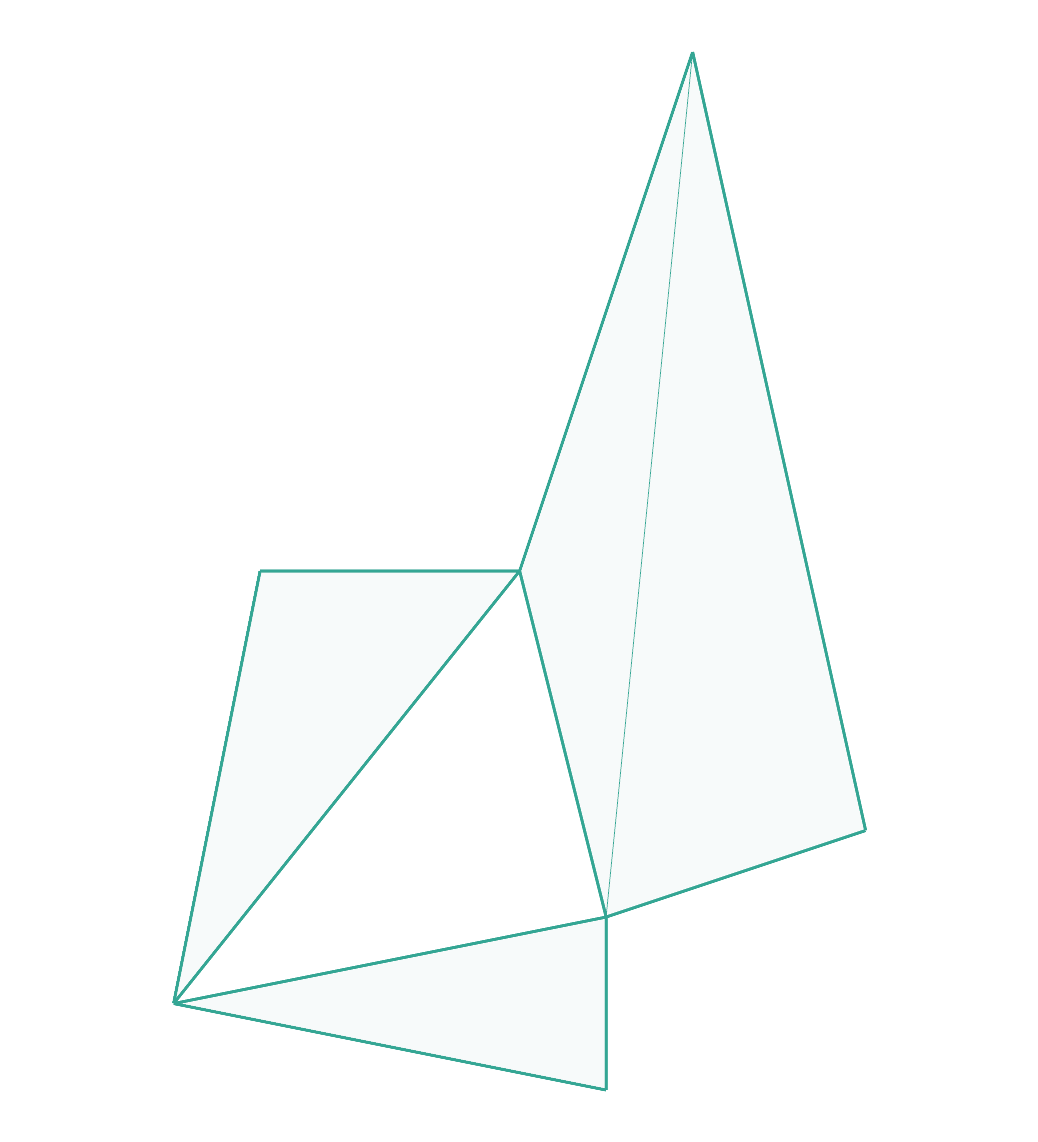
simplified-us-border:
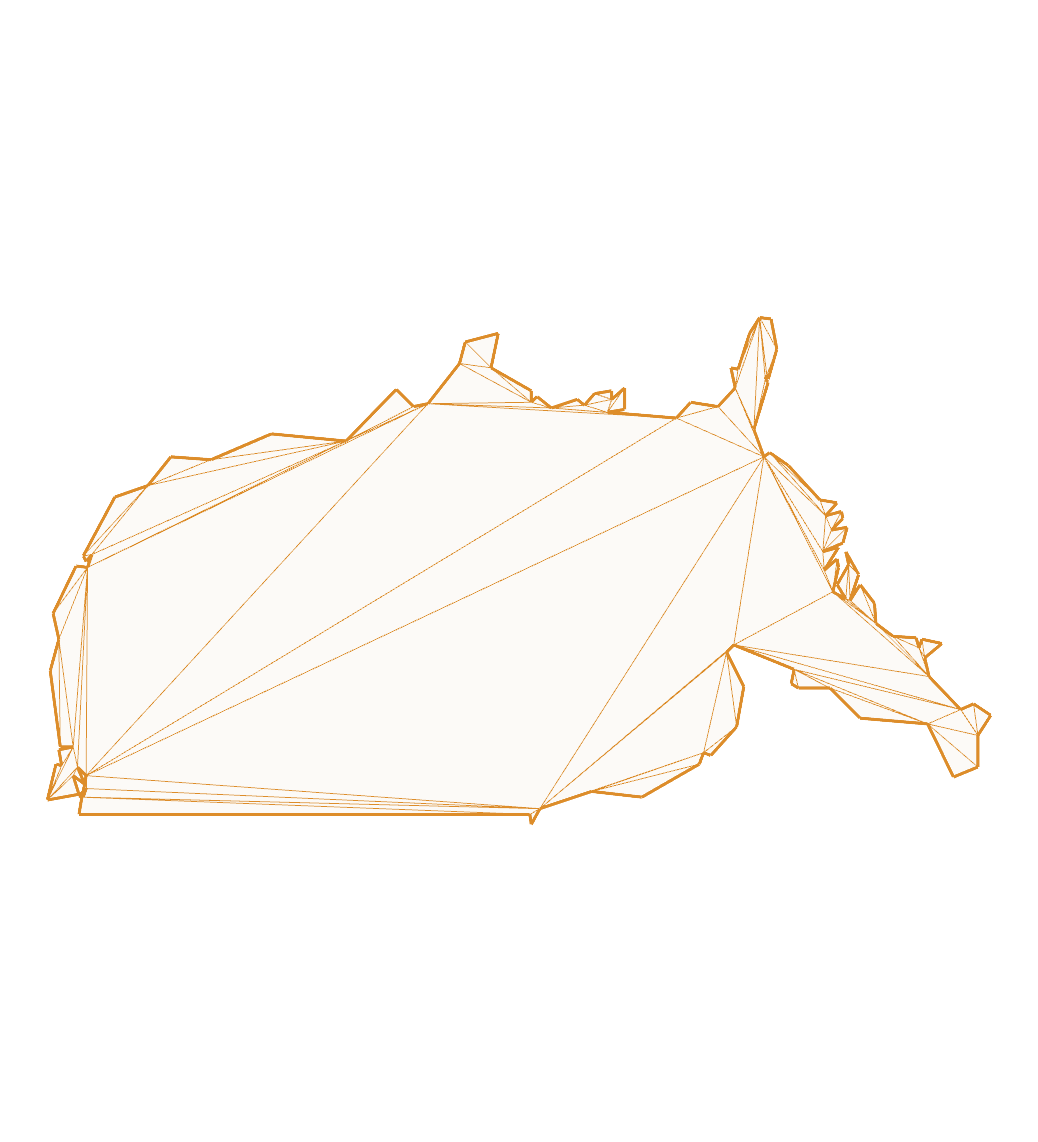
steiner:
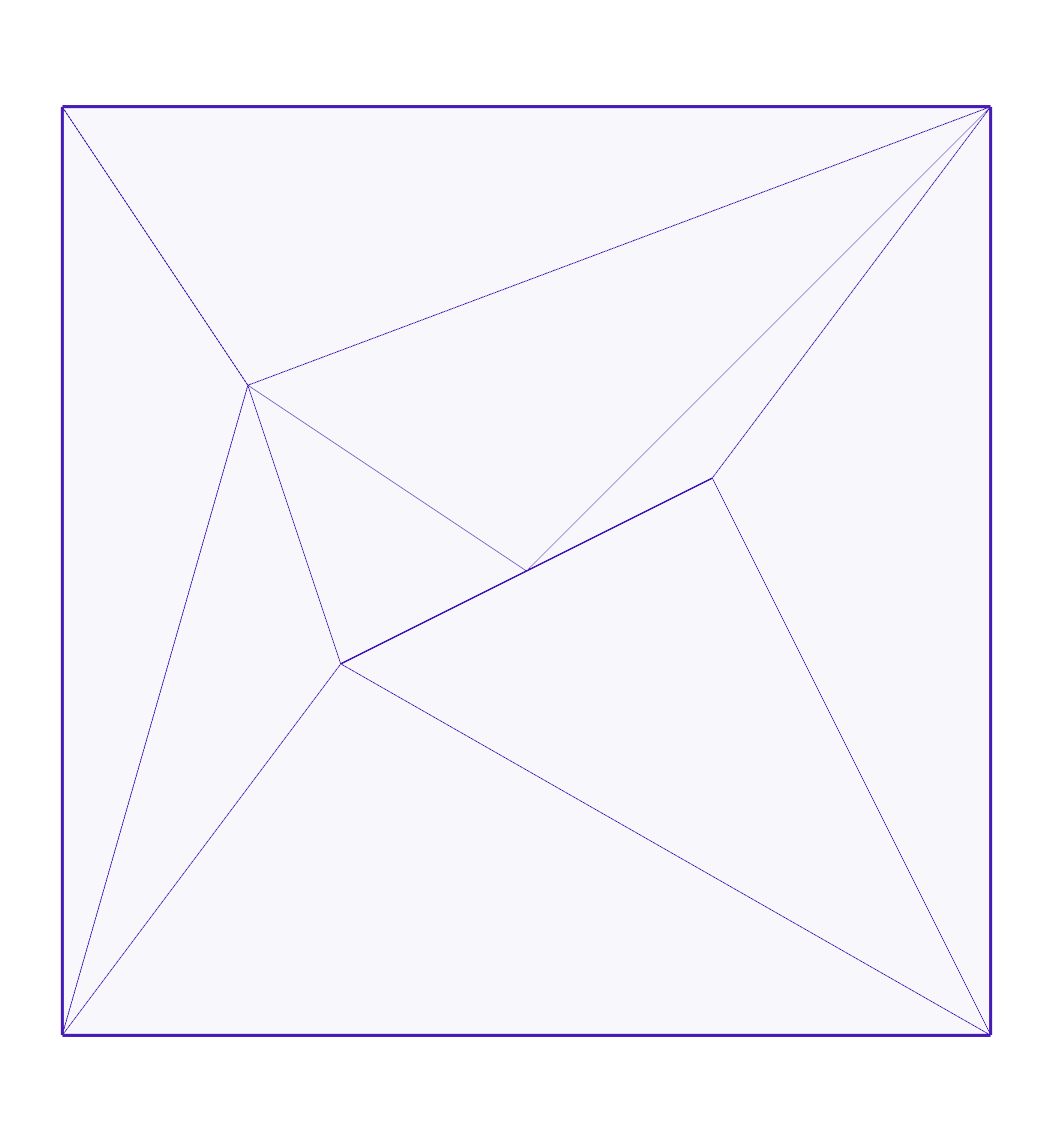
touching-holes:
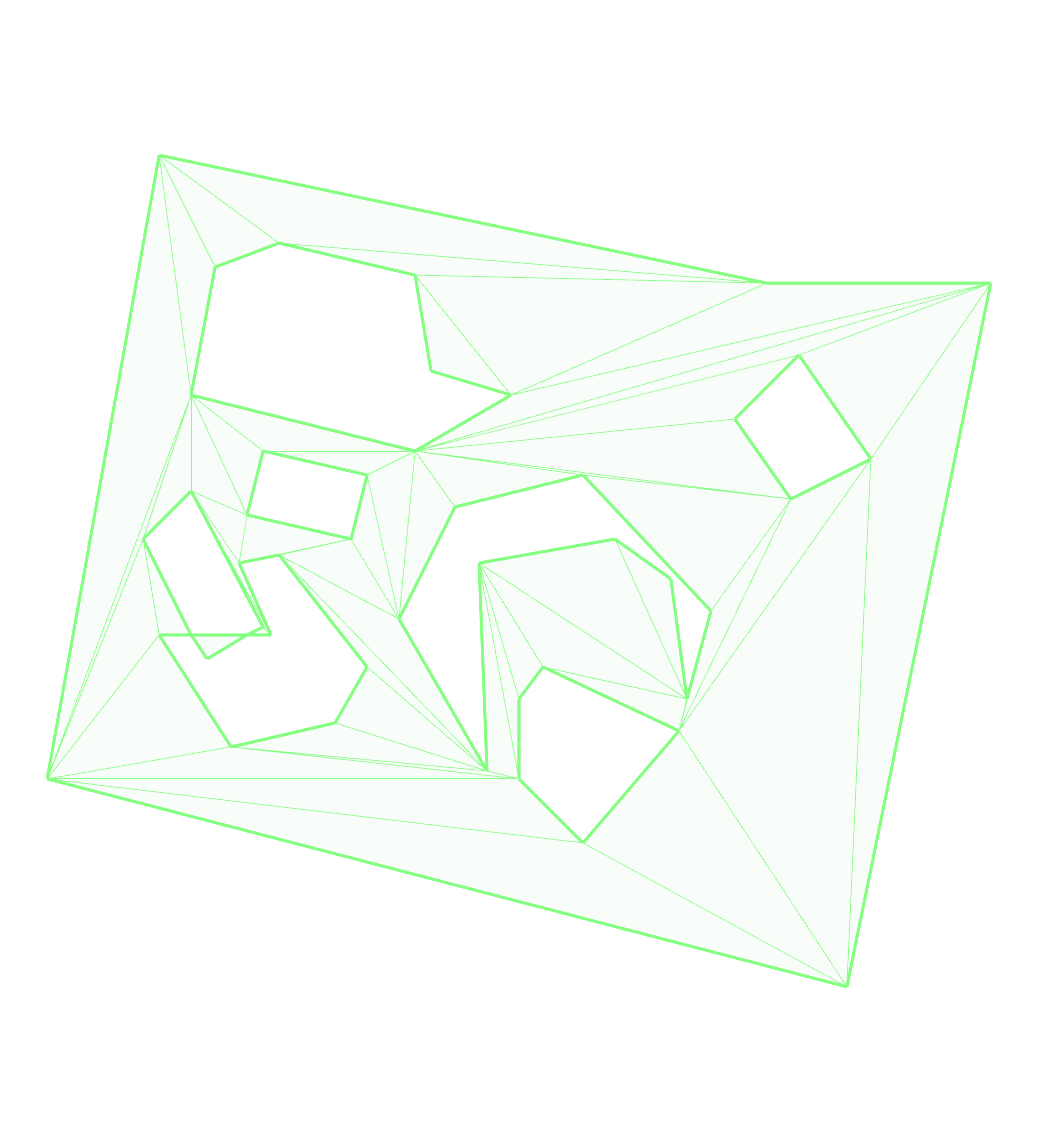
touching-holes2:
touching-holes3:
touching-holes4:
touching-holes5:
touching-holes6:
touching2:
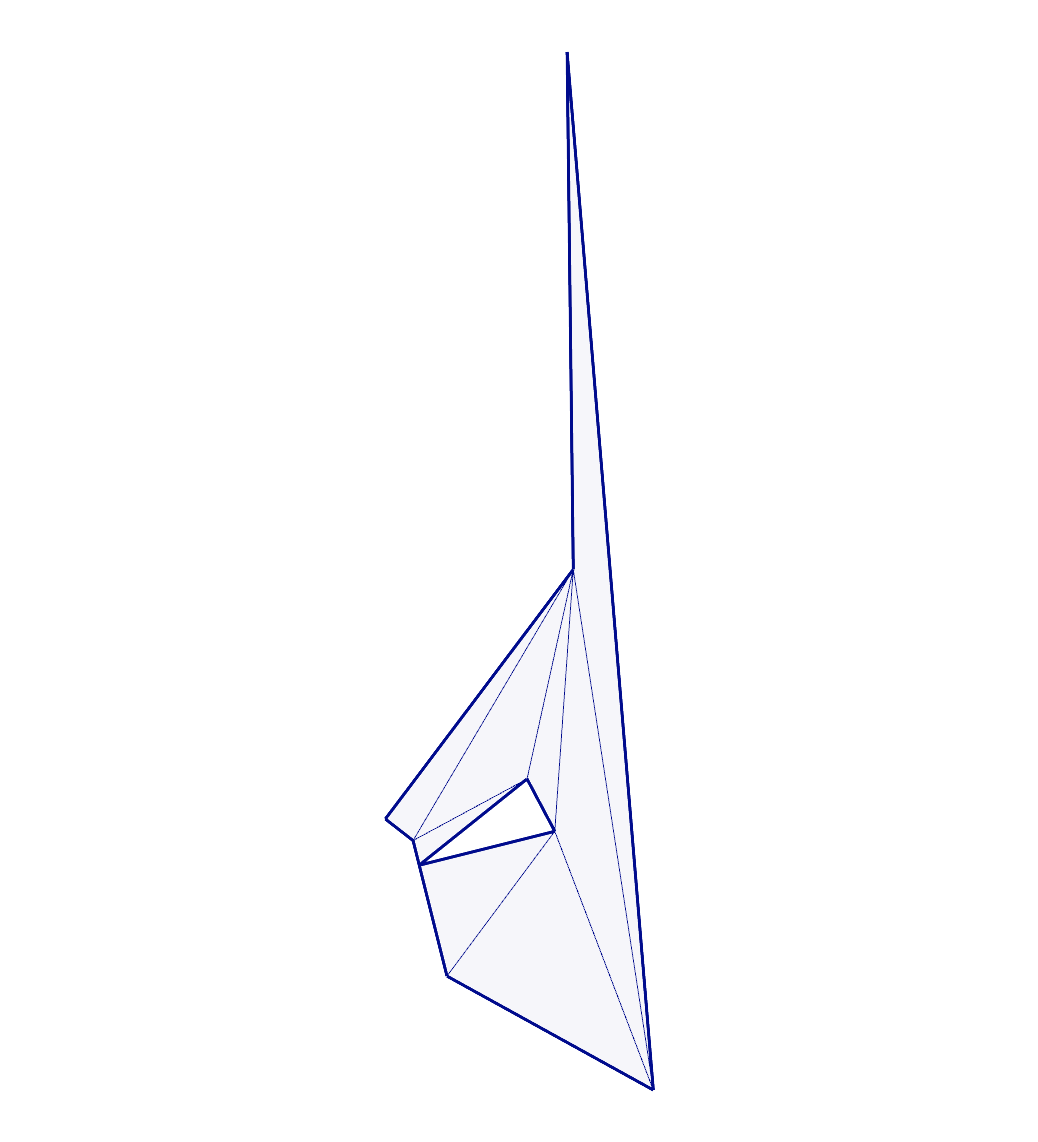
touching3:
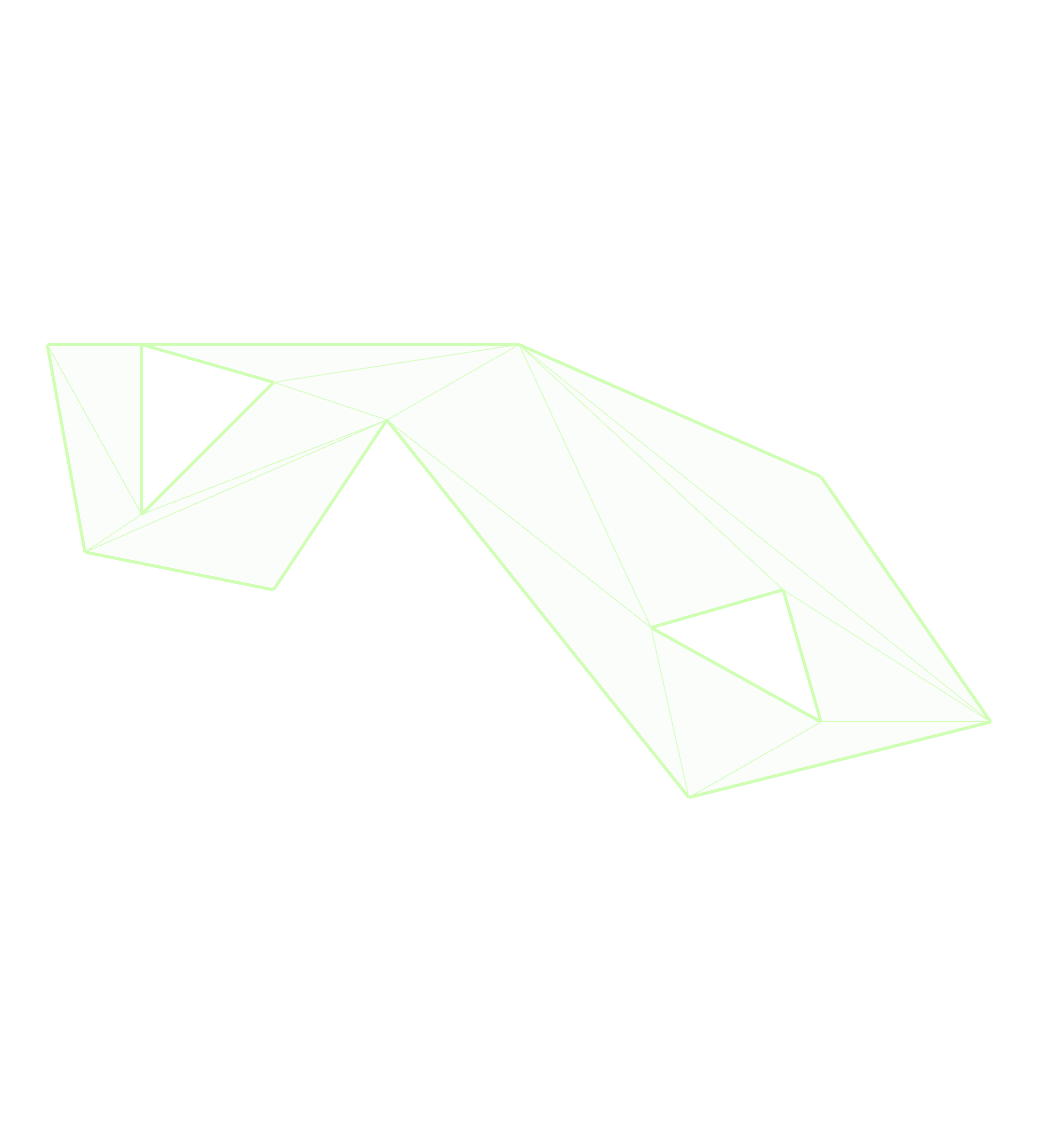
touching4:
water-huge2:
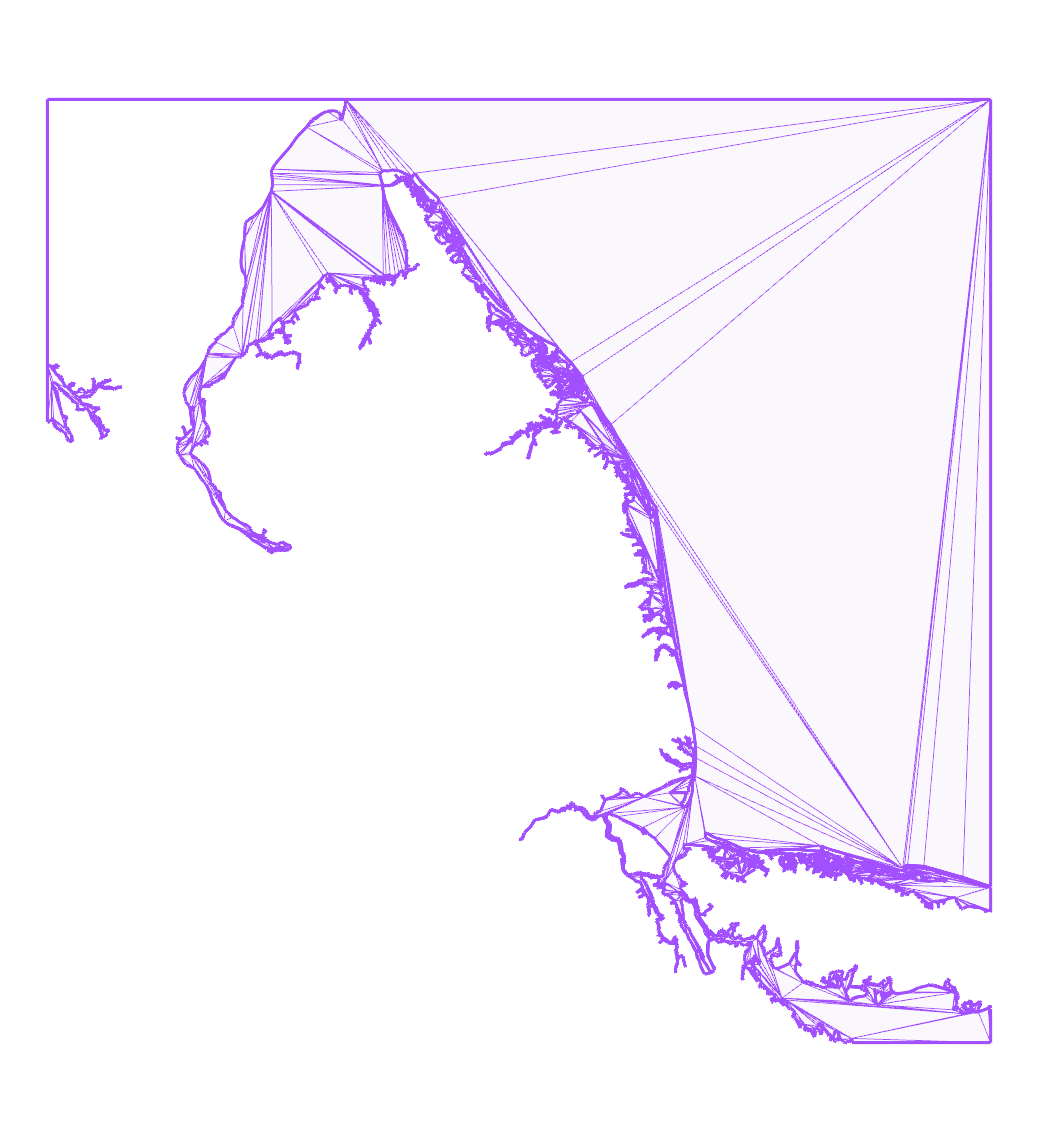
water:
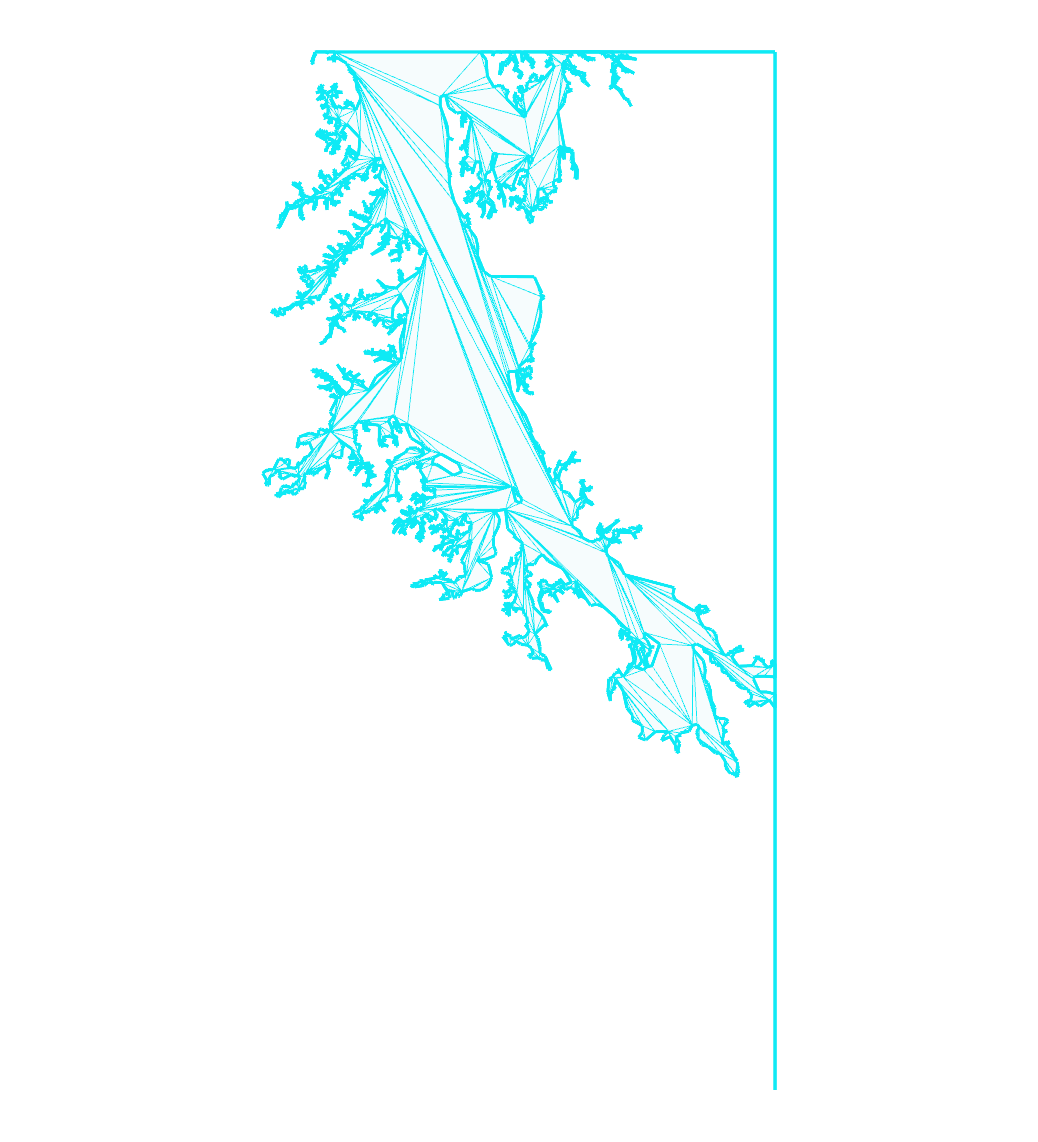
water2:
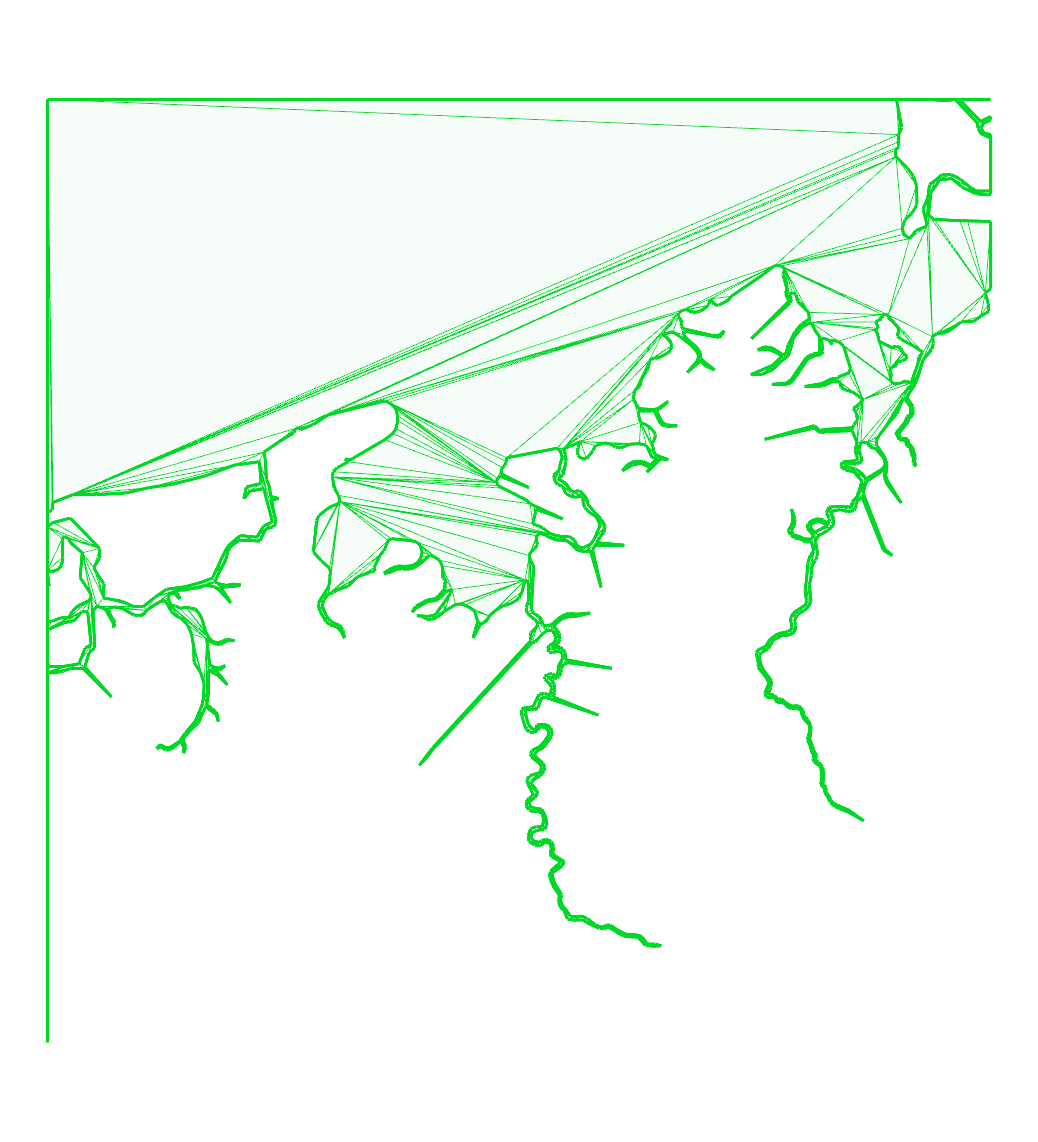
water3:
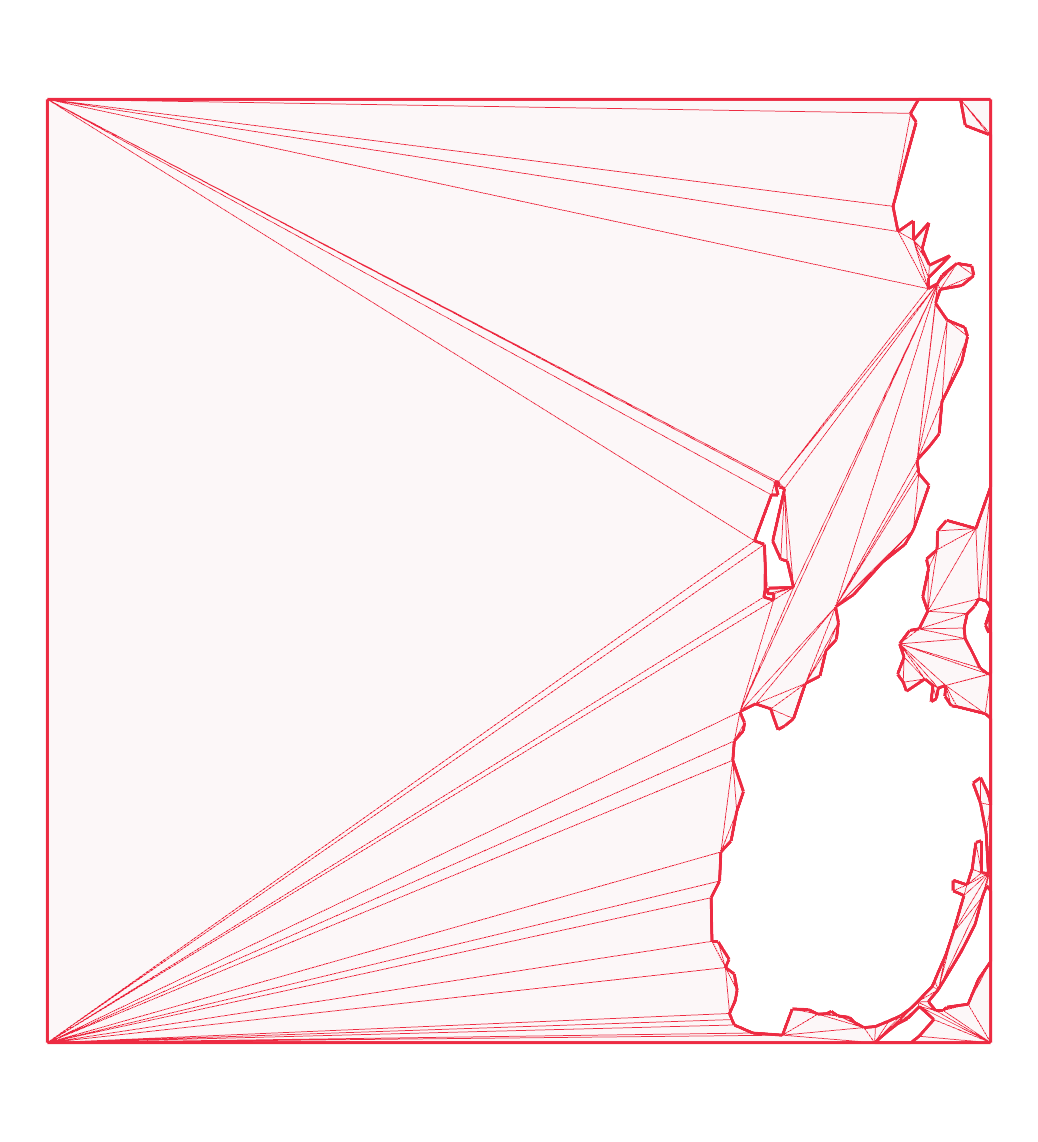
water3b:
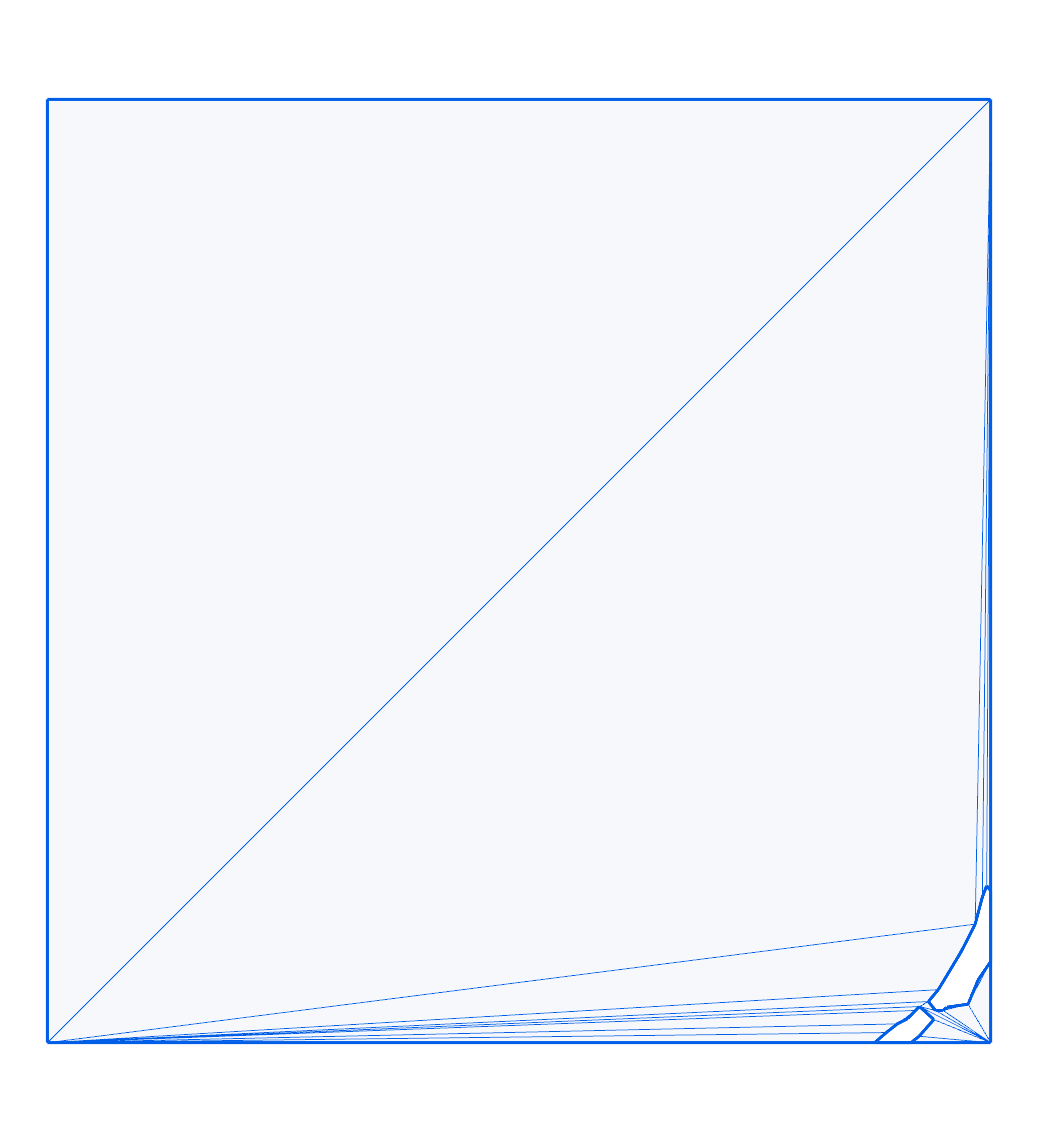
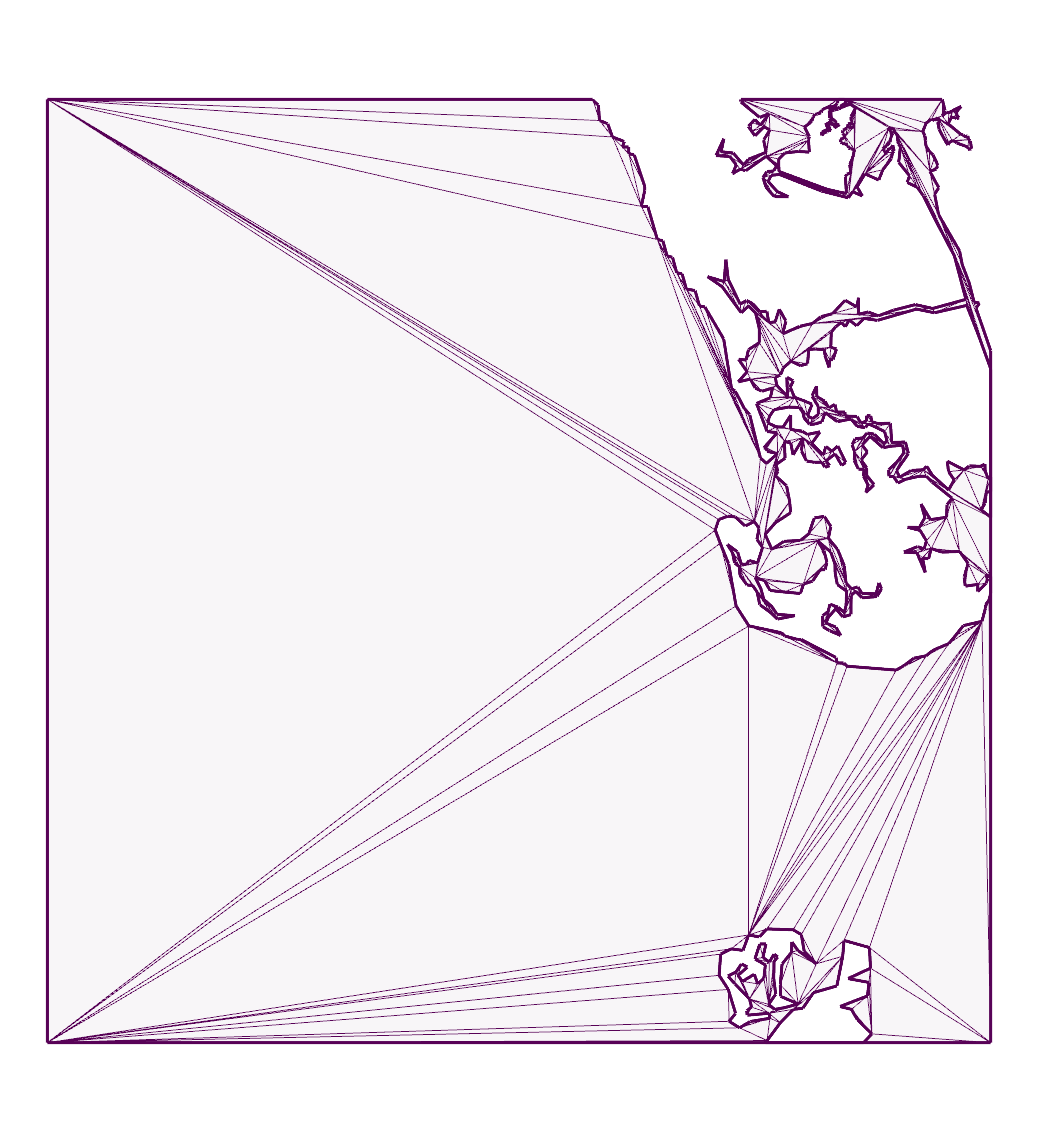
water4:
| Product | Versions Compatible and additional computed target framework versions. |
|---|---|
| .NET | net6.0 is compatible. net6.0-android was computed. net6.0-ios was computed. net6.0-maccatalyst was computed. net6.0-macos was computed. net6.0-tvos was computed. net6.0-windows was computed. net7.0 was computed. net7.0-android was computed. net7.0-ios was computed. net7.0-maccatalyst was computed. net7.0-macos was computed. net7.0-tvos was computed. net7.0-windows was computed. net8.0 was computed. net8.0-android was computed. net8.0-browser was computed. net8.0-ios was computed. net8.0-maccatalyst was computed. net8.0-macos was computed. net8.0-tvos was computed. net8.0-windows was computed. net9.0 was computed. net9.0-android was computed. net9.0-browser was computed. net9.0-ios was computed. net9.0-maccatalyst was computed. net9.0-macos was computed. net9.0-tvos was computed. net9.0-windows was computed. net10.0 was computed. net10.0-android was computed. net10.0-browser was computed. net10.0-ios was computed. net10.0-maccatalyst was computed. net10.0-macos was computed. net10.0-tvos was computed. net10.0-windows was computed. |
| .NET Framework | net472 is compatible. net48 was computed. net481 was computed. |
-
.NETFramework 4.7.2
- FSharp.Core (>= 6.0.7)
-
net6.0
- FSharp.Core (>= 6.0.7)
NuGet packages
This package is not used by any NuGet packages.
GitHub repositories
This package is not used by any popular GitHub repositories.
### Added
- earcut_XY function for point objects with X/Y properties
- earcut_xy function for point objects with x/y properties