Knowit.Umbraco.EditorLock
1.0.3
dotnet add package Knowit.Umbraco.EditorLock --version 1.0.3
NuGet\Install-Package Knowit.Umbraco.EditorLock -Version 1.0.3
<PackageReference Include="Knowit.Umbraco.EditorLock" Version="1.0.3" />
<PackageVersion Include="Knowit.Umbraco.EditorLock" Version="1.0.3" />
<PackageReference Include="Knowit.Umbraco.EditorLock" />
paket add Knowit.Umbraco.EditorLock --version 1.0.3
#r "nuget: Knowit.Umbraco.EditorLock, 1.0.3"
#:package Knowit.Umbraco.EditorLock@1.0.3
#addin nuget:?package=Knowit.Umbraco.EditorLock&version=1.0.3
#tool nuget:?package=Knowit.Umbraco.EditorLock&version=1.0.3
Knowit.Umbraco.EditorLock
Stop two editors from changing the same Umbraco content node at the same time.
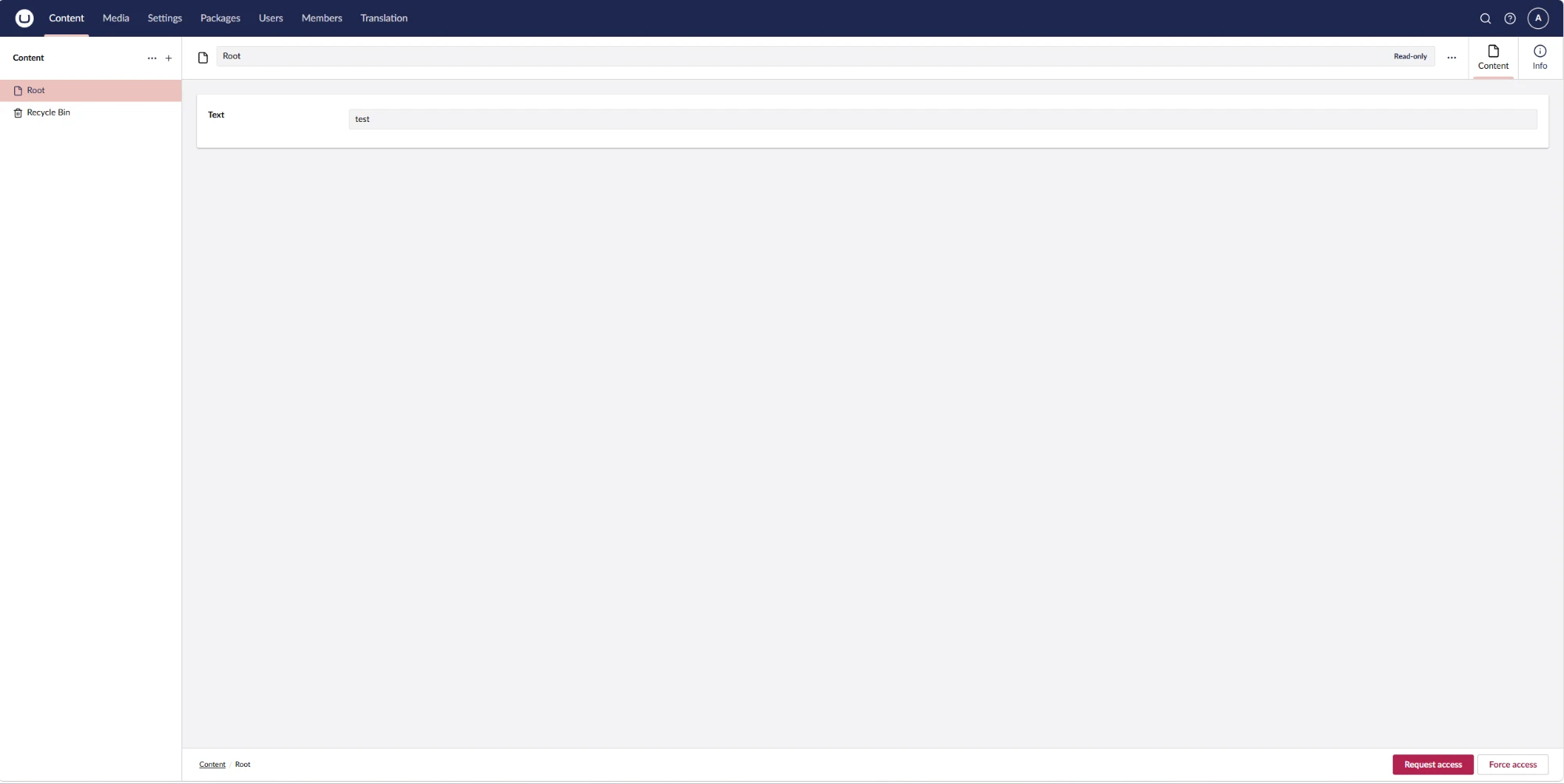
When an editor opens a document, they hold an editing lock on it. If a second editor opens the same document, their editor turns read-only (with a red border) and the normal Save buttons are replaced by Request access and Force access. Real-time, over SignalR.
Built for the new (Lit/Web Components) Umbraco backoffice. Umbraco 17+.
Screenshots
Second editor — locked out (read-only, red border, lock buttons):
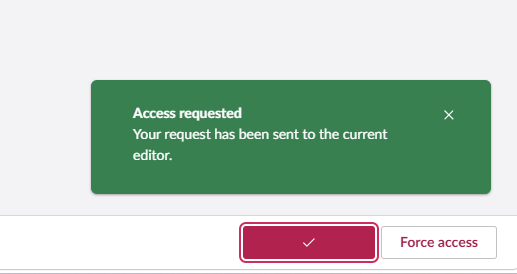
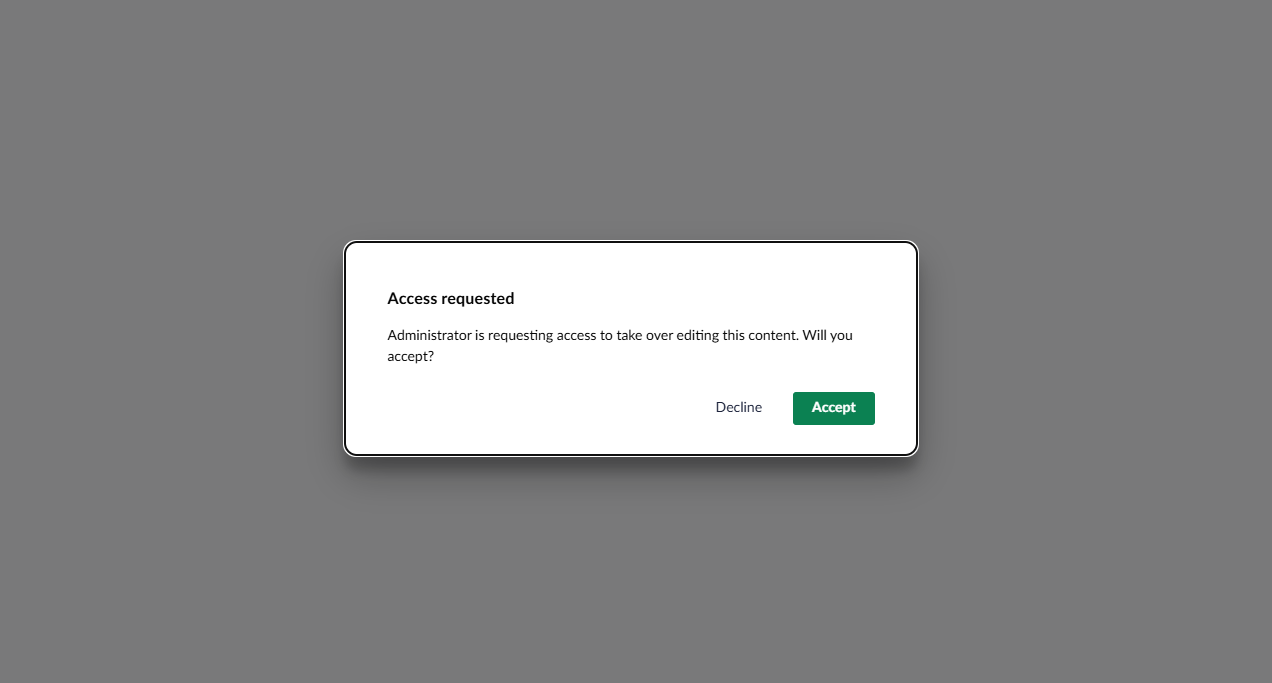
Requesting access — the holder is prompted to accept or decline:
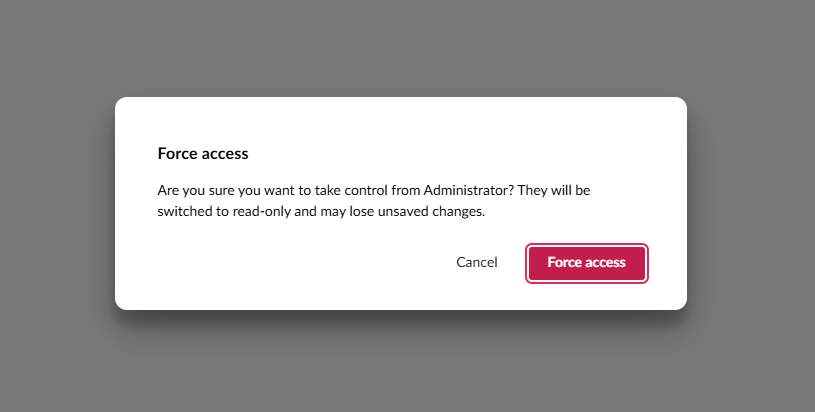
Force access — confirm before taking over:
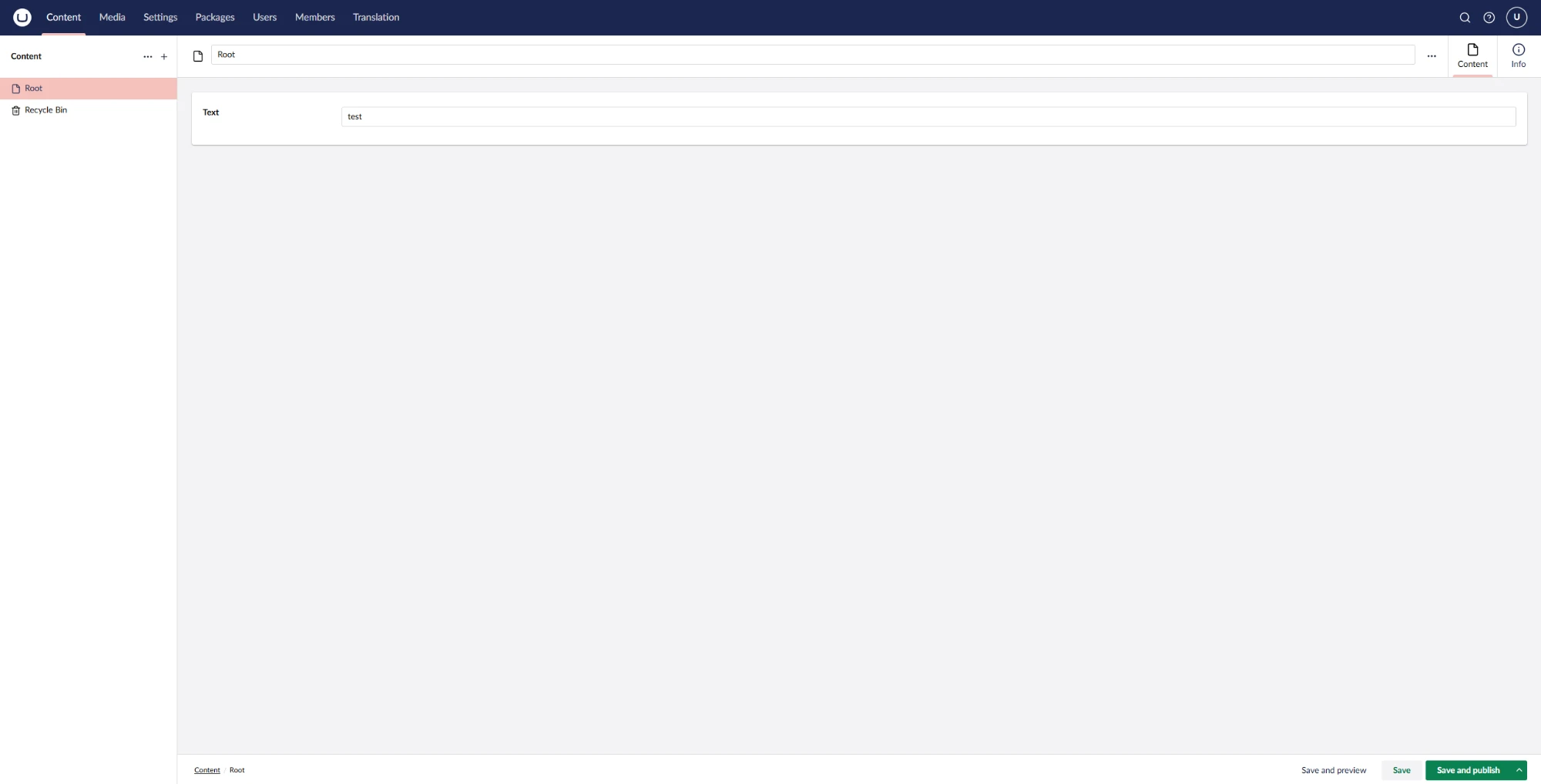
The holder keeps editing as normal:
Features
- 🔒 Automatic locking — the first editor to open a node holds the lock.
- 🟥 Read-only + red border for anyone else who opens the same node.
- 🙋 Request access — politely ask the current editor to hand over; they get an Accept/Decline prompt.
- ⚡ Force access — take over immediately (with a confirmation naming the current editor).
- ♻️ Never stuck — if the holder closes their browser or goes idle, the lock auto-releases so others can edit.
- 🧹 Save / Save and publish / Save and preview are hidden while you're locked out — only the lock actions show.
Installation
dotnet add package Knowit.Umbraco.EditorLock
That's it — there's nothing to register. The package wires up its SignalR hub and backoffice extensions automatically. Restart the site and the lock is active on the content section.
How it works
- A SignalR hub (
/umbraco/knowitEditorLockHub, secured to backoffice users) carries the whole protocol: acquire/observe, release, request, respond, force, and heartbeats. - A backoffice workspace context acquires/observes the lock for the open document and toggles read-only via the content workspace's read-only guard.
- Active locks are held in memory (a singleton service). This means locks reset on app restart
and are not shared across load-balanced servers. For those scenarios, supply your own
IEditorLockServiceimplementation (it's a clean drop-in seam).
Configuration
Defaults live in Constants.cs: lock timeout 60s, heartbeat/cleanup interval 20s. Detailed
SignalR errors are enabled to aid debugging — you may want to disable that for production.
Building from source
The backoffice client (Lit/TypeScript) compiles into wwwroot/App_Plugins/Knowit.Umbraco.EditorLock.
# 1. Build the client (required once on a fresh checkout — the SDK globs wwwroot at evaluation time)
cd Knowit.Umbraco.EditorLock/Client
npm install
npm run build

# 2. Pack (a Release build re-runs the client build automatically)
cd ../..
dotnet pack Knowit.Umbraco.EditorLock/Knowit.Umbraco.EditorLock.csproj -c Release -o ./artifacts
Requirements
- Umbraco CMS 17+
- .NET 10
License
MIT. Built with AI assistance and reviewed before release.
| Product | Versions Compatible and additional computed target framework versions. |
|---|---|
| .NET | net10.0 is compatible. net10.0-android was computed. net10.0-browser was computed. net10.0-ios was computed. net10.0-maccatalyst was computed. net10.0-macos was computed. net10.0-tvos was computed. net10.0-windows was computed. |
-
net10.0
- Umbraco.Cms.Api.Common (>= 17.4.2)
- Umbraco.Cms.Api.Management (>= 17.4.2)
- Umbraco.Cms.Web.Common (>= 17.4.2)
- Umbraco.Cms.Web.Website (>= 17.4.2)
NuGet packages
This package is not used by any NuGet packages.
GitHub repositories
This package is not used by any popular GitHub repositories.