Microsoft.Maui.Platforms.Windows.WPF.Templates
0.1.0-preview.12.26421.1
Prefix Reserved
dotnet new install Microsoft.Maui.Platforms.Windows.WPF.Templates@0.1.0-preview.12.26421.1
.NET MAUI Backend for WPF


Custom .NET MAUI backend targeting WPF (Windows Presentation Foundation) — an alternative to the official WinUI backend.
This backend uses the platform-agnostic MAUI NuGet packages (net10.0 fallback assemblies) and provides custom handler implementations that bridge MAUI's layout/rendering system to WPF controls. All core MAUI controls, pages, layouts, gestures, and navigation patterns are implemented.
Inspiration: This project follows the patterns established by mauiplatforms (macOS/tvOS backends) and Maui.Gtk.
Screenshots
| Home | Controls | Layouts |
|---|---|---|
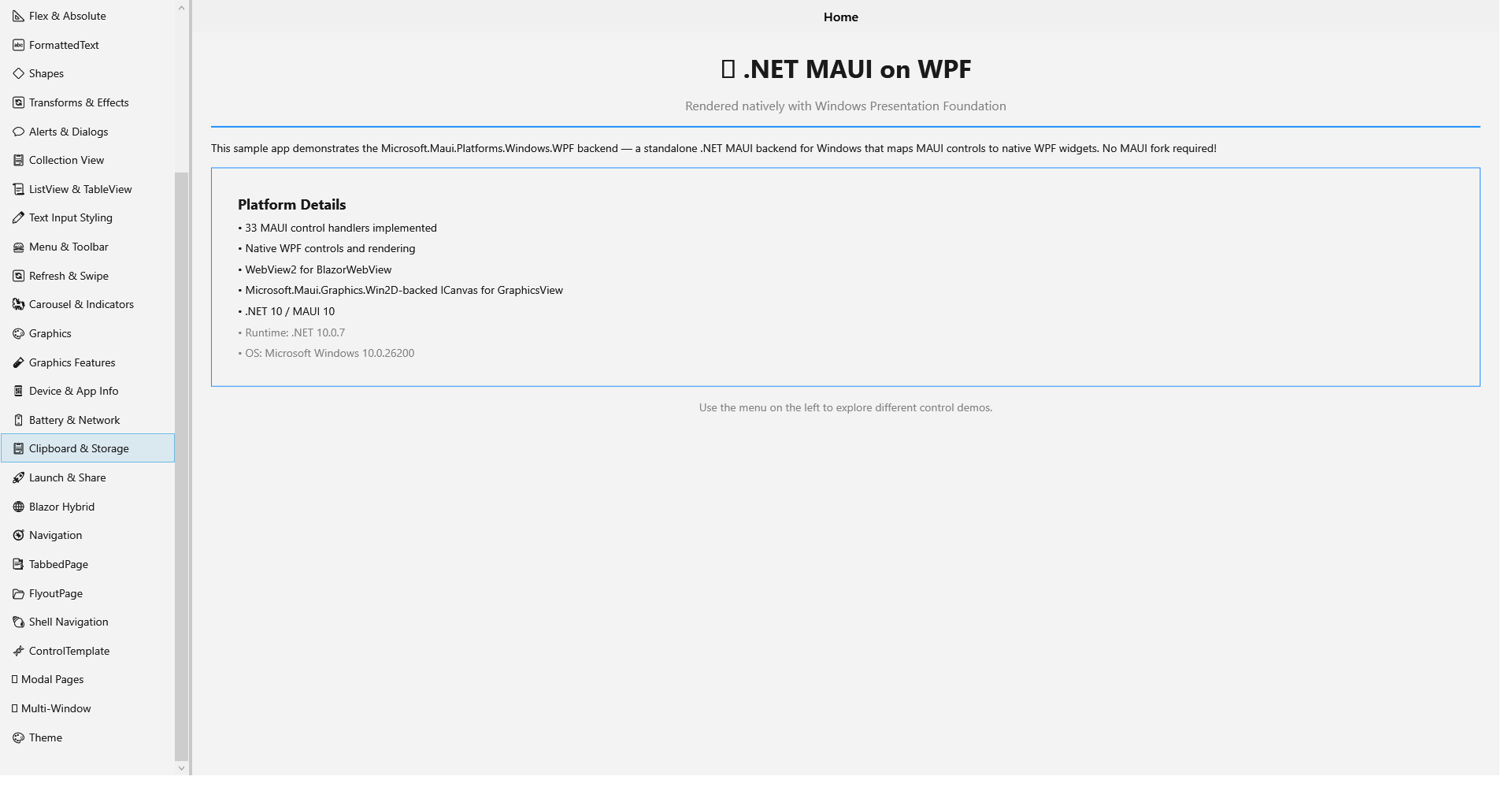 |
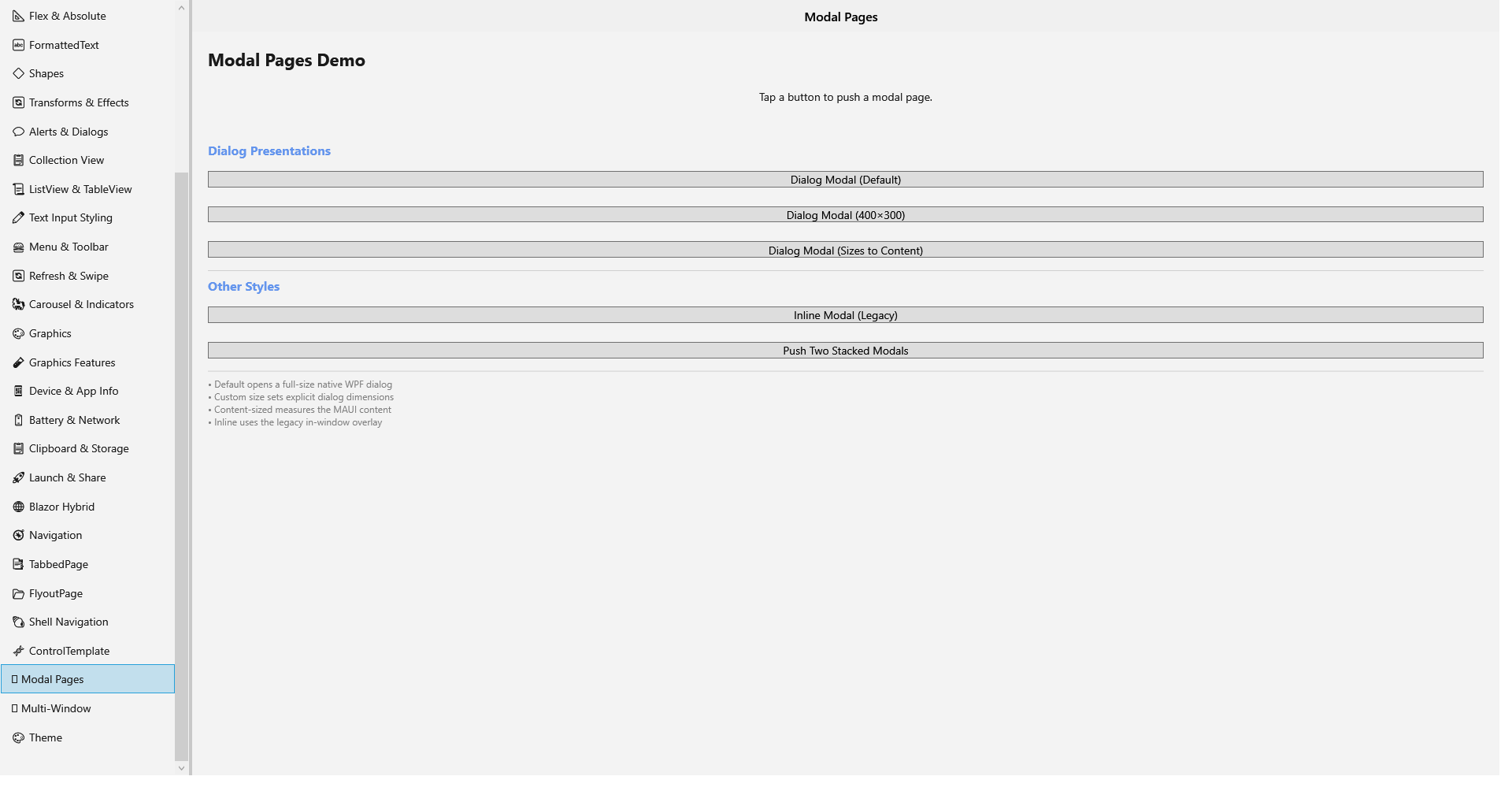 |
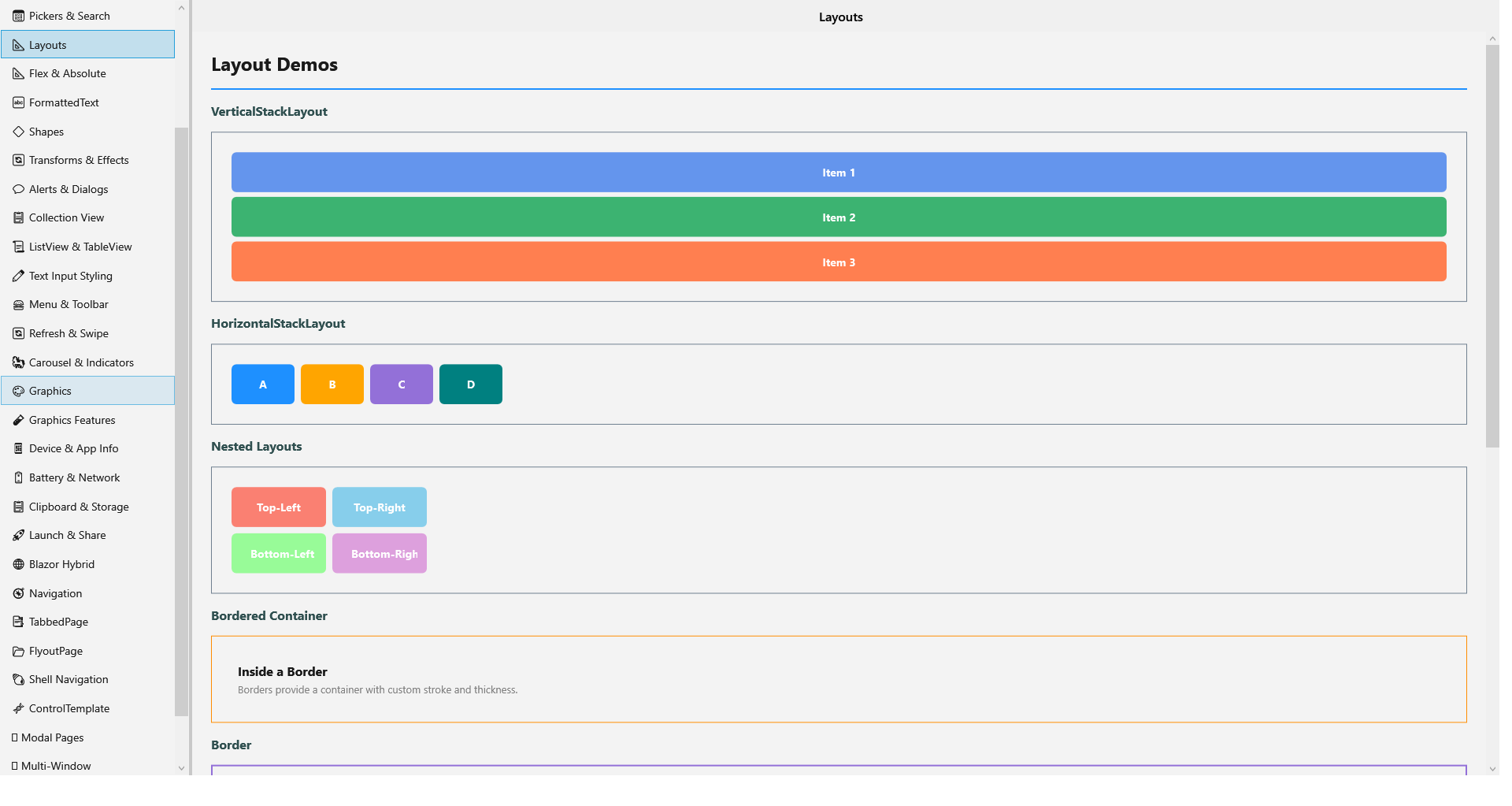 |
| Shapes | Graphics | CollectionView |
|---|---|---|
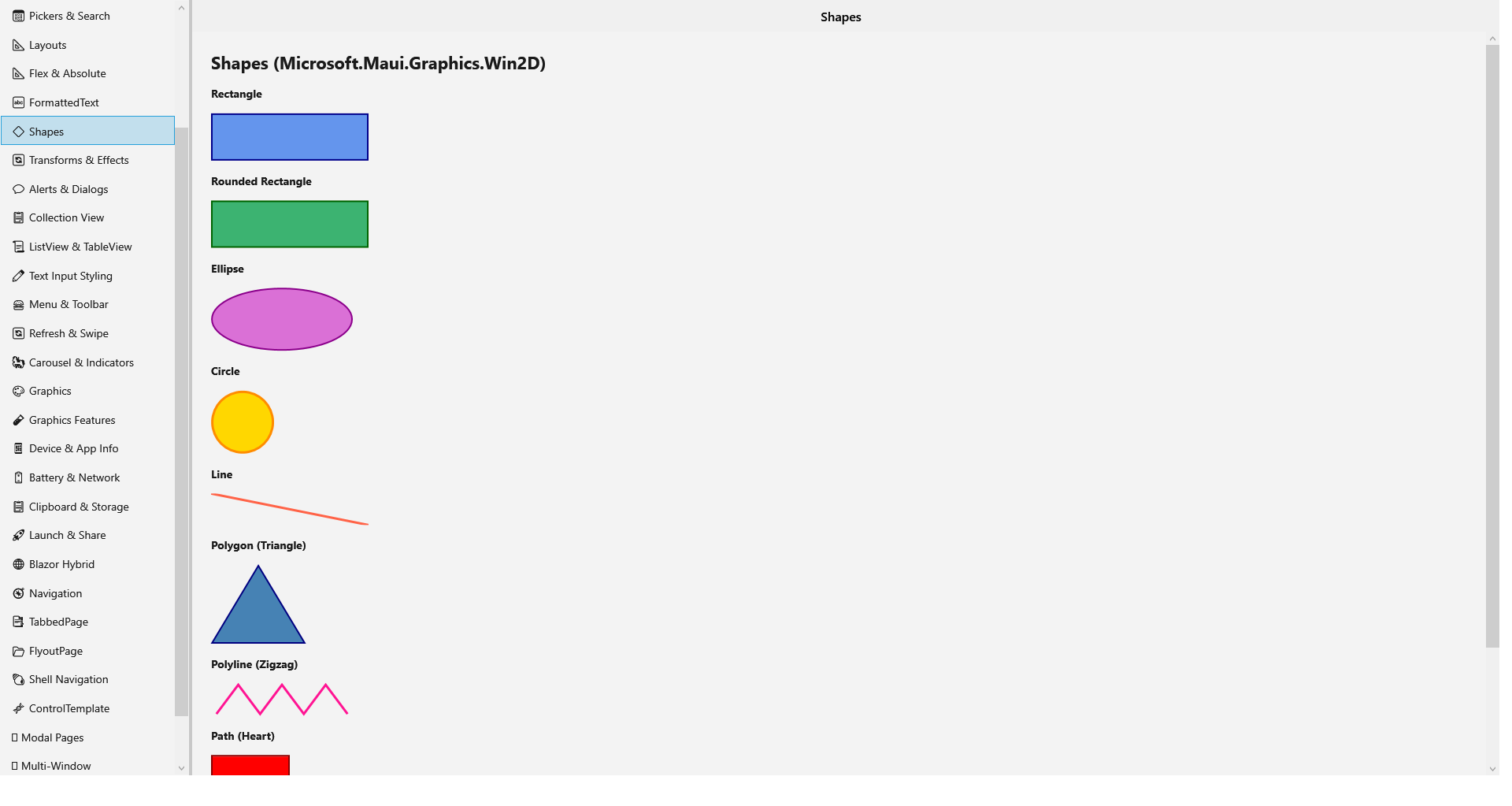 |
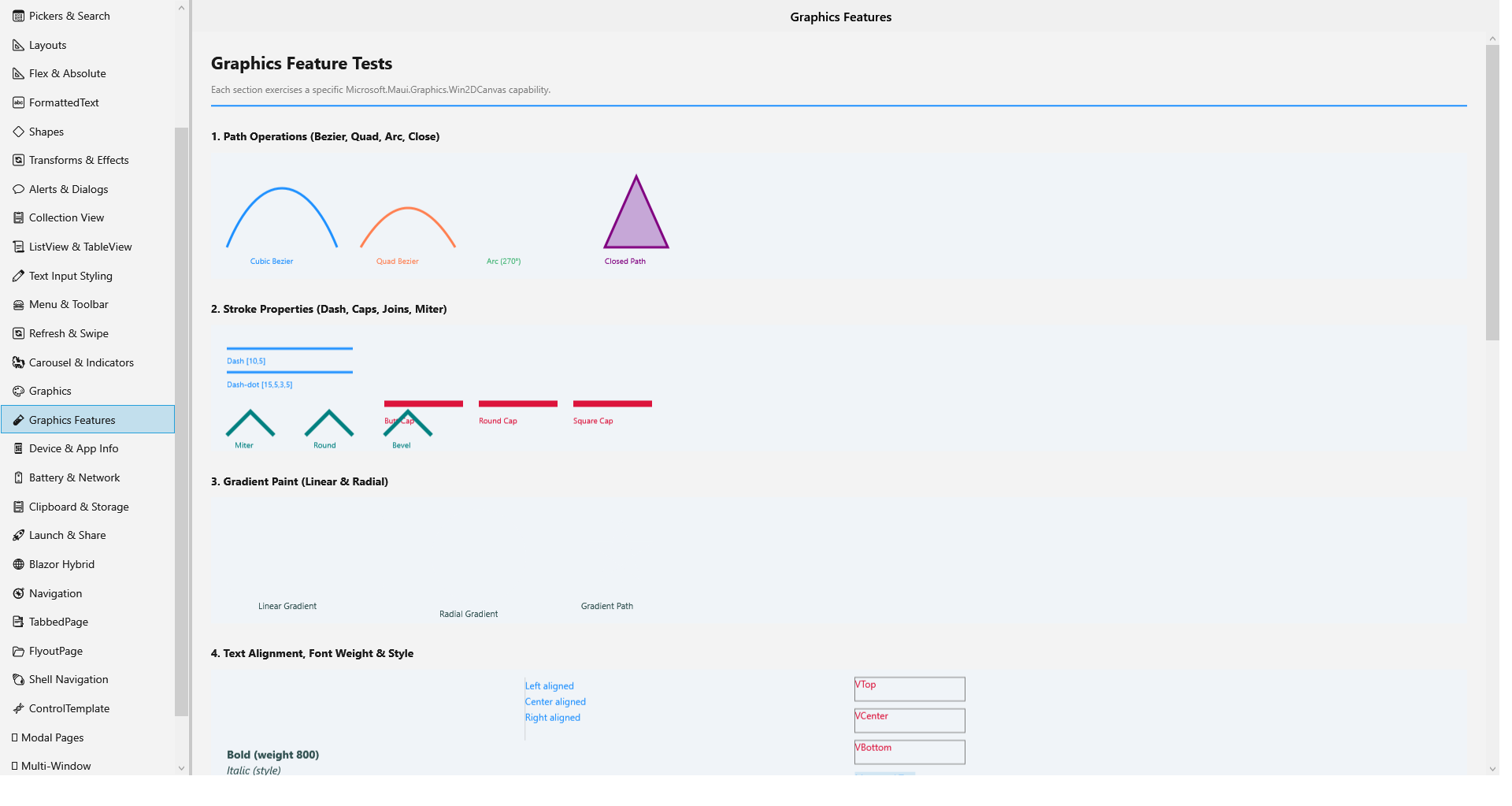 |
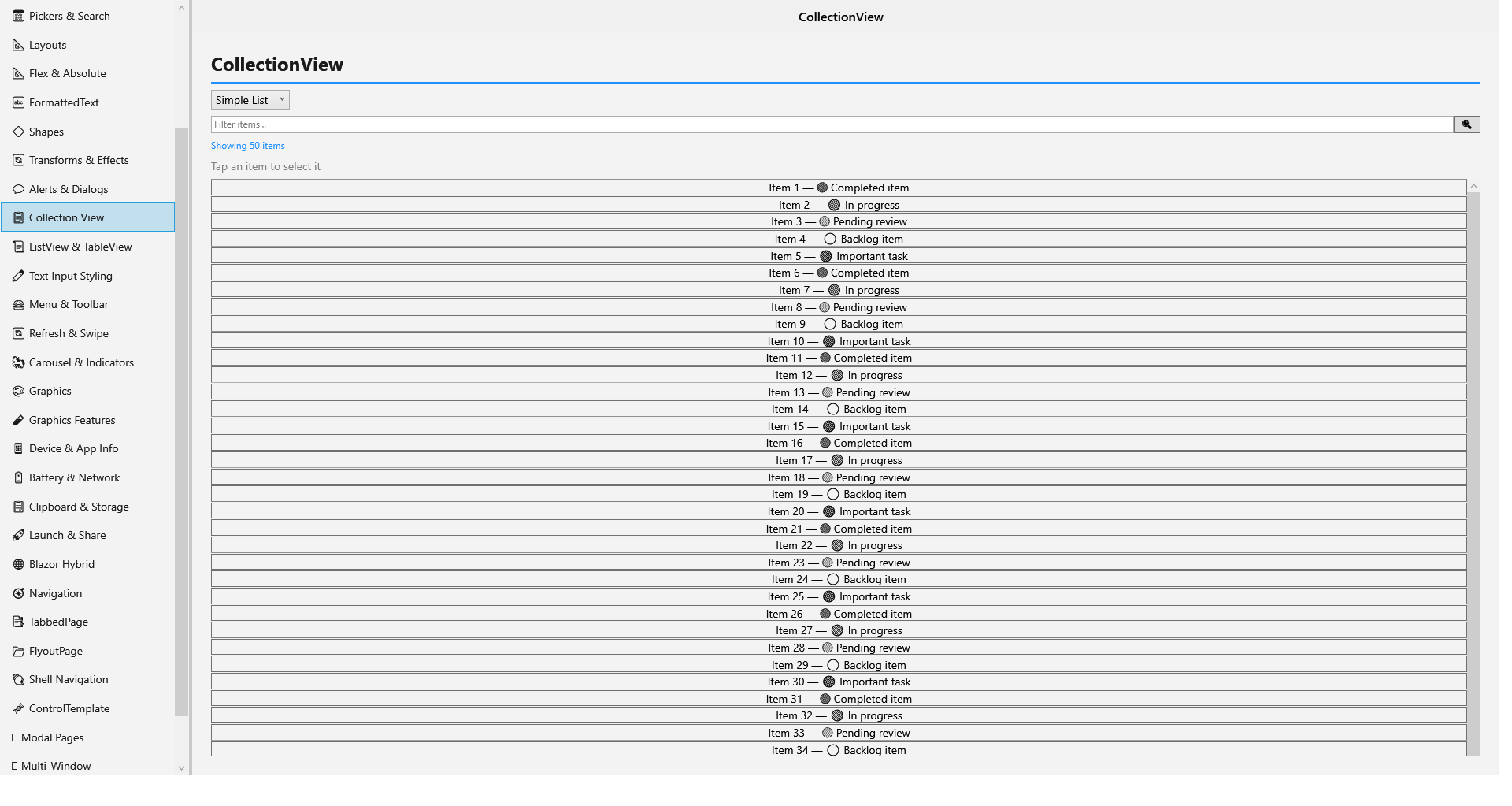 |
| FormattedText | Pickers | Transforms |
|---|---|---|
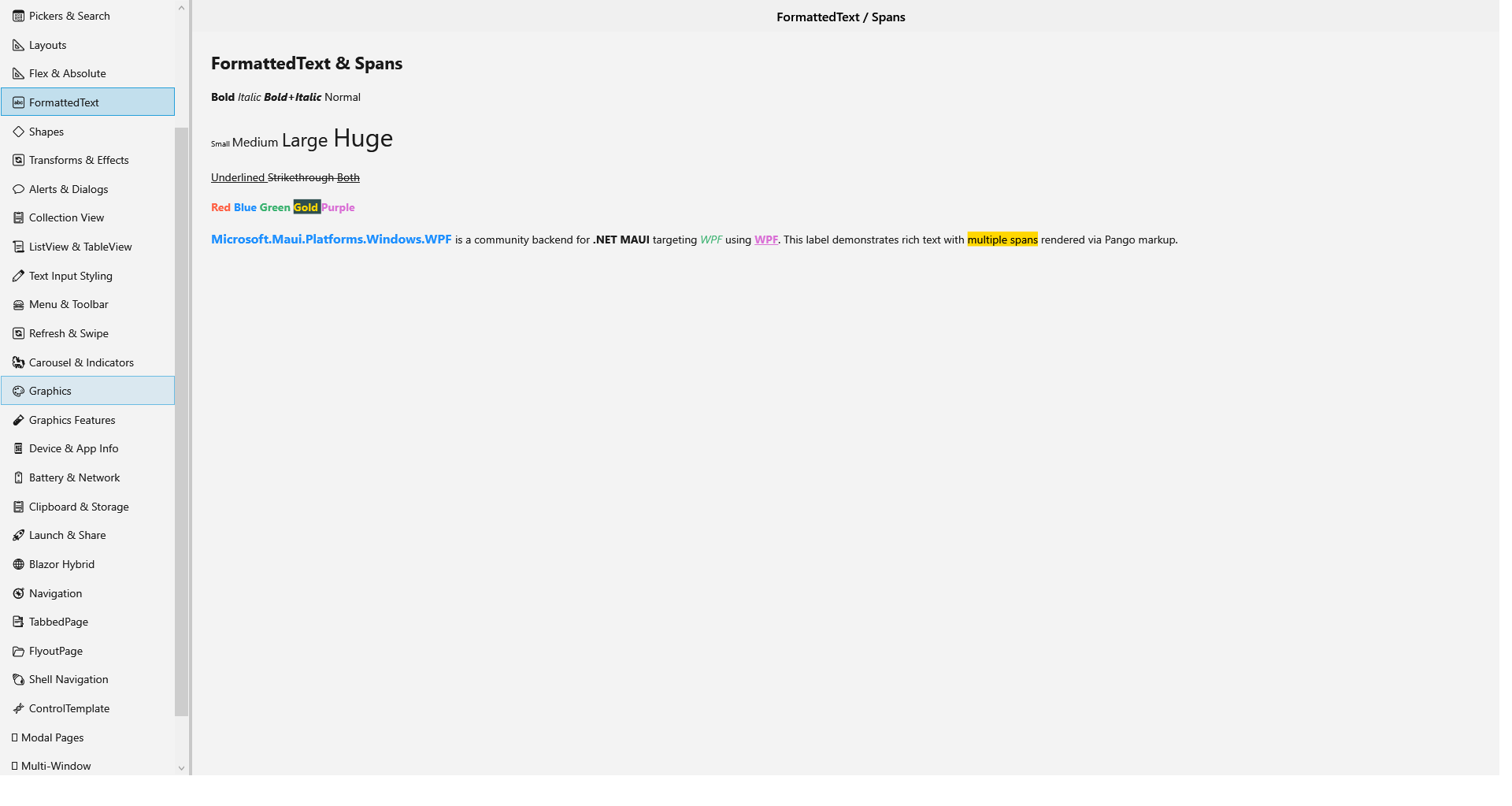 |
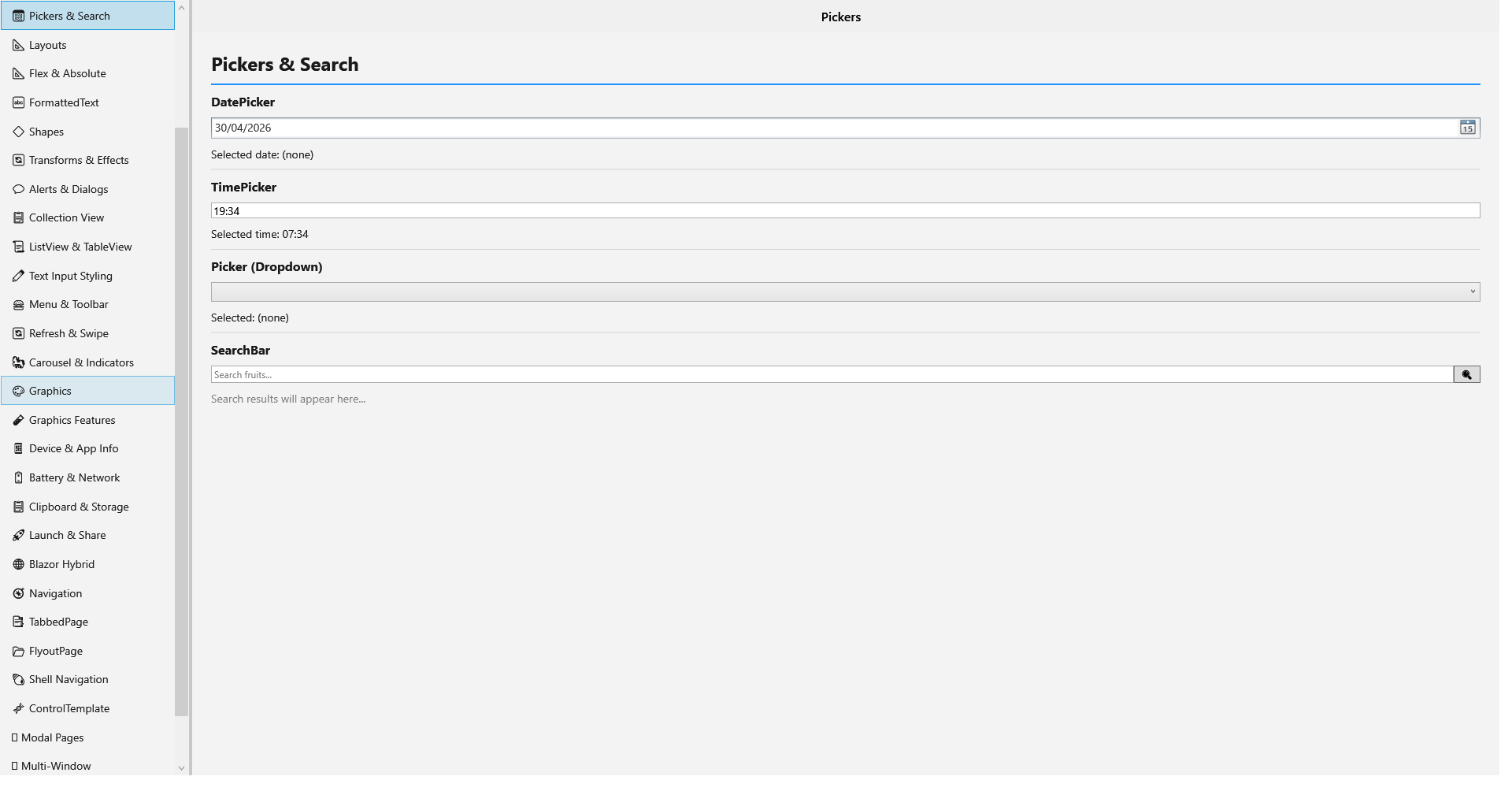 |
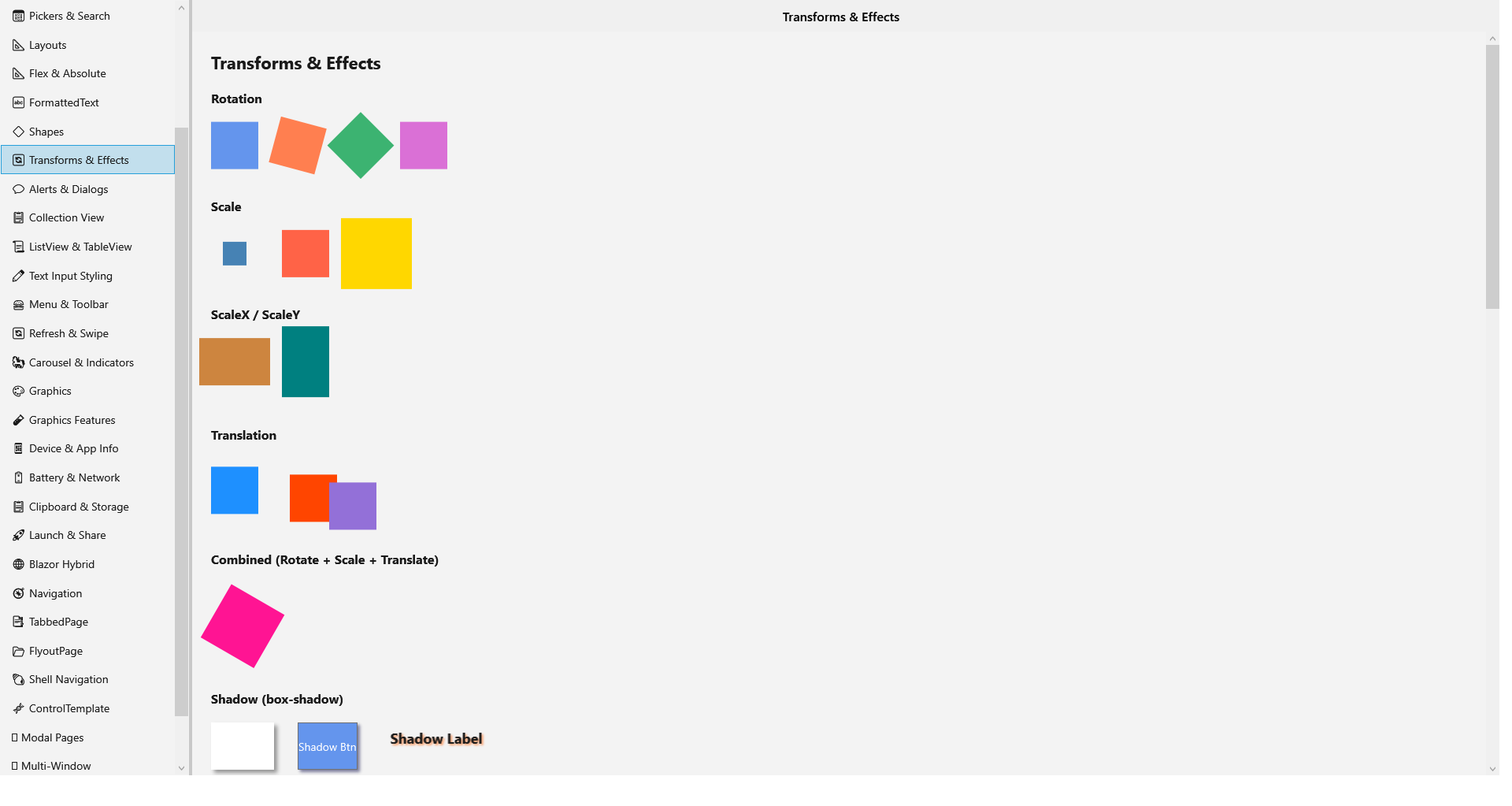 |
| FontAwesome | ControlTemplate |
|---|---|
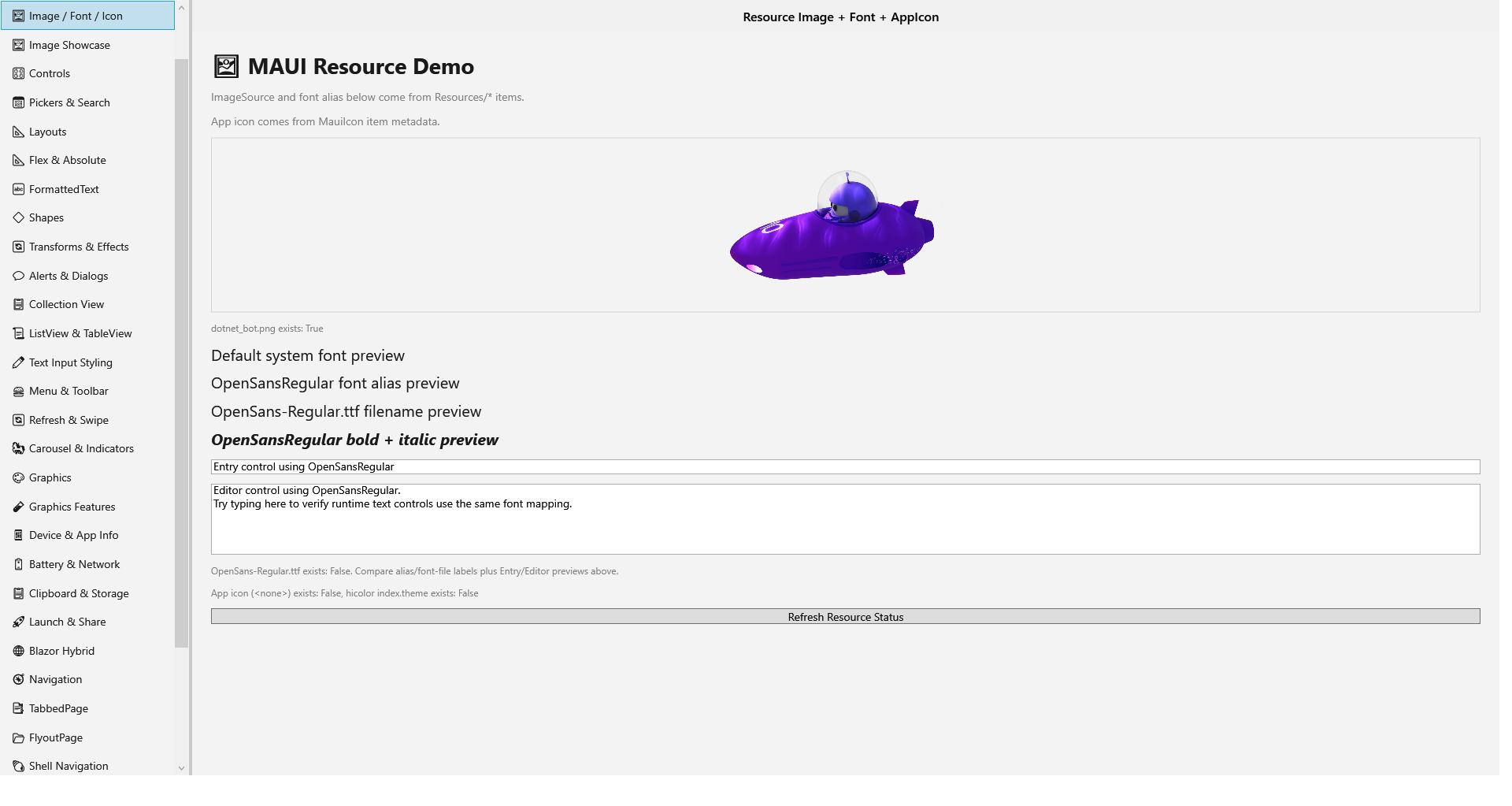 |
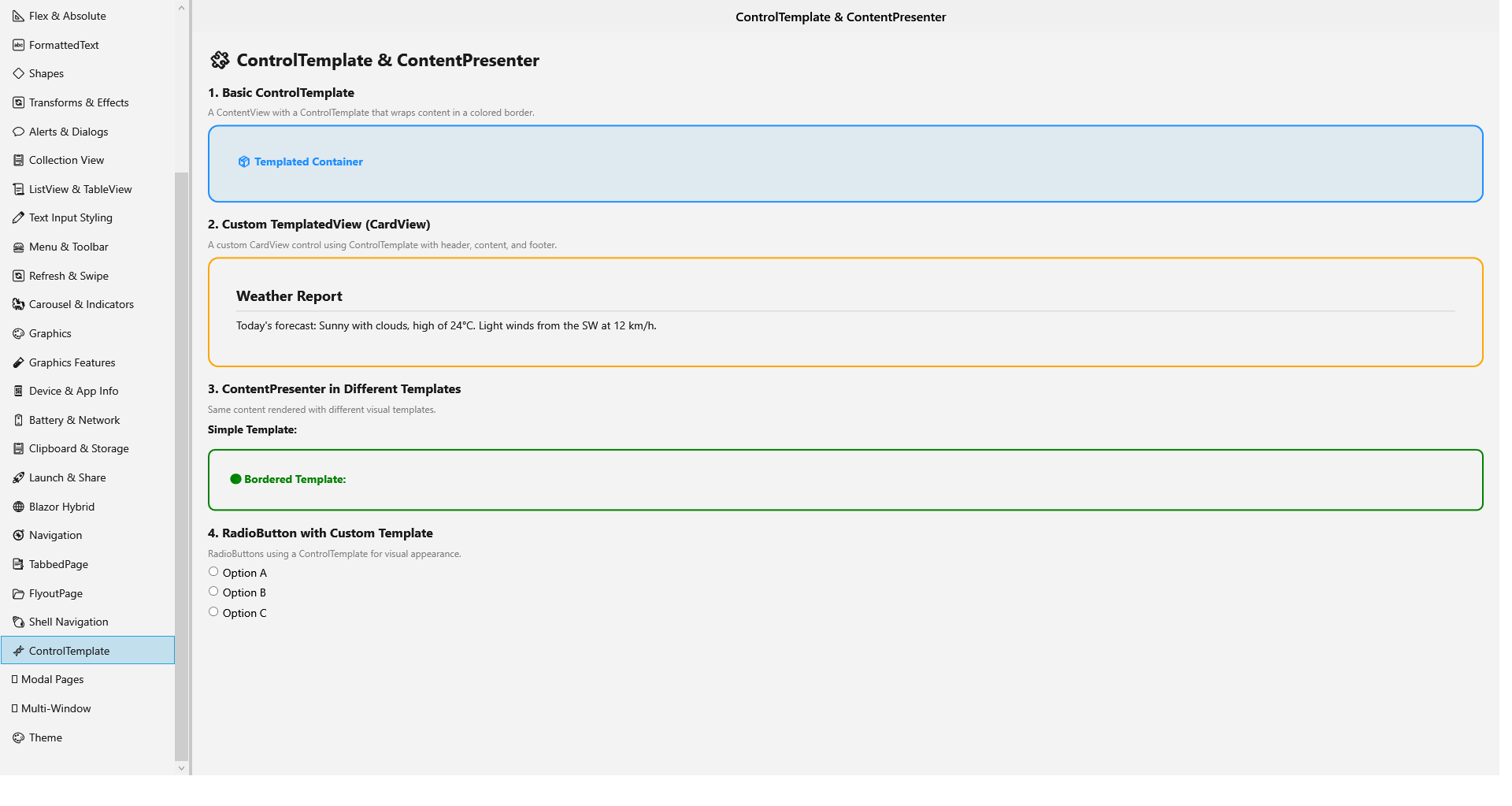 |
Quick Start — Setting Up a WPF MAUI App
Option 1: Use the template (recommended)
# Install the template
dotnet new install Microsoft.Maui.Platforms.Windows.WPF.Templates --prerelease

# Create a new WPF MAUI app
dotnet new maui-wpf -n MyApp.WPF
cd MyApp.WPF
dotnet run
Option 2: Add to an existing project manually
1. Create the project
<Project Sdk="Microsoft.NET.Sdk">
  <PropertyGroup>
    <TargetFramework>net10.0-windows</TargetFramework>
    <OutputType>WinExe</OutputType>
    <UseMaui>true</UseMaui>
    <UseWPF>true</UseWPF>
    <EnableDefaultXamlItems>false</EnableDefaultXamlItems>
  </PropertyGroup>

  <ItemGroup>
    <PackageReference Include="Microsoft.Maui.Controls" Version="10.0.31" />
    <PackageReference Include="Microsoft.Maui.Platforms.Windows.WPF" Version="*" />
    <PackageReference Include="Microsoft.Maui.Platforms.Windows.WPF.Essentials" Version="*" />
  </ItemGroup>
</Project>
2. App.xaml
<Microsoft.Maui.Platforms.Windows.WPF:MauiWPFApplication
    x:Class="MyApp.App"
    xmlns="http://schemas.microsoft.com/winfx/2006/xaml/presentation"
    xmlns:x="http://schemas.microsoft.com/winfx/2006/xaml"
    xmlns:Microsoft.Maui.Platforms.Windows.WPF="clr-namespace:Microsoft.Maui.Platform.WPF;assembly=Microsoft.Maui.Platforms.Windows.WPF">
</Microsoft.Maui.Platforms.Windows.WPF:MauiWPFApplication>
3. App.xaml.cs
using Microsoft.Maui.Platform.WPF;

namespace MyApp;

public partial class App : MauiWPFApplication
{
    protected override MauiApp CreateMauiApp() => MauiProgram.CreateMauiApp();
}
4. MauiProgram.cs
using Microsoft.Maui.Platform.WPF.Hosting;
using Microsoft.Maui.Essentials.WPF;

public static class MauiProgram
{
    public static MauiApp CreateMauiApp()
    {
        var builder = MauiApp.CreateBuilder();
        builder
            .UseMauiAppWPF<App>()
            .UseWPFEssentials()
            .ConfigureFonts(fonts =>
            {
                fonts.AddFont("OpenSans-Regular.ttf", "OpenSansRegular");
            });

        return builder.Build();
    }
}
5. App class
public class App : Application
{
    protected override Window CreateWindow(IActivationState? activationState)
        => new Window(new MainPage());
}
Samples
See the samples/ directory for working examples:
- ControlGallery — Full control gallery exercising all implemented handlers (used by UI tests)
- Maui.Controls.Sample.Blazor — Blazor Hybrid WebView on WPF
- Maui.Sample — Multi-platform sample with WPF platform folder
Implementation Status
Controls
| Control | WPF Native Control | Status |
|---|---|---|
| Label | TextBlock | ✅ Full (Text, FormattedText, Font, Color, Alignment, Decorations, LineHeight, MaxLines, Padding, CharacterSpacing) |
| Button | Button | ✅ Full (Text, Font, TextColor, Background, CornerRadius, Padding, Clicked/Pressed/Released) |
| Entry | TextBox / PasswordBox | ✅ Full (Text, Font, Color, Placeholder, MaxLength, IsReadOnly, IsPassword, Keyboard, CursorPosition, SelectionLength) |
| Editor | TextBox (multiline) | ✅ Full (Text, Font, Color, Placeholder, MaxLength, IsReadOnly) |
| Image | Image | ✅ Full (FileImageSource, UriImageSource, StreamImageSource, FontImageSource, Aspect) |
| ImageButton | Button + Image | ✅ (Source, Aspect, Padding, BorderWidth, BorderColor) |
| CheckBox | CheckBox | ✅ (IsChecked, Foreground via SolidPaint) |
| Switch | Custom ControlTemplate | ✅ (IsToggled, OnColor, animated thumb toggle) |
| Slider | Slider | ✅ (Value, Min, Max, MinimumTrackColor, MaximumTrackColor) |
| ProgressBar | ProgressBar | ✅ (Progress 0-1 mapped to 0-100) |
| ActivityIndicator | Custom rotating arc | ✅ (IsRunning, Color) |
| Stepper | Custom ▲/▼ panel | ✅ (Value, Min, Max, Interval) |
| RadioButton | RadioButton | ✅ (IsChecked, Content, TextColor, GroupName) |
| Picker | ComboBox | ✅ (Items, SelectedIndex, Title, TextColor, TitleColor) |
| DatePicker | DatePicker | ✅ (Date, MinimumDate, MaximumDate, Format) |
| TimePicker | ComboBox (time items) | ✅ (Time, Format) |
| SearchBar | TextBox + Button | ✅ (Text, Placeholder, TextColor, MaxLength) |
| Border | Border | ✅ (Stroke, StrokeThickness, CornerRadius, Background, Padding, StrokeDashPattern) |
| BoxView | ShapeViewHandler | ✅ (Color, CornerRadius) |
| ScrollView | ScrollViewer | ✅ (Content, Orientation) |
| ContentView | ContentControl | ✅ (Content) |
| WebView | WebView2 | ✅ (URL, HTML, JavaScript, Navigation, UserAgent) |
| GraphicsView | Custom WpfCanvas | ✅ (ICanvas drawing via DrawingContext) |
| BlazorWebView | WebView2 | ✅ (via AspNetCore.Components.WebView.Wpf) |
Collection Controls
| Control | Status | Notes |
|---|---|---|
| CollectionView | ✅ | WPF ListBox with DataTemplateSelector, SelectedItem, SelectionMode, EmptyView |
| ListView | ✅ | WPF ListBox with MAUI template bridge |
| CarouselView | ✅ | Horizontal ListBox with arrow navigation buttons |
| IndicatorView | ✅ | Dot indicators as Ellipses |
| TableView | ✅ | Grouped sections with TextCell, SwitchCell, EntryCell |
| SwipeView | ✅ | Context menu approximation |
| RefreshView | ✅ | Progress bar indicator |
Pages & Navigation
| Page | Status | Notes |
|---|---|---|
| ContentPage | ✅ | Full support via PageHandler |
| NavigationPage | ✅ | Push/pop stack, back button, title bar, toolbar items, animated transitions |
| TabbedPage | ✅ | WPF TabControl with auto-generated TabItems |
| FlyoutPage | ✅ | Grid with flyout panel, GridSplitter, IsPresented two-way sync |
| Shell | ✅ | Flyout panel, tab control, URI-based routing, shell item navigation |
| Modal pages | ✅ | Animated overlay push/pop via ModalNavigationManager |
Layouts
All layouts work via the cross-platform MAUI layout engine + LayoutPanel:
VerticalStackLayout · HorizontalStackLayout · Grid · FlexLayout · AbsoluteLayout · StackLayout · ScrollView · ContentView · Border · Frame
Gestures
| Gesture | Status | Notes |
|---|---|---|
| TapGestureRecognizer | ✅ | MouseLeftButtonUp via GestureManager |
| PointerGestureRecognizer | ✅ | MouseEnter/Leave/Move |
| PanGestureRecognizer | ✅ | Mouse capture + delta tracking |
| SwipeGestureRecognizer | ✅ | Threshold-based direction detection |
| PinchGestureRecognizer | ✅ | Ctrl+MouseWheel zoom |
| DragGestureRecognizer | ✅ | WPF DragDrop.DoDragDrop |
| DropGestureRecognizer | ✅ | AllowDrop + DragOver/Drop events |
| LongPressGestureRecognizer | ✅ | DispatcherTimer 500ms hold |
Shapes
All MAUI shapes render via WPF System.Windows.Shapes:
Rectangle · RoundRectangle · Ellipse · Line · Path · Polygon · Polyline — with Fill, Stroke, StrokeDashPattern support.
Infrastructure
| Component | Status | Notes |
|---|---|---|
| Application | ✅ | MauiWPFApplication base class |
| Window | ✅ | Title, Size, Position, Min/Max, MenuBar, Multi-window |
| Dispatcher | ✅ | WPF Dispatcher + DispatcherProvider |
| Dialogs | ✅ | DisplayAlert (MessageBox), DisplayActionSheet, DisplayPromptAsync (custom windows) |
| Font Management | ✅ | IFontManager, IFontRegistrar, embedded font loading, FontImageSource glyph rendering |
| Dark/Light Mode | ✅ | ThemeManager detects via registry + SystemEvents, fires ThemeChanged |
| Animations | ✅ | WPFTicker at ~60fps, TranslateTo/FadeTo/ScaleTo/RotateTo all work |
| Transforms | ✅ | TranslationX/Y, Scale, Rotation → TransformGroup with RenderTransformOrigin |
| Shadow | ✅ | DropShadowEffect with radius, offset, opacity |
| Clip | ✅ | UIElement.Clip via Geometry.Parse |
| MenuBar | ✅ | WPF Menu with MenuItem hierarchy, keyboard accelerators |
| AutomationId | ✅ | AutomationProperties.AutomationId + Semantic properties |
| ToolTip | ✅ | FrameworkElement.ToolTip |
| ContextFlyout | ✅ | WPF ContextMenu with MenuItem hierarchy |
| VisualStateManager | ✅ | PointerOver, Pressed, Focused, Disabled state hooks |
Essentials
| API | Status | Notes |
|---|---|---|
| AppInfo | ✅ | Assembly-based name, version, package; RequestedTheme |
| DeviceInfo | ✅ | OS version, DeviceIdiom.Desktop |
| Connectivity | ✅ | NetworkInterface.GetIsNetworkAvailable() |
| DeviceDisplay | ✅ | SystemParameters with DPI |
| FileSystem | ✅ | Environment.SpecialFolder paths |
| Preferences | ✅ | IsolatedStorage / registry-based |
| SecureStorage | ✅ | DPAPI (ProtectedData) |
| Clipboard | ✅ | WPF System.Windows.Clipboard |
| Browser | ✅ | Process.Start URL |
| Launcher | ✅ | Process.Start |
| ✅ | mailto: protocol | |
| Map | ✅ | Bing Maps URL |
| Screenshot | ✅ | RenderTargetBitmap capture |
| VersionTracking | ✅ | Preferences-backed |
| TextToSpeech | ✅ | System.Speech.Synthesis via PowerShell |
| Battery | ✅ | Returns Full/AC for desktop |
| Share | ⚠️ | Stub — no native share dialog on Windows desktop |
| FilePicker | ⚠️ | Stub — needs WPF OpenFileDialog implementation |
| Sensors | ⚠️ | Stubs (Accelerometer, Gyroscope, Compass, Barometer — N/A for desktop) |
| Geolocation | ⚠️ | Stub (limited desktop relevance) |
| Haptics / Vibration | ⚠️ | Stubs (N/A for desktop) |
Project Structure
src/
  Microsoft.Maui.Platforms.Windows.WPF/              # WPF backend library (net10.0-windows)
  Microsoft.Maui.Platforms.Windows.WPF.Essentials/   # WPF Essentials library
samples/
  ControlGallery/                  # WPF Control Gallery (used by UI tests)
  Maui.Controls.Sample.Blazor/    # Blazor Hybrid sample
  Maui.Sample/                    # Multi-platform sample
tests/
  UITests/                         # 213 UI tests + WinUI comparison framework
Prerequisites
.NET 10 SDK
Install the latest .NET 10 SDK from dotnet.microsoft.com.
Workloads
dotnet workload install maui-windows
dotnet workload list   # verify
Building & Running
# Build libraries only (for NuGet packaging)
dotnet build build.slnf -property:Configuration=Release

# Build and run the Control Gallery sample
dotnet build samples\ControlGallery\ControlGallery.csproj
dotnet run --project samples\ControlGallery\ControlGallery.csproj

# Run UI tests (213 tests)
dotnet build tests\UITests\UITests.csproj
dotnet test tests\UITests\UITests.csproj --no-build
Note: Build projects individually or use
build.slnf. The full solution includes samples that may have additional dependencies.
Testing
The project includes 213 UI tests covering all implemented controls, plus a WinUI comparison framework that captures side-by-side screenshots of the WPF and WinUI ControlGallery apps for visual parity validation.
# Run all UI tests
dotnet test tests\UITests\UITests.csproj --no-build

# Run comparison tests only (requires WinUI ControlGallery running)
dotnet test tests\UITests\UITests.csproj --no-build --filter "DisplayName~Compare"
Comparison screenshots are saved to tests/UITests/Comparisons/.
Key Technical Notes
- MAUI NuGet packages resolve to the
net10.0(platform-agnostic) assembly.ToPlatform()returnsobject—WPFViewHandler<TVirtualView, TPlatformView>provides the typed bridge. - The platform-agnostic
ViewHandlerhas no-opPlatformArrangeand returnsSize.Zero.WPFViewHandleroverrides these to bridge MAUI layout to WPFMeasure/Arrange. - WPF
System.Windows.Controlsand MAUIMicrosoft.Maui.Controlsshare many type names — every handler file usesusingaliases to disambiguate (e.g.,WButton = System.Windows.Controls.Button). - The
MauiWPFApplicationbase class inApp.xamlbootstraps the MAUI runtime within a WPFApplication. - Dialogs use
DispatchProxy+ reflection to interceptAlertManagerrequests (the API is internal in MAUI). See dotnet/maui#34104.
Known Limitations
- Essentials stubs: FilePicker, Share, and sensor APIs are stubs — desktop doesn't have equivalent hardware.
- Span.CharacterSpacing: WPF has no direct CharacterSpacing API on TextBlock/Run — mapper is registered but no-op.
- SwipeView: Approximated via context menu rather than swipe gesture.
- BlazorWebView: DeveloperTools property is stubbed.
See BACKEND_IMPLEMENTATION_CHECKLIST.md for the complete implementation status with detailed notes.
License
MIT
-
net10.0
- No dependencies.
NuGet packages
This package is not used by any NuGet packages.
GitHub repositories
This package is not used by any popular GitHub repositories.
| Version | Downloads | Last Updated |
|---|---|---|
| 0.1.0-preview.12.26421.1 | 134 | 8/21/2026 |
| 0.1.0-preview.12.26368.2 | 165 | 7/18/2026 |
| 0.1.0-preview.12.26358.3 | 158 | 7/8/2026 |
| 0.1.0-preview.11.26317.2 | 212 | 6/17/2026 |
| 0.1.0-preview.10.26274.3 | 213 | 5/24/2026 |
| 0.1.0-preview.9.26258.5 | 251 | 5/11/2026 |