SurveyJS 3.2.1
Prefix Reserveddotnet add package SurveyJS --version 3.2.1
NuGet\Install-Package SurveyJS -Version 3.2.1
<PackageReference Include="SurveyJS" Version="3.2.1" />
<PackageVersion Include="SurveyJS" Version="3.2.1" />
<PackageReference Include="SurveyJS" />
paket add SurveyJS --version 3.2.1
#r "nuget: SurveyJS, 3.2.1"
#:package SurveyJS@3.2.1
#addin nuget:?package=SurveyJS&version=3.2.1
#tool nuget:?package=SurveyJS&version=3.2.1
SurveyJS Form Library for ASP.NET Core and Blazor
Build dynamic forms, surveys, and quizzes from JSON with SurveyJS Form Library.
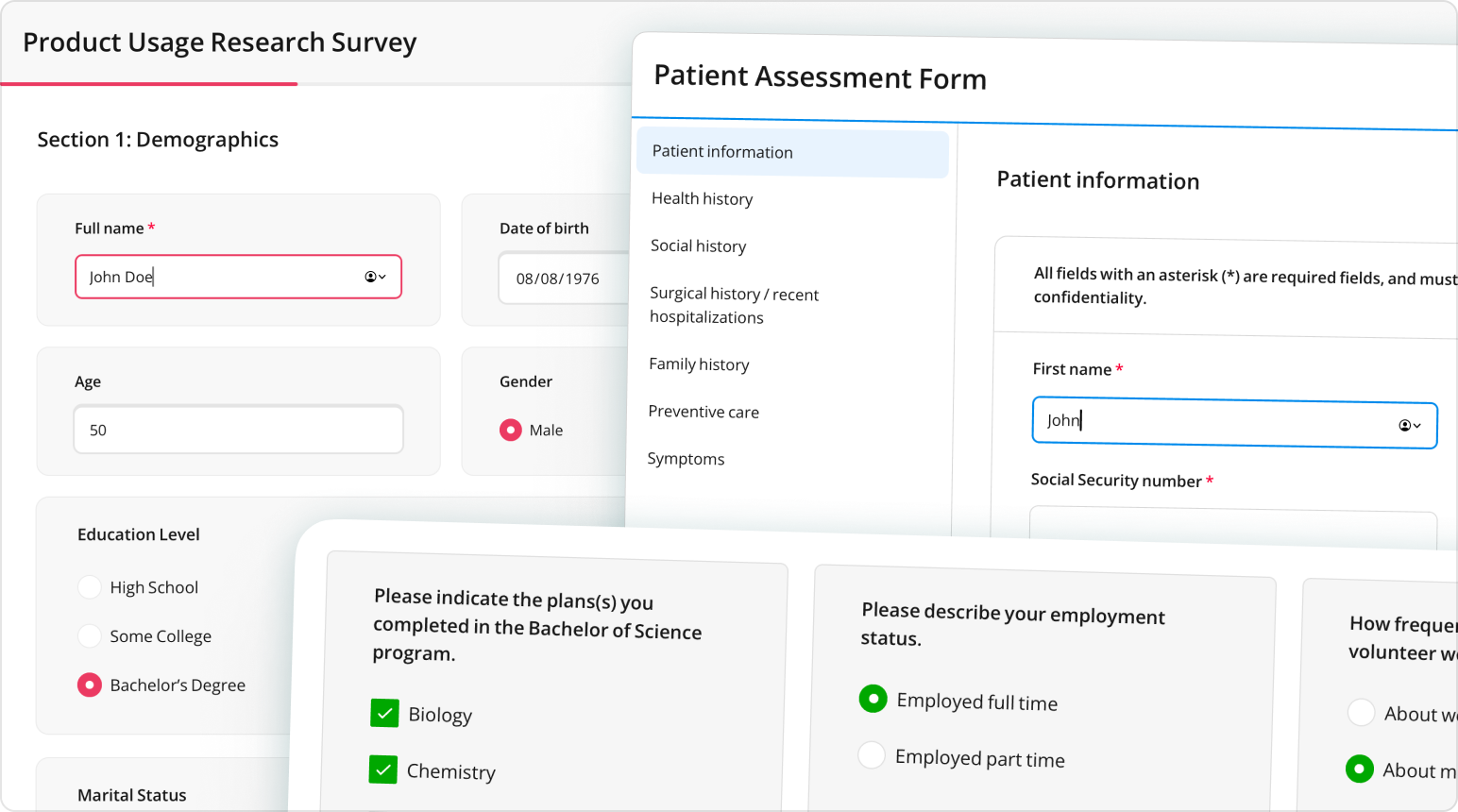
This NuGet package supplies the JavaScript and CSS assets for rendering forms in ASP.NET Core and Blazor applications without an npm build step.
SurveyJS is a metapackage that installs SurveyJS.Core and SurveyJS.JsUi. Its assets are served from the component packages' _content/ paths.
Installation
In your application's project directory, run:
dotnet add package SurveyJS --version 3.2.1
Requires .NET 8 or later. Keep all SurveyJS packages in your application on the same version.
Quick Start
Ensure your ASP.NET Core application serves static web assets from referenced packages. In a .NET 8 application, configure app.UseStaticFiles() in Program.cs. Keep the static asset configuration provided by newer ASP.NET Core templates.
Add the following resources to your HTML page or shared layout, in the order shown:
<link rel="stylesheet" href="_content/SurveyJS.Core/survey-core.min.css" />
<script src="_content/SurveyJS.Core/survey.core.min.js"></script>
<script src="_content/SurveyJS.JsUi/survey-js-ui.min.js"></script>
Font files are not included in this package. Load Open Sans separately for the default appearance, or load your application's chosen font.
Place the following container and initialization script in the page body:
<div id="surveyContainer"></div>
<script>
  const surveyJson = {
    title: "Contact information",
    pages: [{
      elements: [{ type: "text", name: "fullName", title: "Your name", isRequired: true }]
    }]
  };

  const survey = new Survey.Model(surveyJson);
  survey.onComplete.add((sender) => {
    // Send sender.data to your application's API to persist the response.
    console.log(sender.data);
  });
  survey.render(document.getElementById("surveyContainer"));
</script>
This example logs responses to the browser console. To save them, see Store Survey Results.
Using Blazor
The form runs in JavaScript. In Blazor, load the resources in the host page and call your JavaScript initialization function through JS interop after the container renders (OnAfterRenderAsync). Keep the instance for the component's lifetime, and call survey.dispose() when removing it. Transfer definitions and responses through JS interop as needed.
Additional Assets
SurveyJS.Core supplies the following static web assets, including localization scripts, predefined themes, and theme adapter stylesheets:
| Asset | Path |
|---|---|
| Model | _content/SurveyJS.Core/survey.core.min.js |
| Shared styles | _content/SurveyJS.Core/survey-core.min.css |
| All translations | _content/SurveyJS.Core/survey.i18n.min.js |
| Individual translations | _content/SurveyJS.Core/i18n/*.min.js |
| Predefined themes | _content/SurveyJS.Core/themes/*.min.js |
| Theme adapter styles | _content/SurveyJS.Core/themes/adapters/*.css |
The core script exposes the Survey global, including Survey.Model. The wildcard paths identify groups of files—reference a specific filename in your HTML. See the following guides for setup and customization:
- Localization & Globalization
- Themes
- Theme Adapters for Bootstrap, MUI, and shadcn/ui
- Design Tokens — CSS-Based Customization
Documentation and Support
The JavaScript guides use npm or CDN paths. With this NuGet package, use the _content/ paths shown above for the equivalent assets.
License
SurveyJS Form Library is MIT-licensed and does not require a license key. Survey Creator, Dashboard, and PDF Generator are separate commercial products. See SurveyJS licensing.
Learn more about Target Frameworks and .NET Standard.
-
net8.0
- SurveyJS.Core (>= 3.2.1)
- SurveyJS.JsUi (>= 3.2.1)
NuGet packages
This package is not used by any NuGet packages.
GitHub repositories (1)
Showing the top 1 popular GitHub repositories that depend on SurveyJS:
| Repository | Stars |
|---|---|
|
surveyjs/surveyjs-aspnet-core
This demo shows how to integrate SurveyJS components with a .NET Core backend.
|