SurveyJS.Analytics
3.2.1
Prefix Reserved
dotnet add package SurveyJS.Analytics --version 3.2.1
NuGet\Install-Package SurveyJS.Analytics -Version 3.2.1
<PackageReference Include="SurveyJS.Analytics" Version="3.2.1" />
<PackageVersion Include="SurveyJS.Analytics" Version="3.2.1" />
<PackageReference Include="SurveyJS.Analytics" />
paket add SurveyJS.Analytics --version 3.2.1
#r "nuget: SurveyJS.Analytics, 3.2.1"
#:package SurveyJS.Analytics@3.2.1
#addin nuget:?package=SurveyJS.Analytics&version=3.2.1
#tool nuget:?package=SurveyJS.Analytics&version=3.2.1
SurveyJS Dashboard for ASP.NET Core and Blazor
Visualize collected survey responses with interactive charts and tables.
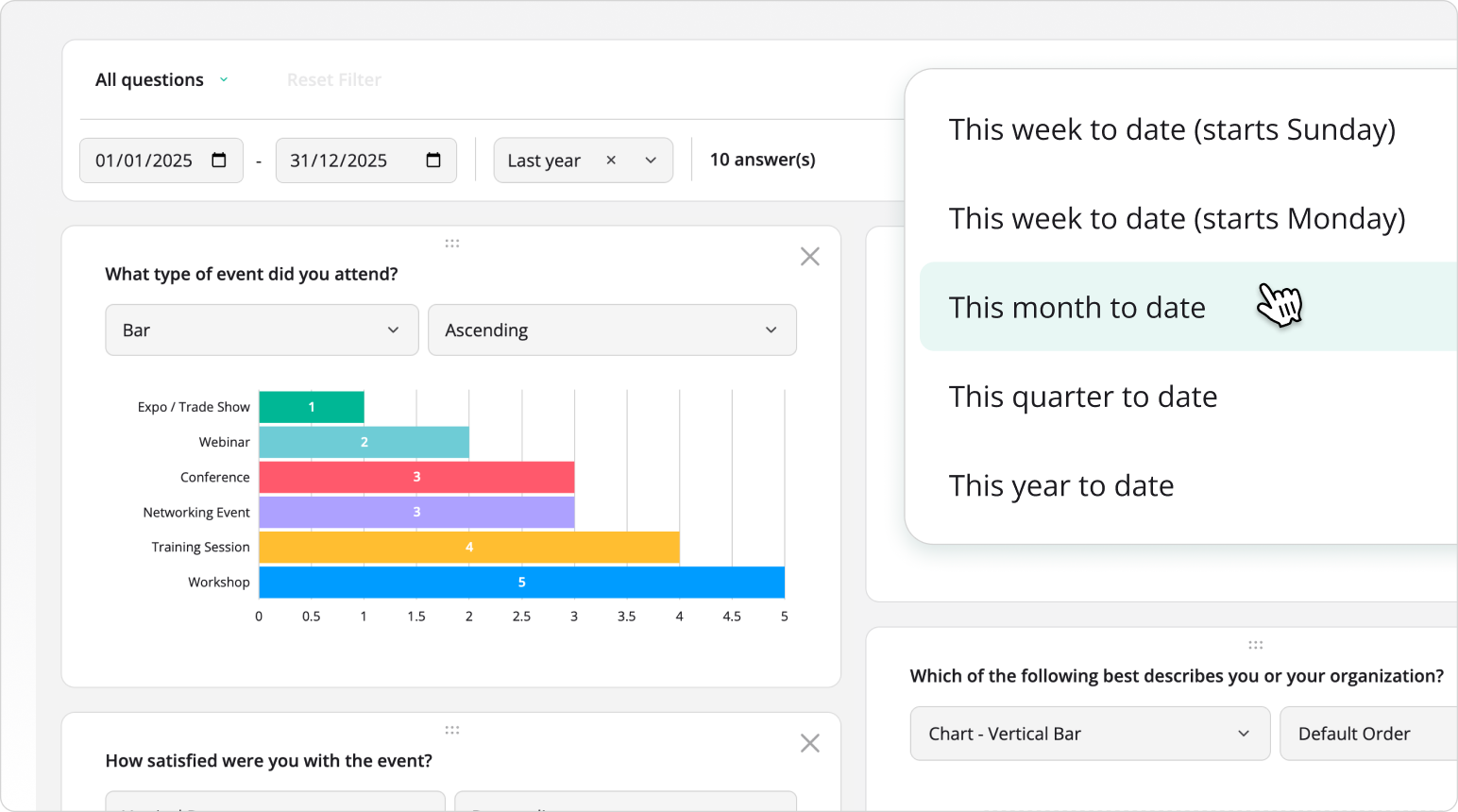
This NuGet package supplies SurveyJS Dashboard JavaScript and CSS assets for ASP.NET Core and Blazor applications without an npm build step. It corresponds to the survey-analytics npm package.
SurveyJS Dashboard requires a commercial developer license. See the licensing section below.
Installation
In your application's project directory, run:
dotnet add package SurveyJS.Analytics --version 3.2.1
Requires .NET 8 or later. Installs SurveyJS.Core automatically. Keep all SurveyJS packages on the same version.
Quick Start
Ensure your ASP.NET Core application serves static web assets from referenced packages. In a .NET 8 application, configure app.UseStaticFiles() in Program.cs. Keep the static asset configuration provided by newer ASP.NET Core templates.
The default chart bundle requires Chart.js, which is not included in this NuGet package. Load it separately before the Dashboard script:
<script src="_content/SurveyJS.Core/survey.core.min.js"></script>
<script src="https://cdn.jsdelivr.net/npm/chart.js@4.5.1/dist/chart.umd.min.js"></script>
<link rel="stylesheet" href="_content/SurveyJS.Analytics/survey.analytics.min.css" />
<script src="_content/SurveyJS.Analytics/survey.analytics.min.js"></script>
You can host Chart.js locally instead of using the CDN.
Font files are not included in this package. Load Open Sans separately for the default appearance, or load your application's chosen font.
Place the following container and initialization script in the page body:
<div id="dashboardContainer"></div>
<script>
  const surveyJson = {
    pages: [{
      elements: [{
        type: "radiogroup",
        name: "satisfaction",
        title: "How was your experience?",
        choices: ["Good", "Average", "Poor"]
      }]
    }]
  };
  const responses = [
    { satisfaction: "Good" },
    { satisfaction: "Average" },
    { satisfaction: "Good" }
  ];

  const survey = new Survey.Model(surveyJson);
  const dashboard = new SurveyAnalytics.Dashboard({
    questions: survey.getAllQuestions(),
    data: responses
  });
  dashboard.render(document.getElementById("dashboardContainer"));
</script>
Replace the sample JSON schema and response data with values from your own backend. Each response is an object whose keys match the questions' name properties.
Additional Assets
The package also supplies the following script and stylesheet pairs under _content/SurveyJS.Analytics/:
| Bundle | Files |
|---|---|
| Core | survey.analytics.core.min.js, survey.analytics.core.min.css |
| Plotly integration | survey.analytics.plotly.min.js, survey.analytics.plotly.min.css |
| Tabulator integration (Table View) | survey.analytics.tabulator.min.js, survey.analytics.tabulator.min.css |
Plotly.js and Tabulator are not included in this package. Load the third-party scripts and styles required by your selected integration separately. For setup instructions, see the following guides:
- Integrate SurveyJS Dashboard with Plotly.js
- Table View for Survey Results in a JavaScript Application
Using Blazor
Load the resources in the host page and initialize SurveyJS Dashboard through JS interop after the container renders (OnAfterRenderAsync). Keep one instance per container and call dashboard.clear() when removing the component. Pass the survey definition and response data through JS interop.
Documentation and Support
Use the _content/ paths above in place of npm or CDN paths for the SurveyJS assets shown in the guides. External libraries still need to be loaded separately.
License
SurveyJS Dashboard is a commercial product and requires a developer license. SurveyJS.Core is MIT-licensed. See SurveyJS licensing and the license activation instructions. External libraries have their own licenses.
Learn more about Target Frameworks and .NET Standard.
-
net8.0
- SurveyJS.Core (>= 3.2.1)
NuGet packages
This package is not used by any NuGet packages.
GitHub repositories (1)
Showing the top 1 popular GitHub repositories that depend on SurveyJS.Analytics:
| Repository | Stars |
|---|---|
|
surveyjs/surveyjs-aspnet-core
This demo shows how to integrate SurveyJS components with a .NET Core backend.
|