qm 1.0.0.34
dotnet tool install --global qm --version 1.0.0.34
dotnet new tool-manifest
dotnet tool install --local qm --version 1.0.0.34
#tool dotnet:?package=qm&version=1.0.0.34
nuke :add-package qm --version 1.0.0.34
Quartermaster
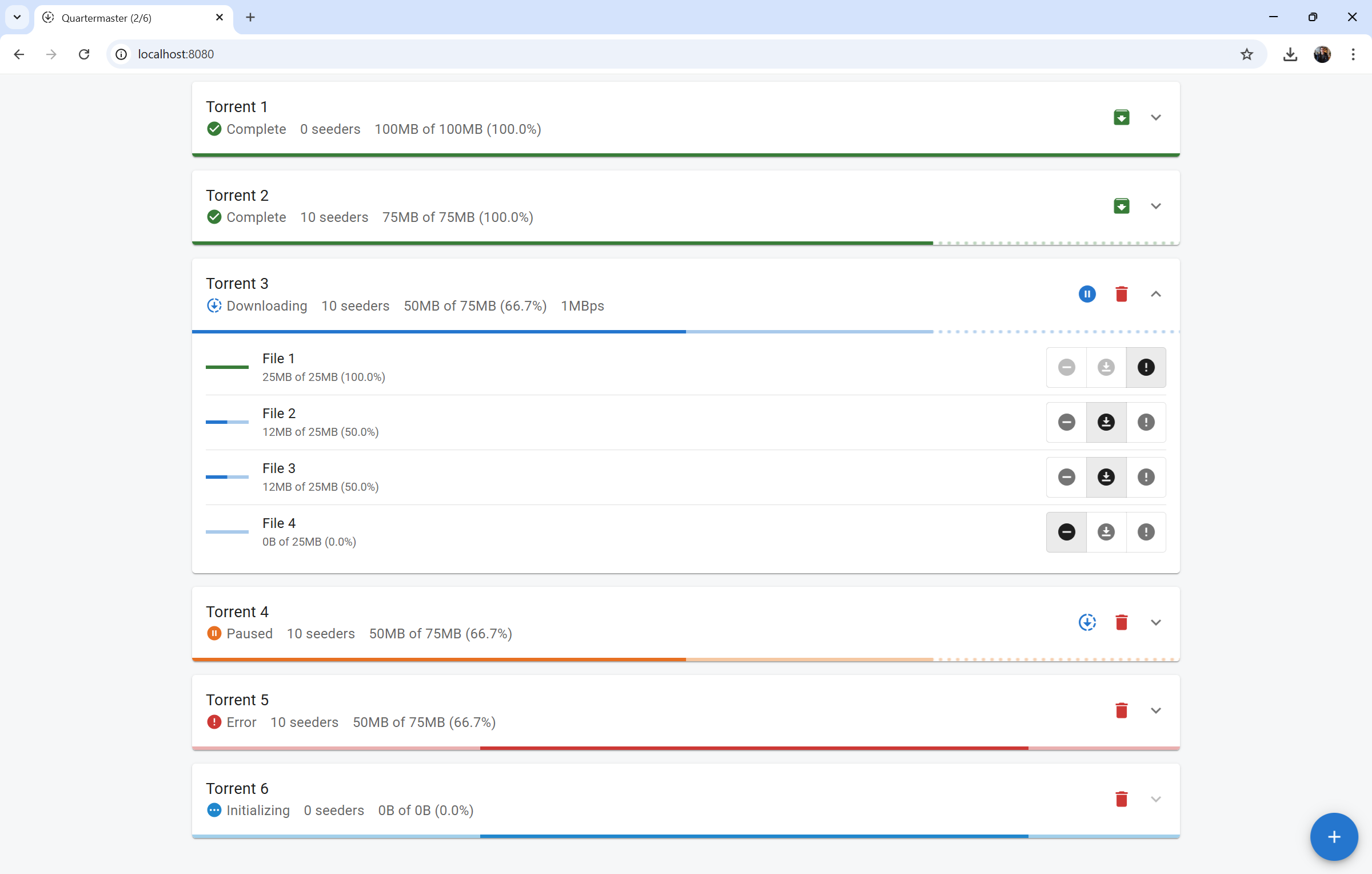
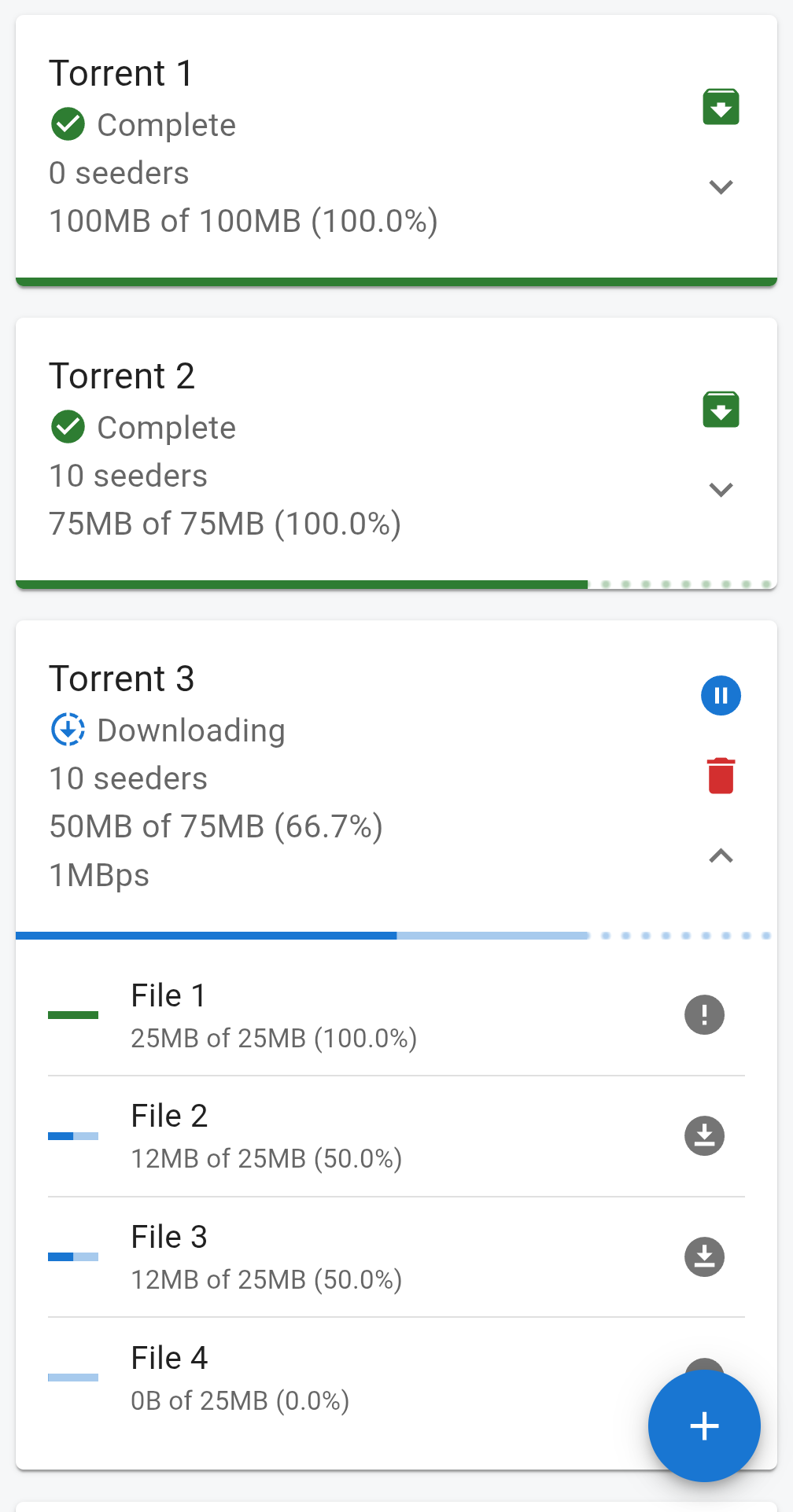
A tool for searching and downloading torrents
Installation
There are a few different ways that you can get the qm binary.
Install from pre-built binaries
You can download a pre-built binary for your system from the Latest Release page. Once you have downloaded the file, unzip it and put it somewhere on your path, or in the directory where you want your torrents to be saved.
Install from NuGet.org via .NET CLI
You can download and install the tool from NuGet.org via the .NET CLI by running the following:
dotnet tool install --global qm
Build from source
You can build from source by cloning the repository and then building it with NPM and the .NET SDK.
git clone https://github.com/CurtisLusmore/qm.git
cd qm
npm run build --prefix fe
dotnet publish be
The self-contained binary should be built to be/bin/net8.0/*/publish/.
Usage
Once you have the binary through one of the above means, you can either install it to a directory in your path, or place it directly into the directory where you would like to save torrents.
Installed in path
If you installed the binary on your path, open a terminal and then run the command by name:
qm
Your default browser should open to the application homepage, which you can always access at http://localhost:8080.
You can change the directory where torrents are saved by using the --root
option, e.g. qm --root ~/Downloads.
You can change the port on which the application listens by using the --port
option, e.g. qm --port 8081.
Installed in target directory
If you installed the binary into the target download directory, you can start the application like you would any other (usually double-clicking it).
| Product | Versions Compatible and additional computed target framework versions. |
|---|---|
| .NET | net8.0 is compatible. net8.0-android was computed. net8.0-browser was computed. net8.0-ios was computed. net8.0-maccatalyst was computed. net8.0-macos was computed. net8.0-tvos was computed. net8.0-windows was computed. net9.0 was computed. net9.0-android was computed. net9.0-browser was computed. net9.0-ios was computed. net9.0-maccatalyst was computed. net9.0-macos was computed. net9.0-tvos was computed. net9.0-windows was computed. net10.0 was computed. net10.0-android was computed. net10.0-browser was computed. net10.0-ios was computed. net10.0-maccatalyst was computed. net10.0-macos was computed. net10.0-tvos was computed. net10.0-windows was computed. |
This package has no dependencies.