WinForms.FC_UI
3.1.5
dotnet add package WinForms.FC_UI --version 3.1.5
NuGet\Install-Package WinForms.FC_UI -Version 3.1.5
<PackageReference Include="WinForms.FC_UI" Version="3.1.5" />
<PackageVersion Include="WinForms.FC_UI" Version="3.1.5" />
<PackageReference Include="WinForms.FC_UI" />
paket add WinForms.FC_UI --version 3.1.5
#r "nuget: WinForms.FC_UI, 3.1.5"
#:package WinForms.FC_UI@3.1.5
#addin nuget:?package=WinForms.FC_UI&version=3.1.5
#tool nuget:?package=WinForms.FC_UI&version=3.1.5
👀 WinForms.FC_UI
A custom WinForms UI control library with rich styling, RGB effects, gradients, lighting, and rounding.




📋 Table of Contents
- 📖 About
- ✨ Features
- 🚀 Getting Started
- 💡 Usage
- 📚 API Reference
- 🧪 Running Tests
- 🏗️ Project Structure
- 🔎 Demos
- 🤝 Contributing
- 🔮 Roadmap
- 📄 License
📖 About
WinForms.FC_UI is a custom UI control library for Windows Forms applications. It provides a set of fully customizable controls — buttons, checkboxes, radio buttons, switches, progress bars, scroll bars, text boxes, group boxes, and a color picker — all built with GDI+ custom rendering.
Each control supports fine-grained visual customization including background color, border, gradient fills, lighting/shadow effects, corner rounding, click animations, and an animated RGB color-cycling mode.
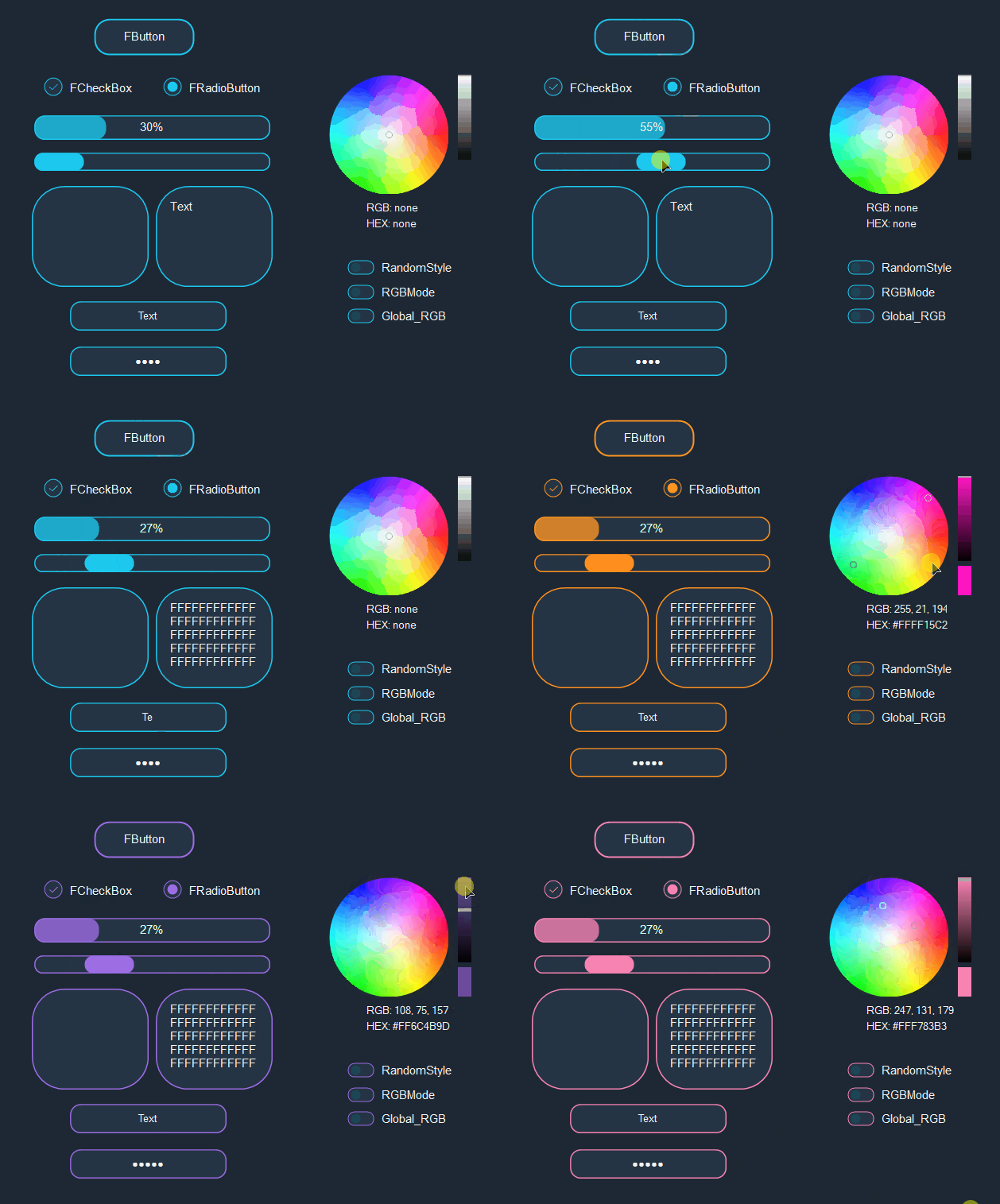
✨ Features
| Characteristic | Value |
|---|---|
| Created | 2020 |
| Framework | .NET 10 (Windows Forms) |
| Language | C# |
| Controls | 10 custom controls + 1 component |
| Control | Effects | RGB Mode | Random Style | Gradient BG | Gradient Border | Lighting | Rounding | Resize |
|---|---|---|---|---|---|---|---|---|
| FButton | ✅ | ✅ | ✅ | ✅ | ✅ | ✅ | ✅ | ✅ |
| FCheckBox | ✅ | ✅ | ✅ | ✅ | ✅ | ❌ | ✅ | ❌ |
| FRadioButton | ✅ | ✅ | ✅ | ✅ | ✅ | ❌ | ✅ | ❌ |
| FSwitchBox | ❌ | ✅ | ✅ | ✅ | ✅ | ✅ | ✅ | ✅ |
| FProgressBar | ❌ | ✅ | ✅ | ✅ | ✅ | ✅ | ✅ | ✅ |
| FScrollBar | ❌ | ✅ | ✅ | ✅ | ✅ | ✅ | ✅ | ✅ |
| FRichTextBox | ❌ | ✅ | ✅ | ❌ | ✅ | ✅ | ✅ | ✅ |
| FTextBox | ❌ | ✅ | ✅ | ❌ | ✅ | ✅ | ✅ | ✅ |
| FGroupBox | ❌ | ✅ | ✅ | ✅ | ✅ | ✅ | ✅ | ✅ |
| ZColorPicker | ❌ | ❌ | ❌ | ✅ | ❌ | ❌ | ✅ | ❌ |
Key capabilities:
- Fine-grained styling — background, border, effects, gradient, lighting, rounding, smoothing mode, font, and more
- RGB mode — animated HSV color cycling across controls
- Random style — randomly generates control appearance parameters
- Click effects — circle ripple and white overlay animations (FButton, FCheckBox, FRadioButton)
- Gradient fills — linear gradients for background and border
- Lighting/shadow — blurred shadow effect around controls
- Corner rounding — percentage-based corner radius for any control
- Global RGB component — synchronizes RGB animation across all FC_UI controls
🚀 Getting Started
📌 Prerequisites
- SDK: .NET 10 SDK 10.0.300 or later
- Language: C# 14
- Platform: Windows (WinForms)
The repository includes global.json and NuGet lock files so local restore uses the same SDK feature band and dependency graph as CI.
📦 Installation
NuGet Package Manager
dotnet add package WinForms.FC_UI
Or via the Package Manager Console in Visual Studio:
Install-Package WinForms.FC_UI
Or add directly to your .csproj:
<PackageReference Include="WinForms.FC_UI" Version="3.1.5" />
💡 Usage
using FC_UI.Controls;

// Create and configure an FButton
var button = new FButton
{
    ControlStyle = FControlBase.ControlStyleMode.Default,
    DisplayText = "Click me",
    BackgroundColor = Color.FromArgb(37, 52, 68),
    BorderColor = Color.FromArgb(29, 200, 238),
    Rounding = true,
    CornerRadius = 70,
    EnableClickEffect = true,
    ShowBorder = true,
    BorderWidth = 4F
};
this.Controls.Add(button);

// Enable RGB mode
button.Rgb = true;

// Or use the Random style for a surprise
button.ControlStyle = FControlBase.ControlStyleMode.Random;
👉 See the full working demo in examples/WinForms.FC_UI.Example/.
📚 API Reference
Controls
| Control | Description |
|---|---|
FButton |
Customizable button with click effects, gradients, lighting, and RGB mode |
FCheckBox |
Checkbox with circle animation effects and gradient support |
FRadioButton |
Radio button with customizable checked indicator and effects |
FSwitchBox |
Toggle switch with smooth visual feedback |
FProgressBar |
Progress indicator with gradient fill and text overlay |
FScrollBar |
Horizontal/vertical scrollbar with thumb customization |
FRichTextBox |
Rich text editor with styled border and lighting |
FTextBox |
Text input with password masking and styled border |
FGroupBox |
Container with styled frame and gradient background |
ZColorPicker |
HSV color wheel picker with brightness slider |
Common Properties
| Property | Type | Description |
|---|---|---|
ShowBackground |
bool |
Enable/disable background fill |
BackgroundColor |
Color |
Background color |
Rounding |
bool |
Enable/disable corner rounding |
CornerRadius |
int |
Rounding percentage (0–100) |
Rgb |
bool |
Enable/disable RGB color cycling mode |
ShowBorder |
bool |
Enable/disable border |
BorderWidth |
float |
Border width |
BorderColor |
Color |
Border color |
Lighting |
bool |
Enable/disable lighting/shadow effect |
LightingColor |
Color |
Lighting/shadow color |
UseGradientBackground |
bool |
Enable/disable background gradient |
UseGradientBorder |
bool |
Enable/disable border gradient |
SmoothingMode |
SmoothingMode |
Graphics smoothing mode |
TextRenderingHint |
TextRenderingHint |
Text rendering quality |
Components
| Component | Description |
|---|---|
FGlobal_RGB |
Enables synchronized global RGB mode for all FC_UI controls |
🧪 Running Tests
dotnet restore WinForms.FC_UI.slnx --locked-mode
dotnet build WinForms.FC_UI.slnx --no-restore --configuration Release
dotnet test WinForms.FC_UI.slnx --no-build --configuration Release --verbosity normal
Tests are located in tests/WinForms.FC_UI.Tests/ and use xUnit. They cover engine utilities (HSV-to-RGB conversion, rounded rectangle generation, random helpers), control property validation (defaults, bounds checking, events), and basic render smoke checks.
🏗️ Project Structure
WinForms.FC_UI/
├── 📁 src/
│   ├── 📁 Components/
│   │   └── 📄 FGlobal_RGB.cs             # Global RGB component
│   ├── 📁 Controls/
│   │   ├── 📄 FButton.cs                 # Button control
│   │   ├── 📄 FCheckBox.cs               # CheckBox control
│   │   ├── 📄 FRadioButton.cs            # RadioButton control
│   │   ├── 📄 FSwitchBox.cs              # SwitchBox control
│   │   ├── 📄 FProgressBar.cs            # ProgressBar control
│   │   ├── 📄 FScrollBar.cs              # ScrollBar control
│   │   ├── 📄 FRichTextBox.cs            # RichTextBox control
│   │   ├── 📄 FTextBox.cs                # TextBox control
│   │   ├── 📄 FGroupBox.cs               # GroupBox control
│   │   └── 📄 ZColorPicker.cs            # Color picker control
│   ├── 📁 Engines/
│   │   ├── 📄 DrawEngine.cs              # Drawing utilities (rounded rects, HSV, shadow)
│   │   └── 📄 HelpEngine.cs              # Helper utilities (fonts, graphics, random)
│   └── 📄 WinForms.FC_UI.csproj
├── 📁 tests/
│   └── 📁 WinForms.FC_UI.Tests/          # xUnit tests
│       ├── 📄 DrawEngineTests.cs
│       ├── 📄 HelpEngineTests.cs
│       ├── 📁 Controls/                   # Control tests
│       ├── 📁 Components/                 # Component tests
│       └── 📄 WinForms.FC_UI.Tests.csproj
├── 📁 examples/
│   └── 📁 WinForms.FC_UI.Example/        # Demo application
│       ├── 📄 Program.cs
│       └── 📄 WinForms.FC_UI.Example.csproj
├── 📁 resources/                           # Logo, demo GIFs
├── 📄 Directory.Build.props                # Shared build settings
├── 📄 Directory.Packages.props             # Central package management
├── 📄 WinForms.FC_UI.slnx                 # Solution file
├── 📄 LICENSE
└── 📄 README.md
🔎 Demos
Default Style
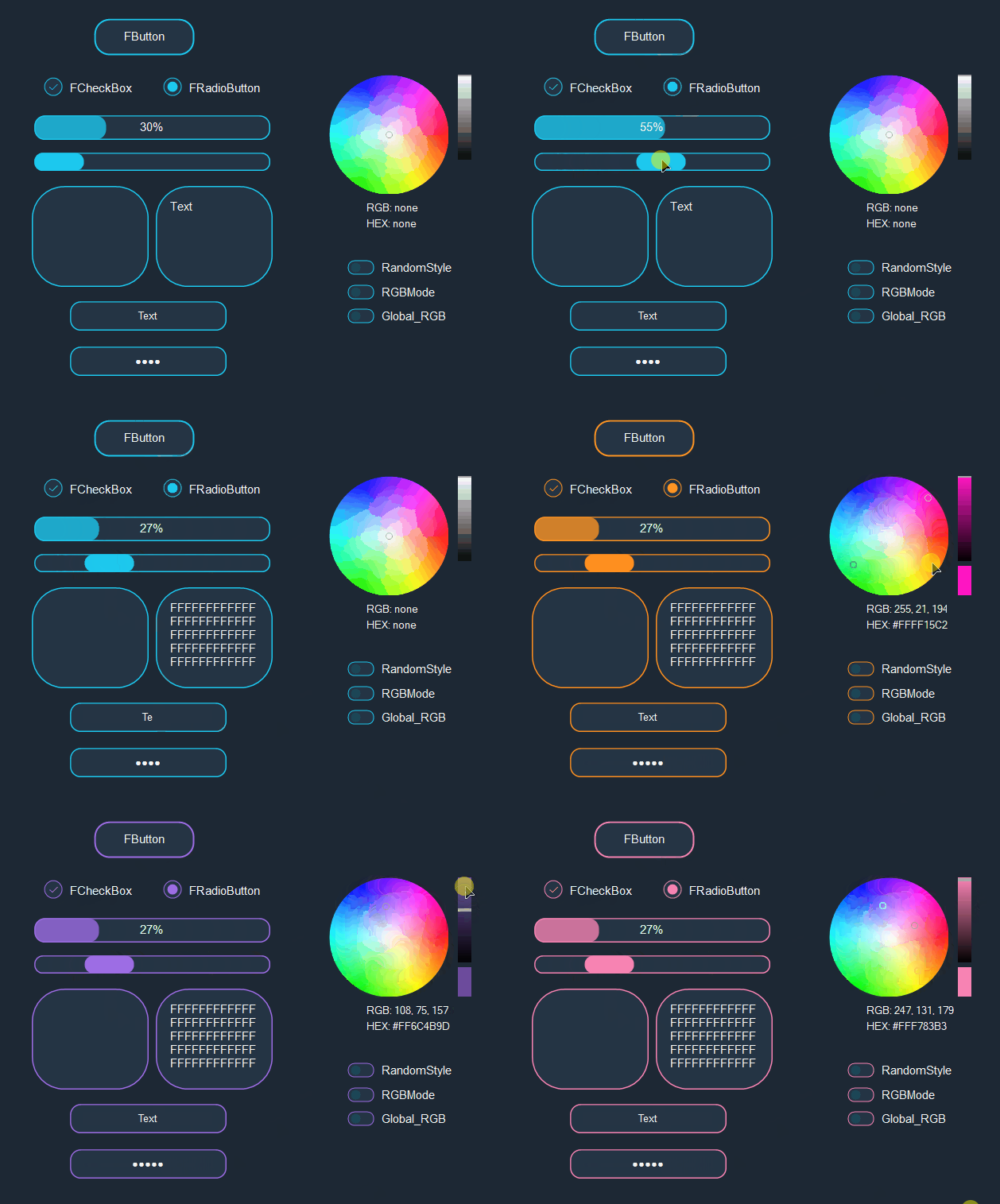
RGB Mode (Global_RGB component)
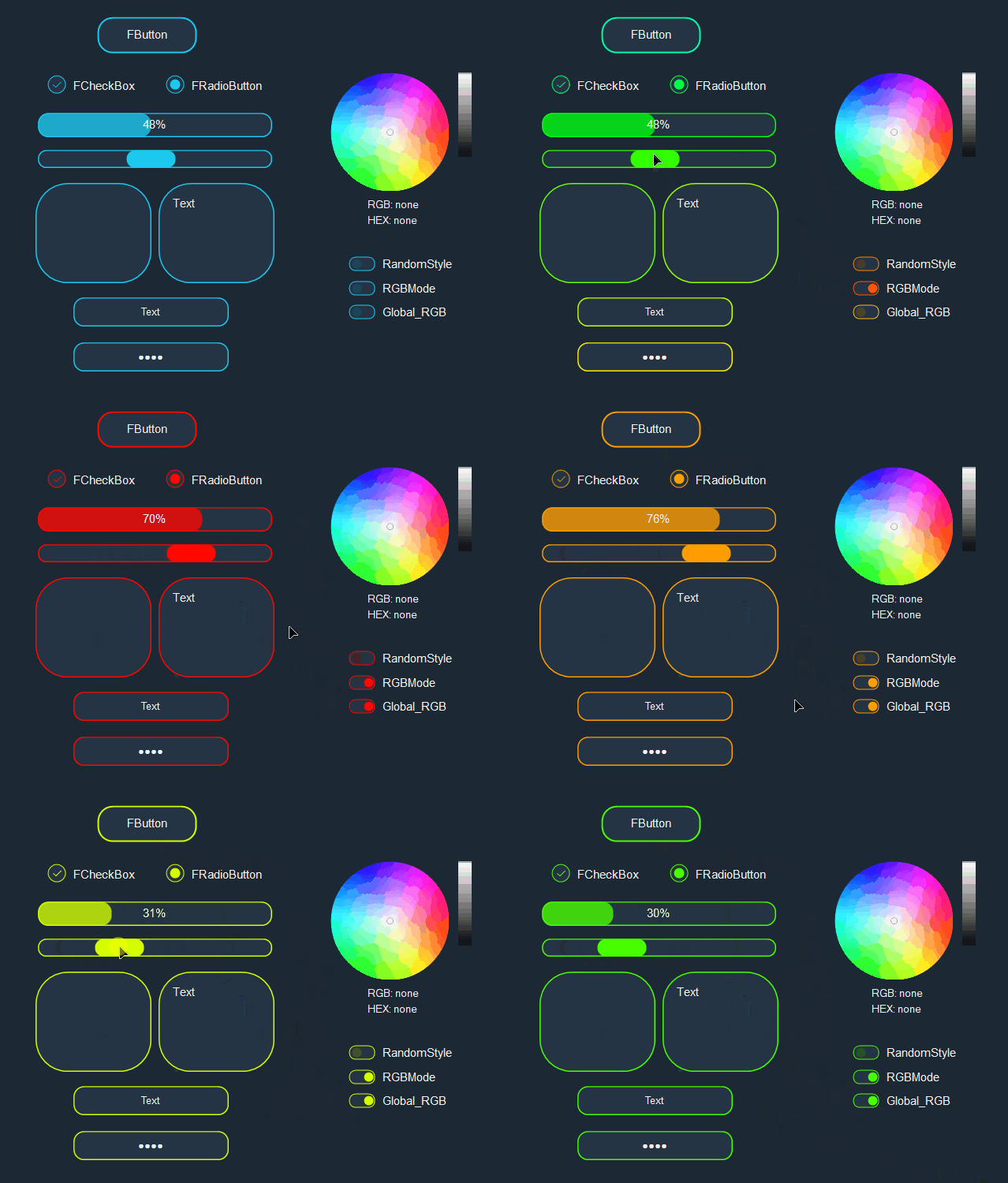
Random Style
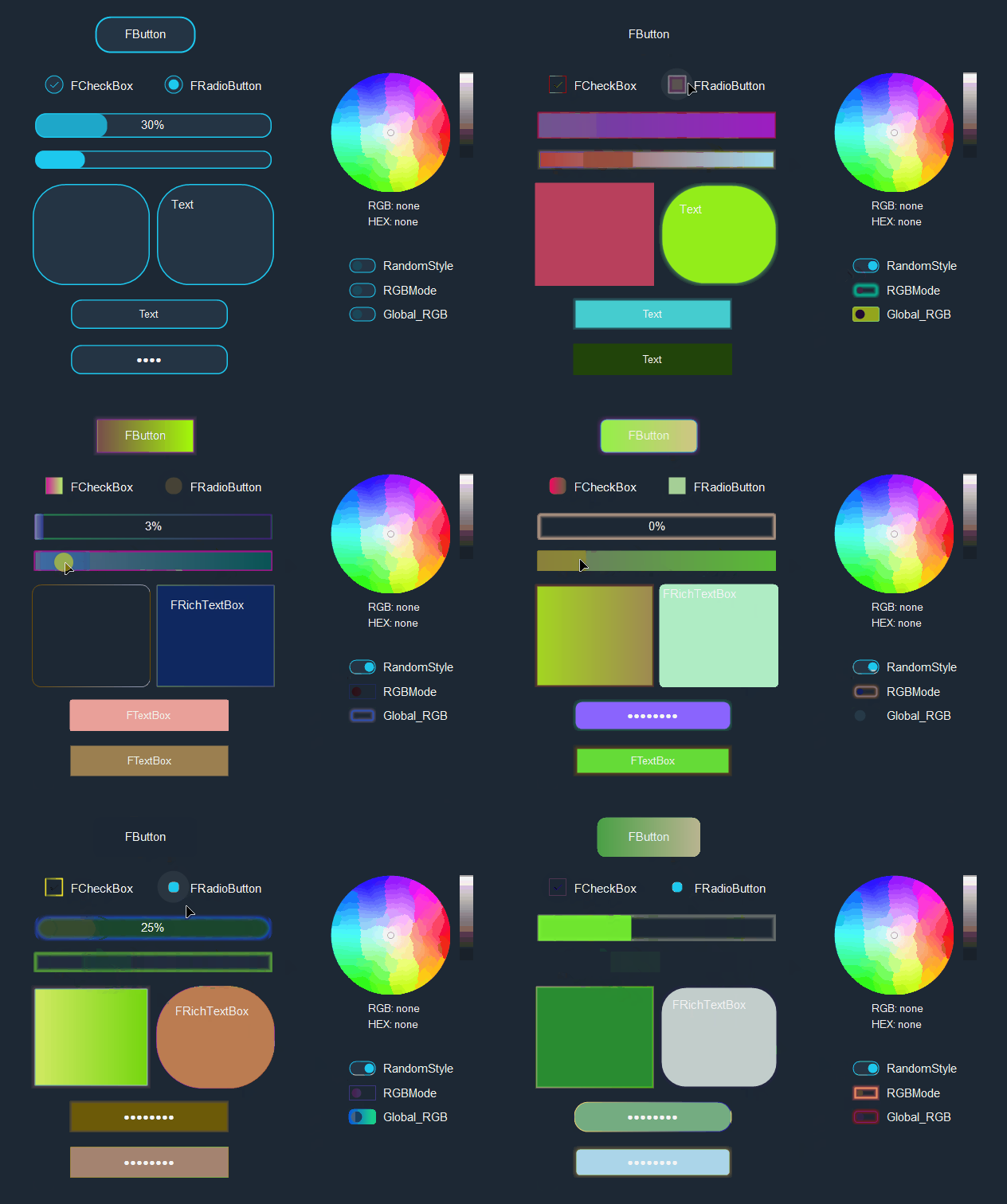
🤝 Contributing
Contributions are welcome! To get started:
- 🍴 Fork the repository
- 🌿 Create a feature branch (
git checkout -b feature/my-feature) - ✏️ Make your changes and add tests
- ✅ Run
dotnet testto verify everything passes - 📬 Open a Pull Request
🔮 Roadmap
Things to add or fix in future releases:
- FButton — Add image/icon support so a picture can be placed inside the button.
- ZColorPicker — Finish refactoring to remove the internal
PictureBoxdependency.
📄 License
This project is licensed under the MIT License.
| Product | Versions Compatible and additional computed target framework versions. |
|---|---|
| .NET | net10.0-windows7.0 is compatible. |
-
net10.0-windows7.0
- No dependencies.
NuGet packages
This package is not used by any NuGet packages.
GitHub repositories
This package is not used by any popular GitHub repositories.