BorrowedTorch.MonoGame.Framework.Compute.WindowsDX
3.8.6.101
Prefix Reserved
dotnet add package BorrowedTorch.MonoGame.Framework.Compute.WindowsDX --version 3.8.6.101
NuGet\Install-Package BorrowedTorch.MonoGame.Framework.Compute.WindowsDX -Version 3.8.6.101
<PackageReference Include="BorrowedTorch.MonoGame.Framework.Compute.WindowsDX" Version="3.8.6.101" />
<PackageVersion Include="BorrowedTorch.MonoGame.Framework.Compute.WindowsDX" Version="3.8.6.101" />
<PackageReference Include="BorrowedTorch.MonoGame.Framework.Compute.WindowsDX" />
paket add BorrowedTorch.MonoGame.Framework.Compute.WindowsDX --version 3.8.6.101
#r "nuget: BorrowedTorch.MonoGame.Framework.Compute.WindowsDX, 3.8.6.101"
#:package BorrowedTorch.MonoGame.Framework.Compute.WindowsDX@3.8.6.101
#addin nuget:?package=BorrowedTorch.MonoGame.Framework.Compute.WindowsDX&version=3.8.6.101
#tool nuget:?package=BorrowedTorch.MonoGame.Framework.Compute.WindowsDX&version=3.8.6.101
MonoGame



One framework for creating powerful cross-platform games
Supported Platforms • Resources • Samples • Support and Contributions • Source Code • Helpful Links • License
Overview
MonoGame is a simple and powerful .NET framework for creating games for desktop PCs, video game consoles, and mobile devices using the C# programming language. It has been successfully used to create games such as Streets of Rage 4, Carrion, Celeste, Stardew Valley, and many others.
It is an open-source re-implementation of the discontinued Microsoft's XNA Framework.
Supported Platforms
We support a growing list of platforms across the desktop, mobile, and console space. If there is a platform we do not support, please make a request or come help us add it.
- Desktop PCs
- Windows 10 (22H2+) and up (OpenGL[^1] & DirectX 10[^2])
- Linux[^3] and up (OpenGL[^1])
- macOS 13 "Ventura" and up (OpenGL[^1])
- Mobile/Tablet Devices
- Android 6 (API 23) and up (OpenGL)
- iOS/iPadOS 12.2 and up (OpenGL)
- Consoles (for registered developers)
- PlayStation 4
- PlayStation 5
- Xbox (GDKX & XDK)
- Nintendo Switch
Vulkan and DirectX12 graphics support is also being added in preview for 3.8.5 for supported platforms.
[^1]: An experimental Vulkan implementation is available to source code users.
[^2]: An experimental DirectX 12 implementation is available to source code users.
[^3]: Requires a distribution with glibc 2.27 or up. This includes SteamOS 3.0 and up, Ubuntu 22.04 and up, Debian 12 and up, CentOS 9 and up among other unlisted distributions.
Resources
Samples
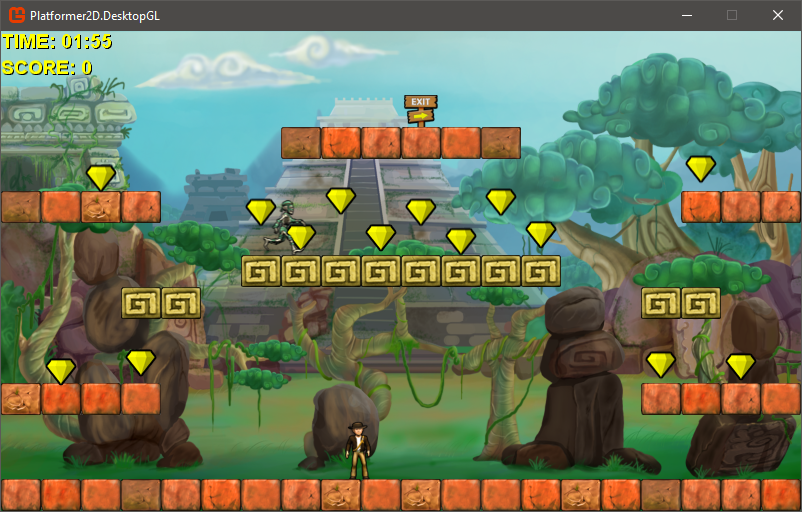
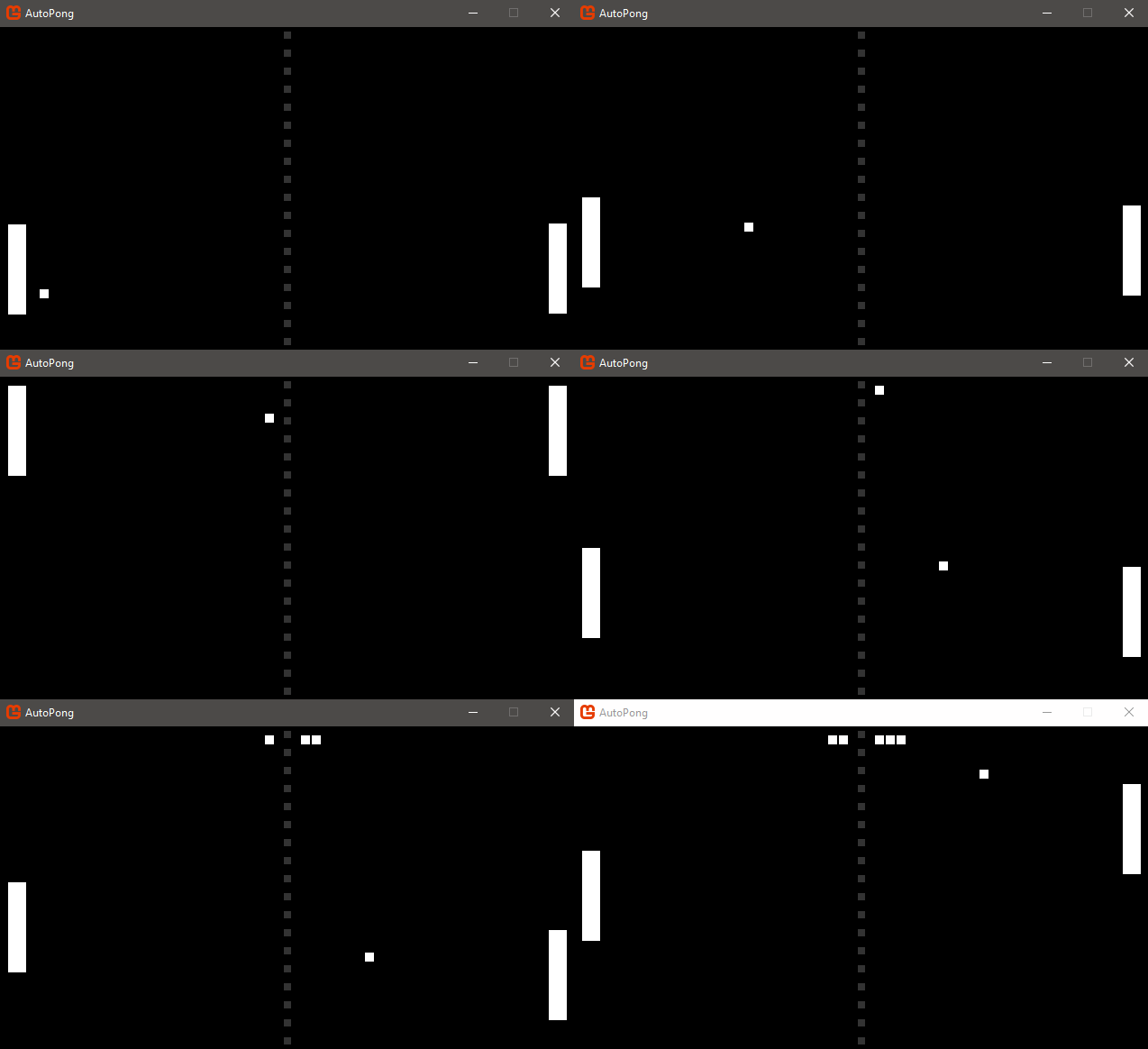
Check out the awesome game samples maintained by the MonoGame team:
| Platformer 2D Sample | NeonShooter |
|---|---|
| Supported on all platforms | Supported on all platforms |
 |
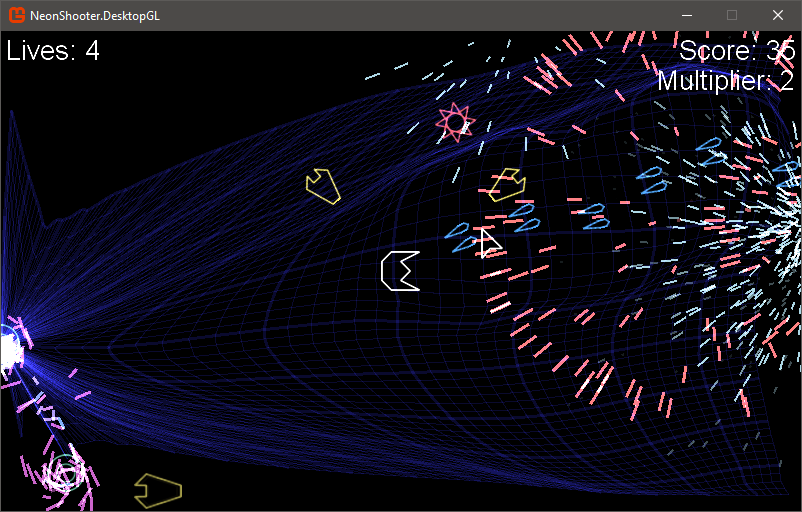 |
| The Platformer 2D sample is a basic 2D platformer pulled from the original XNA samples and upgraded for MonoGame. | Neon Shooter Is a graphically intensive twin-stick shooter with particle effects and save data from Michael Hoffman |
| Auto Pong Sample | Ship Game 3D |
|---|---|
| Supported on all platforms | GL / DX / iOS / Android |
 |
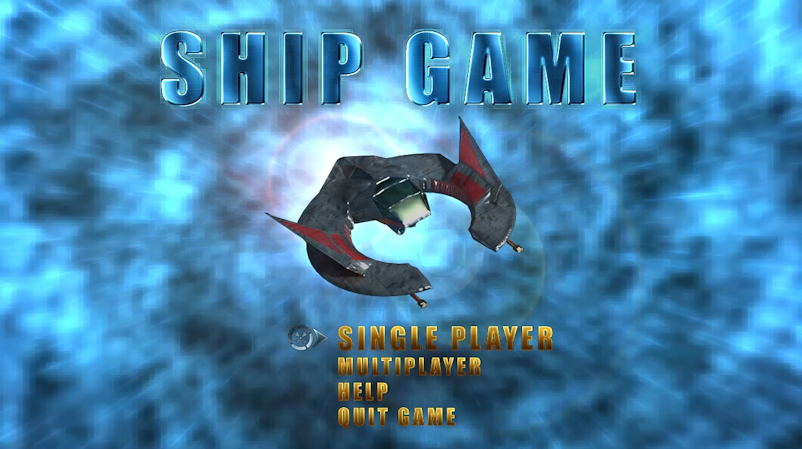 |
| A short sample project showing you how to make the classic game of pong, with generated soundfx, in 300 lines of code. | 3D Ship Game (Descent clone) sample, pulled from the XNA archives and updated for MonoGame |
Support and Contributions
If you think you have found a bug or have a feature request, use our issue tracker. Before opening a new issue, please search to see if your problem has already been reported. Try to be as detailed as possible in your issue reports.
If you need help using MonoGame or have other questions we suggest you post on GitHub discussions page or Discord server. Please do not use the issue tracker for personal support requests.
If you are interested in contributing fixes or features to MonoGame, please read our contributors guide first.
Subscription
If you would like to help the project by supporting us financially, consider supporting us via a subscription for the price of a monthly coffee.
Money goes towards hosting, new hardware and if enough people subscribe a dedicated developer.
There are several options on our Donation Page.
Source Code
The full source code is available here from GitHub:
- Clone the source:
git clone https://github.com/MonoGame/MonoGame.git - Set up the submodules:
git submodule update --init - Open the solution for your target platform to build the game framework.
- Open the Tools solution for your development platform to build the pipeline and content tools.
For the prerequisites for building from source, please look at the Requirements file.
A high level breakdown of the components of the framework:
- The game framework is found in MonoGame.Framework.
- The content pipeline is located in MonoGame.Framework.Content.Pipeline.
- Project templates are in Templates.
- See Tests for the framework unit tests.
- See Tools/Tests for the content pipeline and other tool tests.
- The mgcb is a command line tool for content processing.
- The mgfxc is a command line effect compiler tool.
- The mgcb-editor tool is a GUI frontend for content processing.
- (Preview) The Content Builder Project is a new console app framework for content processing.
Helpful Links
- The official website is monogame.net.
- Our issue tracker is on GitHub.
- You can join the Discord server and chat live with the core developers and other users.
- The official documentation is on our website.
- Download release and development packages.
- Follow @MonoGameTeam on Twitter.
- Get premium content on Patreon (coming soon)
License
The MonoGame project is under the Microsoft Public License except for a few portions of the code. See the LICENSE.txt file for more details. Third-party libraries used by MonoGame are under their own licenses. Please refer to those libraries for details on the license they use.
| Product | Versions Compatible and additional computed target framework versions. |
|---|---|
| .NET | net8.0-windows7.0 is compatible. net9.0-windows was computed. net10.0-windows was computed. |
-
net8.0-windows7.0
- No dependencies.
NuGet packages (4)
Showing the top 4 NuGet packages that depend on BorrowedTorch.MonoGame.Framework.Compute.WindowsDX:
| Package | Downloads |
|---|---|
|
BorrowedTorch.Nature
Nature for MonoGame (compute fork), generated and drawn on the GPU: grass, a procedural sky seen through air worked out from wherever the viewer is, from the ground to orbit, with volumetric clouds, and the wind for anything to move in. |
|
|
BorrowedTorch.RayTracing
Ray casting for MonoGame (compute fork): a binned-SAH BVH, per-mesh bottom-level and per-scene top-level acceleration structures, their GPU upload, any-hit and closest-hit traversals in HLSL, and the depth/normal G-buffer the traced passes start from. |
|
|
BorrowedTorch.FabricSimulator
GPU cloth solver for MonoGame: a compute shader integrates the particles, relaxes the constraints and computes the normals, and the positions never leave the GPU. Verlet integration with Jacobi relaxation, plastic bending so creases stay, long-range attachments, colliders with friction, self-collision through a spatial hash, cuts, rips and tearing under strain, and drag against wind you set every frame. Solver only - you fetch the particles in your own vertex shader and draw the sheet yourself. Requires Windows and the compute-capable MonoGame fork. The solver ships as HLSL and is compiled by your content pipeline. |
|
|
BorrowedTorch.Engine
Kindling, Borrowed Torch's game engine: what a game's own code builds against - its features registering components, systems, keys and UI handlers - for the Kindling editor and player to run |
GitHub repositories
This package is not used by any popular GitHub repositories.