Fluence.Wpf
0.9.7
dotnet add package Fluence.Wpf --version 0.9.7
NuGet\Install-Package Fluence.Wpf -Version 0.9.7
<PackageReference Include="Fluence.Wpf" Version="0.9.7" />
<PackageVersion Include="Fluence.Wpf" Version="0.9.7" />
<PackageReference Include="Fluence.Wpf" />
paket add Fluence.Wpf --version 0.9.7
#r "nuget: Fluence.Wpf, 0.9.7"
#:package Fluence.Wpf@0.9.7
#addin nuget:?package=Fluence.Wpf&version=0.9.7
#tool nuget:?package=Fluence.Wpf&version=0.9.7
Introduction
Fluence.Wpf brings native Windows 11-style (Fluent) windows and controls - including automatic light / dark mode and customisable accent colors - without requiring you to rewrite your app for WinUI or upgrade to the latest .NET release. It comes as a NuGet package for C# developers, and a handy PowerShell module for administrators who need to create modern user experiences.
It targets .NET Framework 4.7.2, .NET 8, and .NET 10 on Windows 10 version 1809 and later. It uses the WPF runtime for the target framework, with no Windows App SDK or WinUI runtime dependency.





Choose a starting point
| If you are ... | Start here |
|---|---|
| ... building a WPF app in C# or XAML | C# basic walkthrough, then the control catalog |
| ... writing a Windows PowerShell or PowerShell 7 scripting | PowerShell basic usage, then the functions reference |
| ... contributing | Contributing and the developer handbook |
The documentation site links tutorials, task guides, reference pages, and explanations. Its source is maintained separately in the Fluence.Wpf.Website repository.
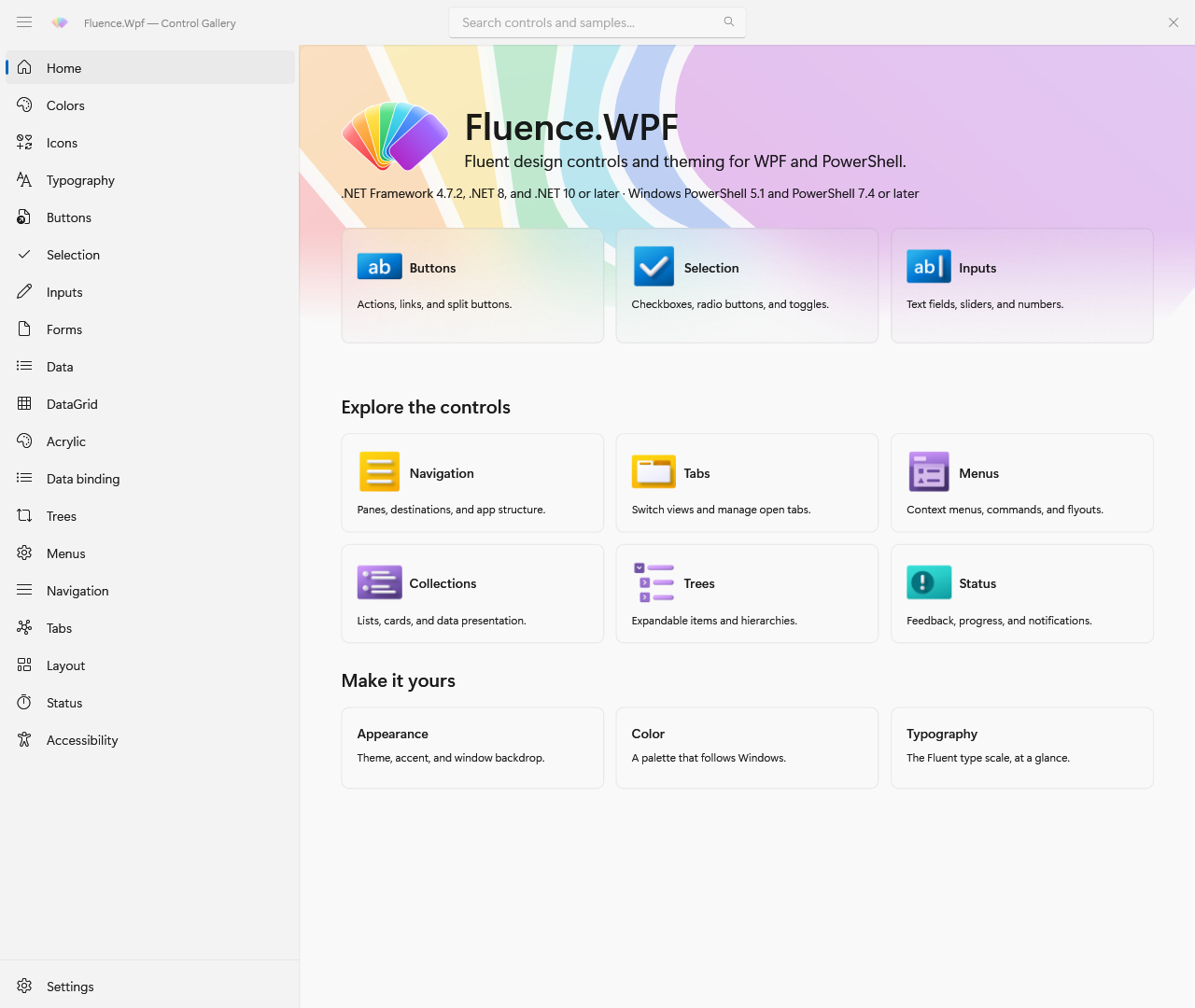
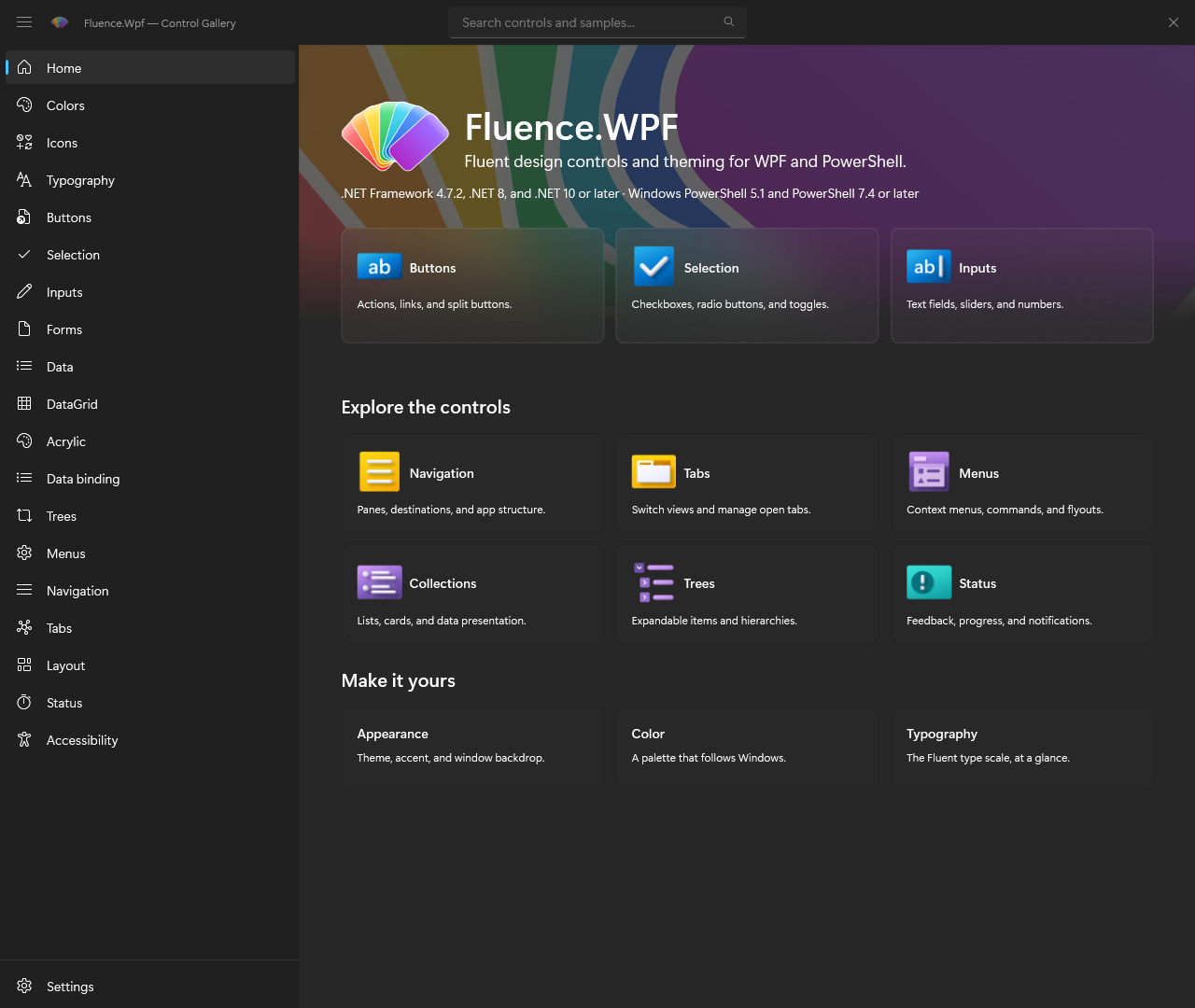
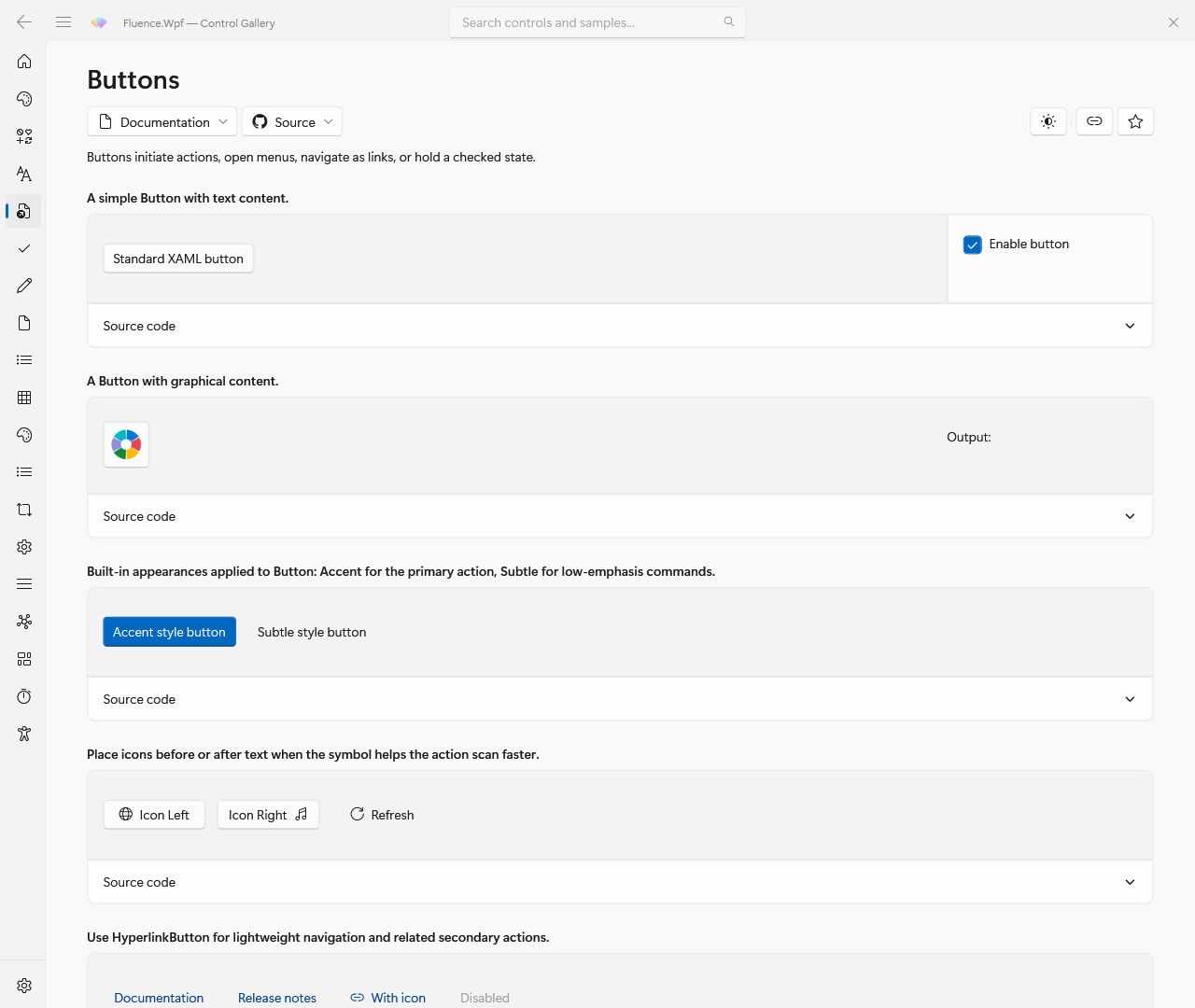
Screenshots
| Gallery Home Light Mode | Gallery Home Dark Mode |
|---|---|
 |
 |
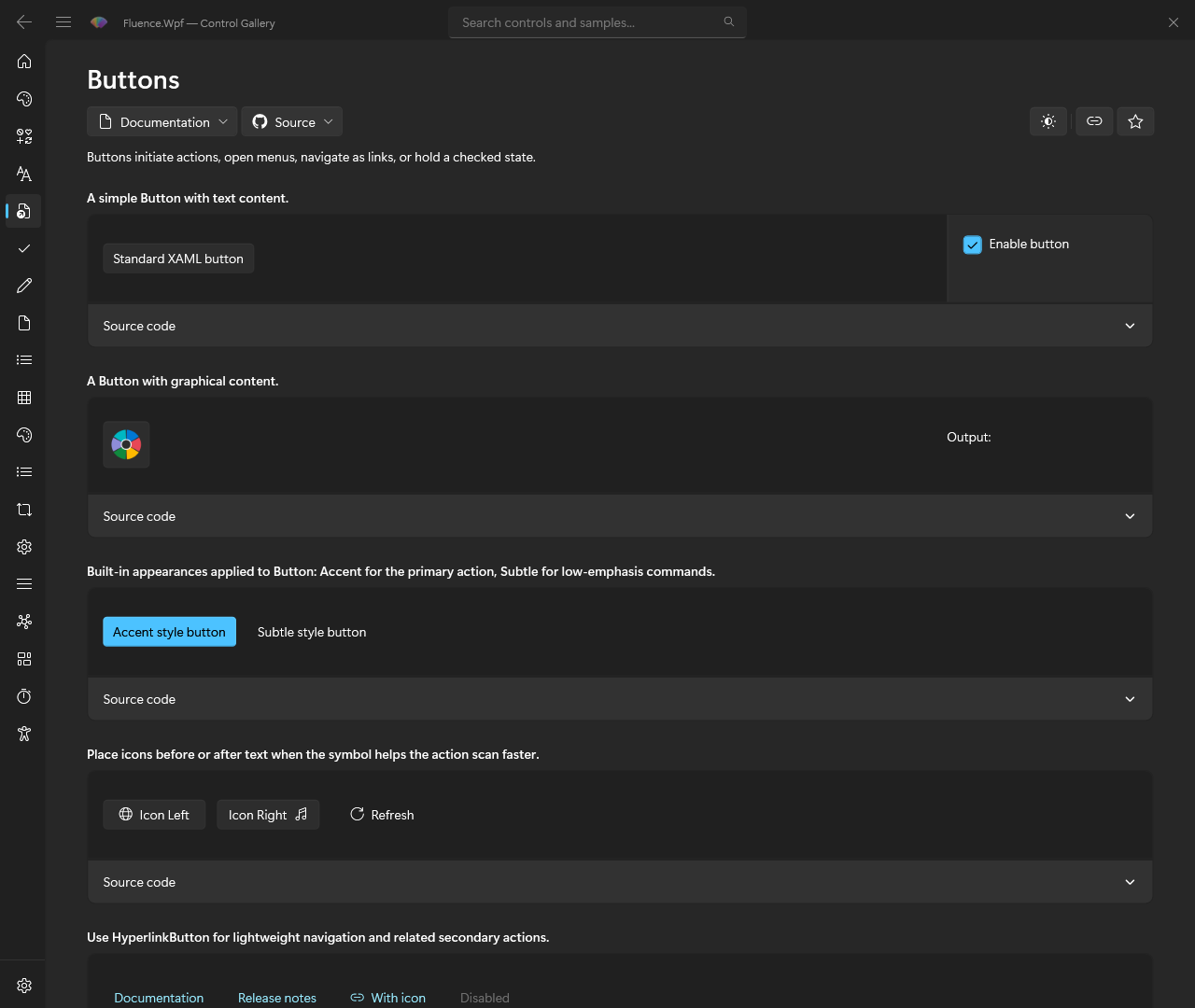
| Gallery Buttons Light Mode | Gallery Buttons Dark Mode |
|---|---|
 |
 |
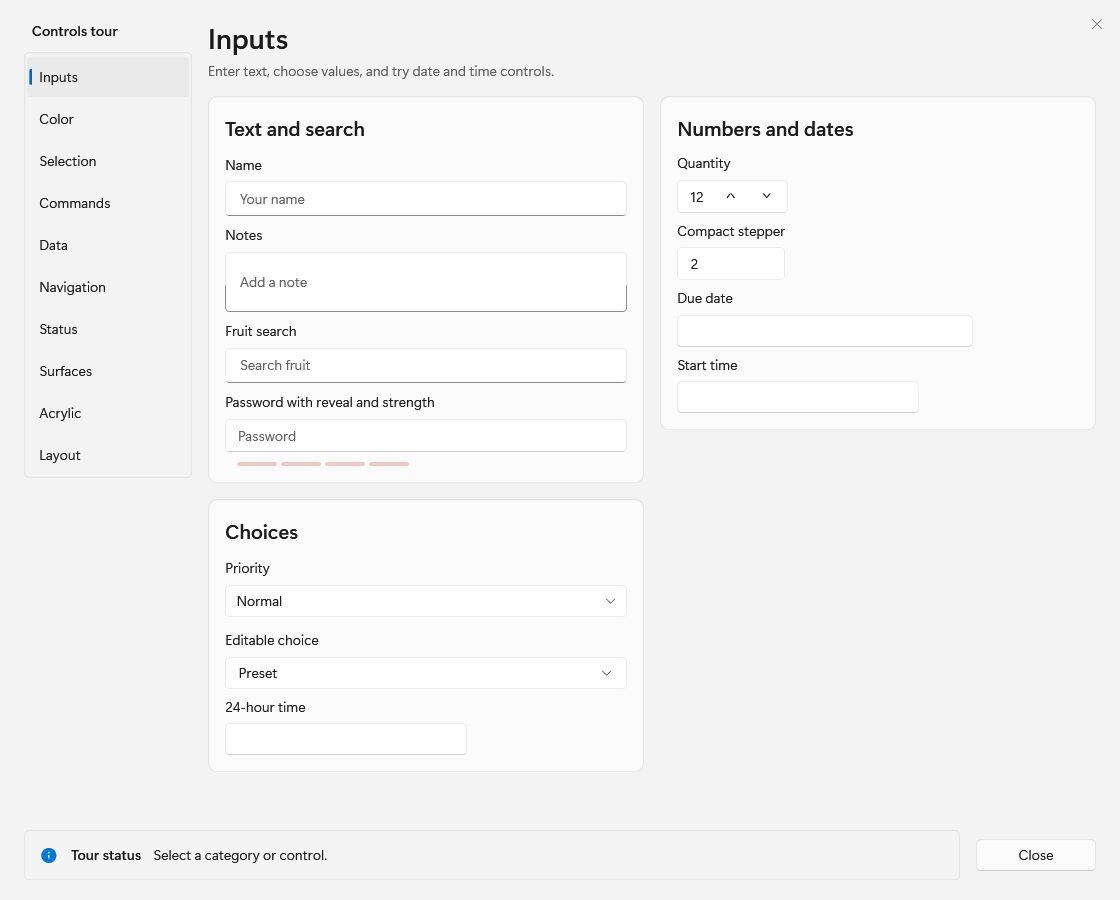
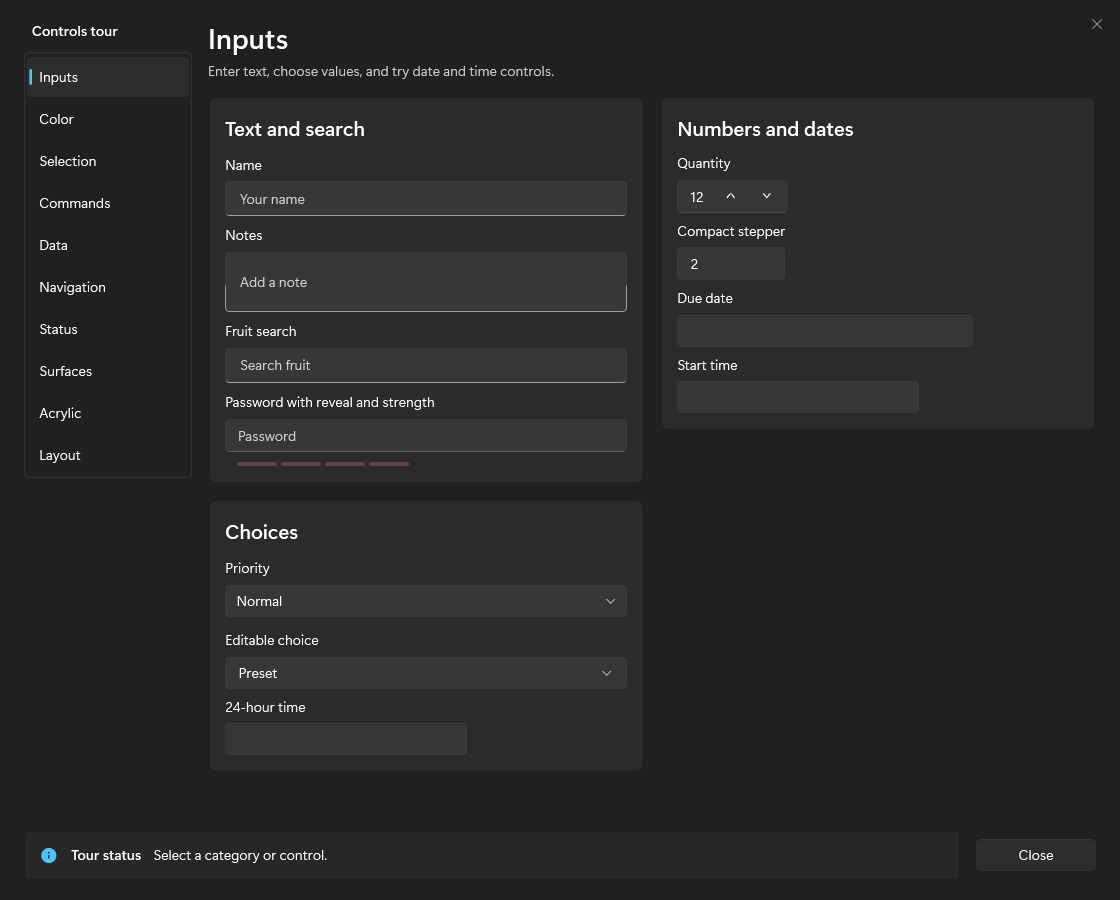
| PowerShell Light | PowerShell Dark |
|---|---|
 |
 |
Use the library
Apply a theme before showing the first window:
using Fluence.Wpf;

ApplicationThemeManager.Apply(ApplicationTheme.Auto, WindowBackdropType.Mica);
In XAML, add xmlns:fluence="http://schemas.fluencewpf.com" and use a Fluence control:
<fluence:Button Content="Continue" Appearance="Accent" />
The C# basic usage guide builds a full window. The control catalog lists the controls, and the theming guide documents the shared resources. Use in-app acrylic to blur a visual behind content inside one WPF window.
ApplyCustomAccent uses a snapshot of the Windows accent palette when its seed matches the current Windows accent; other custom seeds use a generated ramp. When a brand color must be the visible primary fill, use ApplicationAccentColorManager.ApplyCustomAccentExact(lightColor) or pass both light and dark colors to ApplyCustomAccentExact(lightColor, darkColor). See the accent guide for examples.
Use the PowerShell module
Build the library, then stage the module's assemblies:
dotnet build Fluence.Wpf/Fluence.Wpf.csproj -c Release
pwsh -NoProfile -File Fluence.Wpf.PowerShell.Module/build/Build-Module.ps1 -Configuration Release
Follow PowerShell basic usage for import and a first dialog. The module supports Windows PowerShell 5.1 and PowerShell 7.4 or later, with dialogs, forms, progress, and full windows. The functions reference lists the exported commands.
Explore the demos
dotnet run --project Fluence.Wpf.Demo/Fluence.Wpf.Demo.csproj -c Debug -f net10.0-windows10.0.26100.0
dotnet run --project Fluence.Wpf.Demo.Mvvm/Fluence.Wpf.Demo.Mvvm.csproj -c Debug
The gallery shows controls and example source. The MVVM demo shows a task manager built with CommunityToolkit.Mvvm. PowerShell examples live in the module examples.
Project information
| Product | Versions Compatible and additional computed target framework versions. |
|---|---|
| .NET | net8.0-windows10.0.26100 is compatible. net9.0-windows was computed. net10.0-windows was computed. net10.0-windows10.0.26100 is compatible. |
| .NET Framework | net472 is compatible. net48 was computed. net481 was computed. |
-
.NETFramework 4.7.2
- Microsoft.Bcl.Memory (>= 11.0.0)
- System.Memory (>= 4.6.3)
- System.Runtime.CompilerServices.Unsafe (>= 6.1.2)
-
net10.0-windows10.0.26100
- No dependencies.
-
net8.0-windows10.0.26100
- No dependencies.
NuGet packages
This package is not used by any NuGet packages.
GitHub repositories
This package is not used by any popular GitHub repositories.