LithoSharp 2.1.2
dotnet add package LithoSharp --version 2.1.2
NuGet\Install-Package LithoSharp -Version 2.1.2
<PackageReference Include="LithoSharp" Version="2.1.2" />
<PackageVersion Include="LithoSharp" Version="2.1.2" />
<PackageReference Include="LithoSharp" />
paket add LithoSharp --version 2.1.2
#r "nuget: LithoSharp, 2.1.2"
#:package LithoSharp@2.1.2
#addin nuget:?package=LithoSharp&version=2.1.2
#tool nuget:?package=LithoSharp&version=2.1.2
LithoSharp


A type-safe static site and documentation generator for .NET with C#, Markdown, MDX, React and incremental builds. Build documentation alongside your .NET code, validate content and links during generation, and deploy ordinary static files.
The installation examples below use 2.1.2. For an existing site, follow the upgrade guide.
Features
- Typed C# content collections, routes and references, with strict schema validation and optional Roslyn source generators and build diagnostics.
- Markdown and optional MDX 3 with React, build-time HTML, page hydration and selective hydration with explicit islands.
- Docs, Blog and independent pages, multiple Docs collections, versions, locales, sidebars and local search.
- Dependency graphs, persistent caches, invalidation reasons and artifact ownership for inspectable incremental builds.
- Staged output transactions and rollback before publication, with route and ownership validation.
- Structured link, anchor, canonical, redirect and SEO diagnostics.
- XML .NET API documentation, OpenAPI 3 JSON, exact xrefs and checked examples.
- .NET testing APIs for sites, routes, artifacts, DOM, components and layouts.
- Fingerprinted assets, responsive images and explicit extension points for C# rendering and trusted MDX plugins.
Quick Start
With the .NET 10 SDK installed:
dotnet new install LithoSharp.ProjectTemplates::2.1.2
dotnet tool install LithoSharp.Tool --version 2.1.2 --tool-path .tools
.tools/lithosharp new docs MyDocs -o MyDocs
.tools/lithosharp build MyDocs -c Release
.tools/lithosharp serve MyDocs -c Release
On Windows the executable is .tools/lithosharp.exe. Edit MyDocs/content and
configure DocsSiteFactory.cs. Deploy MyDocs/dist to a static HTTP host.
For isolated installation, Markdown authoring, MDX and an interactive component,
follow the complete Quick Start.
Existing applications can use dotnet add package LithoSharp --version 2.1.2
and call the library directly; a CLI host is not required.
Sample sites
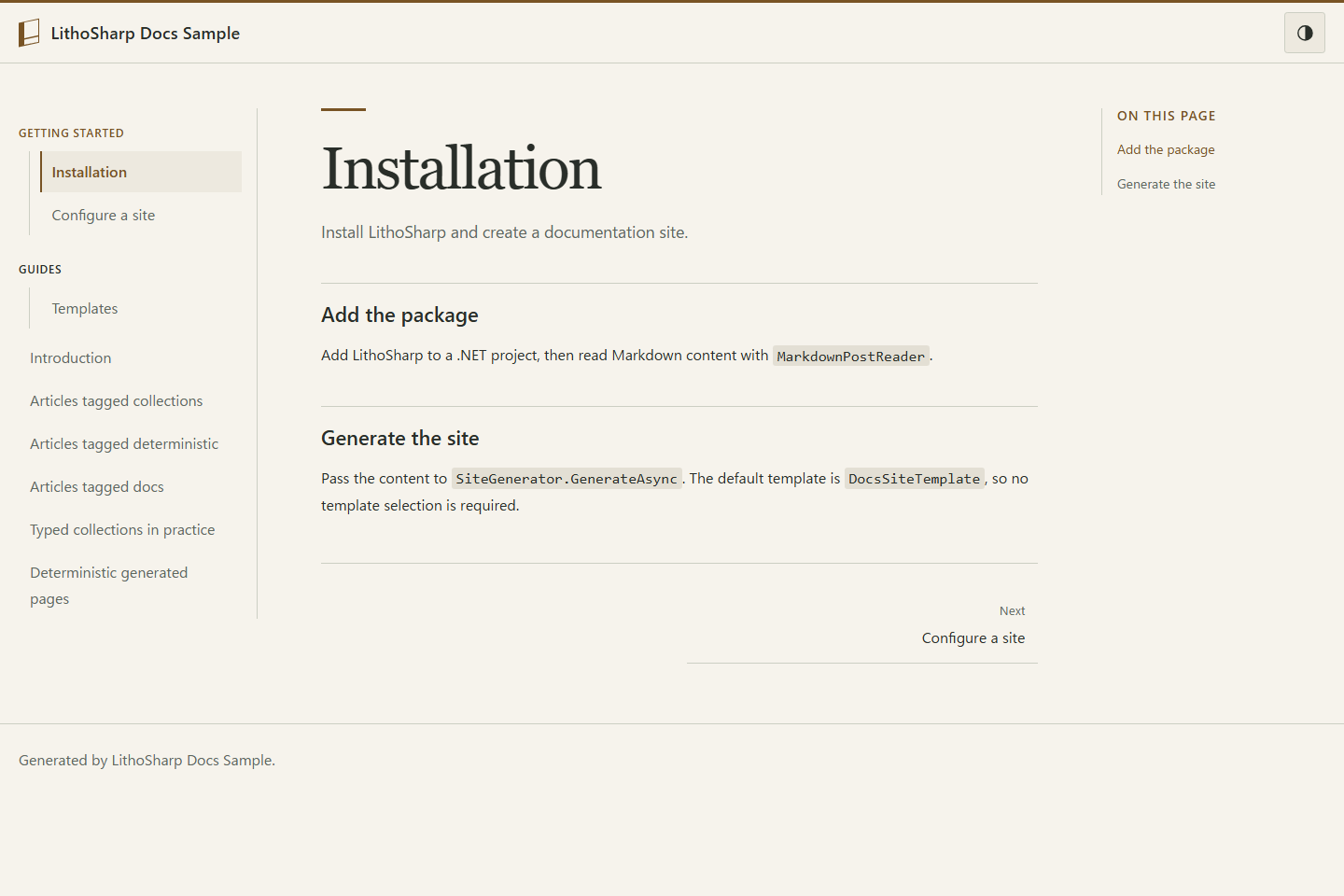
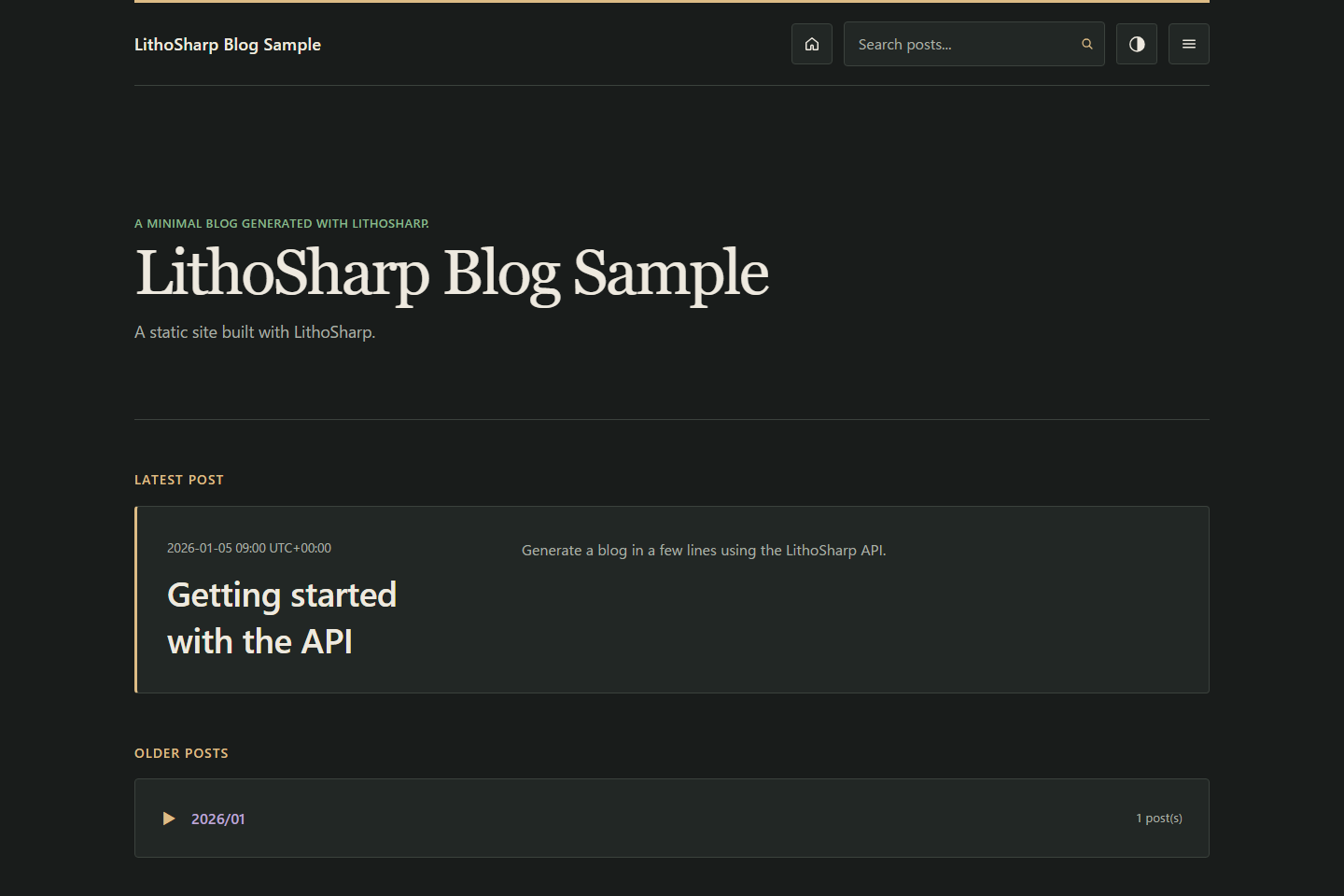
Generated from the included factories. Both built-in templates support light/dark
switching, responsive menus and keyboard navigation. Set
SiteThemeOptions.EnableThemeSwitching = false to disable switching; see
theme configuration.
| Docs — light | Blog — dark |
|---|---|
 |
 |
Examples
| Goal | Start here |
|---|---|
| Markdown Docs, typed content and images | Docs sample |
| Blog, feed and search | Blog sample |
| MDX, React islands and offline navigation | MDX sample |
| Versioning, i18n, Blog/Pages and API docs | MDX guide and sample map |
Requirements
.NET 10 is required. The minimum supported SDK is 10.0.300. The CLI development server also uses the ASP.NET Core shared framework provided with the SDK. Markdown-only sites do not need Node.js or React. MDX requires Node.js 24.13.0 and explicit worker restore; the lockfile pins MDX 3.1.1, React 19.2.4 and esbuild 0.28.2. Production output needs only a static HTTP host.
VS Code extension
Install LithoSharp for VS Code for Markdown/MDX diagnostics, heading navigation, build commands and site preview. See the extension guide.
Documentation
- Docs template settings, existing output checks
- CLI and site factories, MDX and documentation sites
- Typed Markdown collections, typed YAML, source generators
- Build graph, incremental builds
- Assets and images, site quality
- Testing, HTML/CSS contract, compatibility contract
Upgrade to 2.1.2
Update the LithoSharp packages, CLI and templates you use together to 2.1.2.
Docs additions are opt-in; see template settings.
When upgrading from 1.x, follow the upgrade guide,
including the Testing API change from Document to Snapshot. Rebuild your site and check
content warnings, links and custom CSS. MDX remains optional; see the
supported Markdown syntax.
Notes for migrations between older releases are preserved in the upgrade history.
Known limitations
MDX and C# site code execute as trusted build code. HTML safety is not a code sandbox. Large MDX rebuilds can still bundle many interactive entries; arbitrary Docusaurus plugins, trimming and Native AOT are unsupported. Read Known limitations before choosing an execution environment.
Performance
In the static-page fixture measured with 0.3.0, selective hydration reduced JS from 449,585 to 15,817 bytes and hydration roots from one to zero. This does not represent all island or fallback pages. The 10,000-page MDX corpus took 274.30 s cold and 105.13 s for a no-op. A 100/1,000-page competitor comparison is summarized alongside the Markdown results remeasured with the 1.0.0 candidate. See conditions, limits and reproduction.
Contribute and license
See CONTRIBUTING for build and verification commands. MIT licensed; see LICENSE and third-party notices.
| Product | Versions Compatible and additional computed target framework versions. |
|---|---|
| .NET | net10.0 is compatible. net10.0-android was computed. net10.0-browser was computed. net10.0-ios was computed. net10.0-maccatalyst was computed. net10.0-macos was computed. net10.0-tvos was computed. net10.0-windows was computed. |
-
net10.0
- SkiaSharp (>= 4.153.1)
- SkiaSharp.NativeAssets.Linux.NoDependencies (>= 4.153.1)
- Syntamark (= 1.0.0)
- YamlDotNet (>= 18.1.0)
NuGet packages (3)
Showing the top 3 NuGet packages that depend on LithoSharp:
| Package | Downloads |
|---|---|
|
LithoSharp.Mdx
Opt-in official MDX and React static rendering for LithoSharp. |
|
|
LithoSharp.Testing
Framework-independent site and DOM assertions for LithoSharp. |
|
|
LithoSharp.Images
Declared, cached responsive image transforms for LithoSharp. |
GitHub repositories
This package is not used by any popular GitHub repositories.
2.1.2 reduces repeated work in Docs and content planning, avoids an extra rendered-body cache copy, and reuses copied-file timestamp reads. Public APIs remain supported. Build-time and memory effects depend on content and cache usage. See https://github.com/Htkym/lithosharp/blob/v2.1.2/CHANGELOG.md