OnTheFlySettings.Client
1.0.1
dotnet add package OnTheFlySettings.Client --version 1.0.1
NuGet\Install-Package OnTheFlySettings.Client -Version 1.0.1
This command is intended to be used within the Package Manager Console in Visual Studio, as it uses the NuGet module's version of Install-Package.
<PackageReference Include="OnTheFlySettings.Client" Version="1.0.1" />
For projects that support PackageReference, copy this XML node into the project file to reference the package.
<PackageVersion Include="OnTheFlySettings.Client" Version="1.0.1" />
<PackageReference Include="OnTheFlySettings.Client" />
For projects that support Central Package Management (CPM), copy this XML node into the solution Directory.Packages.props file to version the package.
paket add OnTheFlySettings.Client --version 1.0.1
The NuGet Team does not provide support for this client. Please contact its maintainers for support.
#r "nuget: OnTheFlySettings.Client, 1.0.1"
#r directive can be used in F# Interactive and Polyglot Notebooks. Copy this into the interactive tool or source code of the script to reference the package.
#:package OnTheFlySettings.Client@1.0.1
#:package directive can be used in C# file-based apps starting in .NET 10 preview 4. Copy this into a .cs file before any lines of code to reference the package.
#addin nuget:?package=OnTheFlySettings.Client&version=1.0.1
#tool nuget:?package=OnTheFlySettings.Client&version=1.0.1
The NuGet Team does not provide support for this client. Please contact its maintainers for support.
OnTheFlySettings.Client

| Packages | Version | Downloads |
|---|---|---|
| OnTheFlySettings |  |
 |
| OnTheFlySettings.Client |  |
 |
| OnTheFlySettings.AzureKeyVault.Client |  |
 |
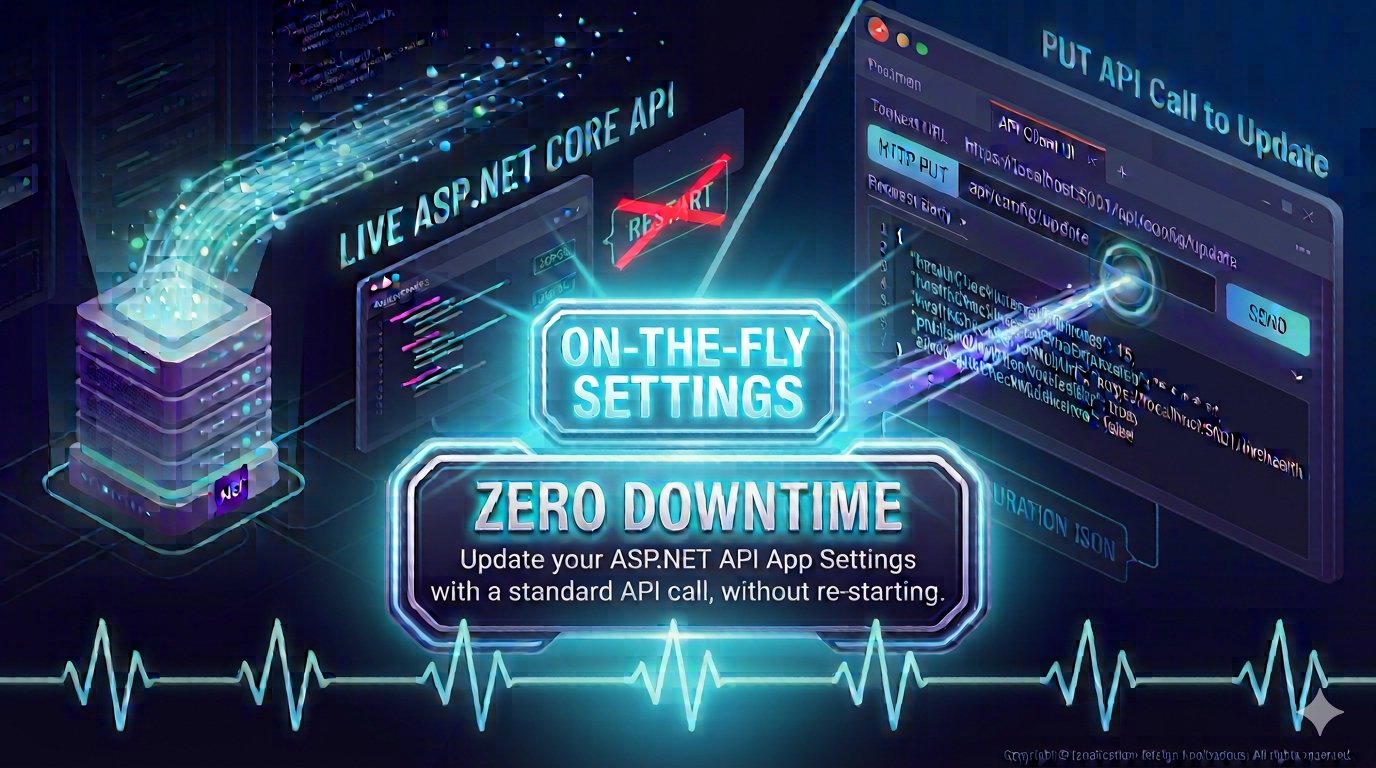
The .NET Client library allows you to interact with the OnTheFlySettings GET & PUT endpoints.
You add the library to your project in your Program.cs or Startup.cs:
using OnTheFlySettings.Client;
services.AddOnTheFlySettingsClient(settings =>
{
    settings.BaseUrl = "https://localhost:7277";
    settings.TimeoutMilliseconds = 1000;
});
The library provides an IOnTheFlySettingsClient interface.
You can provide your headers (including Auth) if needed.
public interface IOnTheFlySettingsClient
{
    Task<TSettings> GetSettingsAsync<TSettings>(string route = "/settings",
                                                Action<HttpRequestHeaders> addHeaders = null);
    Task<bool> ReplaceSettingsAsync<TSettings>(TSettings newSettings,
                                                string route = "/settings/replace",
                                                Action<HttpRequestHeaders> addHeaders = null)
        where TSettings : class;
}
You can inject interface and call the GetSettingsAsync & ReplaceSettingsAsync methods:
var client = _serviceProvider.GetRequiredService<IOnTheFlySettingsClient>();

var response = await client.GetSettingsAsync<MyHealthCheckBasicSettings>();
var client = _serviceProvider.GetRequiredService<IOnTheFlySettingsClient>();

var newSettings = new MyHealthCheckBasicSettings
{
    HealthCheckIntervalInMinutes = 30,
    HealthCheckIntervalCronExpression = "*/5 * * * *",
    HealthCheckServerHubUrl = "https://localhost:5001/newlivehealthcheckshub",
    PublishOnlyWhenNotHealthy = true,
    AddHealthCheckMiddleware = true
};

var response = await client.ReplaceSettingsAsync(newSettings);
Documentation
| Product | Versions Compatible and additional computed target framework versions. |
|---|---|
| .NET | net5.0 was computed. net5.0-windows was computed. net6.0 was computed. net6.0-android was computed. net6.0-ios was computed. net6.0-maccatalyst was computed. net6.0-macos was computed. net6.0-tvos was computed. net6.0-windows was computed. net7.0 was computed. net7.0-android was computed. net7.0-ios was computed. net7.0-maccatalyst was computed. net7.0-macos was computed. net7.0-tvos was computed. net7.0-windows was computed. net8.0 was computed. net8.0-android was computed. net8.0-browser was computed. net8.0-ios was computed. net8.0-maccatalyst was computed. net8.0-macos was computed. net8.0-tvos was computed. net8.0-windows was computed. net9.0 was computed. net9.0-android was computed. net9.0-browser was computed. net9.0-ios was computed. net9.0-maccatalyst was computed. net9.0-macos was computed. net9.0-tvos was computed. net9.0-windows was computed. net10.0 was computed. net10.0-android was computed. net10.0-browser was computed. net10.0-ios was computed. net10.0-maccatalyst was computed. net10.0-macos was computed. net10.0-tvos was computed. net10.0-windows was computed. |
| .NET Core | netcoreapp2.0 was computed. netcoreapp2.1 was computed. netcoreapp2.2 was computed. netcoreapp3.0 was computed. netcoreapp3.1 was computed. |
| .NET Standard | netstandard2.0 is compatible. netstandard2.1 was computed. |
| .NET Framework | net461 was computed. net462 was computed. net463 was computed. net47 was computed. net471 was computed. net472 was computed. net48 was computed. net481 was computed. |
| MonoAndroid | monoandroid was computed. |
| MonoMac | monomac was computed. |
| MonoTouch | monotouch was computed. |
| Tizen | tizen40 was computed. tizen60 was computed. |
| Xamarin.iOS | xamarinios was computed. |
| Xamarin.Mac | xamarinmac was computed. |
| Xamarin.TVOS | xamarintvos was computed. |
| Xamarin.WatchOS | xamarinwatchos was computed. |
Compatible target framework(s)
Included target framework(s) (in package)
Learn more about Target Frameworks and .NET Standard.
-
.NETStandard 2.0
- Microsoft.Extensions.DependencyInjection.Abstractions (>= 10.0.12)
- Microsoft.Extensions.Http (>= 10.0.12)
- System.Text.Json (>= 10.0.12)
NuGet packages
This package is not used by any NuGet packages.
GitHub repositories
This package is not used by any popular GitHub repositories.
Minor enhancements.