PlcComm.KvHostLink
0.1.4
dotnet add package PlcComm.KvHostLink --version 0.1.4
NuGet\Install-Package PlcComm.KvHostLink -Version 0.1.4
<PackageReference Include="PlcComm.KvHostLink" Version="0.1.4" />
<PackageVersion Include="PlcComm.KvHostLink" Version="0.1.4" />
<PackageReference Include="PlcComm.KvHostLink" />
paket add PlcComm.KvHostLink --version 0.1.4
#r "nuget: PlcComm.KvHostLink, 0.1.4"
#:package PlcComm.KvHostLink@0.1.4
#addin nuget:?package=PlcComm.KvHostLink&version=0.1.4
#tool nuget:?package=PlcComm.KvHostLink&version=0.1.4






KV Host Link Protocol for .NET
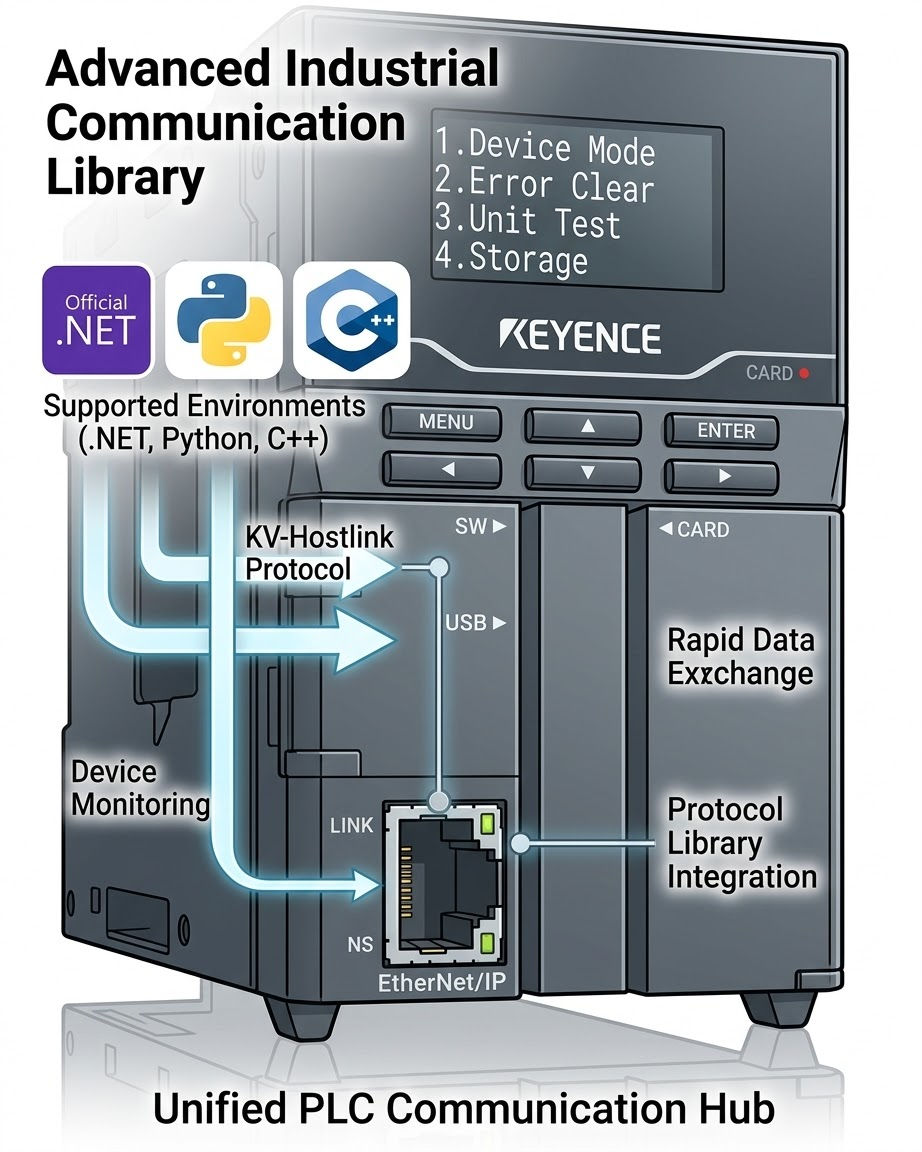
Modern .NET library for KEYENCE KV series PLCs using the Host Link (Upper Link) protocol.
This README intentionally covers the recommended high-level API only:
OpenAndConnectAsyncReadTypedAsyncWriteTypedAsyncWriteBitInWordAsyncReadNamedAsyncPollAsyncReadWordsAsyncReadDWordsAsync
Low-level token-oriented methods and protocol details are kept in maintainer documentation.
Key Features
- Async-first .NET API
- High-level typed read/write helpers
- Mixed snapshots with
ReadNamedAsync - Polling with
PollAsync - Contiguous block helpers for
ushort[]anduint[] - Hardware-verified against KV-7500
Quick Start
Installation
- Package page: https://www.nuget.org/packages/PlcComm.KvHostLink/
dotnet add package PlcComm.KvHostLink
Or add a package reference directly:
<PackageReference Include="PlcComm.KvHostLink" Version="0.1.4" />
You can also reference src/PlcComm.KvHostLink/PlcComm.KvHostLink.csproj directly during local development.
High-level example
using PlcComm.KvHostLink;

await using var client = await KvHostLinkClientExtensions.OpenAndConnectAsync(
    "192.168.250.100",
    8501);

ushort dm0 = (ushort)await client.ReadTypedAsync("DM0", "U");
await client.WriteTypedAsync("DM10", "U", dm0);

var snapshot = await client.ReadNamedAsync(
    new[] { "DM0", "DM1:S", "DM2:D", "DM4:F", "DM10.0" });

Console.WriteLine(string.Join(", ", snapshot.Select(kv => $"{kv.Key}={kv.Value}")));
Common Workflows
Typed block reads:
ushort[] words = await client.ReadWordsAsync("DM100", 10);
uint[] dwords = await client.ReadDWordsAsync("DM200", 4);
Bit-in-word update:
await client.WriteBitInWordAsync("DM50", bitIndex: 3, value: true);
Polling:
await foreach (var snapshot in client.PollAsync(
    new[] { "DM100", "DM101:L", "DM50.3" },
    TimeSpan.FromSeconds(1)))
{
    Console.WriteLine(snapshot["DM100"]);
}
Sample Projects
Buildable sample projects are under samples/:
PlcComm.KvHostLink.HighLevelSamplePlcComm.KvHostLink.BasicReadWriteSamplePlcComm.KvHostLink.NamedPollingSample
API and workflow to sample mapping:
| API / workflow | Primary sample | Purpose |
|---|---|---|
OpenAndConnectAsync, ReadTypedAsync, WriteTypedAsync, ReadWordsAsync, ReadDWordsAsync, WriteBitInWordAsync, ReadNamedAsync, PollAsync |
samples/PlcComm.KvHostLink.HighLevelSample/PlcComm.KvHostLink.HighLevelSample.csproj |
End-to-end walkthrough of the full helper surface |
ReadTypedAsync, WriteTypedAsync, ReadWordsAsync, ReadDWordsAsync |
samples/PlcComm.KvHostLink.BasicReadWriteSample/PlcComm.KvHostLink.BasicReadWriteSample.csproj |
Focused typed and block-read example |
ReadNamedAsync, WriteBitInWordAsync, PollAsync |
samples/PlcComm.KvHostLink.NamedPollingSample/PlcComm.KvHostLink.NamedPollingSample.csproj |
Mixed snapshot and monitoring example |
Run examples:
dotnet run --project samples/PlcComm.KvHostLink.HighLevelSample -- 192.168.250.100 8501
dotnet run --project samples/PlcComm.KvHostLink.BasicReadWriteSample -- 192.168.250.100 8501
dotnet run --project samples/PlcComm.KvHostLink.NamedPollingSample -- 192.168.250.100 8501
Documentation
User documentation:
Maintainer and QA documentation:
Development and CI
run_ci.bat
release_check.bat
run_ci.bat builds the library, tests it, checks formatting, builds all
user-facing sample projects, verifies XML docs coverage for the public
high-level API, and checks sample references in the docs.
release_check.bat runs run_ci.bat and then rebuilds the published docs.
Pack the NuGet package locally:
dotnet pack src\PlcComm.KvHostLink\PlcComm.KvHostLink.csproj -c Release
License
Distributed under the MIT License.
| Product | Versions Compatible and additional computed target framework versions. |
|---|---|
| .NET | net9.0 is compatible. net9.0-android was computed. net9.0-browser was computed. net9.0-ios was computed. net9.0-maccatalyst was computed. net9.0-macos was computed. net9.0-tvos was computed. net9.0-windows was computed. net10.0 was computed. net10.0-android was computed. net10.0-browser was computed. net10.0-ios was computed. net10.0-maccatalyst was computed. net10.0-macos was computed. net10.0-tvos was computed. net10.0-windows was computed. |
-
net9.0
- No dependencies.
NuGet packages
This package is not used by any NuGet packages.
GitHub repositories
This package is not used by any popular GitHub repositories.