PlcComm.Slmp
0.1.3
dotnet add package PlcComm.Slmp --version 0.1.3
NuGet\Install-Package PlcComm.Slmp -Version 0.1.3
<PackageReference Include="PlcComm.Slmp" Version="0.1.3" />
<PackageVersion Include="PlcComm.Slmp" Version="0.1.3" />
<PackageReference Include="PlcComm.Slmp" />
paket add PlcComm.Slmp --version 0.1.3
#r "nuget: PlcComm.Slmp, 0.1.3"
#:package PlcComm.Slmp@0.1.3
#addin nuget:?package=PlcComm.Slmp&version=0.1.3
#tool nuget:?package=PlcComm.Slmp&version=0.1.3





SLMP Protocol for .NET
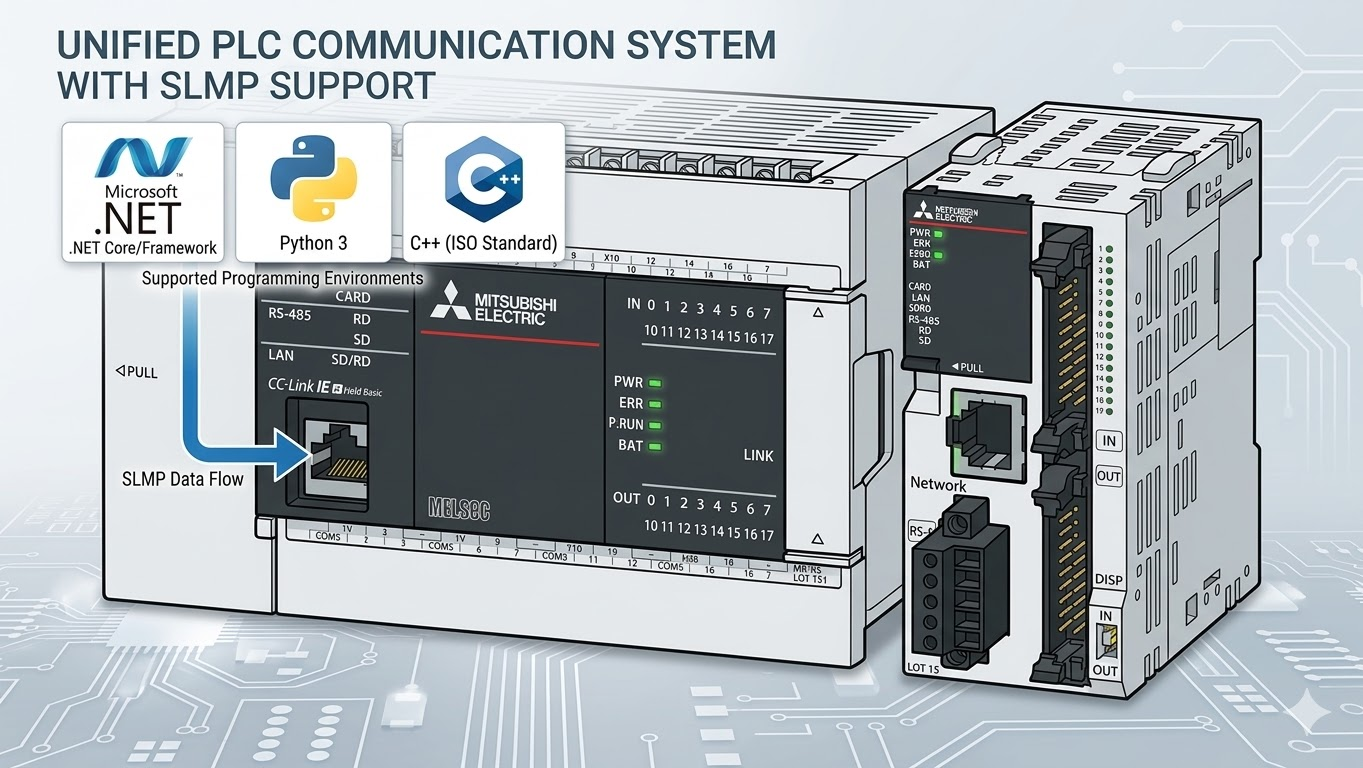
High-level SLMP helpers for Mitsubishi PLC communication over Binary 3E and 4E frames.
The recommended user surface is the extension-method layer:
SlmpClient.OpenAndConnectAsyncReadTypedAsync/WriteTypedAsyncReadWordsAsync/ReadDWordsAsyncWriteBitInWordAsyncReadNamedAsyncPollAsync
Low-level request builders and raw protocol methods remain available for maintainers, but they are not the primary user path.
Quick Start
Installation
- Package page: https://www.nuget.org/packages/PlcComm.Slmp/
dotnet add package PlcComm.Slmp
Or add a package reference directly:
<PackageReference Include="PlcComm.Slmp" Version="0.1.3" />
You can also reference src/PlcComm.Slmp/PlcComm.Slmp.csproj directly during local development.
dotnet build PlcComm.Slmp.sln
Recommended high-level usage:
using PlcComm.Slmp;

await using var client = await SlmpClient.OpenAndConnectAsync(
    "192.168.250.100",
    1025,
    SlmpFrameType.Frame4E,
    SlmpCompatibilityMode.Iqr);

var snapshot = await client.ReadNamedAsync(["D100", "D200:F", "D50.3"]);
Console.WriteLine(snapshot["D100"]);
Console.WriteLine(snapshot["D200:F"]);
Console.WriteLine(snapshot["D50.3"]);
High-Level API Guide
Typed values
float temperature = (float)await client.ReadTypedAsync("D200", "F");
int position = (int)await client.ReadTypedAsync("D300", "L");

await client.WriteTypedAsync("D100", "U", (ushort)42);
await client.WriteTypedAsync("D200", "F", 3.14f);
await client.WriteTypedAsync("D300", "L", -100);
Mixed reads
var snapshot = await client.ReadNamedAsync(
[
    "D100",
    "D200:F",
    "D300:L",
    "D50.3",
]);
Use .bit notation only with word devices such as D50.3.
Address bit devices directly as M1000, M1001, ... rather than M1000.0.
For long-device families in the high-level helper layer:
- plain
LTN,LSTN, andLCNaddresses default to 32-bit current-value access LTS,LTC,LSTS, andLSTCare resolved through the correspondingReadLongTimerAsync/ReadLongRetentiveTimerAsynchelper-backed 4-word decode instead of direct state reads
Chunked reads
ushort[] words = await client.ReadWordsAsync("D0", 1000, allowSplit: true);
uint[] dwords = await client.ReadDWordsAsync("D200", 120, allowSplit: true);
One-bit update inside a word
await client.WriteBitInWordAsync("D50", bitIndex: 3, value: true);
await client.WriteBitInWordAsync("D50", bitIndex: 3, value: false);
Polling
using var cts = new CancellationTokenSource(TimeSpan.FromSeconds(10));

await foreach (var item in client.PollAsync(
    ["D100", "D200:F", "D50.3"],
    TimeSpan.FromSeconds(1),
    cts.Token))
{
    Console.WriteLine(item["D100"]);
}
Sample Programs
The main user-facing sample projects are:
samples/PlcComm.Slmp.HighLevelSample- explicit high-level connect
- typed reads and writes
- chunked words and dwords
- bit-in-word writes
- mixed named reads
- polling
samples/PlcComm.Slmp.QueuedSample- one shared queued connection
- concurrent workers using only high-level APIs
- repeated typed and named reads
Run them from the repository root:
dotnet run --project samples/PlcComm.Slmp.HighLevelSample -- 192.168.250.100 1025 iqr 4e
dotnet run --project samples/PlcComm.Slmp.QueuedSample -- 192.168.250.100 1025 4 10
Documentation
User-facing documents:
Maintainer and validation material remains under docsrc/maintainer/ and docsrc/validation/.
Development
run_ci.bat
build_docs.bat
release_check.bat
Pack the NuGet package locally:
dotnet pack src\PlcComm.Slmp\PlcComm.Slmp.csproj -c Release
License
Distributed under the MIT License.
| Product | Versions Compatible and additional computed target framework versions. |
|---|---|
| .NET | net9.0 is compatible. net9.0-android was computed. net9.0-browser was computed. net9.0-ios was computed. net9.0-maccatalyst was computed. net9.0-macos was computed. net9.0-tvos was computed. net9.0-windows was computed. net10.0 was computed. net10.0-android was computed. net10.0-browser was computed. net10.0-ios was computed. net10.0-maccatalyst was computed. net10.0-macos was computed. net10.0-tvos was computed. net10.0-windows was computed. |
-
net9.0
- No dependencies.
NuGet packages
This package is not used by any NuGet packages.
GitHub repositories
This package is not used by any popular GitHub repositories.
| Version | Downloads | Last Updated |
|---|---|---|
| 0.1.3 | 117 | 3/28/2026 |