RimWorks.Pickle.Ref
6.4.1
dotnet add package RimWorks.Pickle.Ref --version 6.4.1
NuGet\Install-Package RimWorks.Pickle.Ref -Version 6.4.1
<PackageReference Include="RimWorks.Pickle.Ref" Version="6.4.1" />
<PackageVersion Include="RimWorks.Pickle.Ref" Version="6.4.1" />
<PackageReference Include="RimWorks.Pickle.Ref" />
paket add RimWorks.Pickle.Ref --version 6.4.1
#r "nuget: RimWorks.Pickle.Ref, 6.4.1"
#:package RimWorks.Pickle.Ref@6.4.1
#addin nuget:?package=RimWorks.Pickle.Ref&version=6.4.1
#tool nuget:?package=RimWorks.Pickle.Ref&version=6.4.1
Pickle: RimWorld mod testing framework


<img src="https://raw.githubusercontent.com/RimWorks/Rimworld-Pickle/main/About/ModIcon.png" alt="Pickle icon" width="96" align="right">
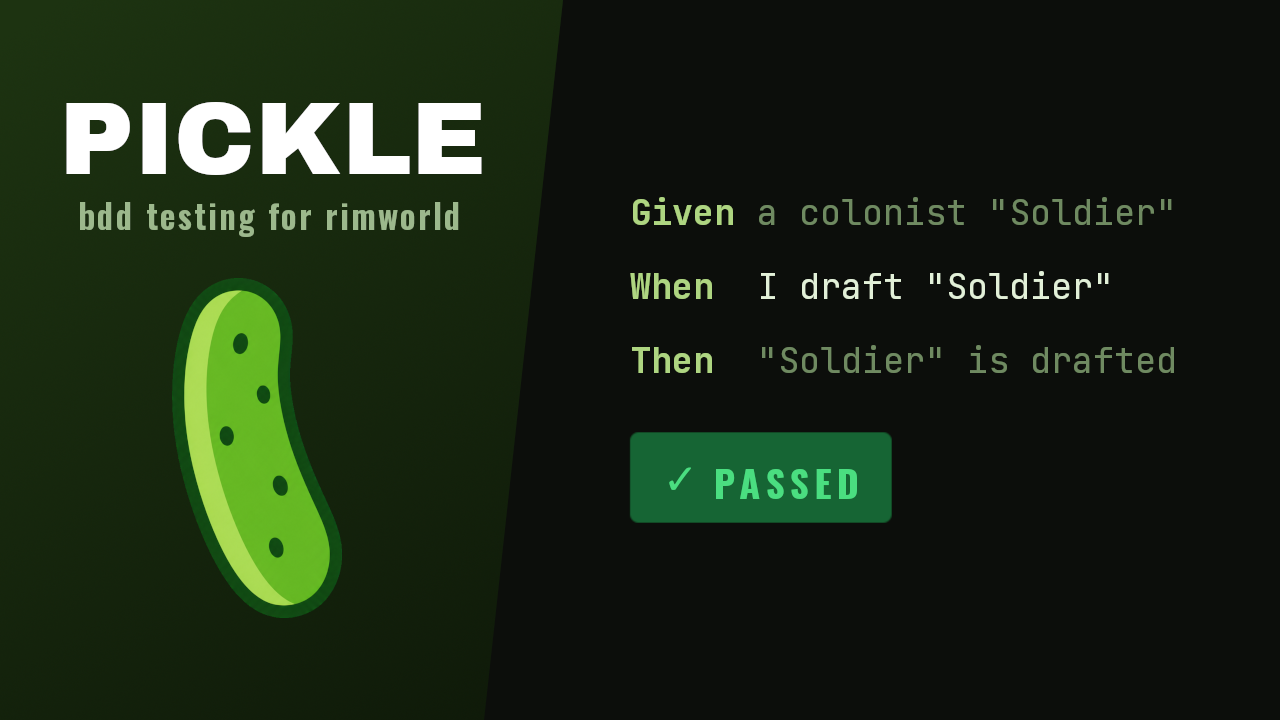
Pickle runs automated tests for your RimWorld mod inside the game. It reads Gherkin scenarios and plays them against a live session. Your tests click the real UI, wait on real game state, and assert against the running simulation. No mocks.
Other RimWorld test frameworks, like RimTest Redux, run unit tests against your C# code. Pickle works a level up, against the live game. It catches the failures unit tests cannot see: a def that will not load, a conflicting patch, a job driver that stalls on tick 400.
Pickle is a test runner for mod authors, not a mod for players.
Install
Pickle needs RimWorld 1.6 and one patching library. Either Harmony or Concord works. Pickle prefers Concord when both are active, and logs which one it used. When a library accepts patches that never run, as Concord does after a failed startup, Pickle falls back to the other one.
- Subscribe to Pickle on the Steam Workshop, or unzip a
release into
Mods/. - Enable Pickle and a patching library in the mod list.
- Start a new mod from the
template, or add a
Pickle/folder to an existing one.
Open the runner from the debug actions menu.
Writing steps in C#
Feature files alone need no build. To write your own step definitions, reference the
RimWorks.Pickle.Ref
package from a steps project:
<PackageReference Include="RimWorks.Pickle.Ref" Version="1.*"
                  ExcludeAssets="runtime" PrivateAssets="all" />
The package holds a compile-time reference assembly only. ExcludeAssets="runtime"
keeps it out of your output, because the Pickle mod supplies the real RimWorks.Pickle.dll at
run time. See the authoring guide.
Example
Feature: drafting
  Scenario: a drafted colonist waits for combat
    Given the save "test-colony" is loaded
    Given a colonist "Soldier" exists
    When I draft "Soldier"
    And I wait 30 ticks
    Then "Soldier" is drafted
    And "Soldier" has job "Wait_Combat"
The steps behind those lines are plain C#:
[PickleSteps]
public class DraftingSteps {
  [When("I draft {string}")]
  public void Draft(PickleContext ctx, string nickname) {
    PawnLookup.RequireLiving(nickname).drafter!.Drafted = true;
  }
}
Documentation
| Guide | Covers |
|---|---|
| Getting started | Adding a suite to your mod |
| Built-in steps | Every step Pickle ships |
| Authoring | Writing your own steps, tags, fixtures, and waits |
| Running tests | The runner, the browser dashboard, and seeds |
| Autorun and CI | Command-line flags and pipelines |
| Reports | What each run writes, and what a failure captures |
| Releasing | How a release is cut and published |
Contributing
npm --prefix Dashboard ci && npm --prefix Dashboard run build
dotnet build
Pickle embeds the dashboard bundles as resources, so build them first. Pickle still builds without them, and the dashboard serves a placeholder.
More modding tools from RimWorks
| Tool | What it does |
|---|---|
| Quickstarts | Boot straight into a configured colony from the dev quicktest menu, and run it as a CI smoke test |
| RimLogging | Structured logging, an in-game log viewer, and one-click bug report sharing |
License
MIT
| Product | Versions Compatible and additional computed target framework versions. |
|---|---|
| .NET Framework | net472 is compatible. net48 was computed. net481 was computed. |
-
.NETFramework 4.7.2
- No dependencies.
NuGet packages
This package is not used by any NuGet packages.
GitHub repositories
This package is not used by any popular GitHub repositories.
| Version | Downloads | Last Updated |
|---|---|---|
| 6.4.1 | 0 | 10/4/2026 |
| 6.4.0 | 34 | 10/3/2026 |
| 6.3.1 | 42 | 10/3/2026 |
| 6.3.0 | 35 | 10/3/2026 |
| 6.2.0 | 41 | 10/2/2026 |
| 6.1.3 | 40 | 10/2/2026 |
| 6.1.2 | 40 | 10/2/2026 |
| 6.1.1 | 35 | 10/2/2026 |
| 6.1.0 | 41 | 10/2/2026 |
| 6.0.1 | 39 | 10/1/2026 |
| 6.0.0 | 68 | 9/30/2026 |
| 5.0.0 | 83 | 9/28/2026 |
| 4.10.2 | 93 | 9/26/2026 |
| 4.10.1 | 98 | 9/25/2026 |
| 4.10.0 | 91 | 9/25/2026 |
| 4.9.1 | 117 | 9/23/2026 |
| 4.9.0 | 93 | 9/23/2026 |
| 4.8.4 | 94 | 9/22/2026 |
| 4.8.3 | 107 | 9/19/2026 |
| 4.8.2 | 105 | 9/19/2026 |