SurveyJS.Pdf
3.2.1
Prefix Reserved
dotnet add package SurveyJS.Pdf --version 3.2.1
NuGet\Install-Package SurveyJS.Pdf -Version 3.2.1
<PackageReference Include="SurveyJS.Pdf" Version="3.2.1" />
<PackageVersion Include="SurveyJS.Pdf" Version="3.2.1" />
<PackageReference Include="SurveyJS.Pdf" />
paket add SurveyJS.Pdf --version 3.2.1
#r "nuget: SurveyJS.Pdf, 3.2.1"
#:package SurveyJS.Pdf@3.2.1
#addin nuget:?package=SurveyJS.Pdf&version=3.2.1
#tool nuget:?package=SurveyJS.Pdf&version=3.2.1
SurveyJS PDF Generator for ASP.NET Core and Blazor
Generate fillable or read-only PDF documents from SurveyJS form definitions, optionally populated with responses.
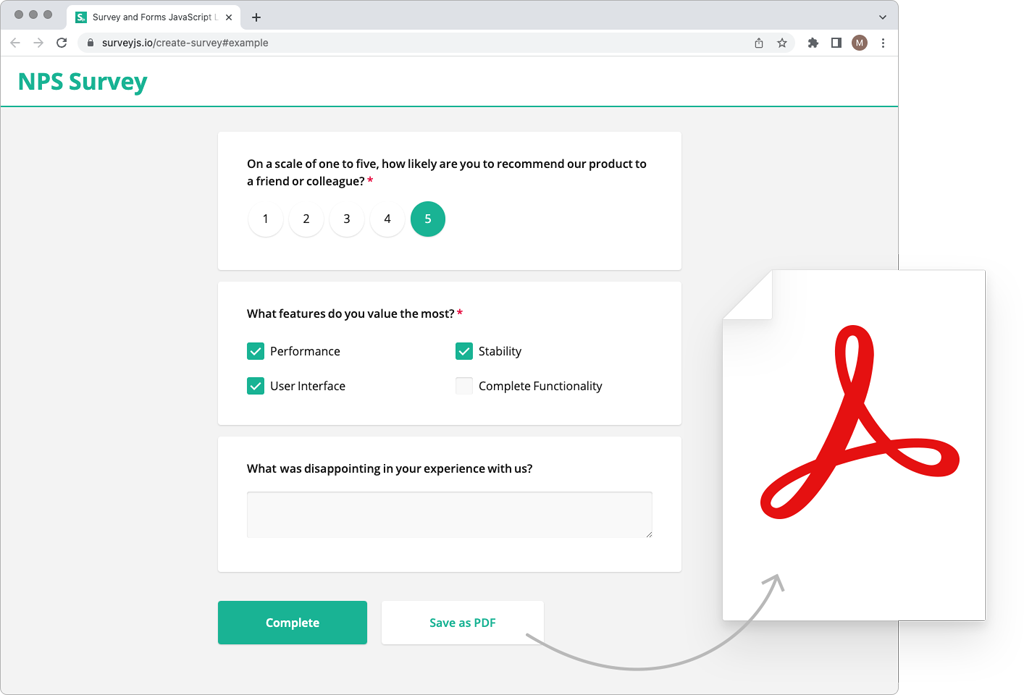
This NuGet package supplies the JavaScript assets for browser-side PDF generation in ASP.NET Core and Blazor applications without an npm build step. It corresponds to the survey-pdf npm package.
SurveyJS PDF Generator requires a commercial developer license. See the licensing section below.
Installation
In your application's project directory, run:
dotnet add package SurveyJS.Pdf --version 3.2.1
Requires .NET 8 or later. Installs SurveyJS.Core automatically. Keep all SurveyJS packages on the same version.
Quick Start
Ensure your ASP.NET Core application serves static web assets from referenced packages. In a .NET 8 application, configure app.UseStaticFiles() in Program.cs. Keep the static asset configuration provided by newer ASP.NET Core templates.
SurveyJS PDF Generator requires jsPDF, which is not included in this NuGet package. Load it separately before PDF Generator:
<script src="_content/SurveyJS.Core/survey.core.min.js"></script>
<script src="https://cdn.jsdelivr.net/npm/jspdf@4.2.1/dist/jspdf.umd.min.js"></script>
<script src="_content/SurveyJS.Pdf/survey.pdf.min.js"></script>
You can host jsPDF locally instead of using the CDN.
PDF Generator does not require a stylesheet or the Form Library renderer.
Place the following button and initialization script in the page body:
<button id="downloadPdf" type="button">Download PDF</button>
<script>
  const surveyJson = {
    title: "Contact information",
    pages: [{
      elements: [{ type: "text", name: "fullName", title: "Your name" }]
    }]
  };

  document.getElementById("downloadPdf").addEventListener("click", async () => {
    try {
      const pdf = new SurveyPDF.SurveyPDF(surveyJson);
      pdf.data = { fullName: "Alex" };
      await pdf.save("contact-information.pdf");
    } catch (error) {
      console.error("PDF export failed", error);
    }
  });
</script>
Replace the sample JSON schema and response data with values from your application. Omit pdf.data for a blank form. Set pdf.readOnly = true before saving to generate read-only output.
For an interactive online form with PDF export, also install SurveyJS and load its renderer and styles. Use the interactive survey's data object as the PDF response data.
Browser CSS does not style the PDF—use the PDF Generator appearance APIs.
For document settings and appearance customization, see the following guides:
Using Blazor
Load the scripts in the host page and invoke your JavaScript export function through JS interop. Pass the form definition and responses as JSON. PDF generation runs in JavaScript in the browser.
Documentation and Support
Use the _content/ paths above in place of npm or CDN paths for the SurveyJS assets shown in the guides. Load jsPDF separately.
License
SurveyJS PDF Generator is a commercial product and requires a developer license. SurveyJS.Core is MIT-licensed. See SurveyJS licensing and the license activation instructions. jsPDF has its own license.
Learn more about Target Frameworks and .NET Standard.
-
net8.0
- SurveyJS.Core (>= 3.2.1)
NuGet packages
This package is not used by any NuGet packages.
GitHub repositories
This package is not used by any popular GitHub repositories.