TestLens 0.2.0
dotnet tool install --global TestLens --version 0.2.0
dotnet new tool-manifest
dotnet tool install --local TestLens --version 0.2.0
#tool dotnet:?package=TestLens&version=0.2.0
nuke :add-package TestLens --version 0.2.0
<div align="center">
🔍 TestLens
One lens on every test suite you own.
Discover, run and track automated tests across C#, Vue and Angular projects — and watch the trend evolve, run after run, in a beautiful self-contained HTML report.




</div>
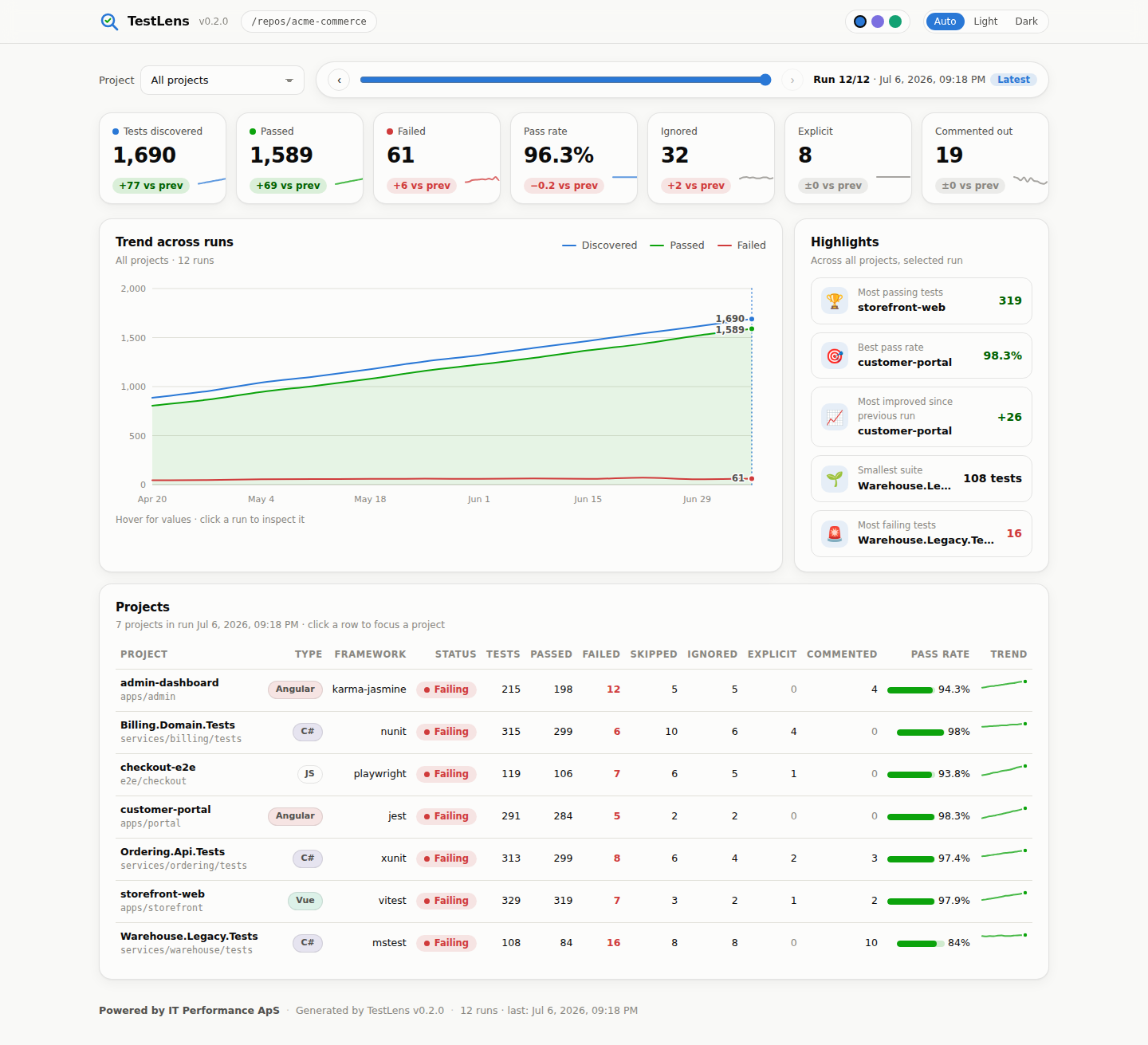
Point TestLens at the folder where your repositories live. It finds every test project, counts every test — including the ignored, the explicit and the commented-out ones nobody talks about — runs the suites, and records a snapshot. Run it again next week and the report shows you exactly which way each project is moving.
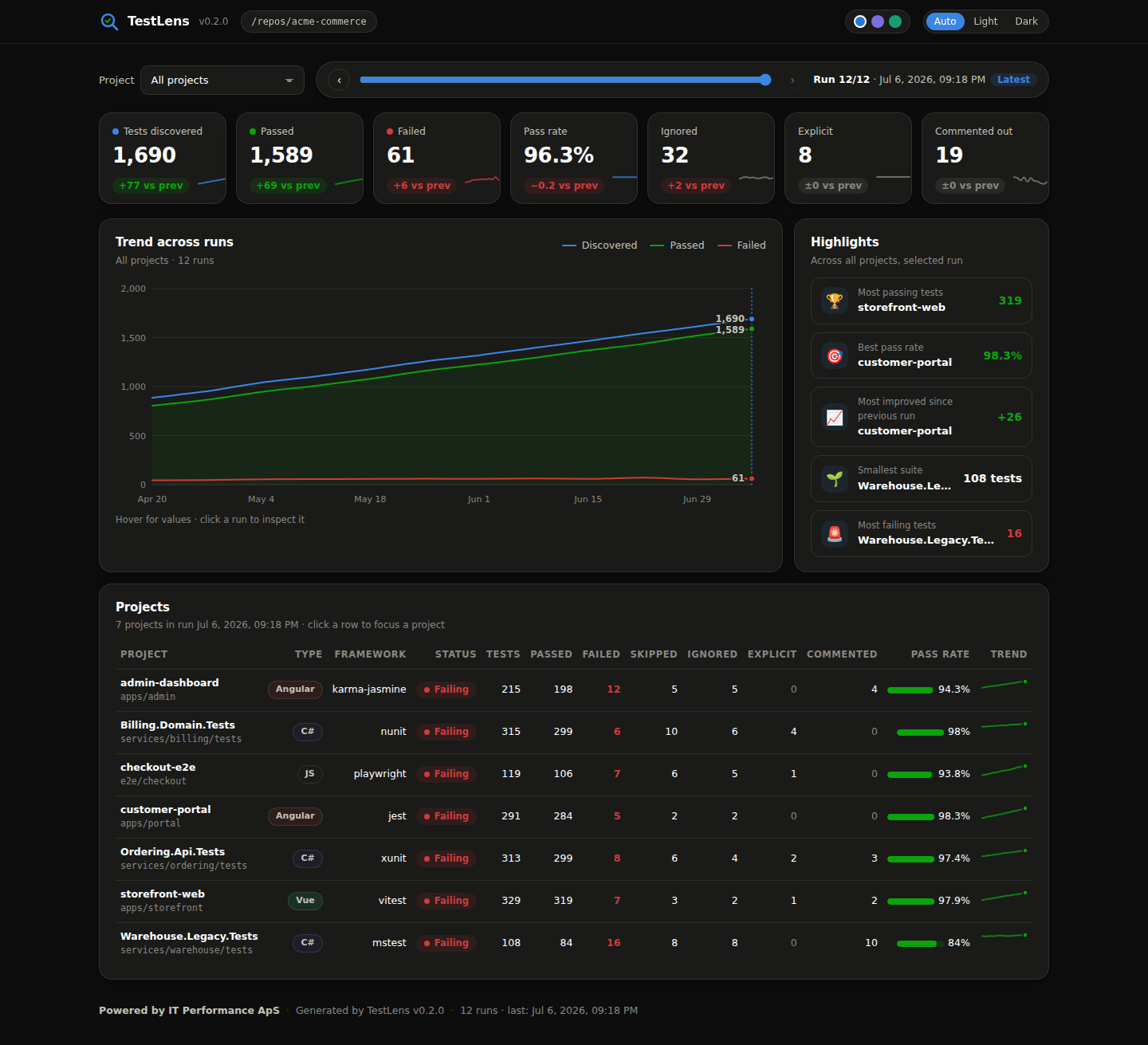
<details> <summary><b>🌙 See it in dark mode</b></summary>
</details>
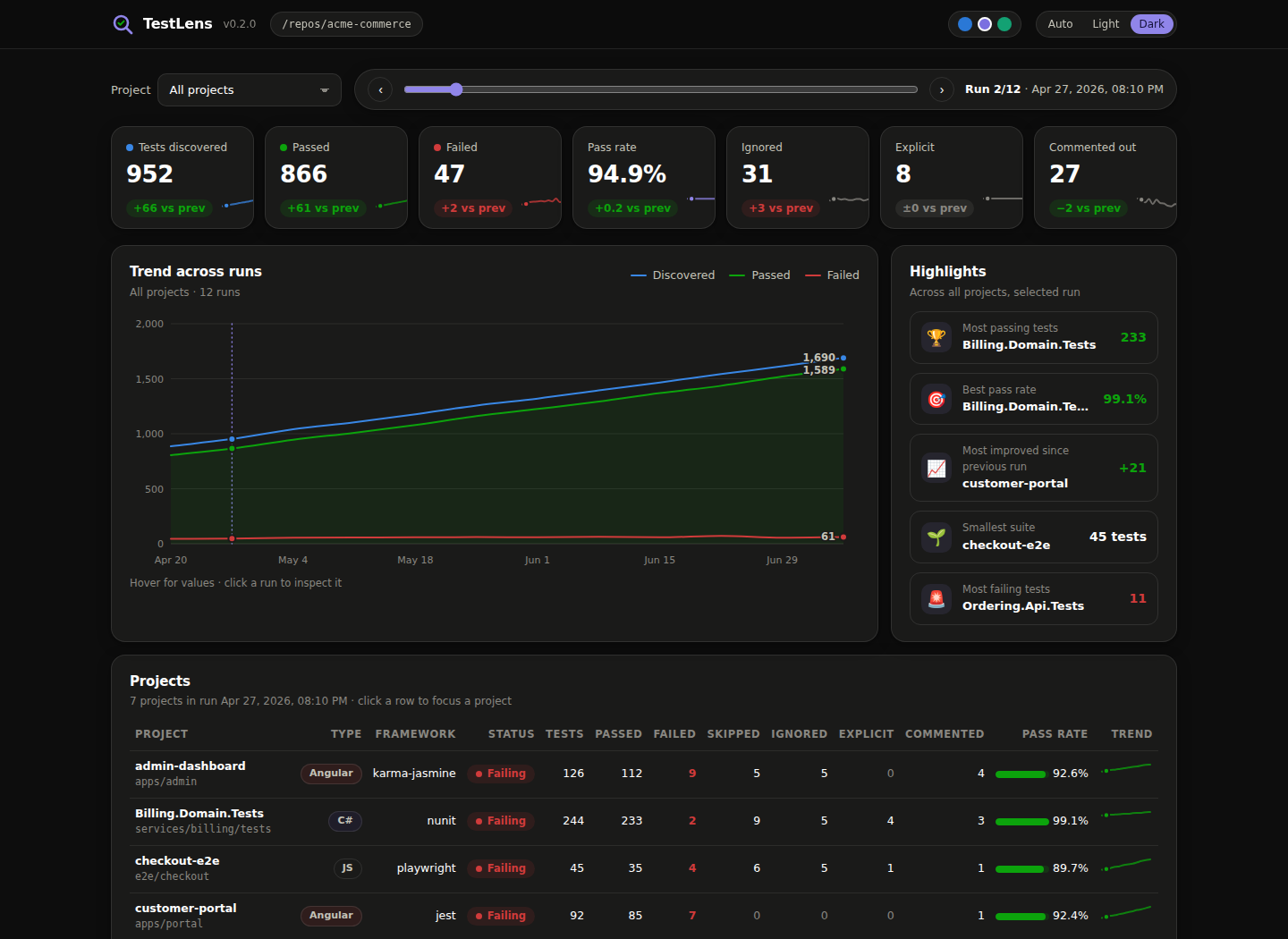
<details> <summary><b>🎨 …or with the violet accent theme</b></summary>
</details>
Why TestLens?
Every team has that folder with fifteen services and five frontends. Some suites
are green, one has been failing since March, and three have quietly grown a pile
of [Ignore] and it.skip. TestLens gives you:
- 📊 One overview — every project, every framework, one report
- 🕰️ Time travel — every scan is a snapshot; scrub back and forth through the full history for all projects or a single one
- 🏆 Highlights — most passing tests, best pass rate, most improved since the last run, most failing — friendly competition included
- 🧹 The honest numbers — ignored, explicit and commented-out tests are counted and trended, not swept under the rug
- 🎨 Enterprise-grade report — themes, dark mode, smooth curved trend lines, and everything in a single HTML file you can mail, host or archive
Installation
Pick your ecosystem — it's the same tool:
# .NET
dotnet tool install --global TestLens

# npm (requires the free .NET 8 runtime); the command is still `testlens`
npm install -g testlens-cli
Quick start
# Scan a folder, run every test suite found, record a snapshot:
testlens ~/code/my-company

# Open the report:
#   ~/code/my-company/.testlens/index.html

# Run it again whenever you like - each scan adds a point to the timeline:
testlens ~/code/my-company --label "After the big refactor"
No repositories at hand? Preview the report with generated data:
testlens demo
# open testlens-demo/index.html
What it understands
| Ecosystem | Detection | Frameworks | Counted in static analysis |
|---|---|---|---|
| C# | .csproj referencing a test framework |
xUnit, NUnit, MSTest, Playwright for .NET | [Fact], [Theory], [Test], [TestCase], [TestMethod]; ignored (Skip=, [Ignore]) and explicit ([Explicit], xUnit v3 Explicit = true) — at method and class level — plus commented-out tests |
| Vue | package.json with vue + a runner |
Vitest, Jest | it/test, it.skip, xit, it.todo, it.only/fit, commented-out tests |
| Angular | package.json with @angular/* + a runner |
Karma/Jasmine, Jest | same as above |
| Playwright | package.json with @playwright/test |
Playwright test runner | test, test.skip, test.fixme, test.only; describe/hooks excluded; commented-out tests |
A class-level [Explicit] or [Ignore] (NUnit/MSTest) applies to every test in
that fixture — TestLens attributes them all, not just the single attribute.
Execution uses each ecosystem's native runner (dotnet test with TRX,
vitest/jest with JSON reporters, playwright test with the JSON reporter,
ng test for Karma) and parses the real results — passed, failed and skipped
per project.
Commands & options
testlens <directory> [options]        Scan, run tests and record a snapshot
testlens scan <directory> [options]   Same as above
testlens report [--out <dir>]         Regenerate the HTML report from history
testlens history [--out <dir>]        List recorded runs in the terminal
testlens demo [--out <dir>]           Generate a demo report with sample data

Options:
  --out <dir>        Output directory (default: <directory>/.testlens)
  --no-run           Static analysis only - don't execute any tests
  --npm-install      Run 'npm install' for JS projects missing node_modules
  --label <text>     Attach a label to this run (shown in the report timeline)
  --timeout <sec>    Per-project test run timeout (default: 600)
  --fail-on-errors   Exit code 1 when tests fail or a runner errors (for CI)
The report
The report is a single HTML file with zero external dependencies — open it from disk, mail it to your team lead, or publish it from CI as a build artifact.
- Timeline scrubber — drag through every recorded run; arrow keys work too
- Trend chart — discovered / passed / failed as smooth curves, with a crosshair tooltip; click any run to jump to it
- Project focus — filter everything to a single project from the dropdown or by clicking its row
- Stat tiles — each with a delta vs. the previous run and a sparkline
- Highlights — the top-scorer cards for the selected run
- Themes — light, dark or follow-the-OS, plus three accent colors; your choice is remembered
History lives next to the report as one small JSON file per run
(.testlens/history/run-*.json) — plain, diffable, and easy to commit or
archive if you want the history shared.
Using it in CI
- name: TestLens scan
  run: |
    dotnet tool install --global TestLens
    testlens . --npm-install --label "build ${{ github.run_number }}"

- name: Upload report
  uses: actions/upload-artifact@v4
  with:
    name: testlens-report
    path: .testlens/
Keep .testlens/history/ as a cached/committed folder and the report becomes a
living dashboard of your test health over time. Add --fail-on-errors if the
scan should break the build on failing tests.
Try the samples
The repository ships with a small demo workspace — two C# projects (xUnit + NUnit), a Vue project (Vitest) and an Angular project — seasoned with failing, ignored, explicit and commented-out tests:
git clone https://github.com/thedigitaljedi86/TestLens.git
cd TestLens
dotnet run --project src/TestLens.Cli -- scan samples --npm-install
# open samples/.testlens/index.html
Building from source
dotnet build                                  # build the CLI + tests
dotnet test                                   # run the unit tests
dotnet run --project src/TestLens.Cli -- demo # generate a demo report
Releases are automated and version-driven: bump <Version> in
src/TestLens.Cli/TestLens.Cli.csproj in a pull request, and when it merges to
main the pipeline tests, publishes to NuGet and npm, tags v<version> and
creates a GitHub release. If the version is unchanged nothing is published, so
merging is always safe (see .github/workflows/release.yml).
Contributing
Issues and pull requests are very welcome — whether it's support for another
test framework, a smarter parser, or a new highlight card. If you're adding a
framework, src/TestLens.Cli/Analysis/ and src/TestLens.Cli/Execution/ are
the two places to look.
License
MIT © IT Performance ApS
<div align="center"> <sub><b>Powered by IT Performance ApS</b></sub> </div>
| Product | Versions Compatible and additional computed target framework versions. |
|---|---|
| .NET | net8.0 is compatible. net8.0-android was computed. net8.0-browser was computed. net8.0-ios was computed. net8.0-maccatalyst was computed. net8.0-macos was computed. net8.0-tvos was computed. net8.0-windows was computed. net9.0 was computed. net9.0-android was computed. net9.0-browser was computed. net9.0-ios was computed. net9.0-maccatalyst was computed. net9.0-macos was computed. net9.0-tvos was computed. net9.0-windows was computed. net10.0 was computed. net10.0-android was computed. net10.0-browser was computed. net10.0-ios was computed. net10.0-maccatalyst was computed. net10.0-macos was computed. net10.0-tvos was computed. net10.0-windows was computed. |
This package has no dependencies.