WinUIIslands.Templates
1.1.3
dotnet new install WinUIIslands.Templates@1.1.3
WinUI Islands



WinUI Islands brings UWP XAML and WinUI 2 controls to unpackaged .NET 10 desktop applications. It provides a native Win32 window host, XAML Islands startup, custom title bars, backdrop support, AppWindow-style APIs and a NativeAOT-compatible build pipeline. Support Windows 10 version 1903 (build 18362) and later.
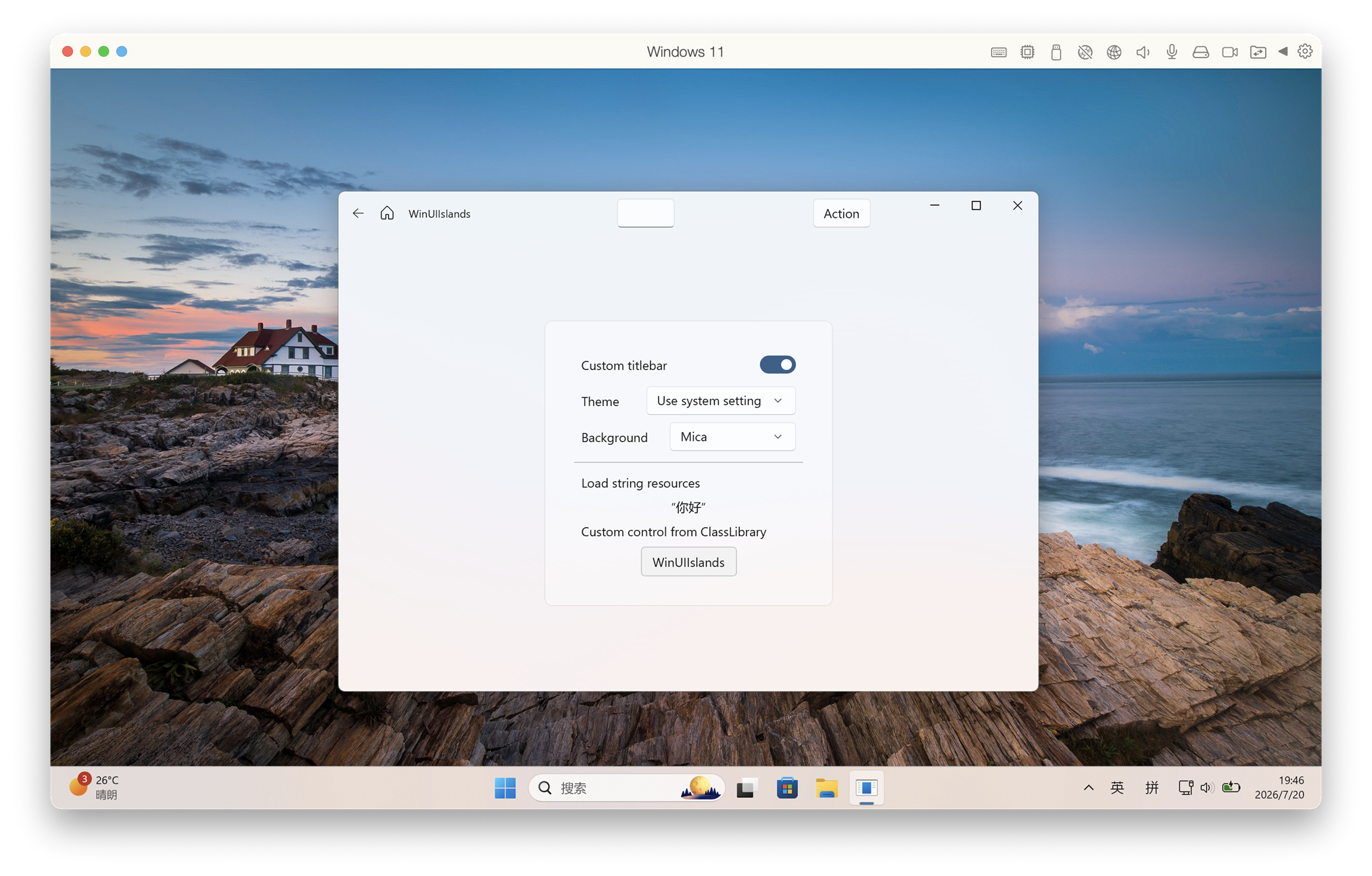
Why WinUI Islands
- Deployment size: 14.83 MiB across 3 files with ARM64 NativeAOT, versus 129.45 MiB across 198 files with self-contained JIT.
- Runtime memory: About 9.2 MiB idle private working set.
- Cold start: Faster than WinUI 3.
- Fast fixes: Build our own framework for quickly fix issues (There is no window-resize flickering issue in WinUIIslands).
- WinUI 3-aligned APIs: Closely follows WinUI 3 API design for easy migration from UWP or WinUI 3.
- MISC: No MSIX required. Custom
TitleBar, Mica/Acrylic, and anything you want.
Quick start with the template
Install the template package:
dotnet new install WinUIIslands.Templates
Create an application:
dotnet new winuiislands -n HelloIslands
cd HelloIslands
Build the XAML project with the .NET CLI:
dotnet build .\HelloIslands.csproj -c Debug -r win-x64
.\bin\x64\Debug\net10.0-windows10.0.26100.0\HelloIslands.exe
Use
ARM64orx86instead ofx64when appropriate.
Publish a self-contained NativeAOT build:
dotnet publish .\HelloIslands.csproj -c Release -r win-x64
The application is written to:
bin\x64\Release\net10.0-windows10.0.26100.0\win-x64\publish\
Build this repository
dotnet build .\WinUIIslands\WinUIIslands.csproj
dotnet build .\App1\App1\App1.csproj -c Debug -r win-x64
License
MIT
This package has no dependencies.
NuGet packages
This package is not used by any NuGet packages.
GitHub repositories
This package is not used by any popular GitHub repositories.