PouryaKit.Messaging.Wolverine.RabbitMq
0.1.0-preview.2
dotnet add package PouryaKit.Messaging.Wolverine.RabbitMq --version 0.1.0-preview.2
NuGet\Install-Package PouryaKit.Messaging.Wolverine.RabbitMq -Version 0.1.0-preview.2
<PackageReference Include="PouryaKit.Messaging.Wolverine.RabbitMq" Version="0.1.0-preview.2" />
<PackageVersion Include="PouryaKit.Messaging.Wolverine.RabbitMq" Version="0.1.0-preview.2" />
<PackageReference Include="PouryaKit.Messaging.Wolverine.RabbitMq" />
paket add PouryaKit.Messaging.Wolverine.RabbitMq --version 0.1.0-preview.2
#r "nuget: PouryaKit.Messaging.Wolverine.RabbitMq, 0.1.0-preview.2"
#:package PouryaKit.Messaging.Wolverine.RabbitMq@0.1.0-preview.2
#addin nuget:?package=PouryaKit.Messaging.Wolverine.RabbitMq&version=0.1.0-preview.2&prerelease
#tool nuget:?package=PouryaKit.Messaging.Wolverine.RabbitMq&version=0.1.0-preview.2&prerelease


PouryaKit.Messaging.Wolverine.RabbitMq
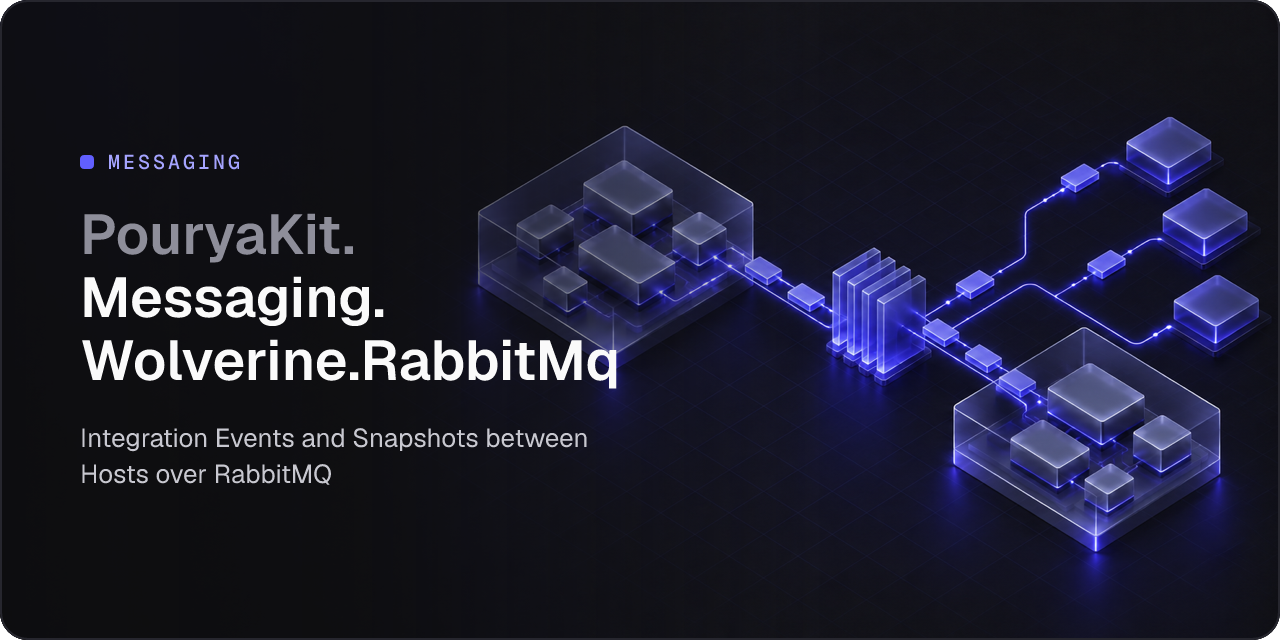
Integration Events and Snapshots between Hosts over RabbitMQ. Each published wire name goes to a fanout exchange of its own, and each receiving Host has one durable queue, named by its service name, that fans each message out to its local subscriptions. From there a delivery is exactly what it is inside one Host: its own retries, Receipt and dead letter.
Install
dotnet add package PouryaKit.Messaging.Wolverine.RabbitMq --prerelease
When to use it
- A Module runs in a Host of its own and receives another Host's Integration Events and Snapshots.
- You split a Module out of the modular monolith and keep its subscriptions working.
- You choose a Host's service name, or deploy a Host that receives.
Only the Hosts change: Modules, Contracts and Feature code never reference it. It adds the broker to PouryaKit.Messaging.Wolverine, and the service template generates a Host that uses it.
Quick start
A Host joins the broker under its service name, after its message store. connectionName names a connection string of the Host's configuration, never the broker's address:
builder.UsePouryaKitWolverine(connectionName: "app");
builder.UsePouryaKitRabbitMq(connectionName: "broker", serviceName: "modular-monolith");
A receiving Host declares each wire name it receives from another Host:
builder.Services.Receive<ProductCreatedV1>("catalog.product-created.v1");
builder.Services.Receive<ProductCreatedV2>("catalog.product-created.v2");
builder.Services.ReceiveSnapshot<ProductSnapshotV1>("catalog.product-snapshot.v1");
What you get
- A delivery across Hosts with every guarantee of a delivery inside one Host.
- One fanout exchange per wire name, and one durable queue per kind of Host.
- A body its contract cannot read never handled, and set aside as a dead letter at the Host's queue.
- A Host that fails when it is built if it subscribes to what nothing publishes or declares.
Start a receiving Host before its first publication. A Host's queue and its bindings are declared when it starts, and the broker drops a message no queue is bound to.
Learn more
| Product | Versions Compatible and additional computed target framework versions. |
|---|---|
| .NET | net10.0 is compatible. net10.0-android was computed. net10.0-browser was computed. net10.0-ios was computed. net10.0-maccatalyst was computed. net10.0-macos was computed. net10.0-tvos was computed. net10.0-windows was computed. |
-
net10.0
- PouryaKit.Messaging.Wolverine (>= 0.1.0-preview.2)
- WolverineFx.RabbitMQ (>= 6.52.0)
NuGet packages
This package is not used by any NuGet packages.
GitHub repositories
This package is not used by any popular GitHub repositories.
| Version | Downloads | Last Updated |
|---|---|---|
| 0.1.0-preview.2 | 64 | 11/1/2026 |
| 0.1.0-preview.1 | 69 | 10/31/2026 |
| 0.1.0-preview.0.28 | 81 | 10/26/2026 |